Scan Date:Feb 6, 2026
Show More

DigiCard is an eco-friendly business card application which can be used on phones and tablets. It can scan your printed business cards and save personal information automatically. Therefore, you can get rid of keeping your cards and recycle them. Without printing, you can share digital cards which you design on your phone or tablet. You can make calls, send messages or e-mails and take directions to addresses using cards you saved. DigiCard is integrated with Google Drive, so your data is never be lost.
Features:
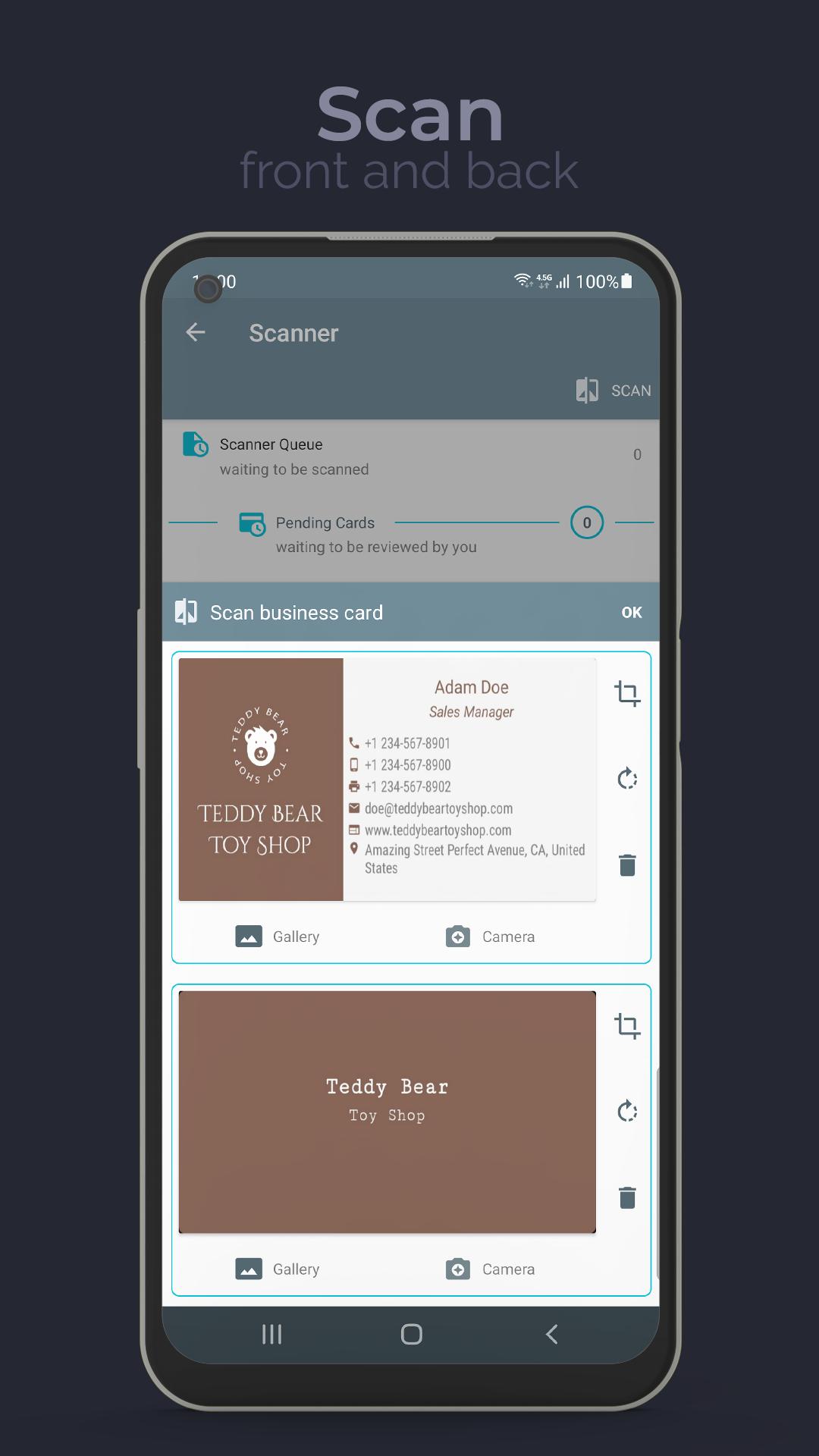
• Business card scanner/reader:Scan your visitor cards and save them to your phone or tablet. DigiCard is a smart business card app holds your visiting cards.
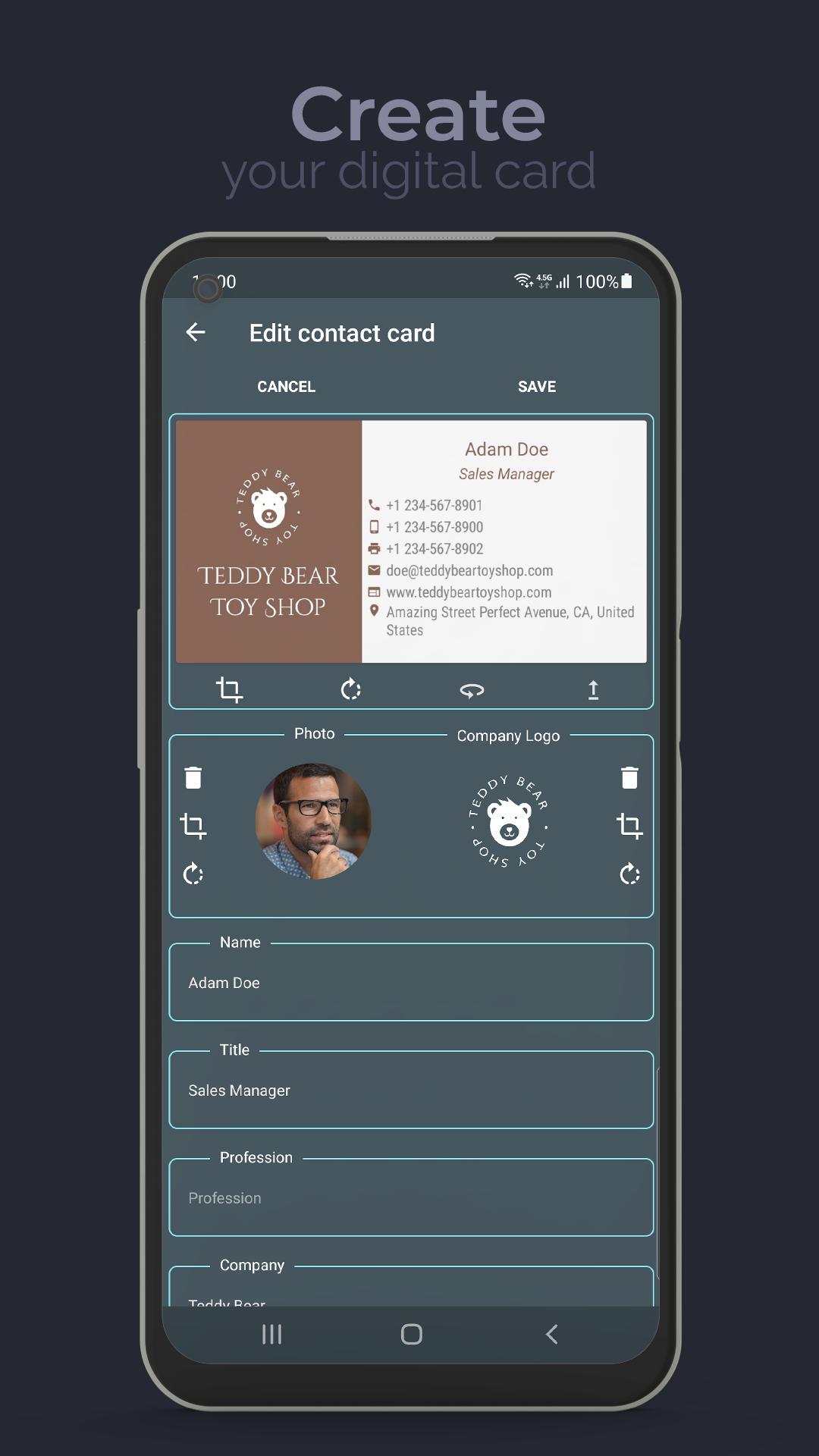
• OCR (Optical Character Recognition) : Crop cards manually or automatically, edit texts recognized by DigiCard as you like and add more information.
• Business Card Maker/Designer:Create your own business card on your phone or tablet, choose a card design, change colors and fonts as you desire. DigiCard is an alternative business card creator.
• Business Card Holder: You can add more information than your regular business cards and you can also store them digitally.
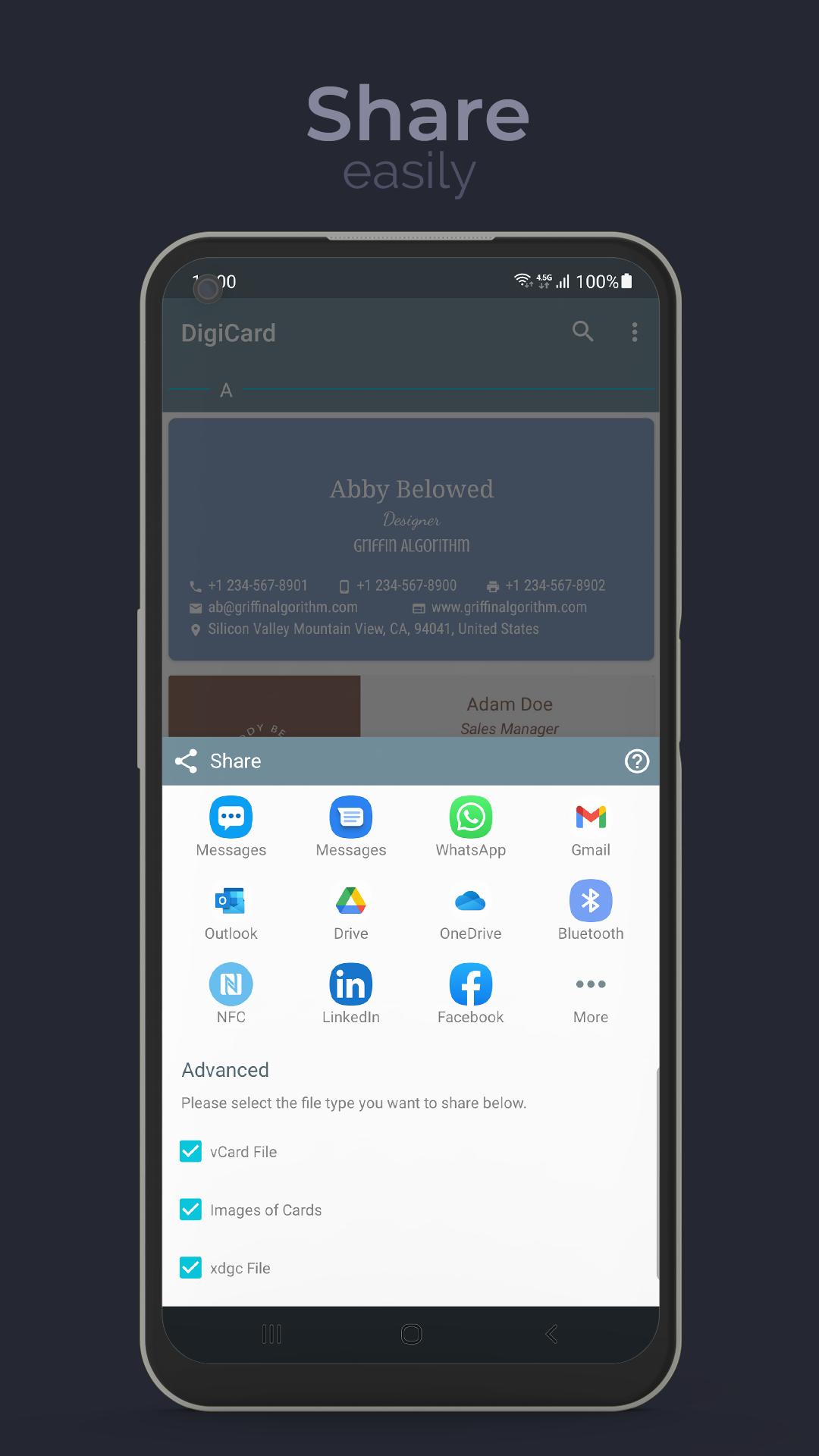
• Share/Exchange visitor cards: Exchange your cards easily with NFC, Bluetooth or WiFi. Send your cards to people, even they do not have DigiCard.
• Interactive Business Card App: Make your business card publicly reachable using WiFi and broadcast it to people on crowded places like congresses or fairs.
• Easy to use business card tool: Search cards easily according to name, company, profession, etc. Make a call, send a message or e-mail and take direction to an address with only one click.
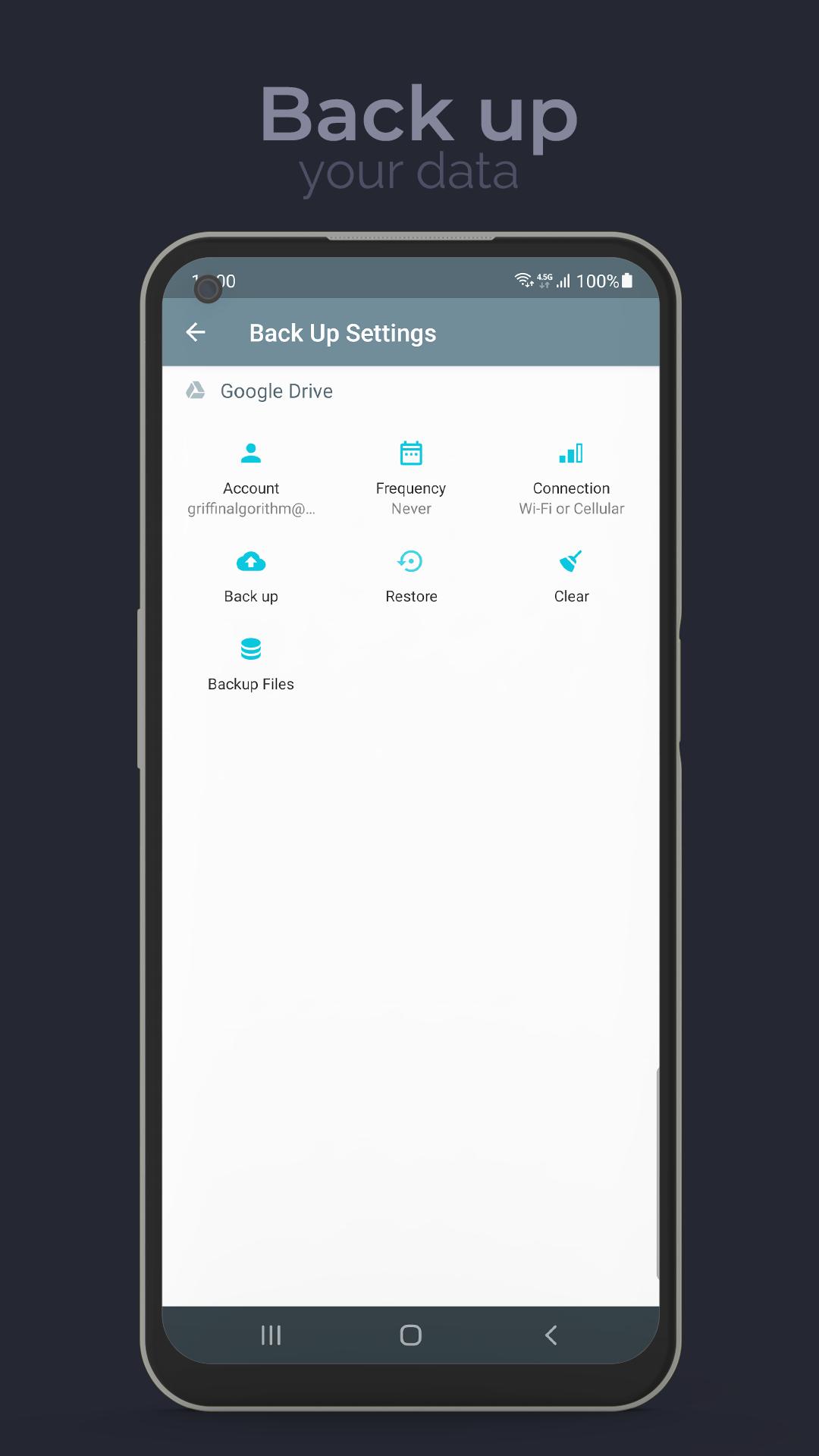
• Back Up: Back up your cards to your own Google Drive account and do not risk losing them.
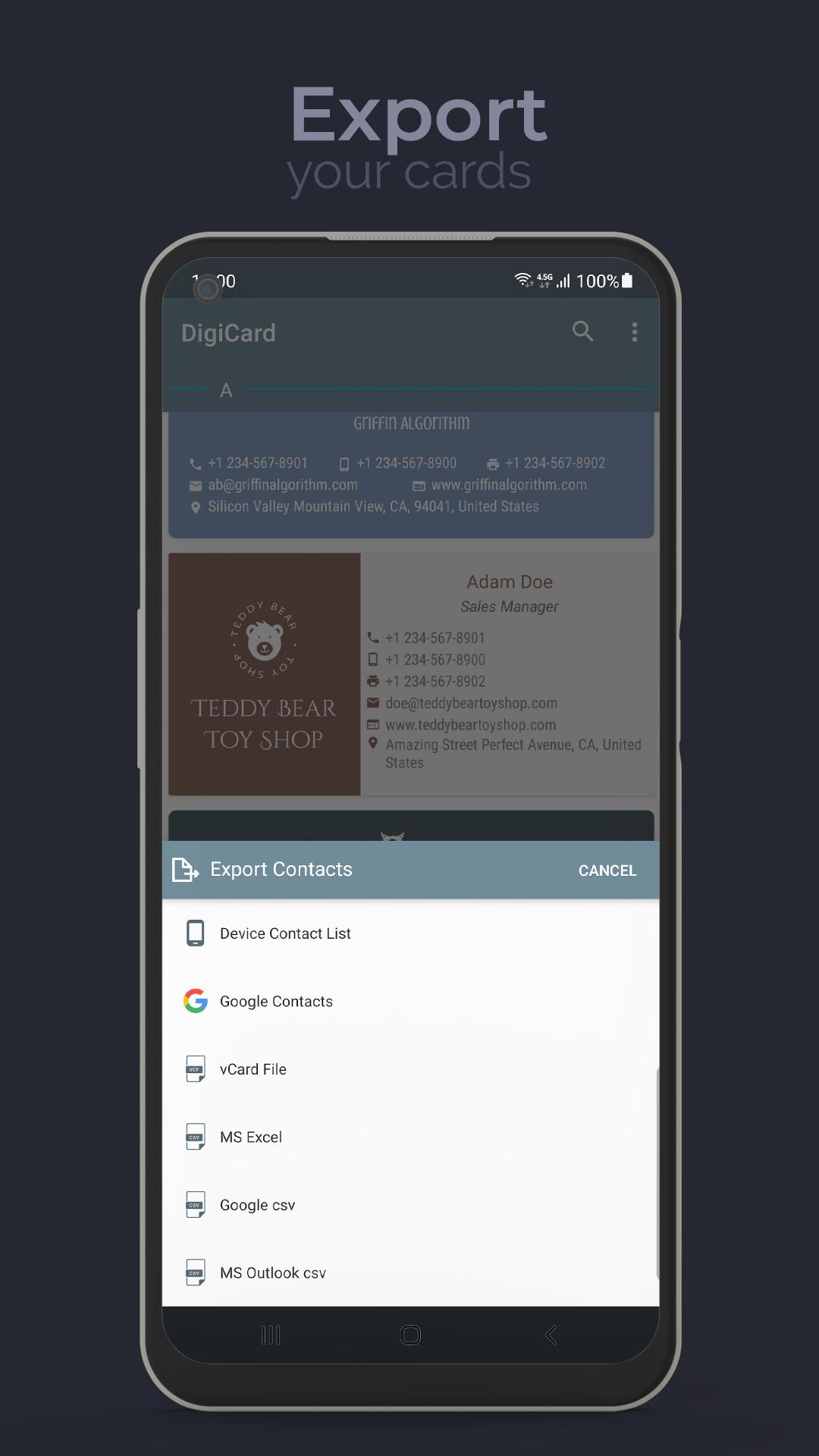
• Export to Device Contacts List: You can export your cards to device contacts list now.
• Save to Device Contacts List Option: When you save your cards, you can also save them to device contacts list automatically.
• Save as vCard:You can save your contact information as a vCard file (.vcf).
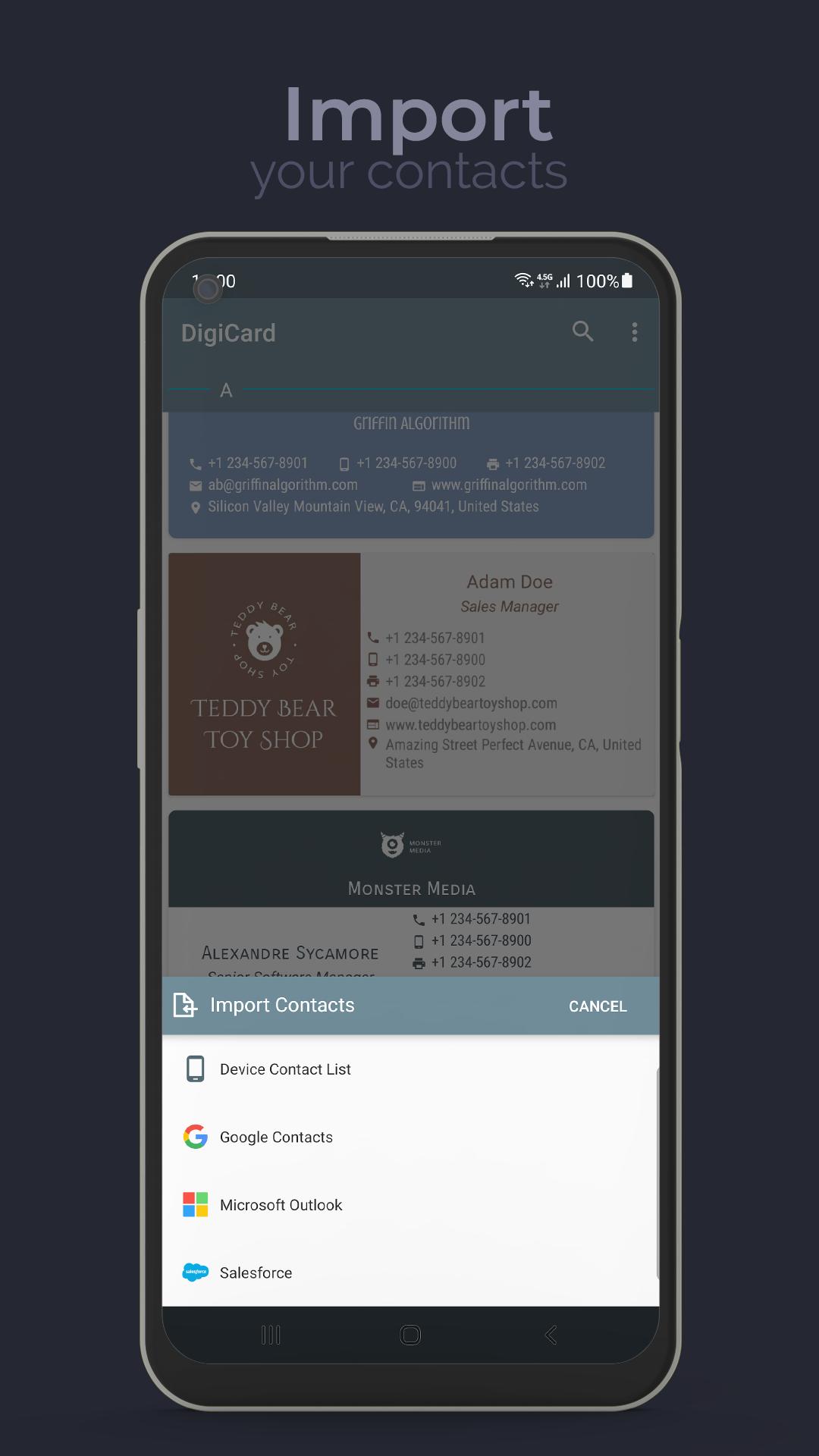
• Export as a csv file:You can export your business cards as a csv file and import to Google Contacts, MS Outlook or MS Excel.
• Share vCard:When you share your card, vcard file will be sent also. So, people who does not use DigiCard can save your contact information easily.
• Social Network:You can add Facebook, Twitter, Instagram, LinkedIn or Youtube links to your cards.
• E-Mail Signature:You can add your signature to e-mails.
• Add Notes:You can add notes when you save your business cards.
• Export to Google Contacts: You can export your business cards to Google Contacts directly.
Everything is easier on DigiCard.
No more printing business cards!
Save the trees, save the planet!
Latest Version
3.6.5Uploaded by
Hama Faesal
Requires Android
Android 7.1+
Category
Free Business AppContent Rating
Everyone
Security Report
Report
Flag as inappropriateLast updated on Oct 13, 2022
★ Bugs fixed.
★ User interface improved.




APKPure - A multi-platform app store primarily focused on Android, providing extensive app-related content. Discover the app you want easier, faster, and safer, with quick and efficient downloads and installations.