Scan Date:Feb 10, 2026
Package Name:free.imei.checker.imei.phone.unlock.carrierunlock.bypassunlock
SHA-256:64893f6bb6beff7569f222a3fe9609f5aaf3d8c0bf9afe4f657e0cabc42fbbbe
SHA-1:535d70eb57937ce4bcc29dc7cc2392f2df92883e
Show More

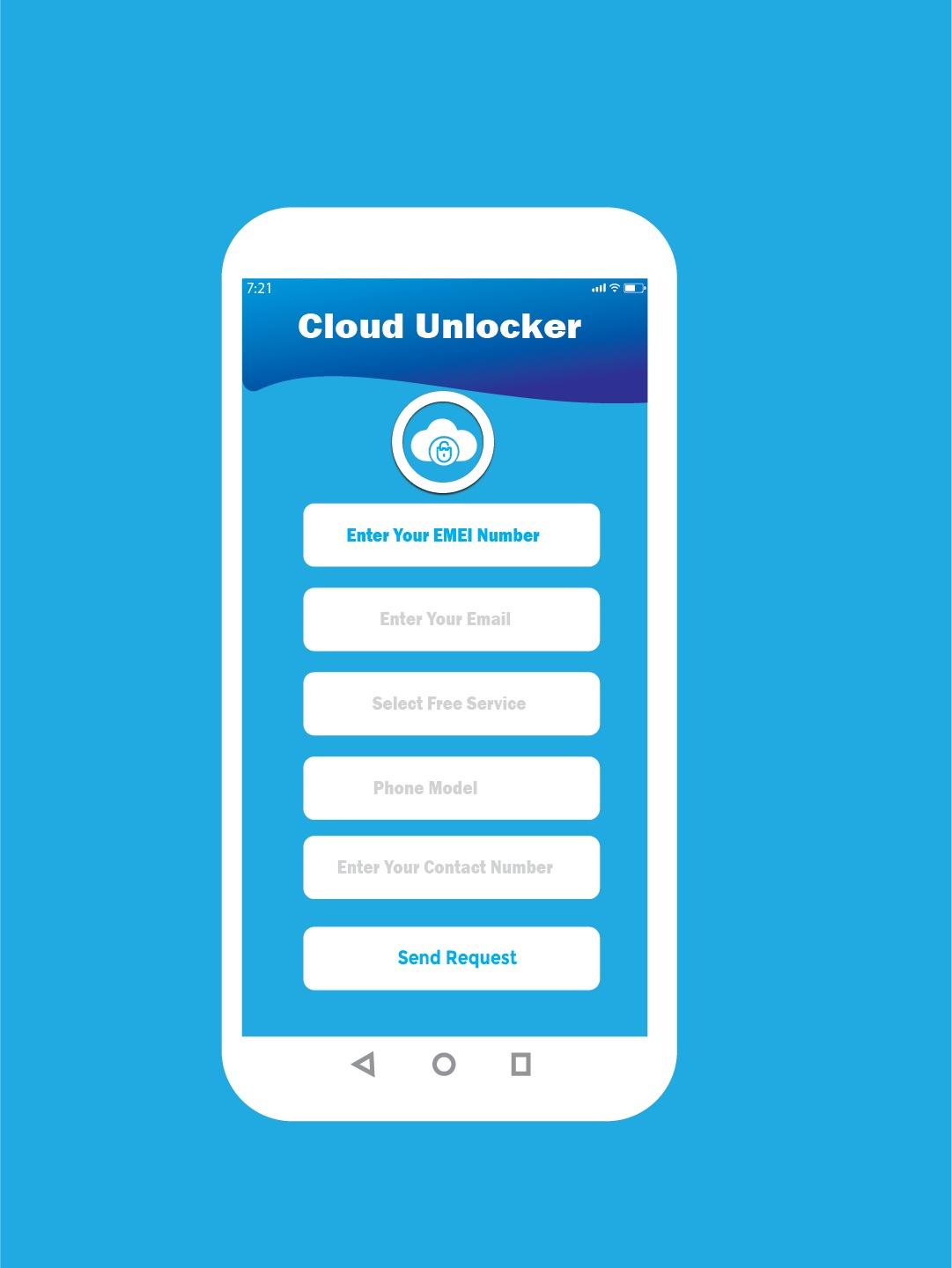
Device unlock & IMEI Check helps you to unlock activation & Phone unlock the screen.
Check Phone IMEI check, network, sim lock, carrier, model, unlock the phone, Cloud status, serial number, and buy the country. unlock Phone works for all mobile devices.
Cloud unlock & IMEI Check, and Unlock your Phone from any carrier without voiding your warranty.
Enter your device details
Depending on the service you've selected enter the model and carrier phone code is currently locked and enter the IMEI or Serial number. If you don’t know the carrier your device is locked to please use our IMEI carrier check service.
Processing your Phone unlock screen
We check the device and update your request.
unlock Phone & Cloud unlock
Your Phone is now unlocked to any carrier provider. Confirmation of your unlock will be sent to you via email.
What chance that my Phone will be unlocked?
Unlock chance is 99%, clean Phones have more chance for unlocking, than blacklisted.
IMEI Checker and Device unlock
Phone Unlock is the most trusted APP and fastest way to unlock your Phone. We offer a 100% money-back guarantee and have a 99% success rate.
What is IMEI?
IMEI Stands for (International Mobile Equipment Identity) number
is an international "Serial number" for your phone to identify it Did you know you can unlock your Mobile phone IMEI for free on App? All you need to have is the IMEI code of the mobile phone that you want to unlock and the mobile service provider that has locked it.
The IMEI code is the unique code that is used to identify all mobile phones. You can find the IMEI code for your mobile phone below its battery or by simple dialing *#06#
How I can find IMEI?
1. On SIM card tray: To find IMEI, you need to remove the sim card tray from the device, and then you can find IMEI on it. (Not on all models you can find IMEI via sim tray)
2. In settings: Go to Settings > General > About and look for your device IMEI.
3. Dial *#06# to get IMEI Before trying anything else, you can try simple dialing *#06# on your Phone (or any mobile phone), this should retrieve the IMEI code. wait and the IMEI will appear on the screen this little number dial trick actually works to retrieve the IMEI on other cell phones too, not the Phone.
Secret codes
Secret codes are actually one of those things you don't tend to hear much about. But, when you dial them from your smartphone, you are able to access some information.
It is true that Android smartphones come with their own set of secret codes. Yet, every different phone comes with a set of codes derived from its producer Device Unlock & IMEI Check. So, keeping track of them can be rather challenging.
As well as this, there are a couple of cool Phone secret codes that all Phone users should be aware of. Are you curious about them? You shouldn't be! We are about to present you with some cool secret IOS codes that you may not have heard about. So, let's get started!
Feature
. activation lock Phone
. Phone activation lock removal
. Cloud unlock bypass
. Phone bypass and Cloud unlock
. unlock Device and IMEI checker
. Phone unlock and lock removal
. IMEI Checker and device unlock
Latest Version
1.21Uploaded by
William Kristianto
Requires Android
Android 7.0+
Category
Free Tools AppContent Rating
Everyone
Security Report
Report
Flag as inappropriateLast updated on Feb 9, 2026
Minor bug fixes and improvements. Install or update to the newest version to check it out!



APKPure - A multi-platform app store primarily focused on Android, providing extensive app-related content. Discover the app you want easier, faster, and safer, with quick and efficient downloads and installations.