Package Name:com.Deviceinfo_tools
SHA-256:d046cb74bc8bf66d5a3dc0e8850f37b639a2ba56c36b1920db17f9562b247a3a
Show More
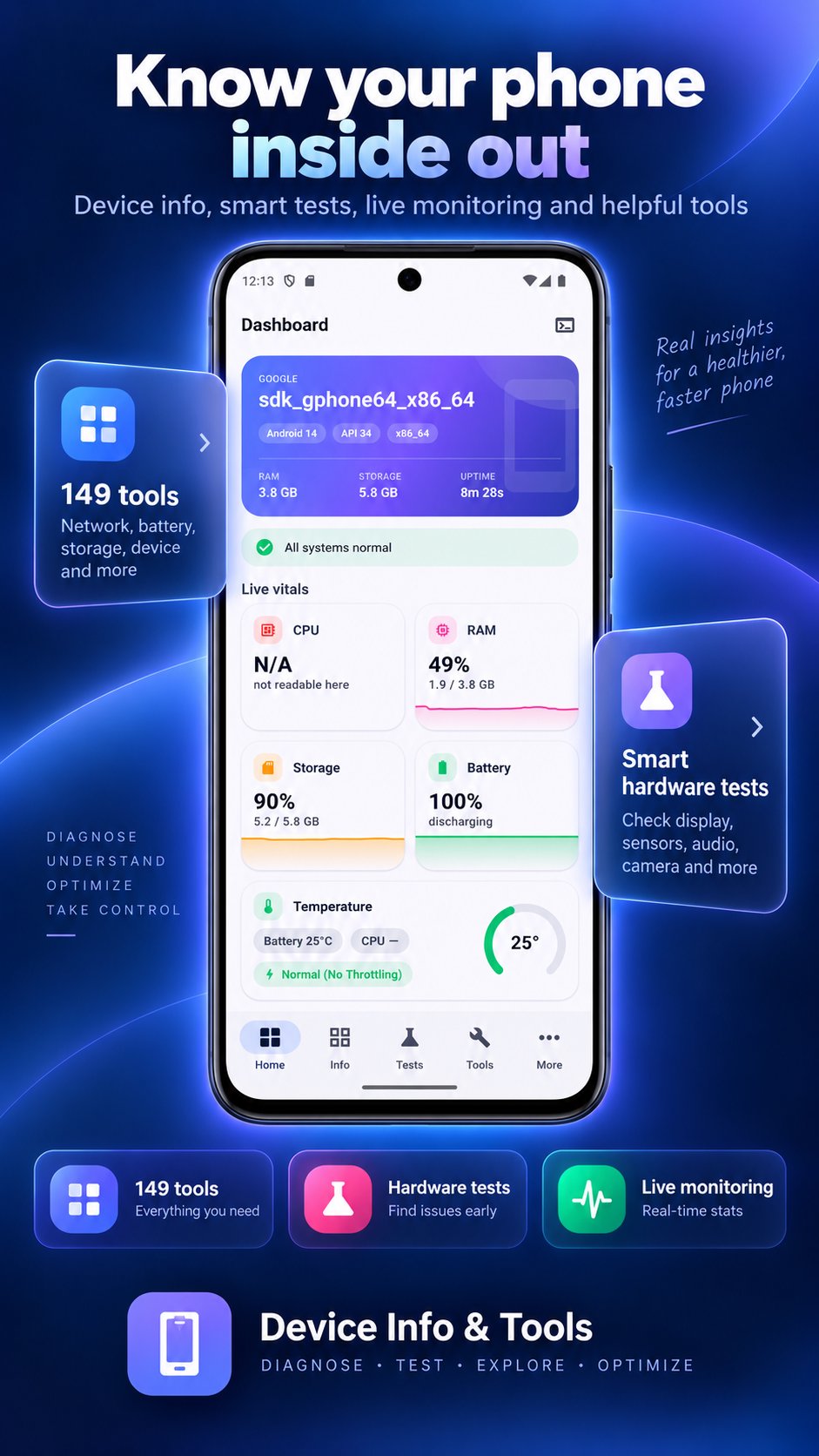
Device Info & Tools shows what is inside your phone, watches how it behaves, and checks whether the hardware still works — measured on the device itself.
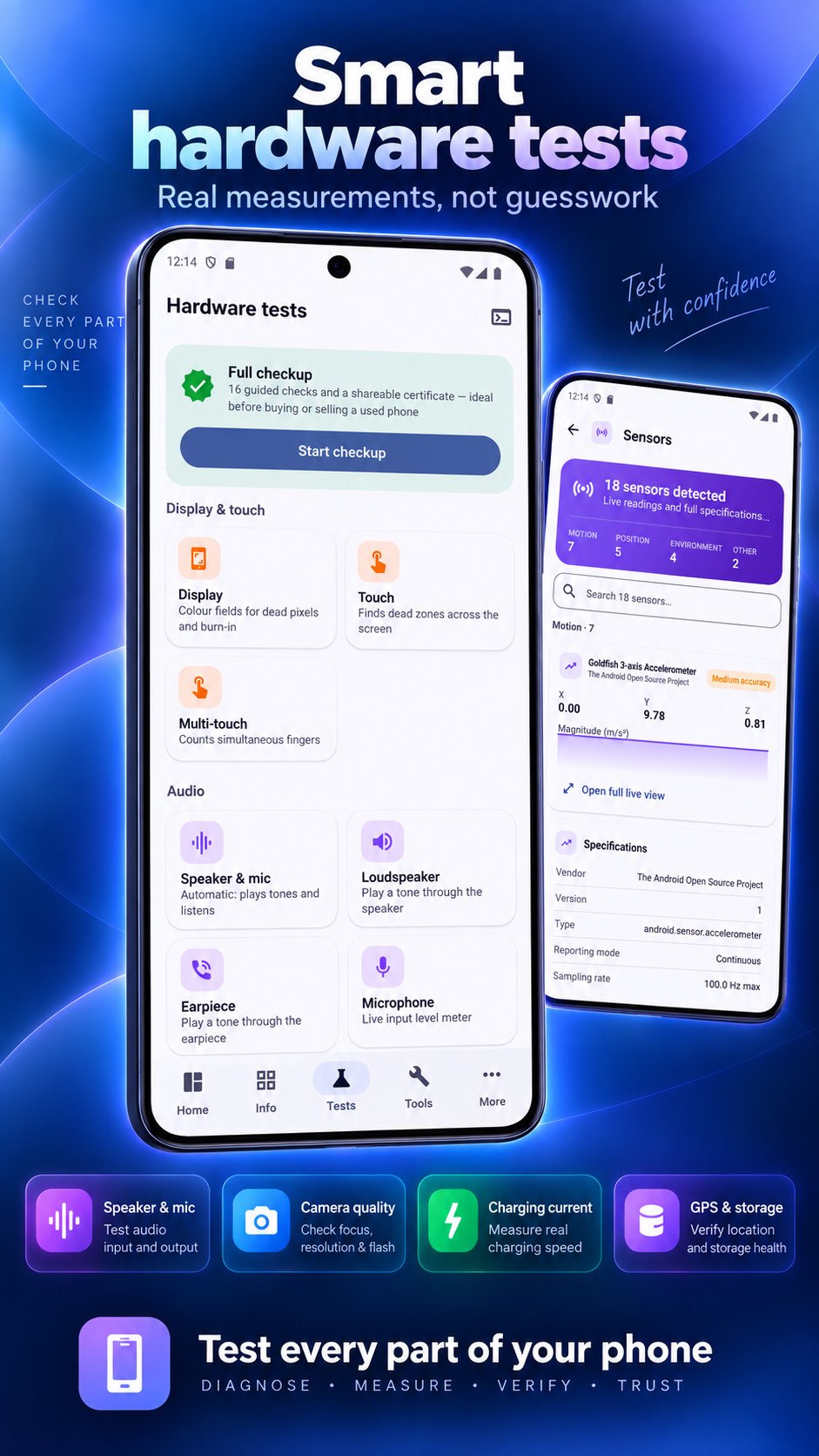
SMART HARDWARE TESTS
Most test apps ask you what you saw or heard. This one measures what it can and tells you the numbers behind every verdict:
• Speaker & microphone — plays tones and listens for them coming back
• Rear & front camera — scores focus, exposure and detail from live frames
• Motion sensors — sweeps gravity across all three axes to expose a stuck one
• Storage — writes real data, times it, then reads it back to verify integrity
• Charging — measures the actual charge current, not just "plugged in"
• GPS — counts satellites and times the first fix
• Plus display, touch, multi-touch, earpiece, loudspeaker, headset, flashlight, proximity, light, compass, vibration, volume keys, fingerprint and Bluetooth
Every result says in plain words what it found, shows the measurements, and marks whether the phone measured it or you confirmed it yourself.
FULL CHECKUP & PDF CERTIFICATE
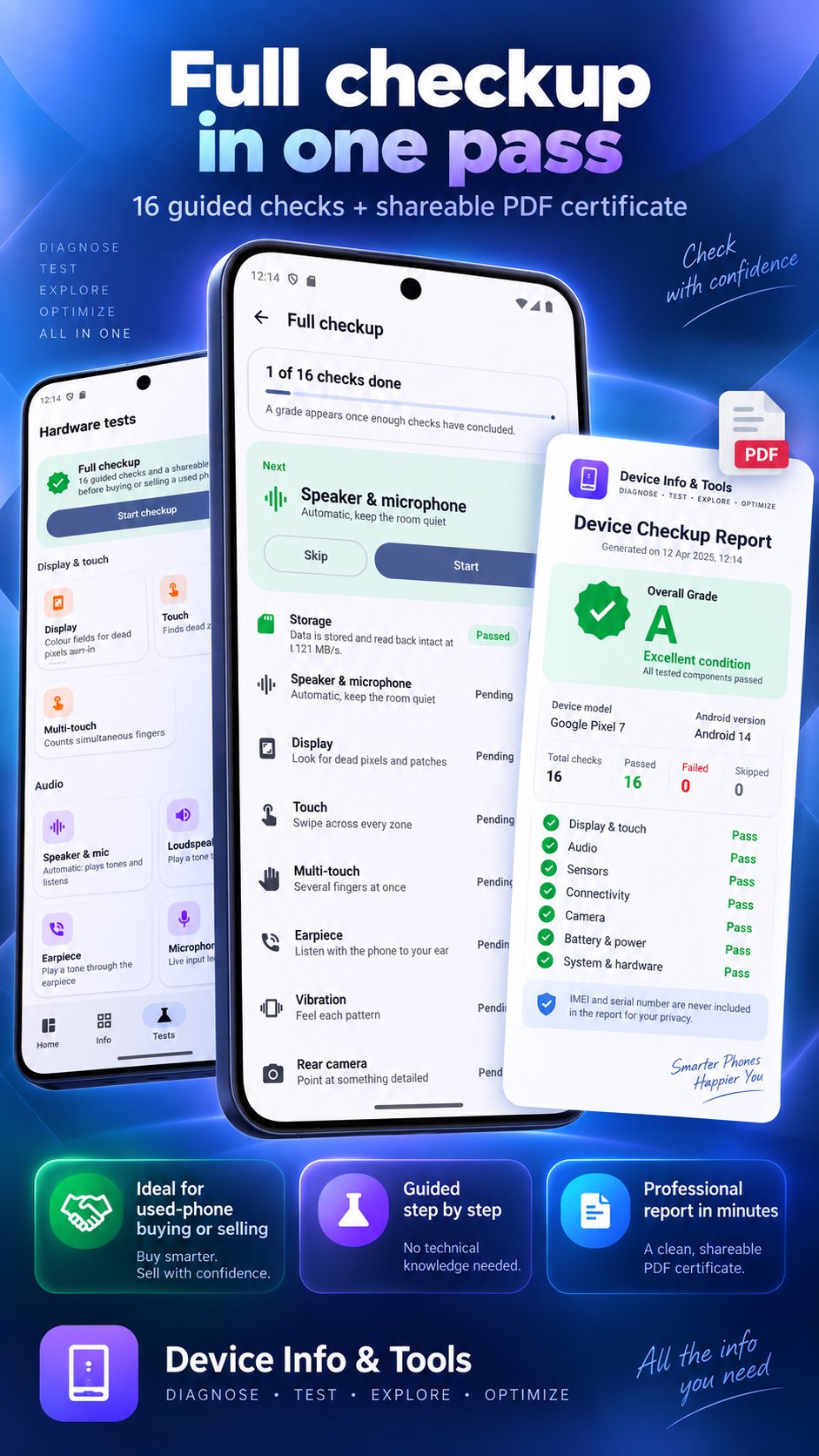
Run 16 guided checks in one pass and finish with a one-page PDF certificate: overall grade, every check with its verdict, the model and Android version, and a clear note on what a test cannot know. Made for buying or selling a used phone. No IMEI or serial number is ever included.
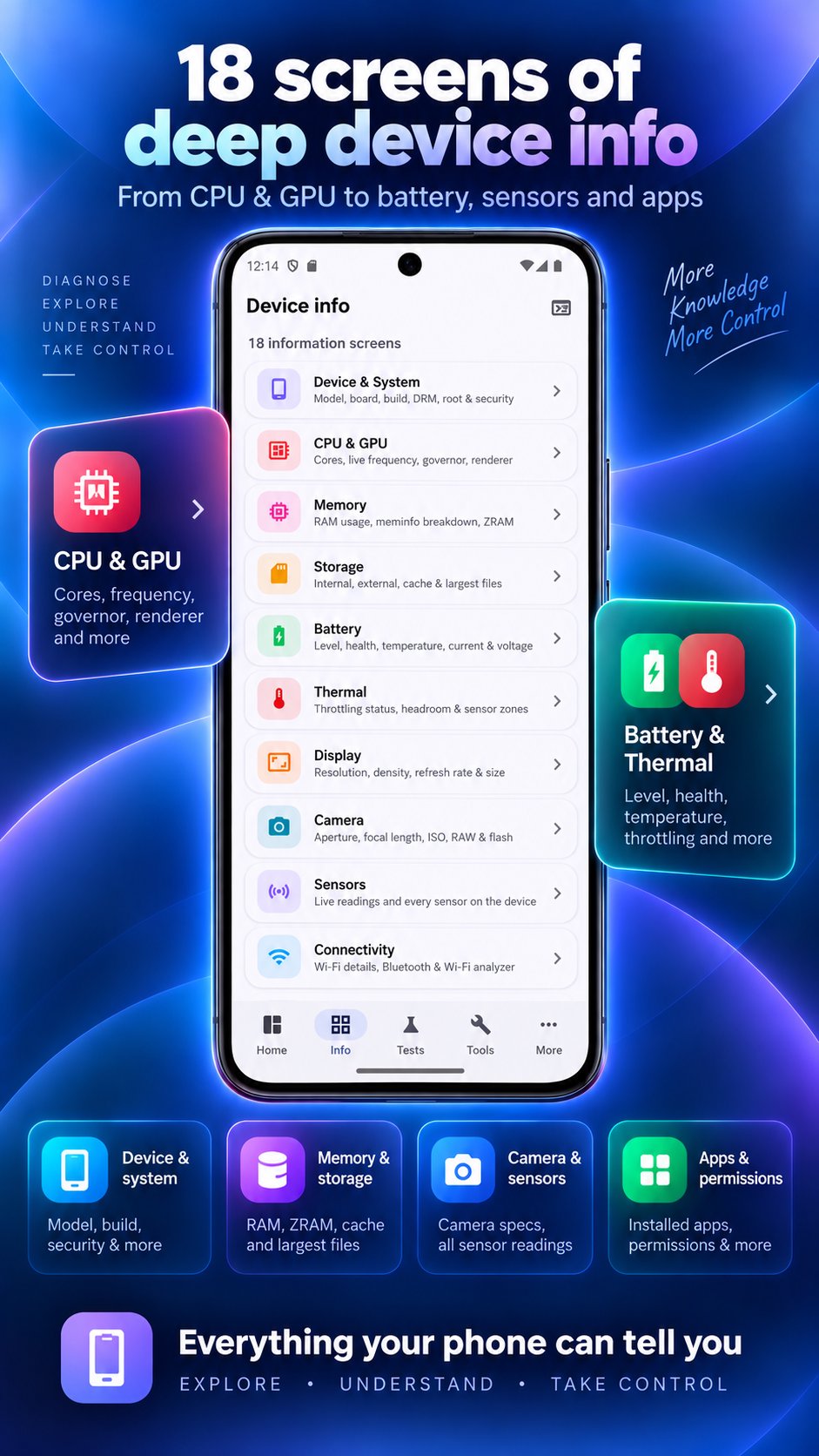
DEVICE INFORMATION — 18 SCREENS
Device & System · CPU & GPU · Memory · Storage · Battery · Thermal · Display · Camera · Sensors · Connectivity · Wi-Fi Analyser · Bluetooth · Network · Internet Speed Test · Apps · App Analyzer · Permissions · Developer
LIVE MONITORING
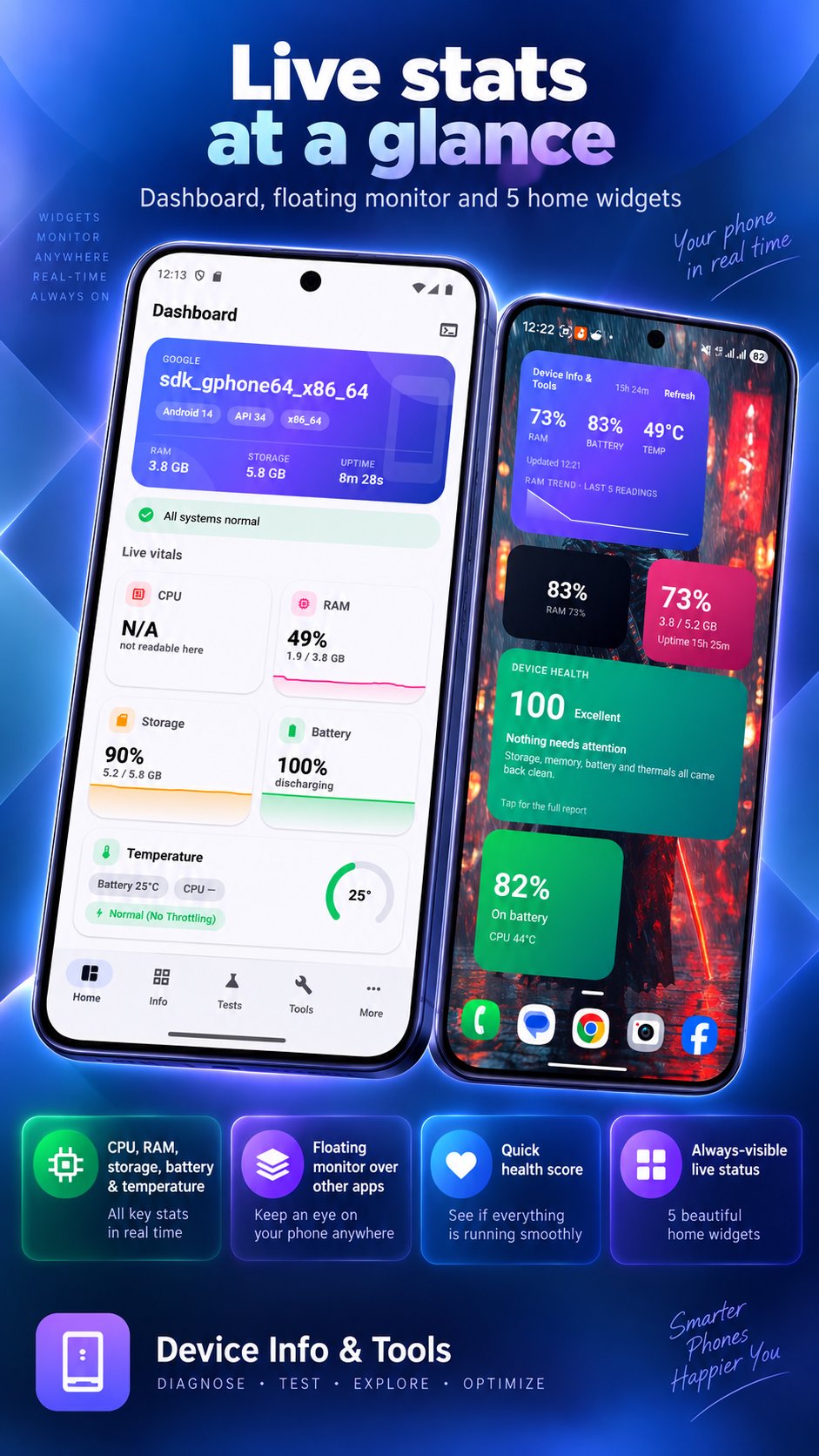
• Dashboard with live CPU, RAM, storage, battery and temperature
• Floating monitor that stays on top of other apps
• Five home screen widgets: battery, RAM, device stats, health score and a compact one
• Per-core CPU frequencies, thermal graph and live network throughput
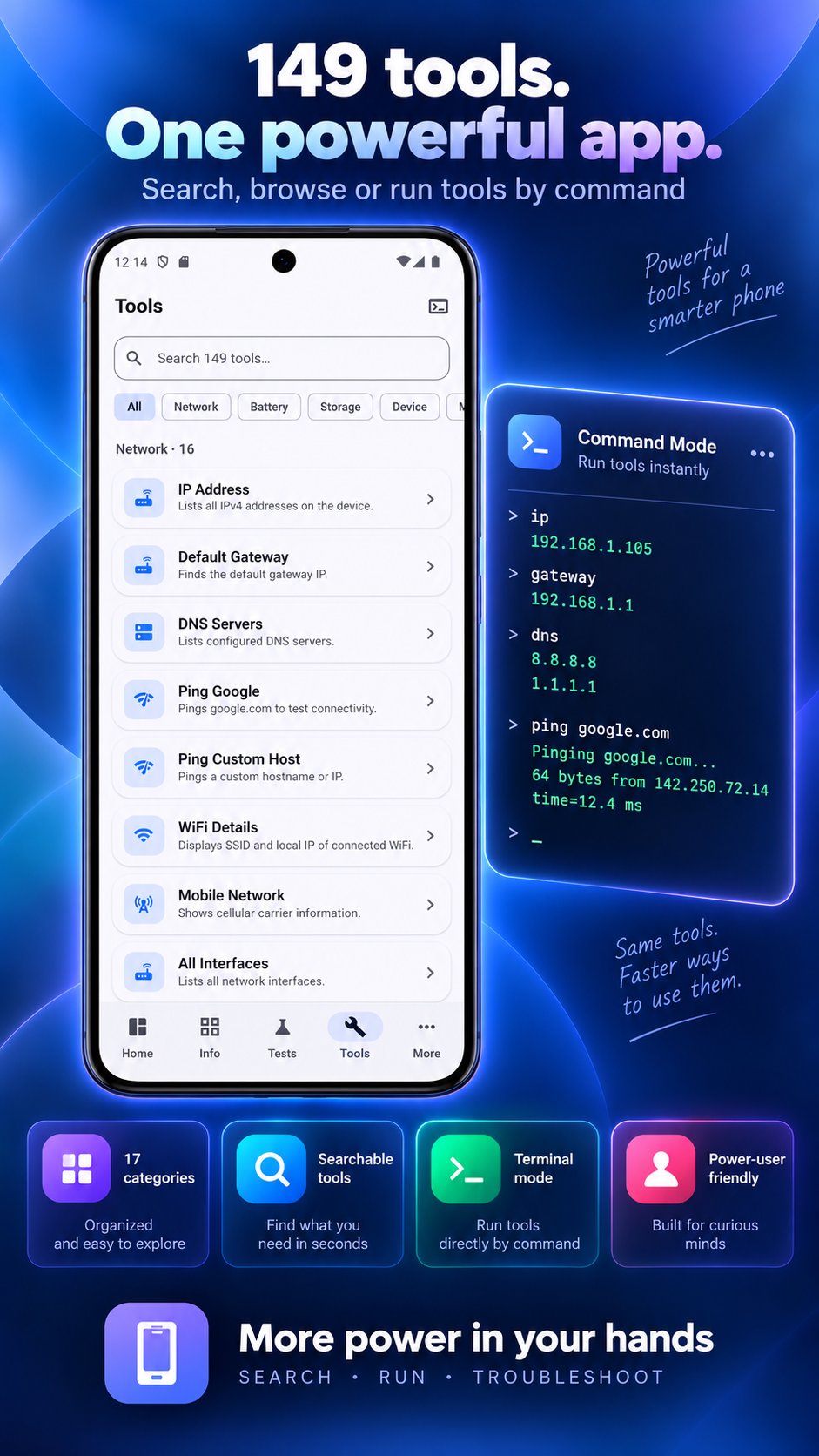
149 TOOLS AND A TERMINAL
Every reading the app can take is also a searchable tool, grouped into 17 categories. Prefer a keyboard? Terminal mode runs any tool by typing its command.
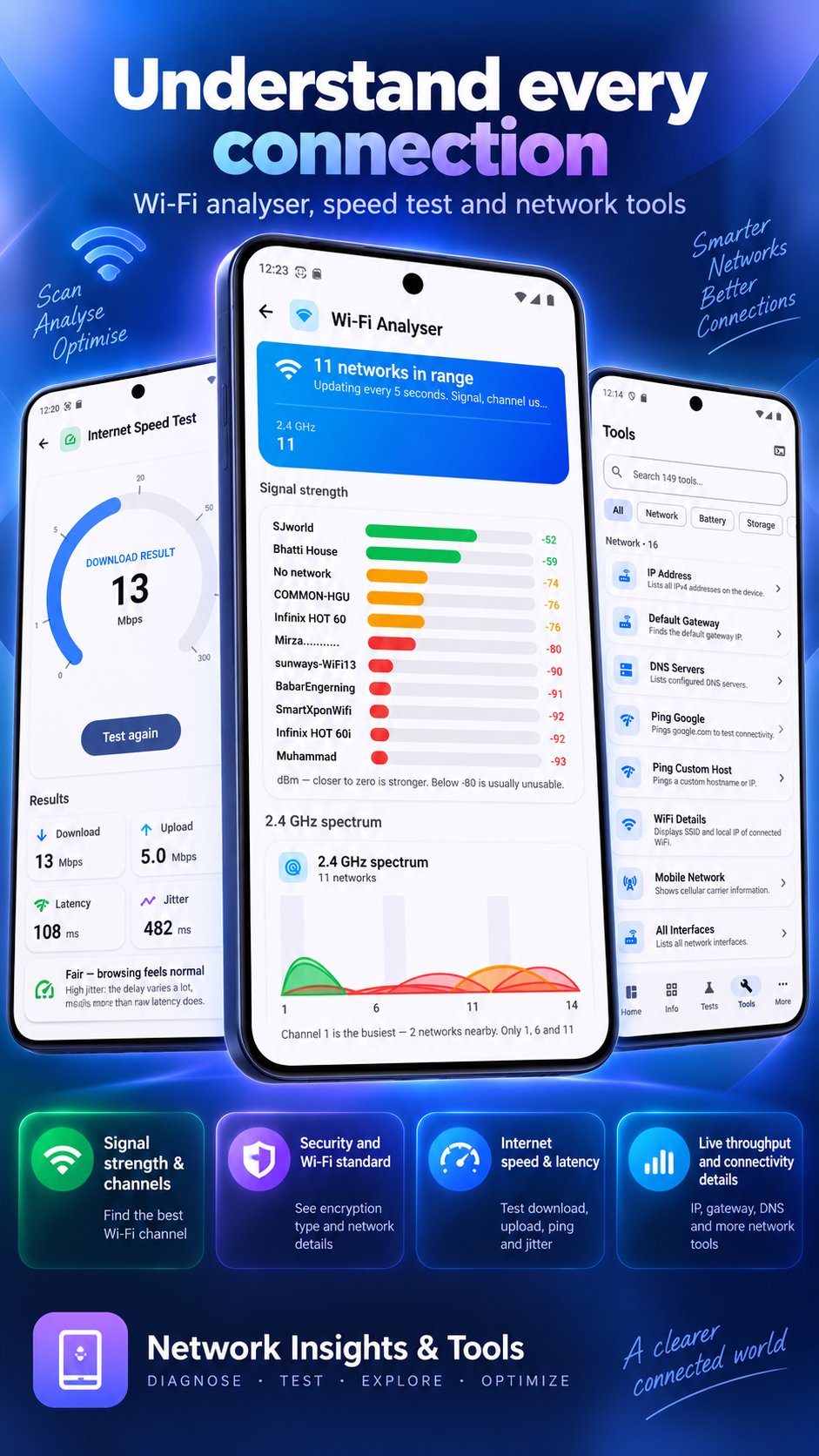
WI-FI & NETWORK
Wi-Fi analyser with channel, security, signal strength, Wi-Fi standard and estimated distance. Internet speed test, live throughput monitor and full connectivity details.
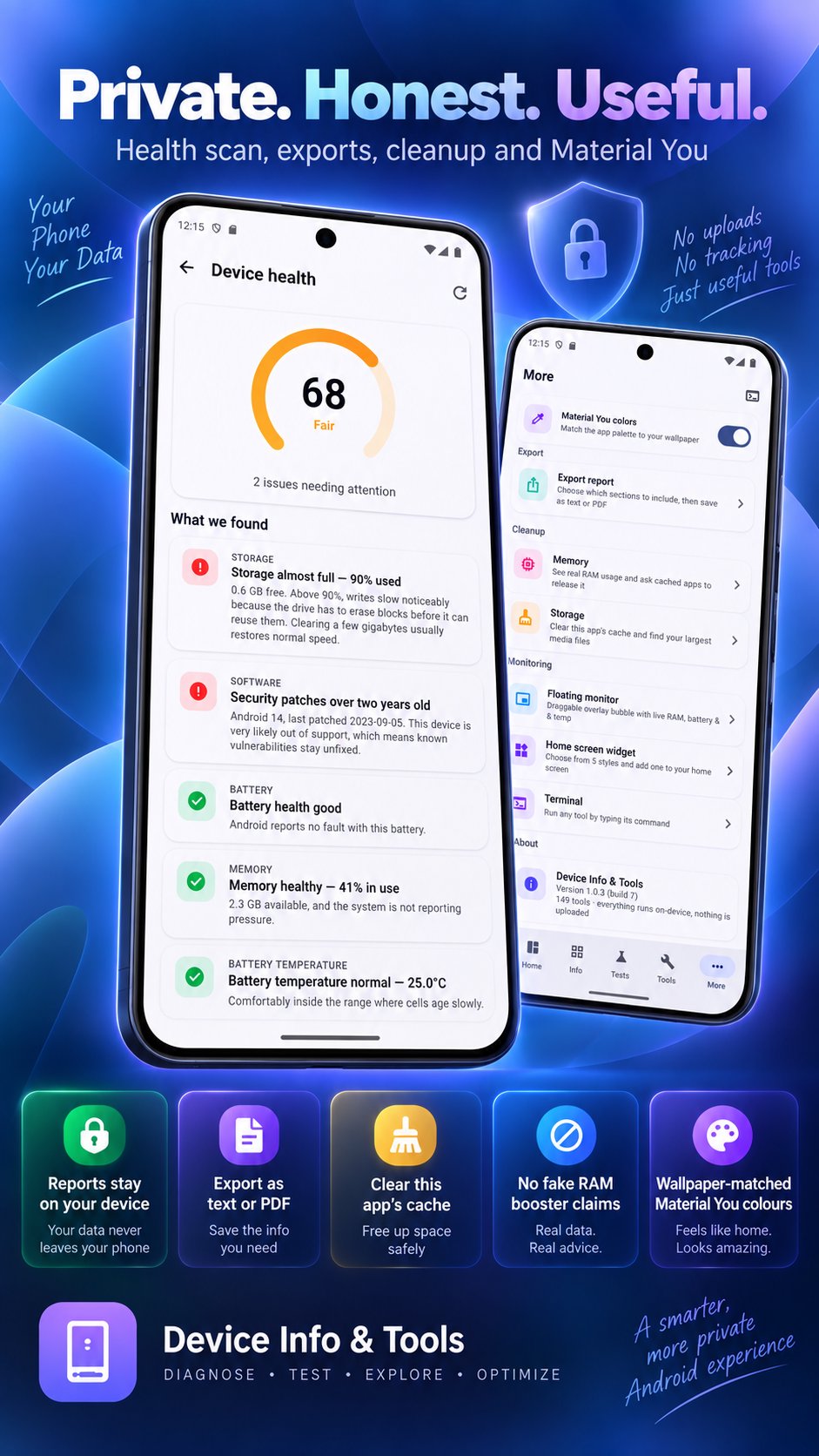
DEVICE HEALTH
A quick scan of storage pressure, memory, battery and temperature, with what it found in plain language.
CLEANUP, HONESTLY
See what is using your memory and storage, and clear this app's own cached files. No exaggerated promises: Android manages RAM itself, and the app says so rather than pretending otherwise.
EXPORT REPORTS
Save a complete device report as text or PDF and share it anywhere.
MATERIAL YOU
Colours follow your wallpaper on Android 12 and newer, in light and dark themes.
PRIVACY
Readings are taken on your phone and stay there. Test results, reports and certificates are stored locally and leave the device only when you choose to share them. There is no account and no sign-in. The internet speed test contacts a test server, as any speed test must.
FREE, WITH OPTIONAL SUPPORT
Every tool and every test is free. Ads help fund development, and an optional donation removes them permanently.
WHY EACH PERMISSION IS ASKED
• Camera — camera test frames; no photo is saved
• Microphone — speaker and microphone test; no recording is saved
• Location — Android requires it to list Wi-Fi networks, and for the GPS test
• Nearby devices / Bluetooth — Bluetooth scanning and adapter details
• Notifications — occasional device tips, at most one a day, off until you allow them
Not every phone has every sensor. Where something is missing, the app says "not fitted" instead of failing it.
Latest Version
1.1.7Uploaded by
周福裕
Requires Android
Category
Free Tools AppContent Rating
Everyone
Security Report
Check Now
Report
Flag as inappropriateLast updated on Oct 31, 2026
• Premium: Dead Zone Mapper maps Wi-Fi, mobile signal and noise as you walk, with AR camera tracking on supported phones; Battery Detective finds the drain and the apps behind it; Charge Forecast.
• Is it genuine? spots clone phones and fake storage.
• Battery wear, QR tools, Measure: level, distance, sound meter, ruler and more.
• Speed test accurate on 5G and fibre.
• Live guard: overheating alerts, with snooze.
• Live sensors, colour themes, pure black, grid view.
• Faster, lighter app.


APKPure - A multi-platform app store primarily focused on Android, providing extensive app-related content. Discover the app you want easier, faster, and safer, with quick and efficient downloads and installations.