

Development Settings helps users who often open diagnostic panels or adjust system behaviors without digging through many screens. It gathers common entry points in one place, so you can reach them faster and keep your workflow simple. Additionally, it supports secret dialer code handling for devices that rely on them for testing and engineering tasks. With Development Settings APK, you can keep important codes in one tool and run them when needed. This setup suits users who want faster access while keeping things organized.
Quick access to system panels
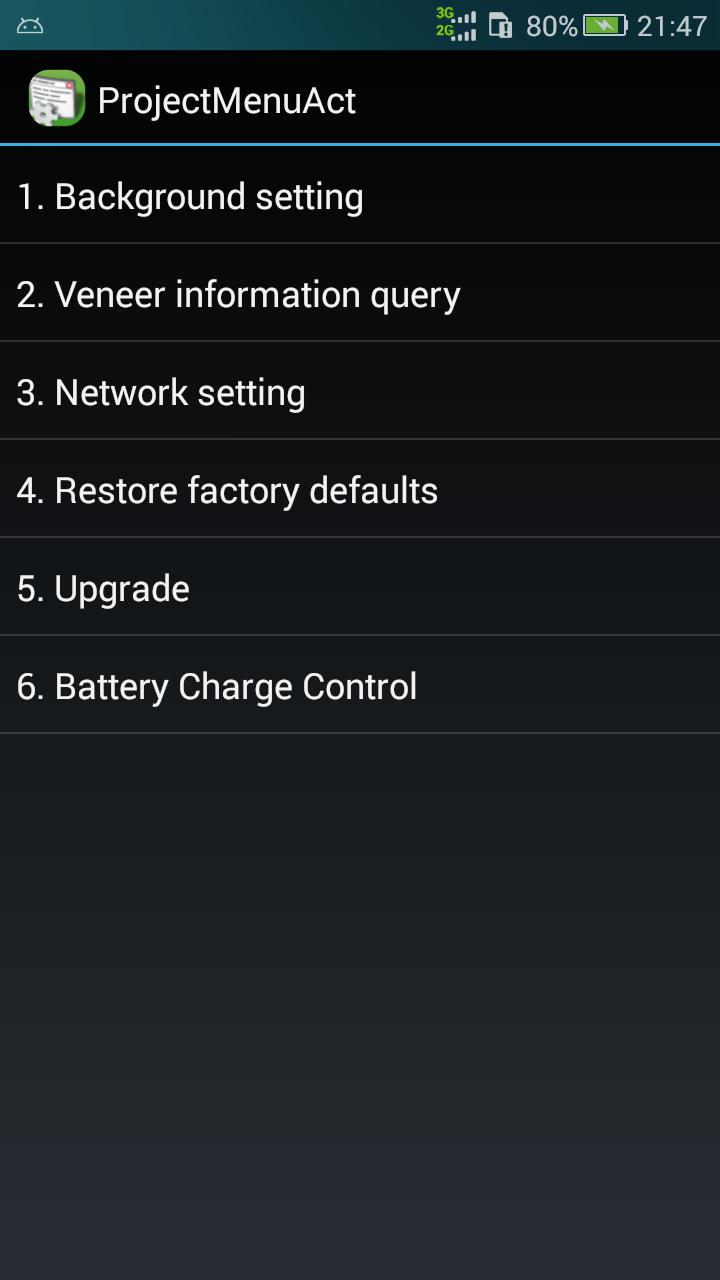
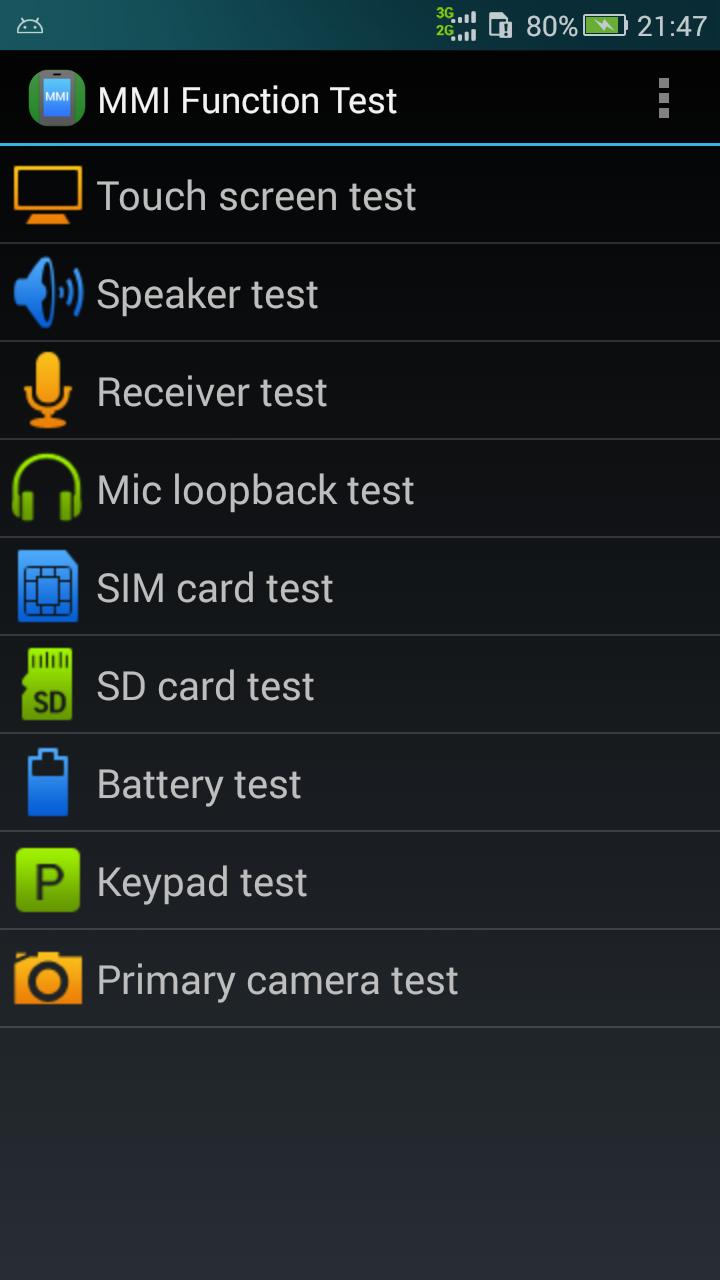
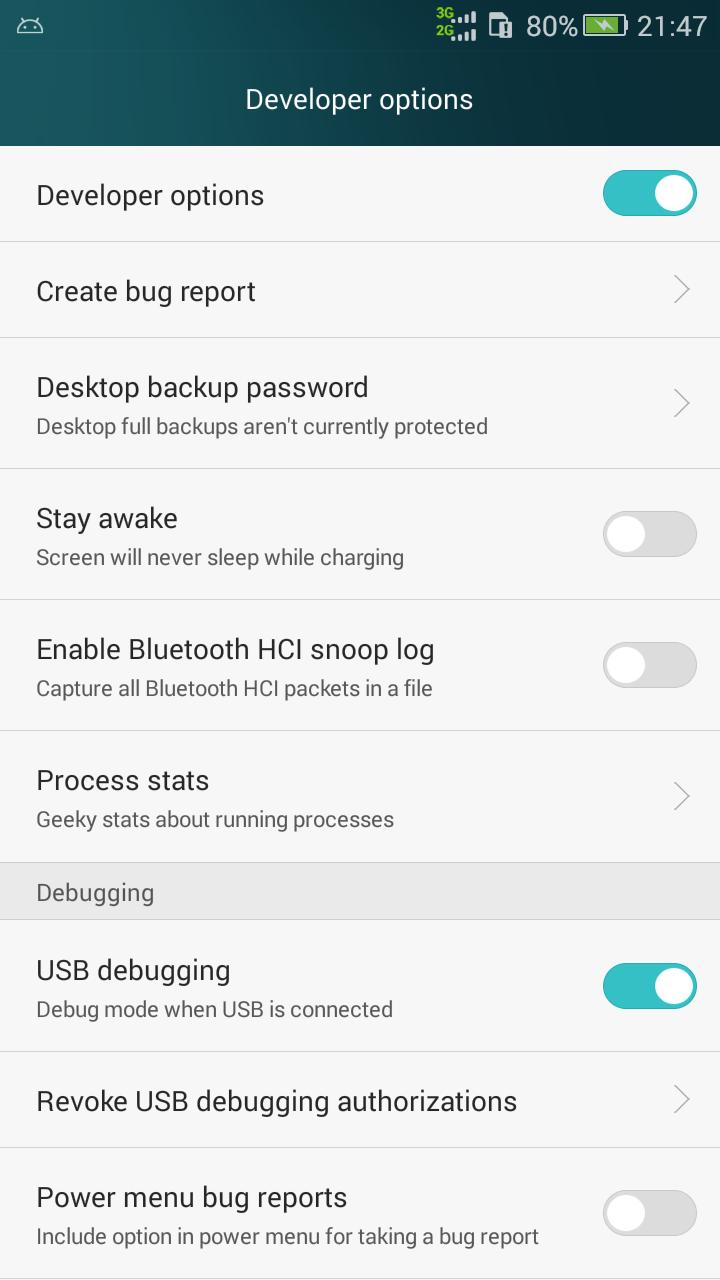
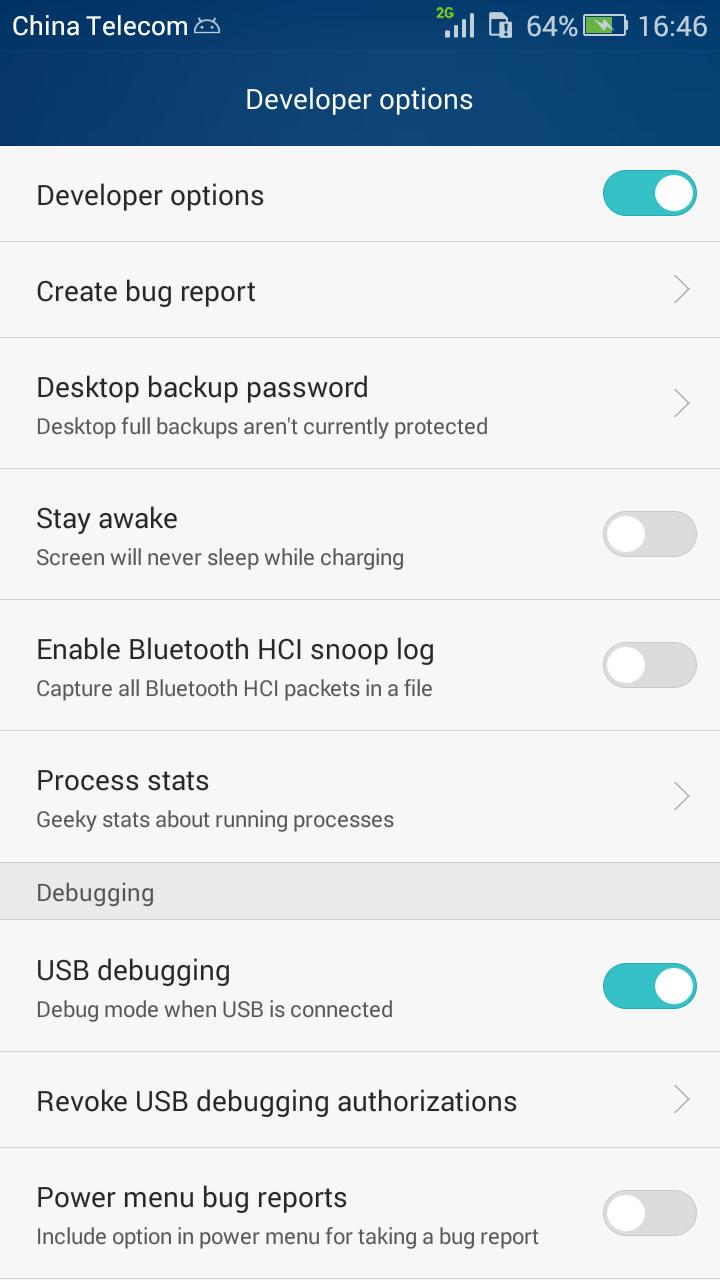
Development Settings offers direct shortcuts to Developer Options, Android testing menus, and engineering screens when supported by the device. You can open these areas with a tap, which helps reduce time spent navigating through settings.
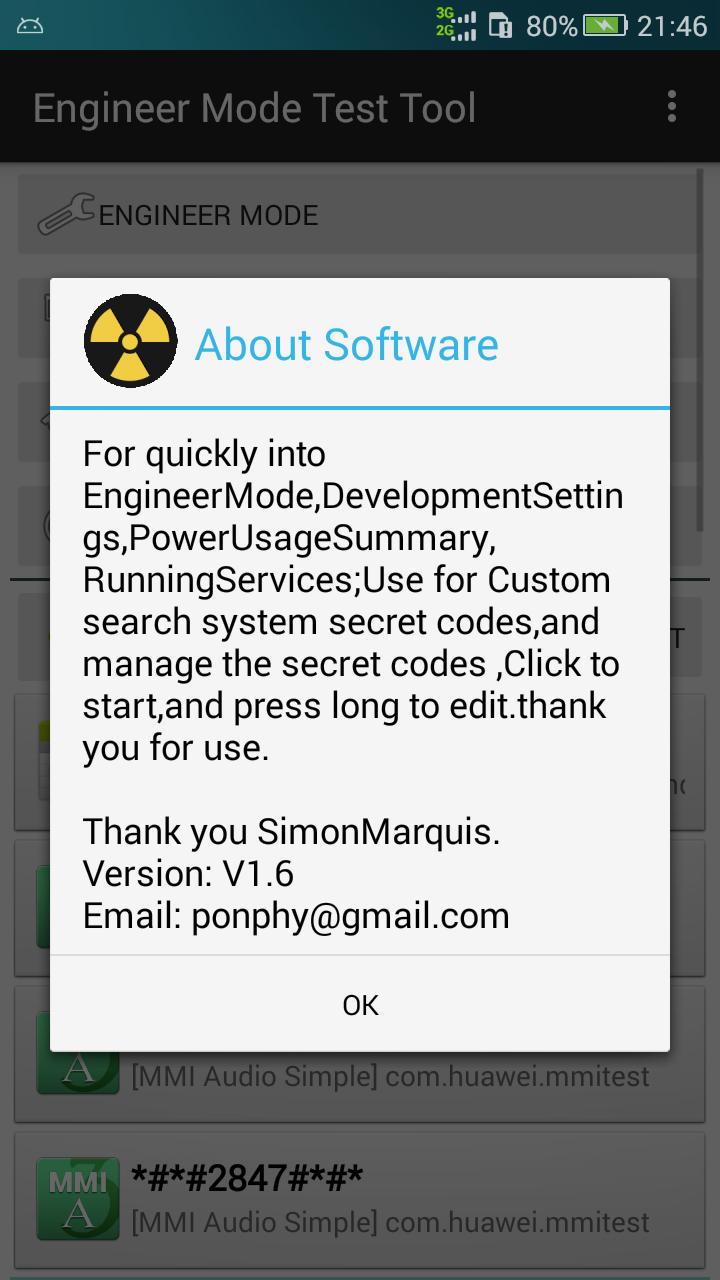
Secret code manager
Battery info and background service panels pipeline
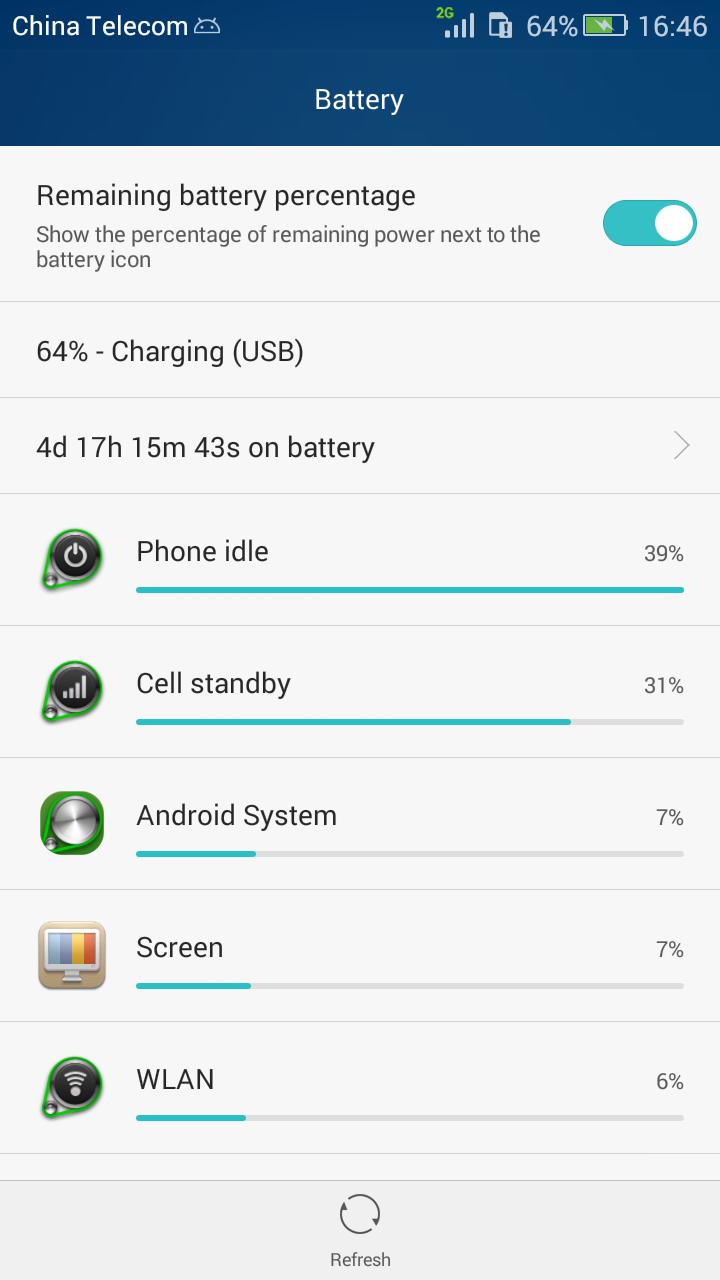
You can open the battery information screen to check current power status and related details. The app also links to background service management panels where available, helping you review running services on your device. Before you download Development Settings, note that access and behavior can vary by brand, model, and chipset.
This tool central LOG iz NB frequently used system entries and secret codes in one place for faster access. It suits users who test, diagnose, or fine tune devices across different brands. Install the Development Settings latest version to ensure better compatibility with newer Android builds.
Latest Version
1.7.1Uploaded by
Haziq Hilmi
Requires Android
Android 4.0+
Category
Free Tools AppContent Rating
Everyone
Report
Flag as inappropriateLast updated on Mar 25, 2017
1.7.1 update
1: optimize the interface
2: automatic scanning system secret codes




APKPure - A multi-platform app store primarily focused on Android, providing extensive app-related content. Discover the app you want easier, faster, and safer, with quick and efficient downloads and installations.