Package Name:hiddencamdetector.spycamerafinder
SHA-256:9e1b8782ea3c992670d66a9774ed0182e86e4f9ef6ba13c68c329205ca2079ee
Show More

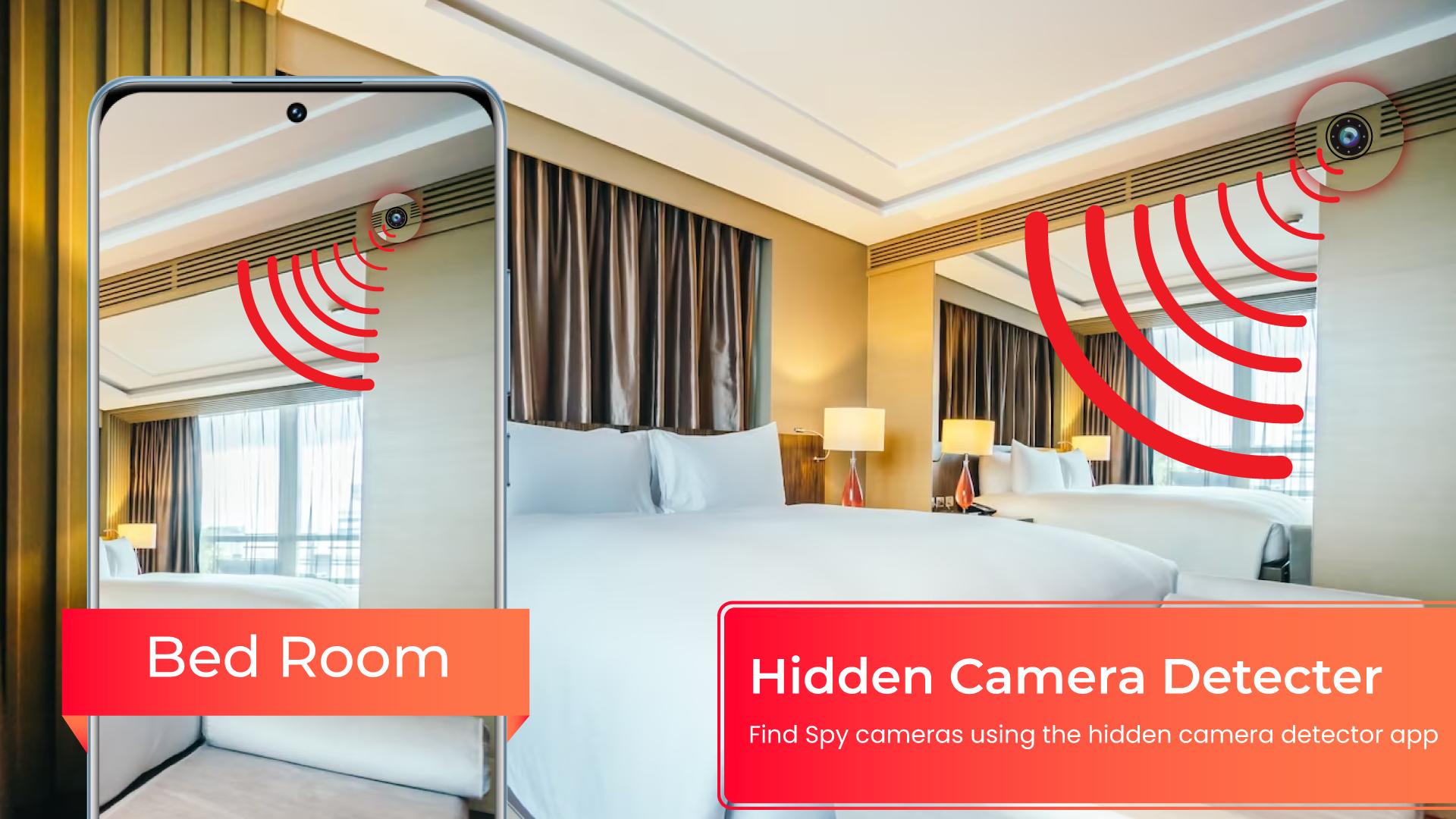
Hidden device detector app is an Android mobile application that is designed to detect any hidden devices, such as cameras or microphones, that may be present in your surroundings. The app uses various sensors present in your smartphone, such as the magnetometer, accelerometer, and gyroscope, to detect any electromagnetic signals or vibrations that may indicate the presence of hidden devices.
How to use the app to find hidden cameras:
Using the magnetometer feature of the app requires your phone to have a magnetic sensor. To use this feature, simply move the app near any device you suspect could be a hidden camera, such as a shower, flowerpot, or changing room mirror. The app will analyze the magnetic activity around the device, and if it detects similar magnetic activity to that of a camera, it will beep and raise an alarm to alert you so that you can investigate further.
To find the sensor position on your phone, move your phone's camera nearby the top and bottom of your phone until it beeps. This will help you know the sensor position.
The app also has an infrared camera detector tool that detects white light that is not visible to the naked eye, which could indicate an infrared camera. To use this tool, open the infrared detector and scan for white light that appears on the screen. If you find anything suspicious, you can share the location with friends so that they can take necessary precautions when they visit the place.
If the app crashes, especially when using the infrared detector, close other camera apps and try again. If you experience any issues, contact us at sulehry98@gmail.com.
FAQ
What if my phone doesn't have a magnetic sensor?
The app analyzes magnetic activity based on readings from the magnetic sensor of your Android device. If your phone doesn't have this sensor, you can only use the infrared detector feature. Alternatively, you can try the app on another device that has a magnetic sensor.
What if the app beeps near metal or electronics?
The app is not designed to detect metals. While metals have electromagnetism, it is very weak, and the app is designed to ignore it. However, sometimes certain types of metals depending on their length, material, and temperature may exhibit the same magnetic activity as that of a camera. In such cases, the app may beep. Always look for a lens on the suspect if the app beeps.
What if the app does not open an Infrared camera detector and shows "not responding"?
If the app doesn't open the infrared detector, it's probably because other camera apps are running in the background. Kill all other camera apps and try again.
Why use the app if I can detect hidden cameras manually?
The app analyzes magnetic activity and alerts you if it detects activity similar to that of a camera. Therefore, if the app beeps, you should check for a lens on the suspect. The app cannot see if the suspect has a lens, but your eyes can. Additionally, you cannot see its magnetic/electromagnetic activity, but the app can analyze it. The app will help you many times, but sometimes it may fail, and that's when it needs your intervention.
Note: Always give credit to the app if you didn't know that an IR camera could be detected using your phone's camera.
Overall, the Hidden Camera Detector App is a reliable tool for detecting hidden cameras and listening devices. Its features are easy to use, and it can help you protect your privacy in various situations.
Latest Version
1.33Uploaded by
Nay Thway Ko
Requires Android
Android 7.0+
Category
Free Tools AppContent Rating
Everyone
Security Report
Check Now
Report
Flag as inappropriateLast updated on Dec 12, 2025
Minor bug fixes and improvements. Install or update to the newest version to check it out!



APKPure - A multi-platform app store primarily focused on Android, providing extensive app-related content. Discover the app you want easier, faster, and safer, with quick and efficient downloads and installations.