Scan Date:Apr 27, 2026
Show More


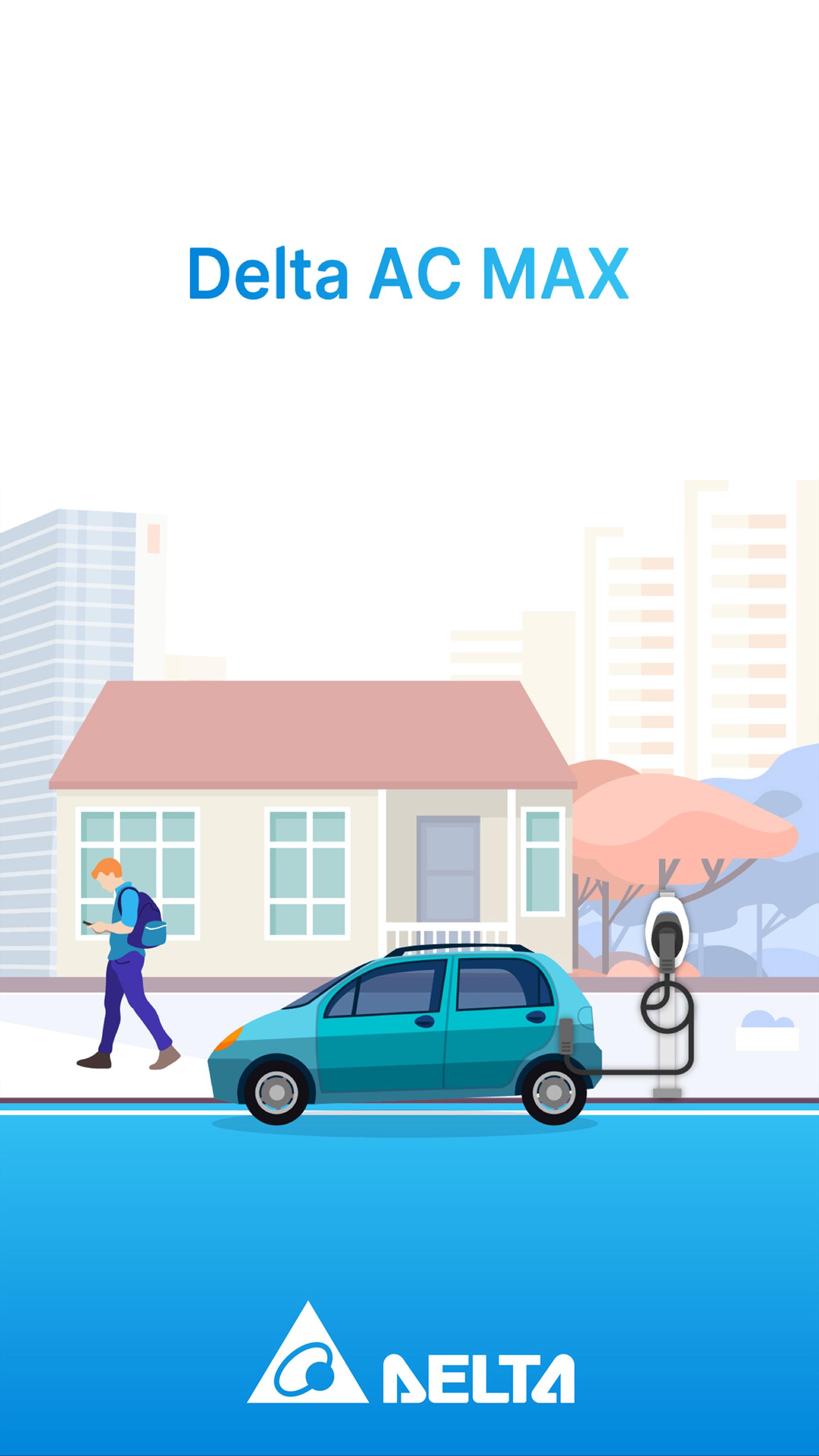
Delta AC MAX supports drivers who want clear control of charging at home, in semi private parking, or at commercial sites. It centralizes access to your AC MAX Basic and Smart chargers, and it keeps setup and daily use straightforward. With a secure sign in, you can link to a Basic unit over Bluetooth or to a Smart unit on Wi‑Fi. If you need Android installation, find the Delta AC MAX APK for direct access on your phone.
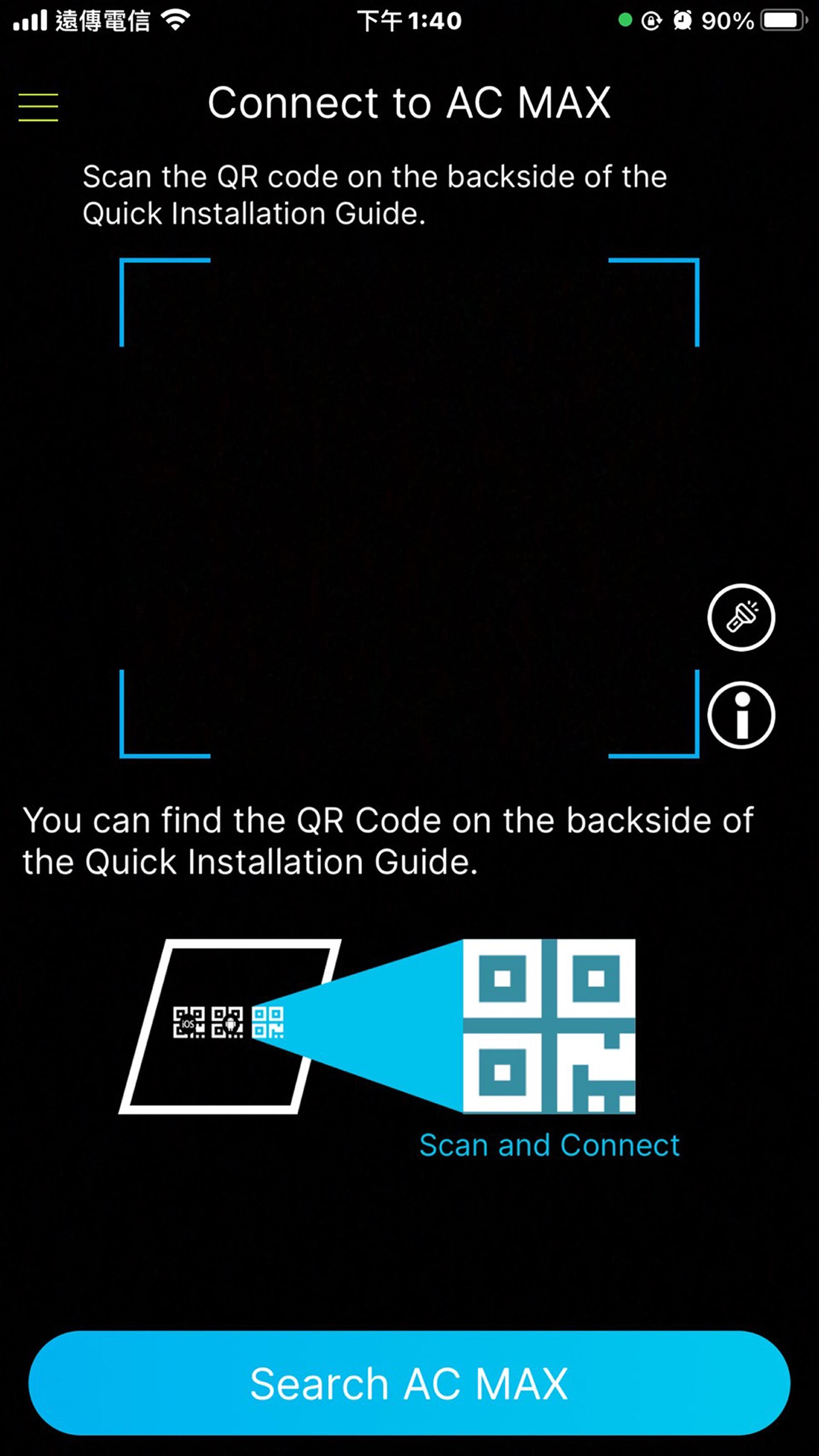
Delta AC MAX uses authentication to protect access to your charger. AC MAX Basic pairs over Bluetooth, while AC MAX Smart connects on Wi‑Fi, and both require user login for control. After pairing, the app remembers the device so you can reconnect quickly when you return to the site.
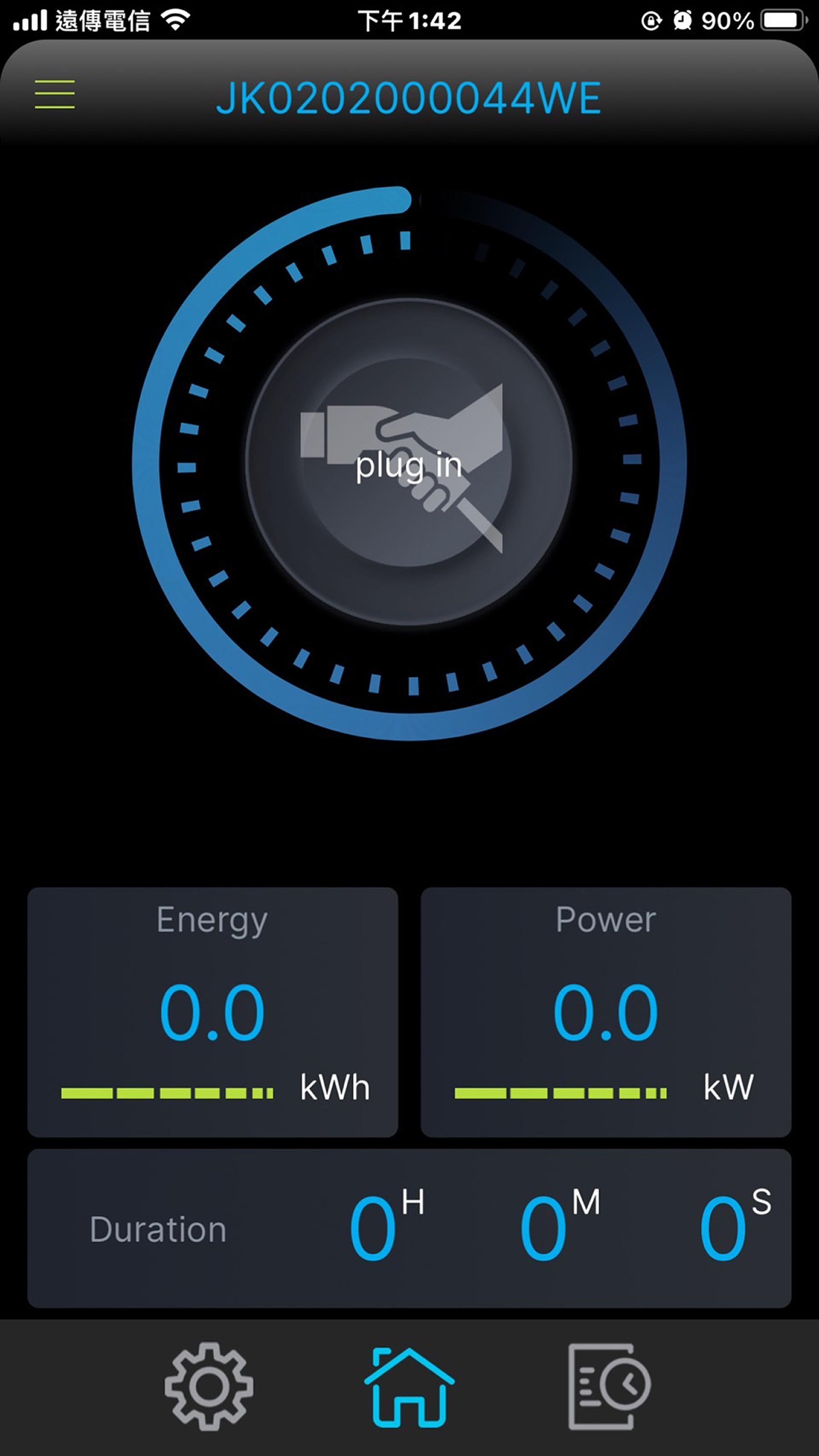
Start and stop sessions with live dataYou can start or stop charging with one tap and view real time progress at a glance. The app shows session time, power, and energy transferred as charging continues. This live view helps you check status without walking to the charger.
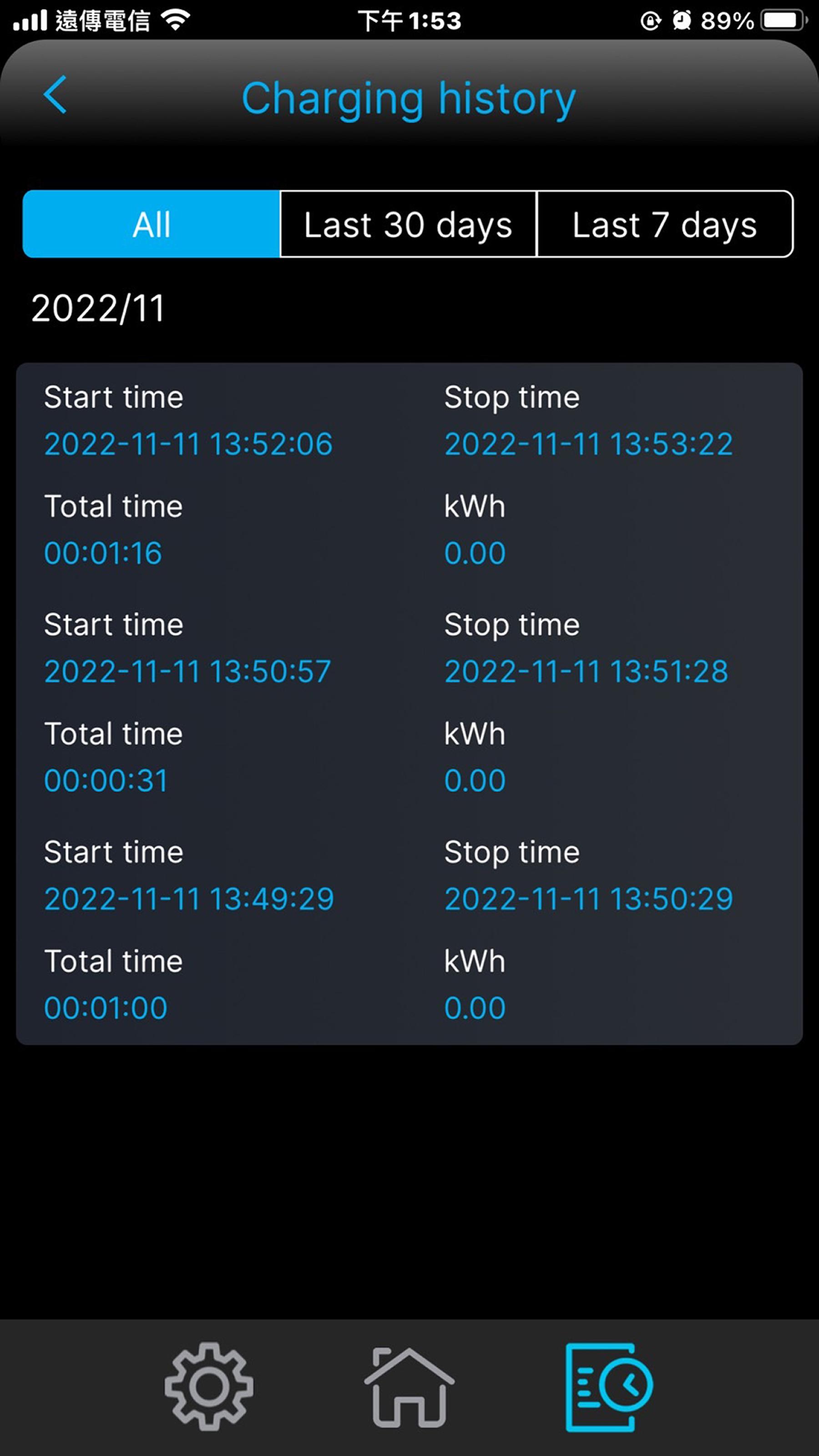
Track history and energy useDelta AC MAX keeps a record of past sessions and overall energy consumption. You can review trends across days or weeks and see how much energy was delivered. This makes planning easier and supports more consistent charging routines.
Schedule charging for routines or tariffsScheduled charging lets you match start times to daily habits or electricity pricing. Set a schedule for overnight use or for off peak hours to align with your plan. Once configured, the app applies your schedule automatically.
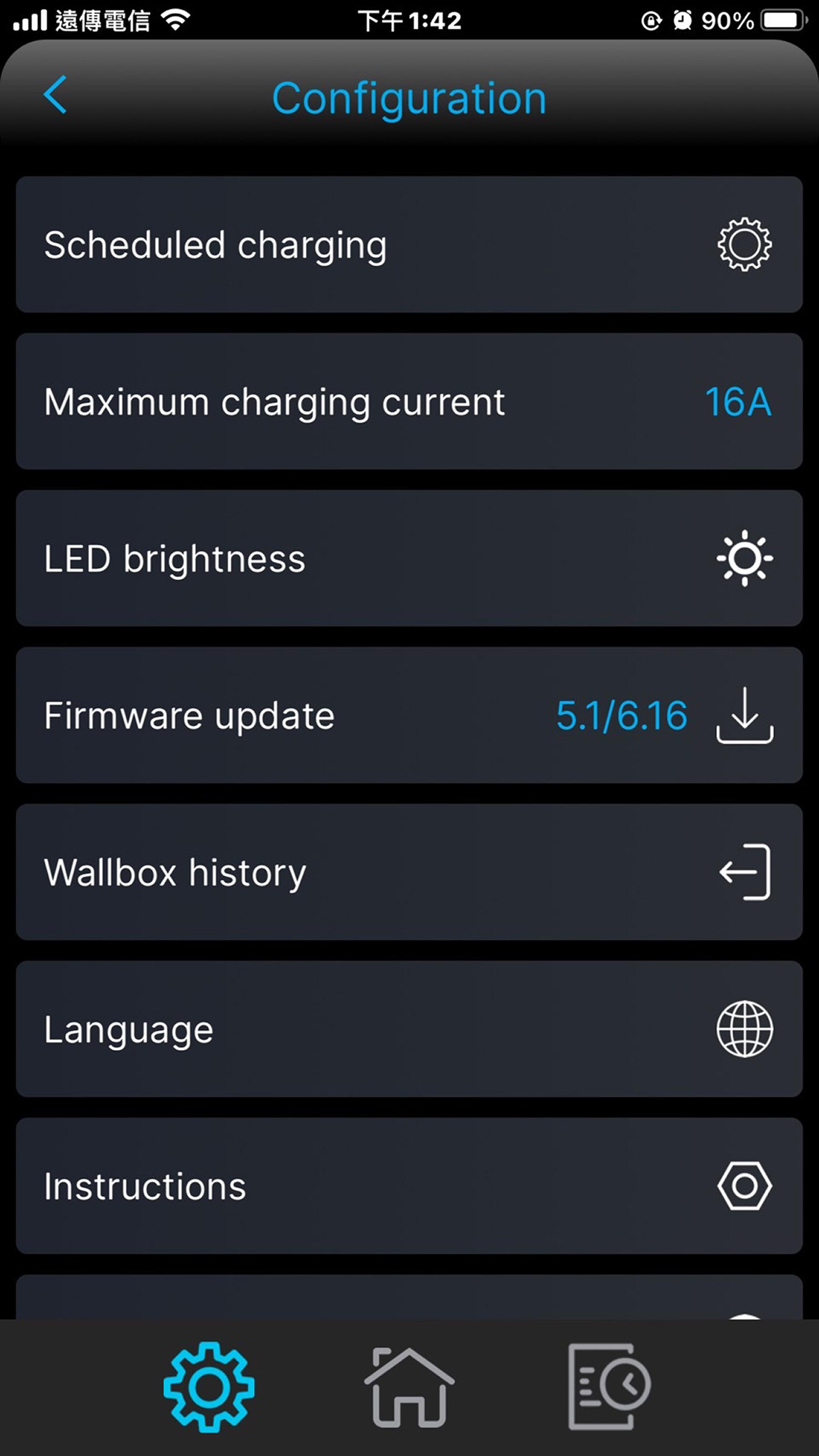
Installer configuration, diagnostics, and updatesInstallers can commission a charger quickly with guided configuration and Active Power Control for grid code compliance. The app supports diagnostics file download to aid troubleshooting and maintenance. OTA firmware updates and LED status bar brightness control keep the system current and visible, and energy management setup via Modbus is available where required.
The app supports both AC MAX Basic and AC MAX Smart. Basic units pair on Bluetooth, which suits single wallbox installations and direct local control. Smart units connect on Wi‑Fi, which is practical for multi charger sites and remote access within the network. A user account login is required for secure operation on both versions.
Delta AC MAX works well at home, in semi private parking such as residential blocks or company lots, and at commercial locations. In these spaces, scheduled charging and energy insights help users plan for regular use and monitor electricity costs. Installers benefit from configuration and diagnostics tools that keep larger sites organized.
Check the Delta AC MAX latest version to ensure compatibility with new charger firmware and installer features. Staying current helps maintain stable pairing, accurate data display, and reliable scheduling. This is helpful for sites where multiple chargers are managed over time.
This quick guide shows the basic setup and control flow on a phone. To begin, install the app and make sure the charger is powered. For convenience, the Delta AC MAX latest version improves pairing and session visibility.
Delta AC MAX brings session control, scheduling, and installer tools together for AC MAX chargers. To manage charging at home or on site, download Delta AC MAX and connect to your wallbox securely.
For product and app details, visit these official links:
Latest Version
1.0.91Uploaded by
Jonas Otavio Jonas
Requires Android
Android 7.0+
Category
Free Tools AppContent Rating
Everyone
Security Report
Report
Flag as inappropriateLast updated on Aug 25, 2025
Minor bug fixes and improvements. Install or update to the newest version to check it out!


APKPure - A multi-platform app store primarily focused on Android, providing extensive app-related content. Discover the app you want easier, faster, and safer, with quick and efficient downloads and installations.