Description:
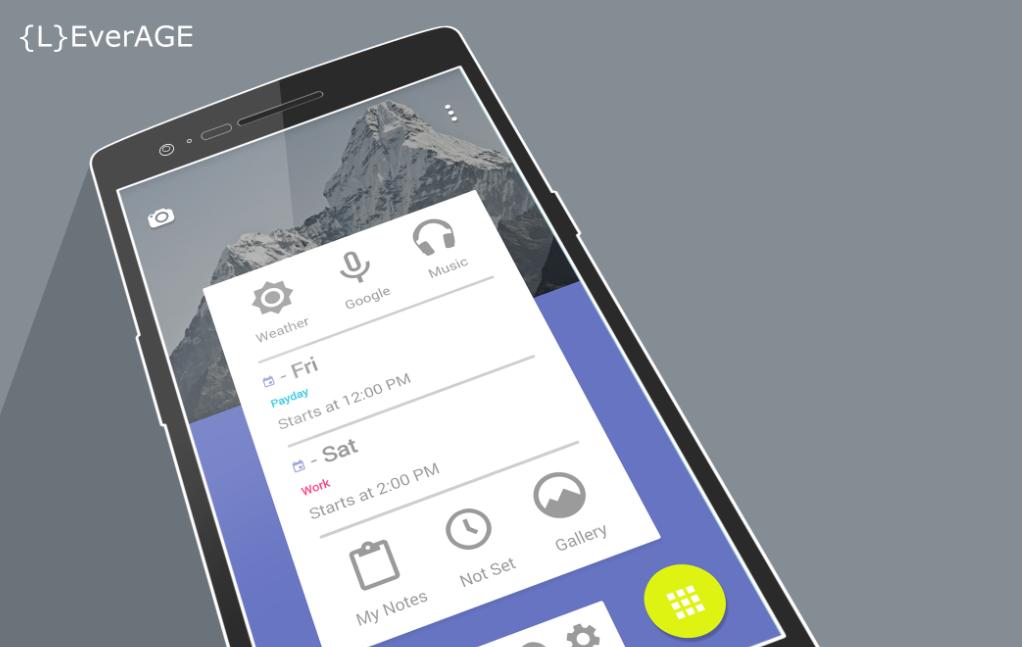
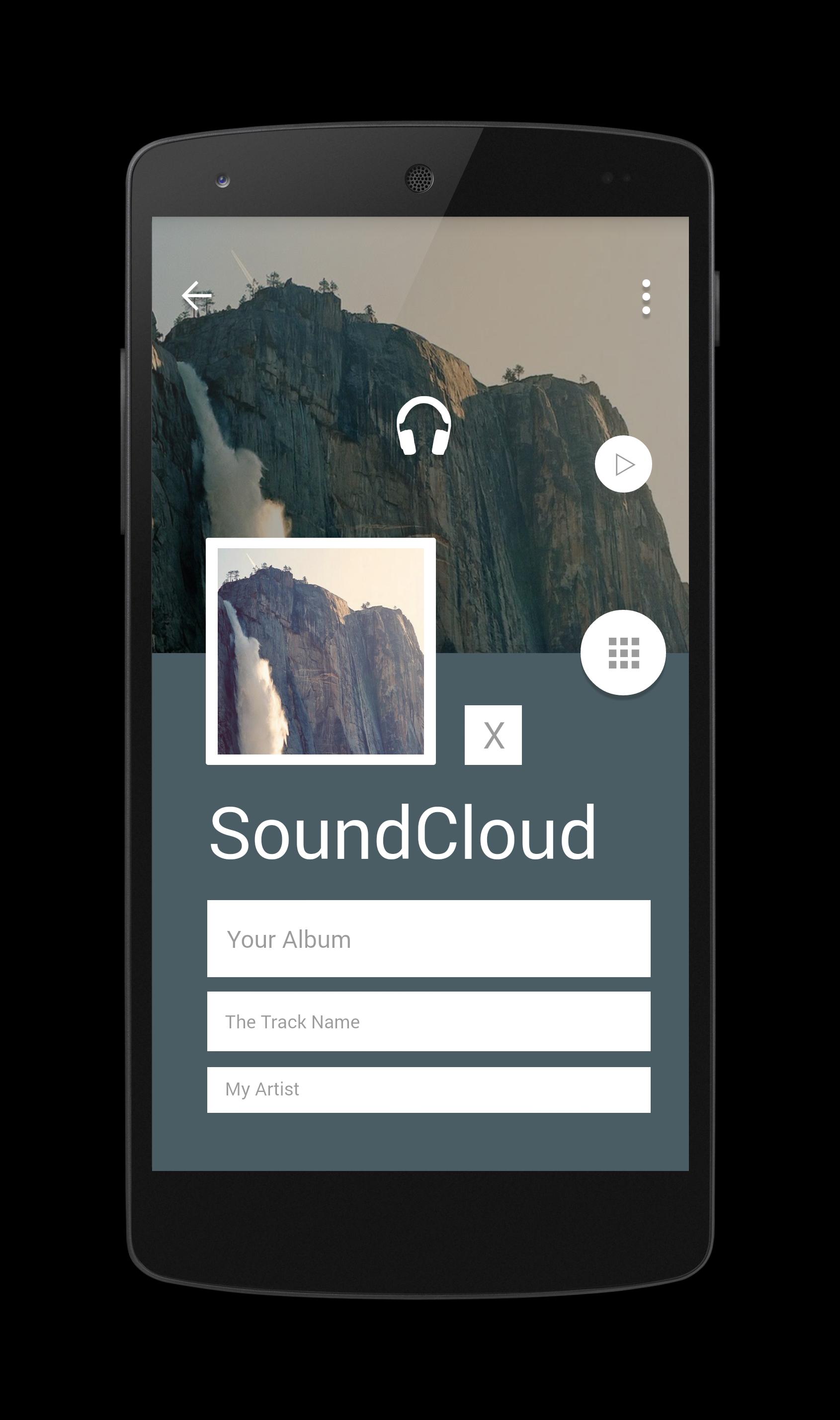
Welcome to the {L}EverAGE theme.
-------------------------------------------------
Help (?)
Email me through my development to report any issues
-------------------------------------------------
This theme consist of:
1x Themer Exported zip file
1x PNG (thumbnail image) for the zip file
1x Wallpapers folder just in case you guys need the wallpapers
1x Setup Instructions (Also below)
-------------------------------------------------
1) Begin Setup Instructions:
(You will need a file manager application or your phone connected to a computer to access the sdcard of your device.)
2) Install {L}EverAGE Installer application.
3) Download the theme package files from dashboard screen.
4) Extract the downloaded zip file using a file manager application or PC if you are connected via usb. Keep in mind where these files were exported too since you will need these later. If you have a PC, just move the zip folder to your PC desktop and extract it there.
5) Install Themer BETA from the Play Store.
(Launch and Signed in to Themer BETA.)
6) Select the MyColorScreen folder in your sd card using a file manager application or PC if you are connected via usb. Then select Themer > Exported.
8) You should see two folder in here: PNG folder and ZIP folder.
10) Using a file manager application or your PC again, copy and paste the PNG and Zip files inside the {L}EverAGE extracted zip file. They are located under the Themer Folder > png/zip.
11) Copy and paste the png into the png folder, and the zip into the zip folder.
11) Navigate to the Themer BETA home screen, select Menu > Themes >My Themes > Exported. (If you did everything correctly, you should see the {L}EverAGE png in this screen.)
12) Select the {L}EverAGE theme, apply and enjoy!
If you have any issues please reach out to me through my dev email or simply long press and hold on any widget to modify the themer zooper files. You will need to unlock editing options in themer to gain this ability.
(screen > menu > Themes > Settings > Advanced > Desktop > DeSelect:
-Lock Homescreen Icons
-Lock Homescreen Widgets.)
-------------------------------------------------
Aktuelle Version
1.0Erforderliche Android-Version
2.2
Kategorie
Personalisierung APPAltersfreigabe
Everyone
Last updated on Oct 13, 2014
Diese Version enthält kleinere Fehlerbehebungen und allgemeine Verbesserungen. Aktualisiere auf die neueste Version, um die bestmögliche Nutzererfahrung zu erhalten.




APKPure – Ein plattformübergreifender App-Store mit Fokus auf Android, der eine Vielzahl an Apps und relevanten Inhalten bietet. Entdecken Ihre gewünschte App, laden und installieren Sie schneller, sicherer und effizienter.