
Erweiterte Anwendungsverwaltung, Tasks abschalten, Speicher leeren, Telefon schneller machen, Batterie einsparen.
Works on Android Nougat 7.0 with latest system update!!
■ Besonderheiten
-----------------------------
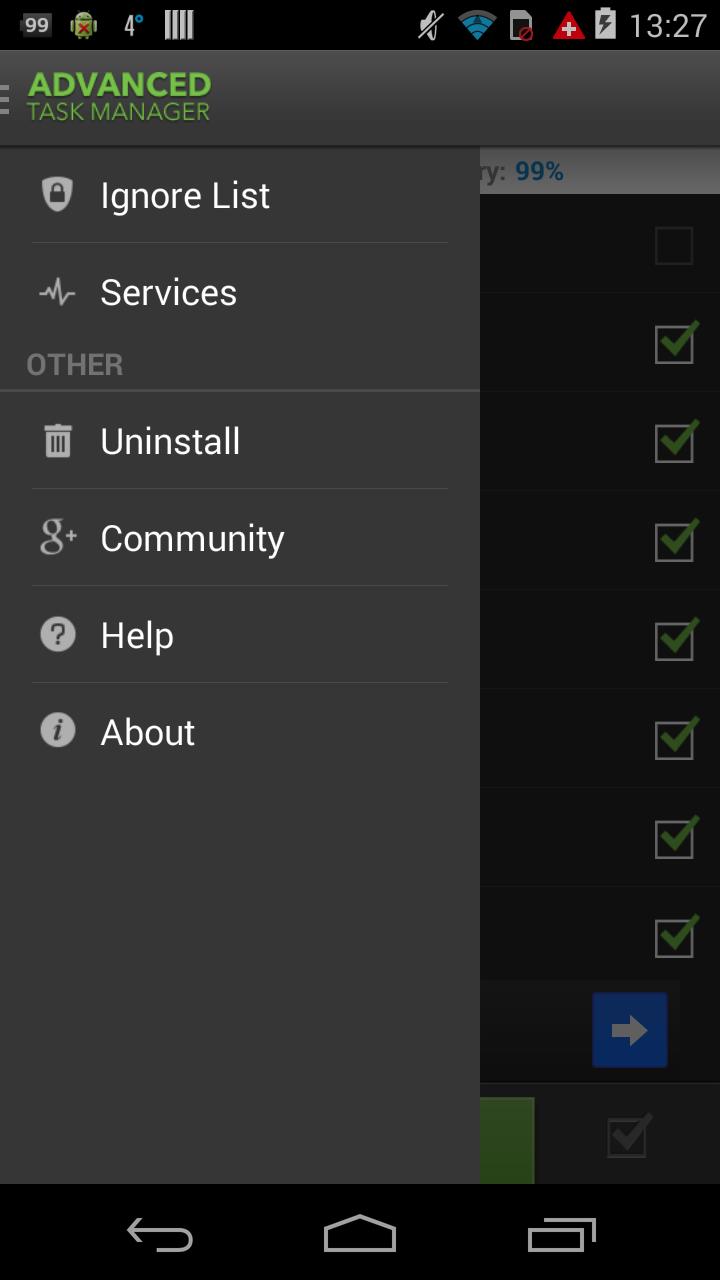
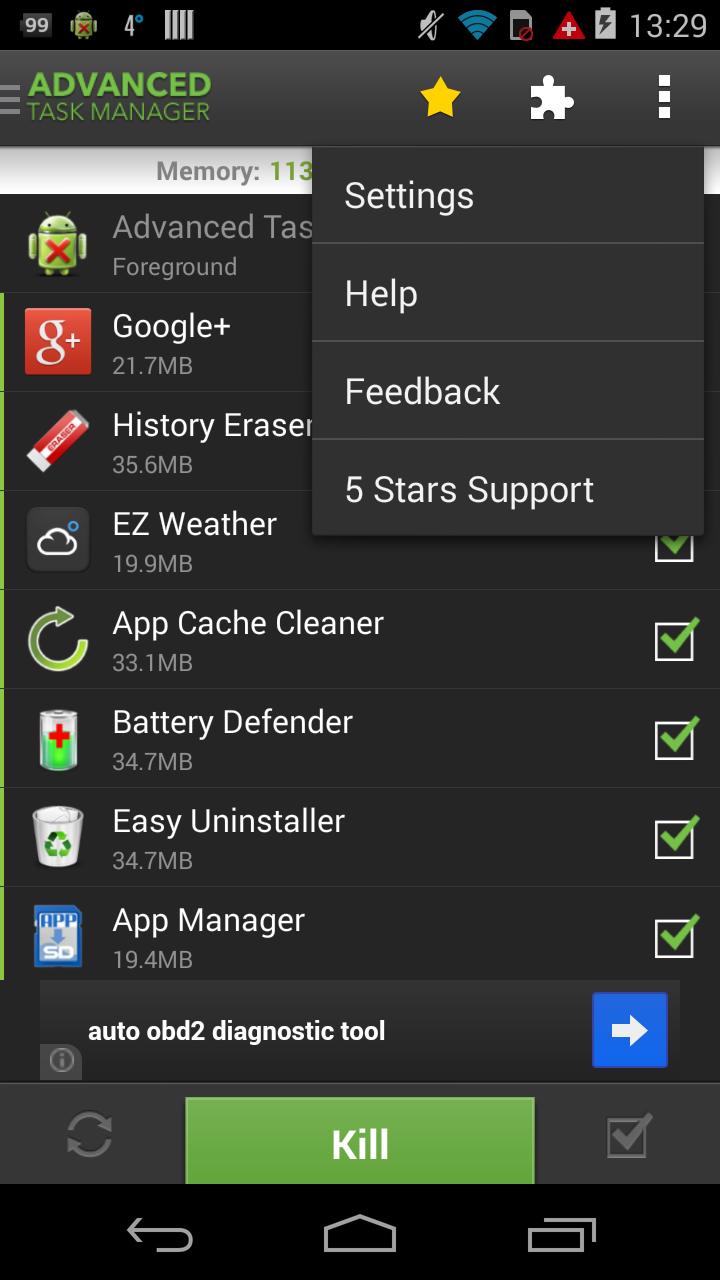
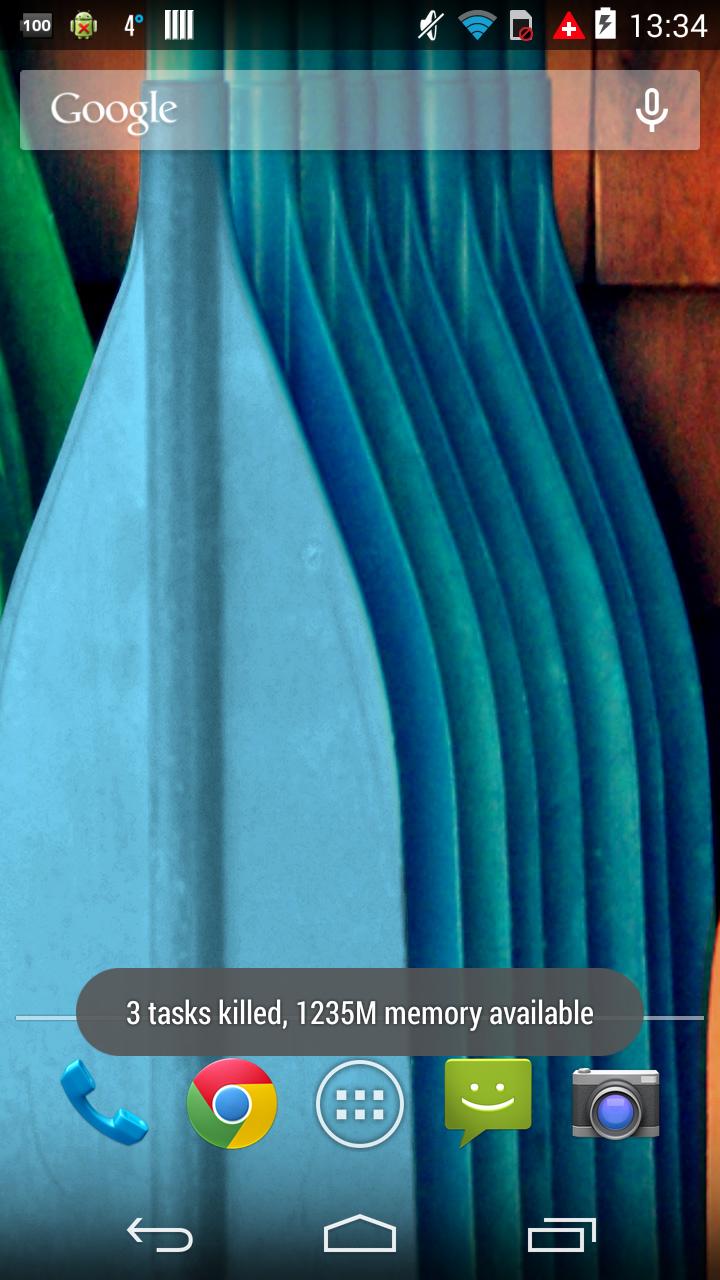
• Anwendungsabschaltung; ausgewählte Anwendungen abschalten
• Programme ignorieren, wenn Anwendungen abgeschaltet werden
• Auto•Abschaltung von Anwendungen bei jeder Displayabschaltung
• Regelmäßige Abschaltungen
• Abschaltung bei Start (Stop bei Start)
• Ein•Klick Anwendungsabschaltungs•Widget
• Schnelle Deinstallierung
• Batterielaufzeit anzeigen
• Unterstützt Android 1.6•4.x
• Kill apps to stop GPS
• Memory Booster, RAM Booster
• Permission manager addon for Android 4.3 (App Ops)
• Holo style
■ Description
-----------------------------
Advanced Task Manager can list all the running tasks and you can select some to kill. It is also a task management tool to manage all the installed apps.
Android >= 2.2 system changed the task manager mechanism. Task killer cannot kill services and notifications when killing apps. If you want to kill tasks thoroughly, long press the task that you want to kill, and click “force stop”, you will see the application info system panel, then click the “force stop” button. For android system >=2.2, click menu•>service, you will see the running service system panel, and you can stop running services here.
**Please note that installing the following apps such as: Advanced Task Killer, Super Task Killer FREE, ES Task Manager, Automatic Task Killer, Mobo Task Killer, Android Booster together with Advanced Task Manager may make your phone unstable or cause potential conflict.**
■ FAQ
-----------------------------
Q: Why do apps restart again after killing?
A: Some apps are restarted by system events. Apps cannot be prevented from restarting because of system limitation. We suggest you to enable auto kill in settings, and it will kill tasks on every screen off. It will help to save battery life and release memory for the phone.
Q: How can I add apps to the ignore list?
A: You can long press the task that you want to ignore, and then you will get a poped up context menu, click "Ignore". The ignored apps will not be shown in the task list, and will never be killed. You can manage the ignored apps in settings.
Q: How can I manage startup apps?
There is "Startup Kill" in settings. It can help you to kill tasks when system starts up.
Thank Ratte Grassmann for helping translate into German!
Aktuelle Version
6.4.5.238Von hochgeladen
Wathann Tun
Erforderliche Android-Version
Android 5.0+
Kategorie
Gratis Effizienz APPAltersfreigabe
Everyone
Last updated on Sep 21, 2021
Bug fix





APKPure – Ein plattformübergreifender App-Store mit Fokus auf Android, der eine Vielzahl an Apps und relevanten Inhalten bietet. Entdecken Ihre gewünschte App, laden und installieren Sie schneller, sicherer und effizienter.