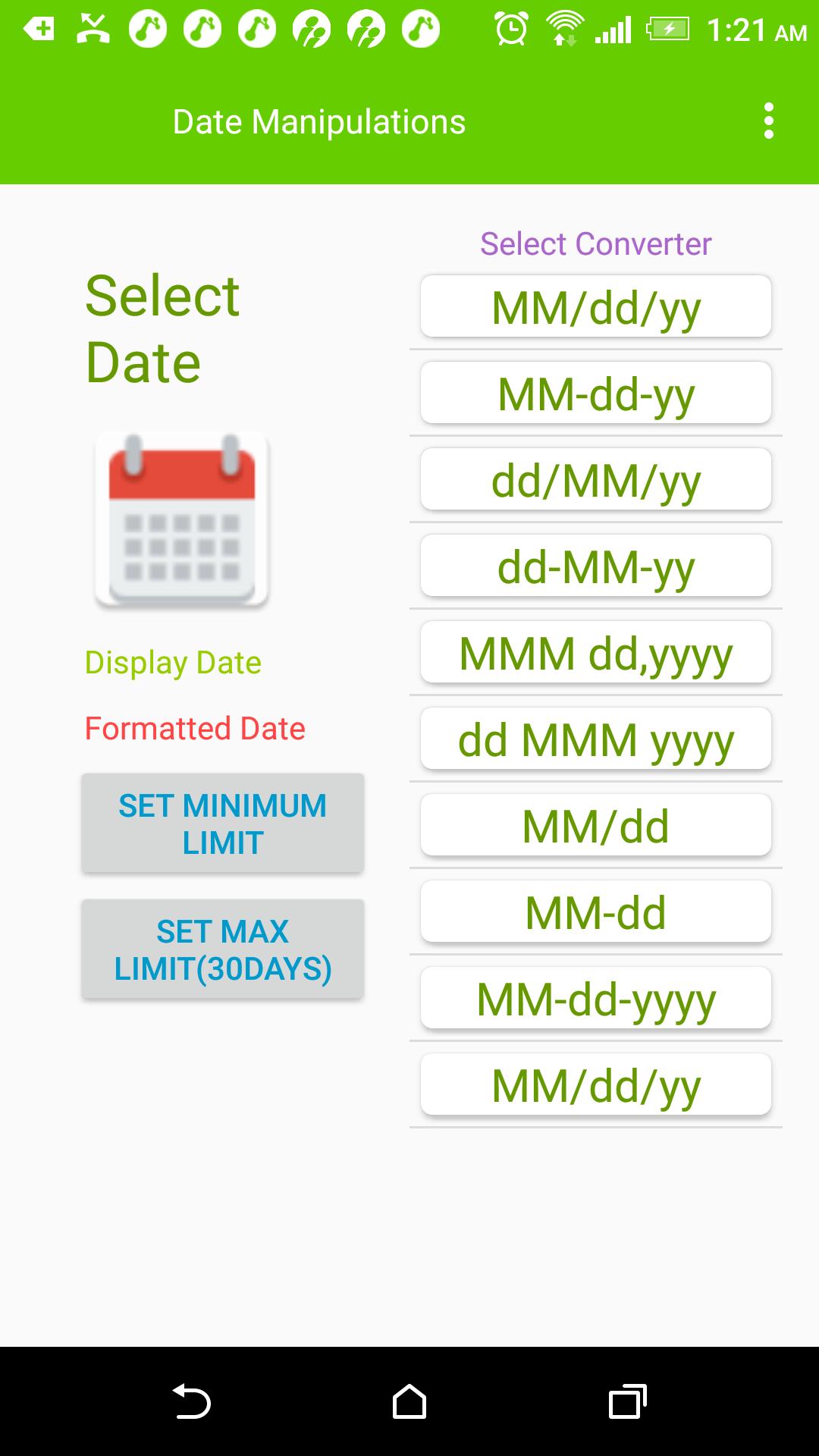
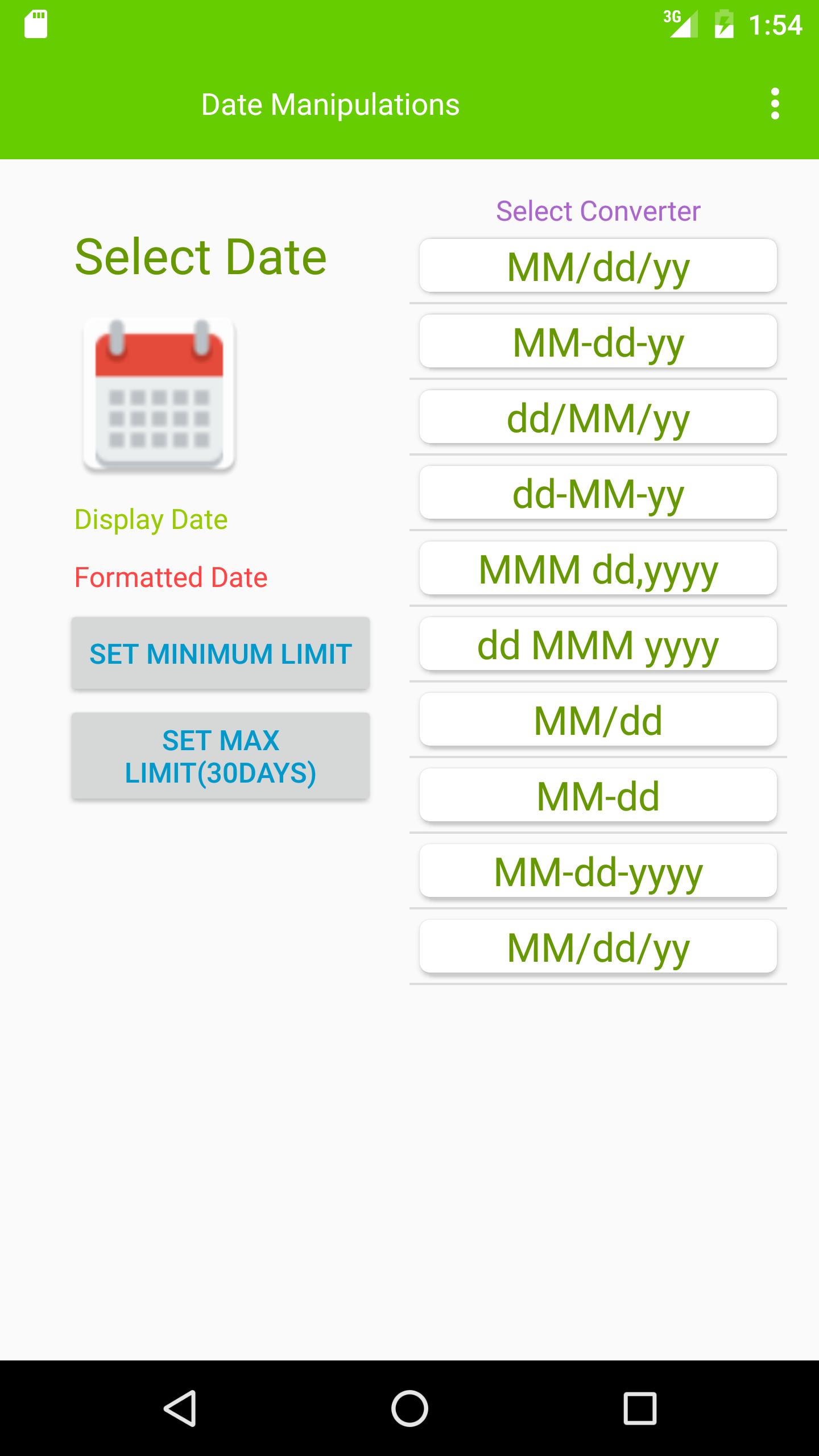
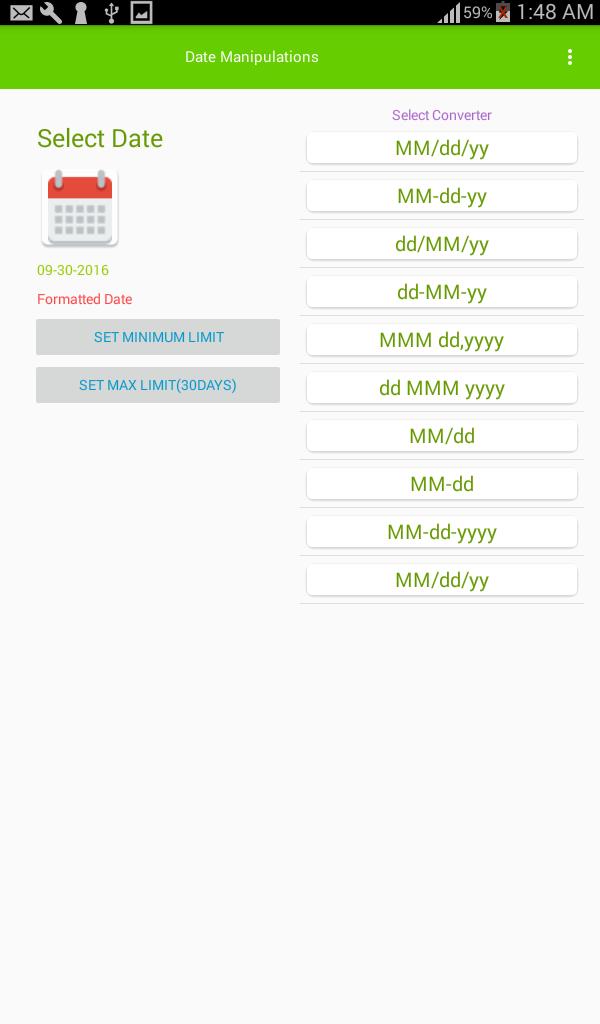
DateFormatter App is quick reference to convert Android dates to various date formats based on selected date from date picker.
Also this app provides to buttons to set Minimum and Maximum dates for Android DatePicker .
The source code of this app is uploaded at GIthub so that developers can use the date conversion code in their apps .
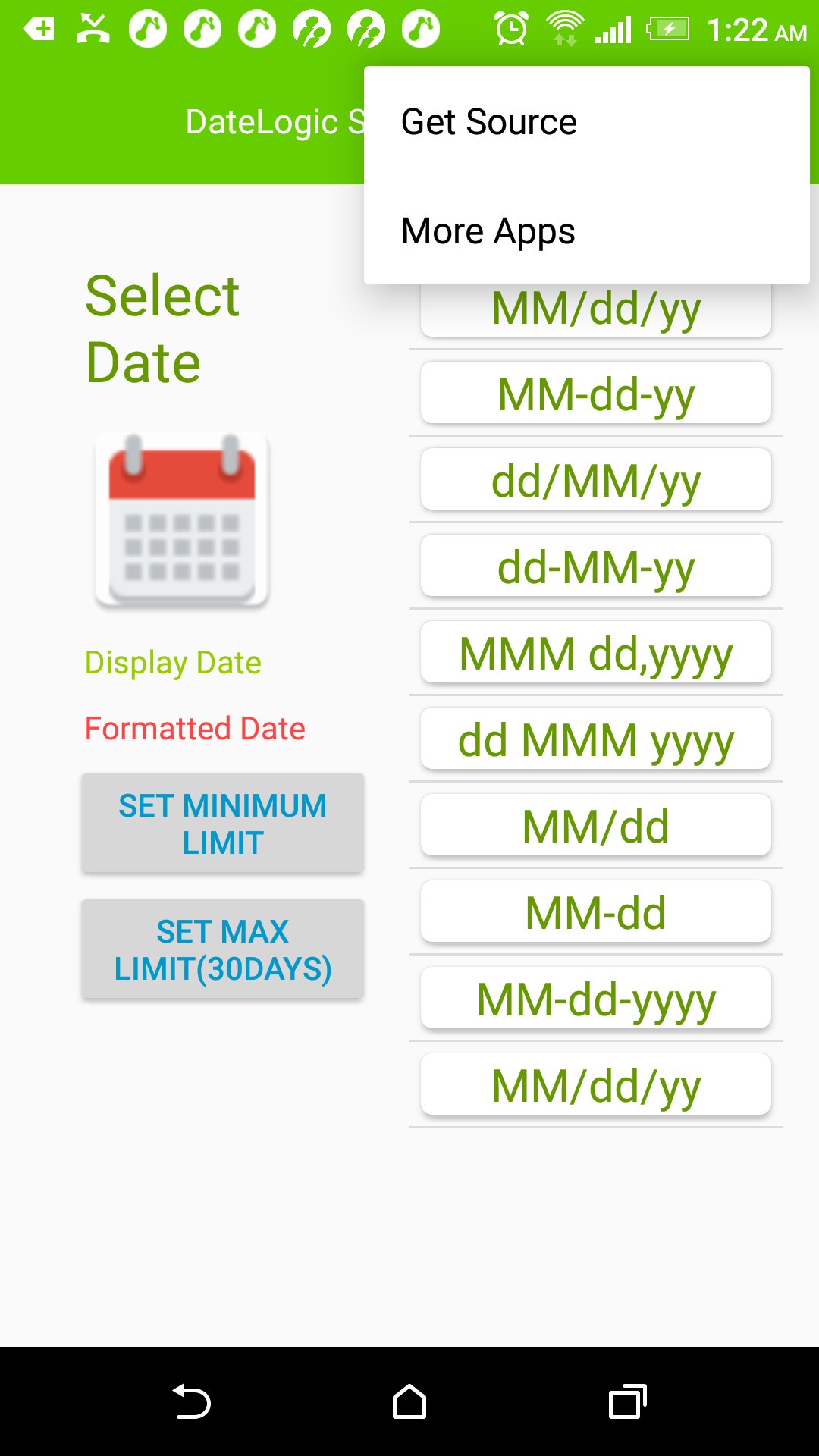
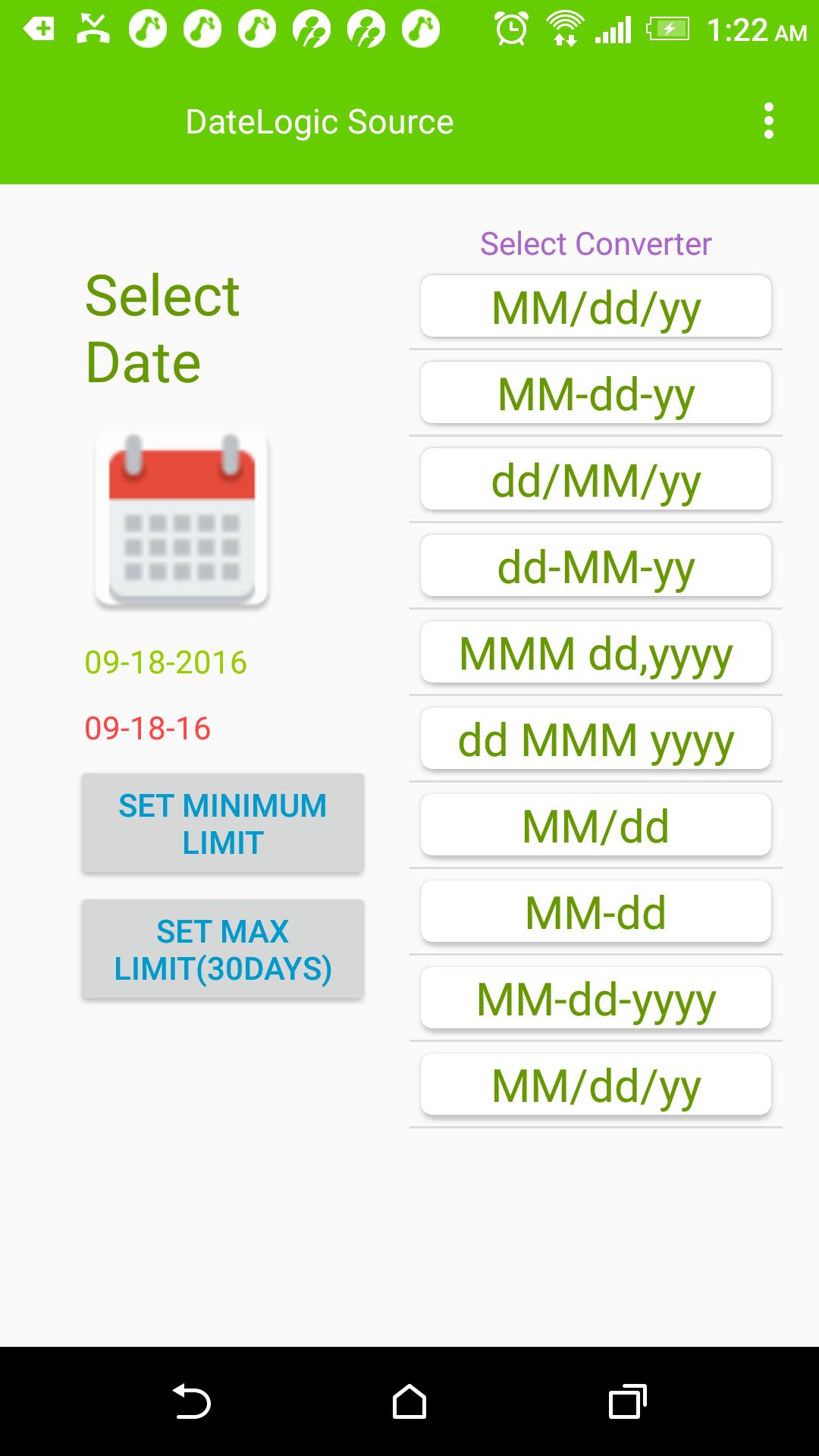
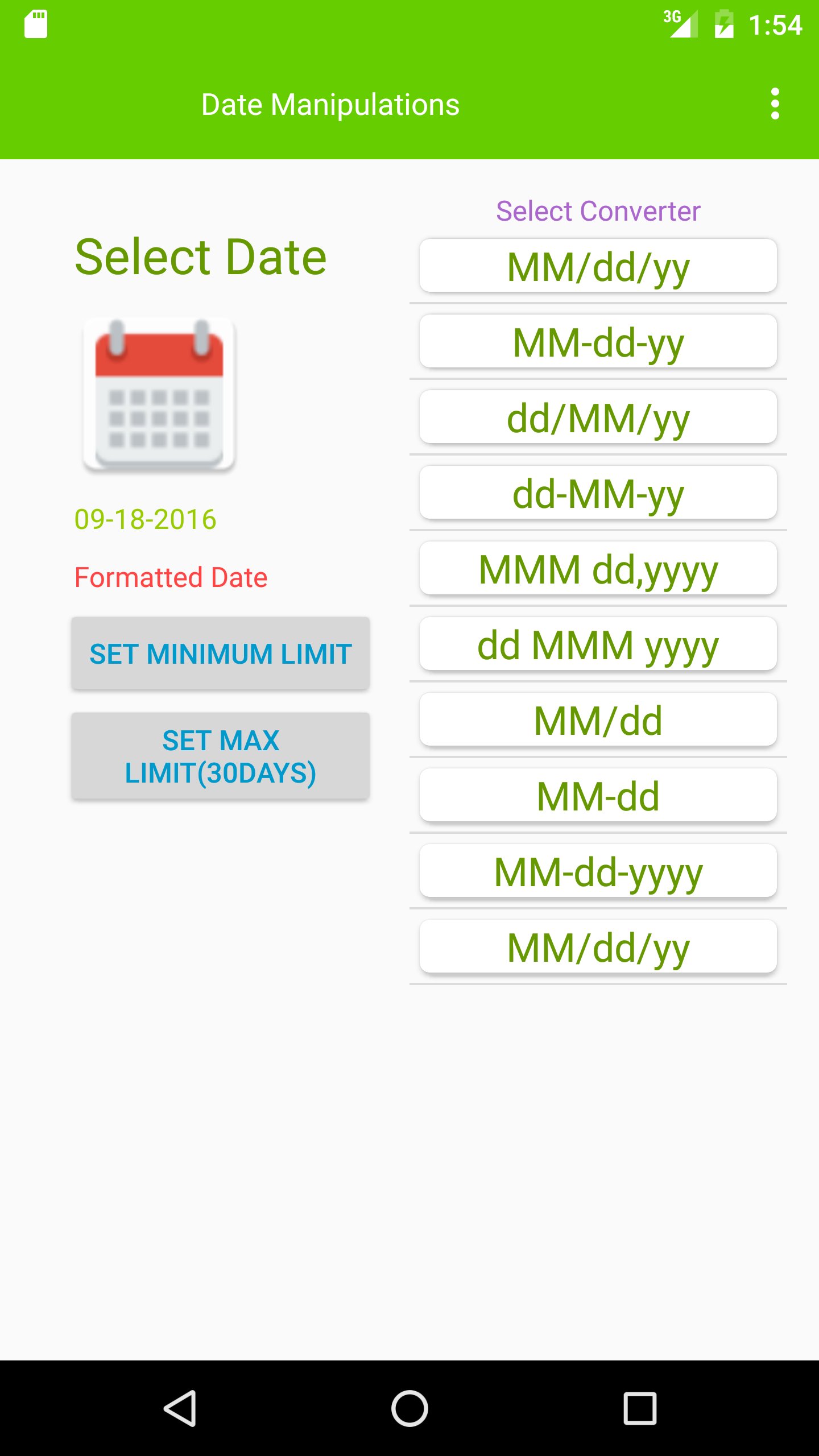
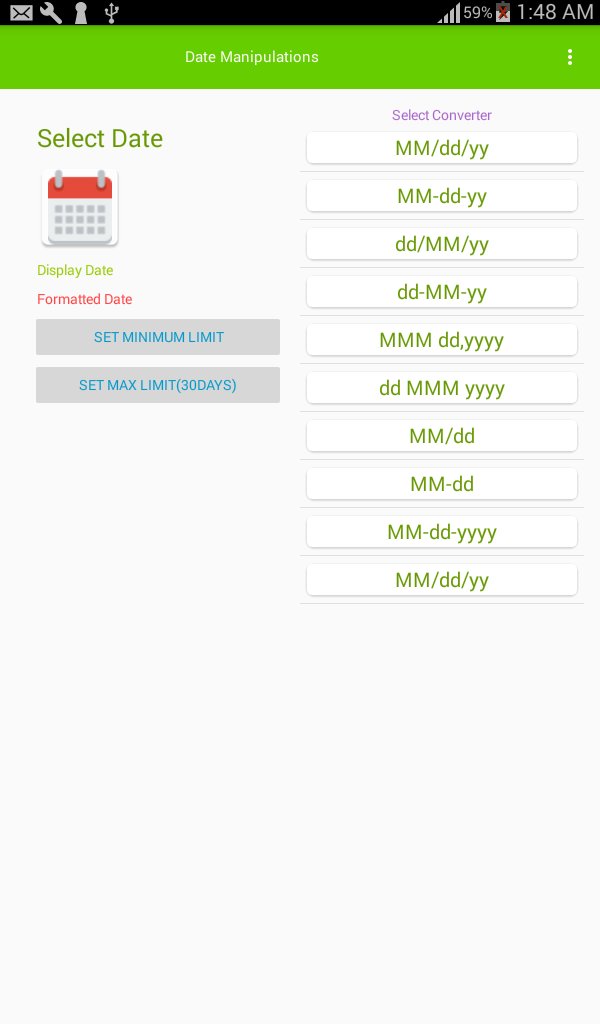
User is asked to select a date on clicking date icon on left side. From the right hand side list of date formats provided on click on each of the format selected date format is converted on left side.
Added new date format:yyyy-MM-dd
Latest Version
1.1Uploaded by
Adem Adem
Requires Android
Android 4.0.3+
Category
Free Education AppContent Rating
Everyone
Report
Flag as inappropriateLast updated on Mar 6, 2018
This release includes minor bug fixes and general improvements. Update to the latest version for the best experience.


APKPure - A multi-platform app store primarily focused on Android, providing extensive app-related content. Discover the app you want easier, faster, and safer, with quick and efficient downloads and installations.