
Do you want to customize app icons? Customize App Icon - Icon Changer, Icon Pack Maker is an amazing app that enables you to change the icon of installed applications in your mobile phone.
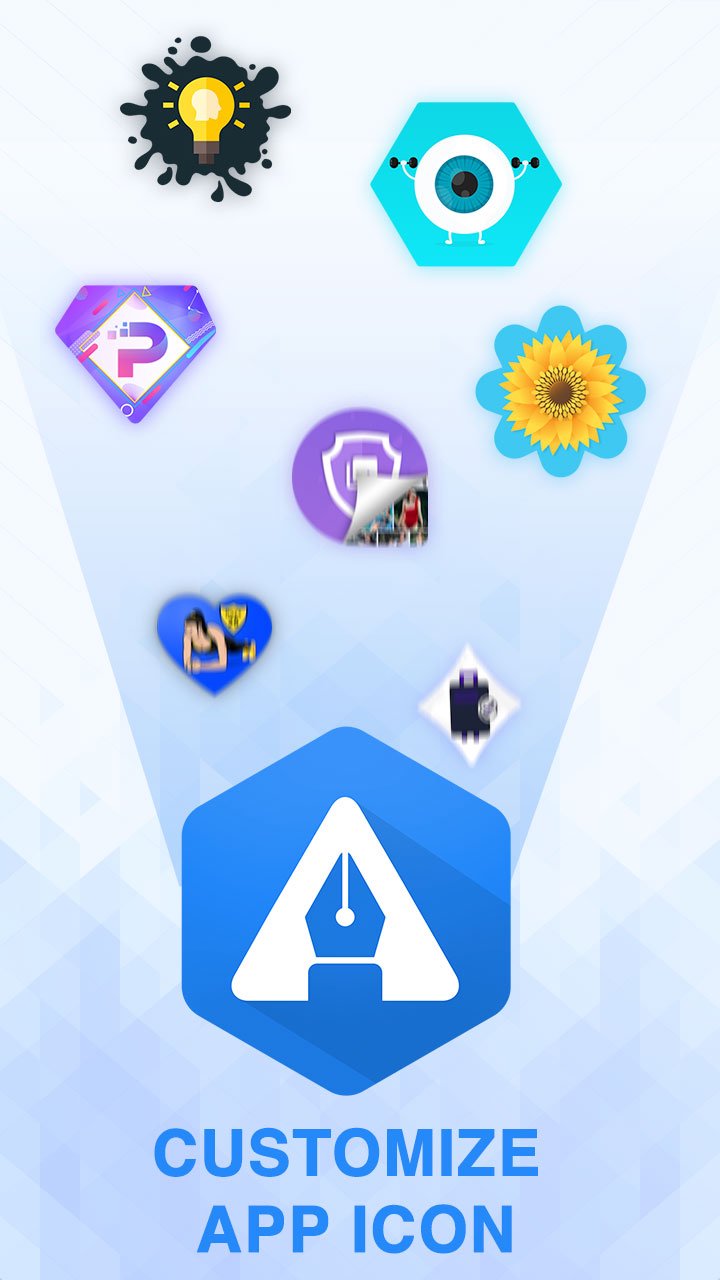
With this icon changer app, you can customize any app’s icon whether its color or its shape. The app allows many icon customization options. There are also many inbuilt icon packs available that you can use it as per your choice.
Key Features of Customize App Icon - Icon Changer, Icon Pack Maker:
Change the installed application’s icon.
Many inbuilt icon packs available to use.
Customize the icon, change its shape and color.
Also, change its size, background color.
Save or import icons from the gallery.
Add your text to the icon.
Set your image from the gallery as the icon's background.
Export as an icon pack, save as png or add it to the home screen.
The Customize App Icon - Icon Changer, Icon Pack Maker is an app that helps you create amazing and stylish icons for your installed applications in a few clicks. With this icon customization application, you can decorate your home screen and make your icons match your launcher theme. The app allows you to bring something new to your phone. There are lots of personalization options available to make your app’s icon interesting.
Change Icon Shape:
Change your app icon shape.
Many shapes available to choose from such as square, rounded square, round, hexagone, triangle, heart shape, etc.
Choose other Icon:
Lots of inbuilt icon packs available.
You can choose the icons of google, YouTube, Facebook, Amazon, Instagram, Hangouts, Android, Messenger, etc.
Change its color.
Change Icon Background and Position:
Change the icon's size or rotate it.
Change the icon's background. Choose from the gallery or select solid color.
Change the position of your Icon.
Set Title:
Set a different title for your icon.
Add Image and Text to Icon:
Choose your image from the gallery for the icon or set it as an icon background.
Add text into the icon.
Import and Export Icon:
Import icon from your device storage.
Export customized icon as icon pack, as png image or add it to homescreen.
How to use Customize App Icon - Icon Changer, Icon Pack Maker app?:
Here is the full guided information about how to use this application to customize your app icon. After downloading this application, you can find two tabs over there:
Start Tab
In this tab, you can find all the installed applications here. Tap on any that you want to customize. In the next panel, you can see a preview pane and a customization pane. You can customize the icon's shape, position, background or you can even change its title and add customized text into the icon. There are lots of shapes available in Customize App Icon - Icon Changer, Icon Pack Maker app including square, rounded square, round, squircle, cloud, hexagone, puzzle, rectangle, round rectangle, samsung rectangle, stock pixel squircle, triangle, tear drop, decagon, etc.
If you want to use other icons for your application, there are many inbuilt icons available such as Google, Facebook, File Manager, Instagram, YouTube, Amazon, Twitter, or Battery, Alarm, Android icons. You can change these icon’s color too.
From the Icon Setting section, you can change the icon's size, background color, position, etc. For background, you can choose a solid background color or select image from your gallery. Here is also an option to import your customized icon pack from storage.
After all is done, you can save your customized icon as an icon pack and add it to your home screen or you can export it as a png image.
Gallery Tab
The gallery tab contains your saved icons.
So, download this amazing icon changer application Customize App Icon - Icon Changer, Icon Pack Maker and create your personalized icon. Also, if this app makes you happy, share it with your friends and family. Don’t forget to rate us.
Latest Version
1.9Uploaded by
Mil Da
Requires Android
Android 5.0+
Category
Free Personalization AppContent Rating
Everyone
Report
Flag as inappropriateLast updated on Jul 28, 2022
Minor bug fixes and improvements. Install or update to the newest version to check it out!



APKPure - A multi-platform app store primarily focused on Android, providing extensive app-related content. Discover the app you want easier, faster, and safer, with quick and efficient downloads and installations.