

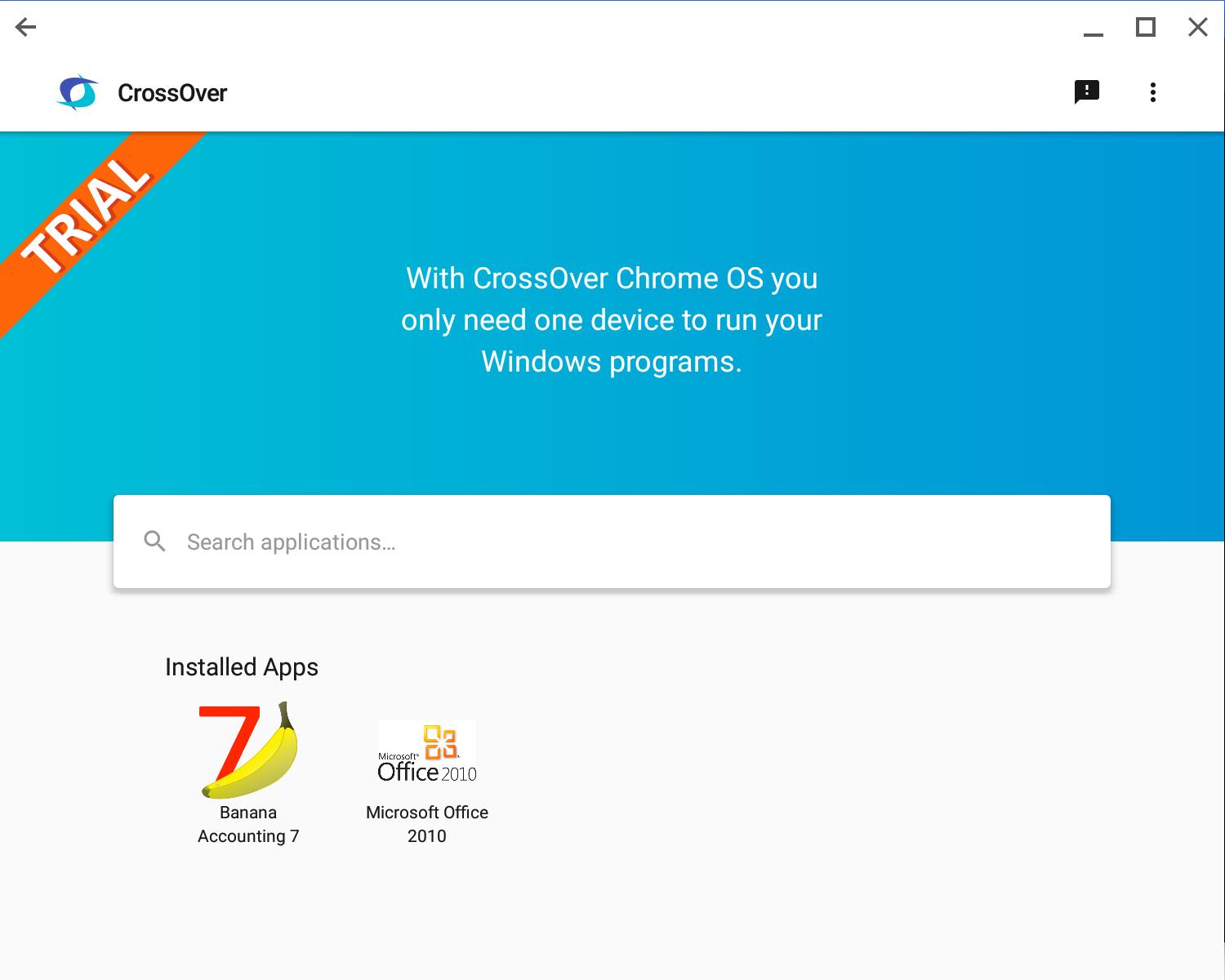
CrossOver on Chrome OS Beta helps when you need a Windows program on your Chromebook without juggling devices. It lets you open utility apps and some DirectX games alongside your mobile apps, so your work and play stay in one place. Instead of remote sessions, you run programs locally on your device. If you prefer a direct install, the CrossOver on Chrome OS Beta APK offers the same experience across supported Chromebooks.
Run Windows apps alongside Chrome OS
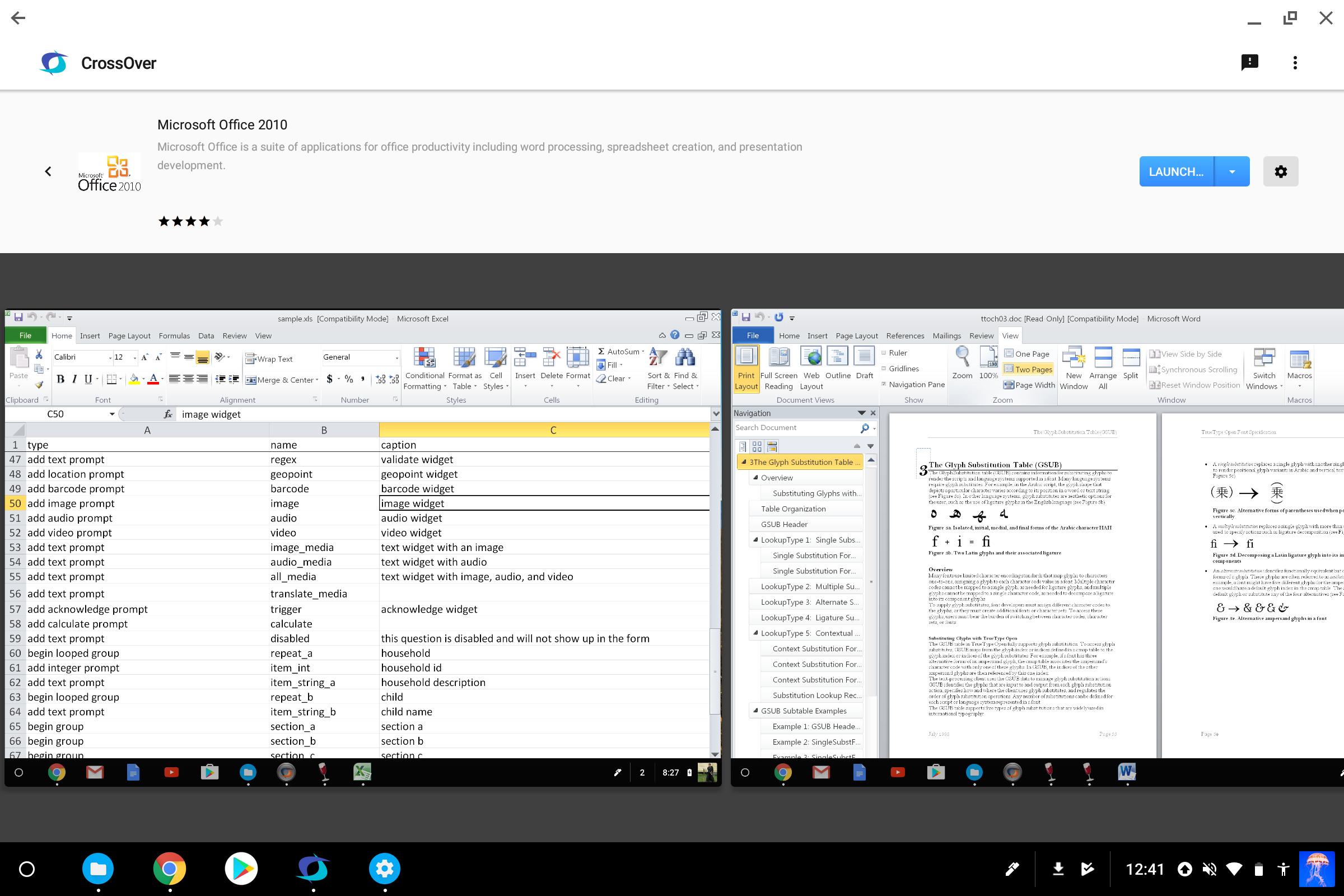
You can use Windows utility applications like Quicken and Microsoft Office next to your mobile apps. Files and windows sit together, which keeps tasks in view and easy to reach. You can open, edit, and save within the same Chrome OS workspace.
Support for select DirectX games
For entertainment, certain DirectX titles work, including Wizard 101. Before you download CrossOver on Chrome OS Beta, check whether your app or game is supported at https://www.codeweavers.com/compatibility. Details on how well a title runs are listed on that page.
One device, no remote desktop
Beyond apps and games, CrossOver on Chrome OS Beta helps you rely on one device. It runs your programs on the Chromebook itself, so you avoid remote sessions and switching between devices. This is useful when traveling or moving between class and meetings.
Free support included
If questions come up, free support is included. It can help with setup and basic troubleshooting so you can start using your chosen software.
CrossOver on Chrome OS Beta lets you use Windows software and select games on Chrome OS without a second machine. Review compatibility, then install the CrossOver on Chrome OS Beta latest version to begin. This suits users who prefer one device for work and play.
Latest Version
18.1.0Uploaded by
عباس مطوس
Requires Android
Android 5.0+
Category
Free Productivity AppContent Rating
Everyone
Report
Flag as inappropriateLast updated on May 27, 2024
This release includes minor bug fixes and general improvements. Update to the latest version for the best experience.


APKPure - A multi-platform app store primarily focused on Android, providing extensive app-related content. Discover the app you want easier, faster, and safer, with quick and efficient downloads and installations.












