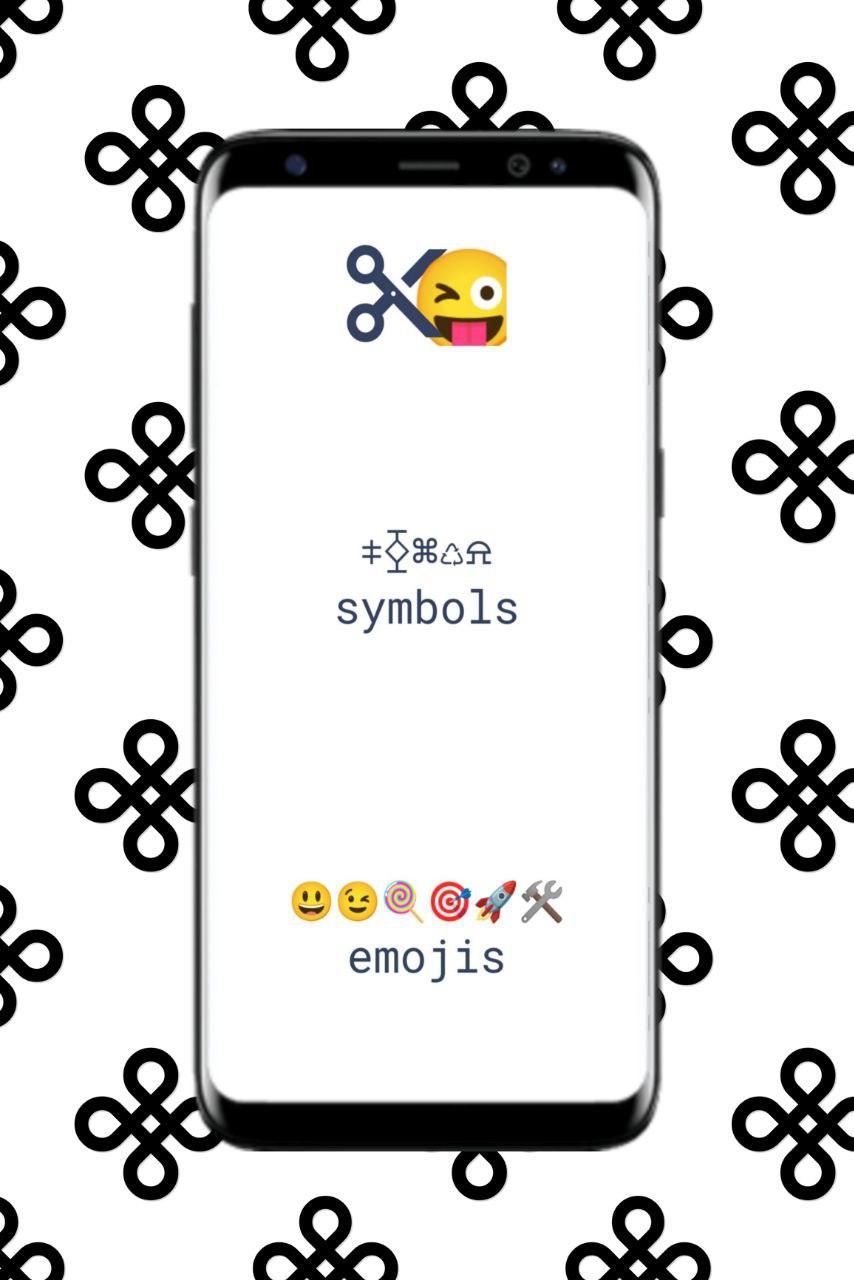
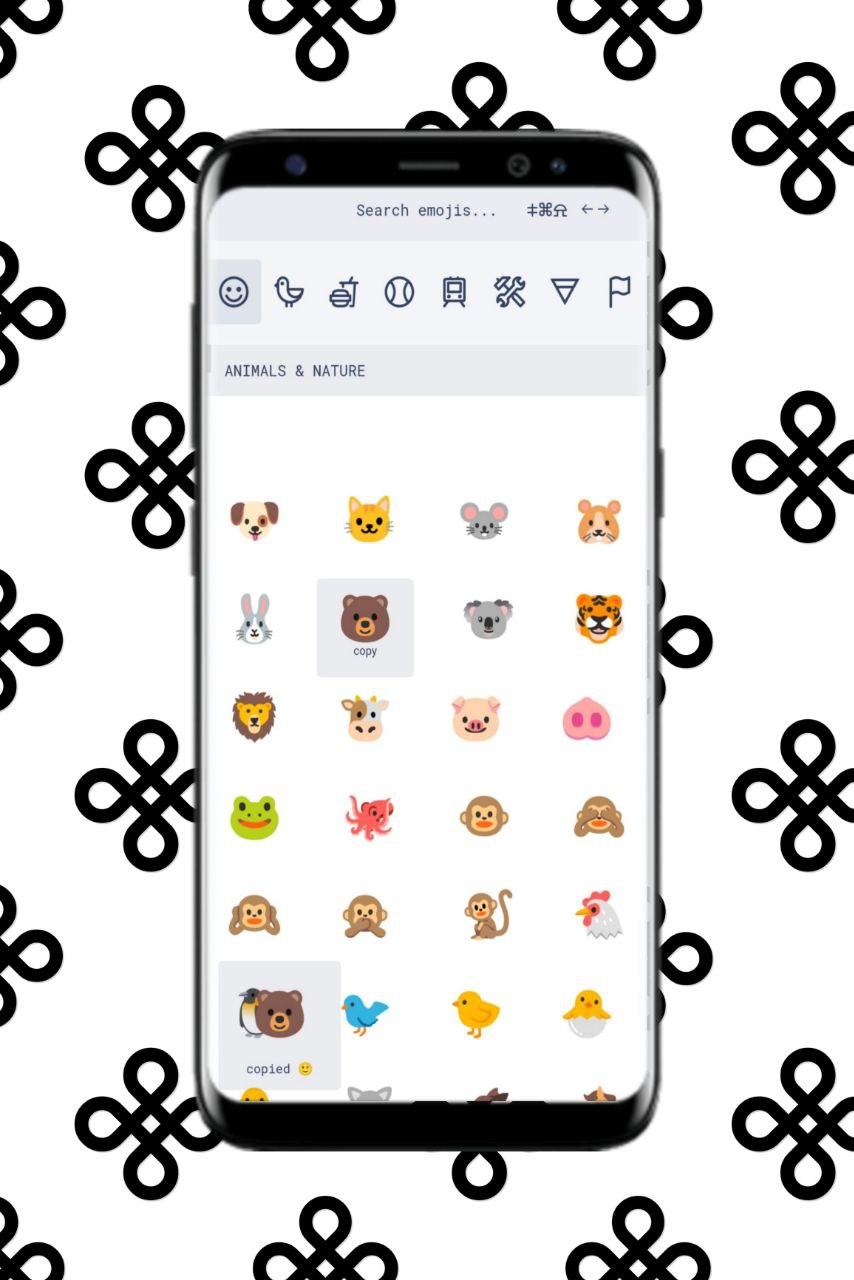
CopyChar lays out special characters under several categories,
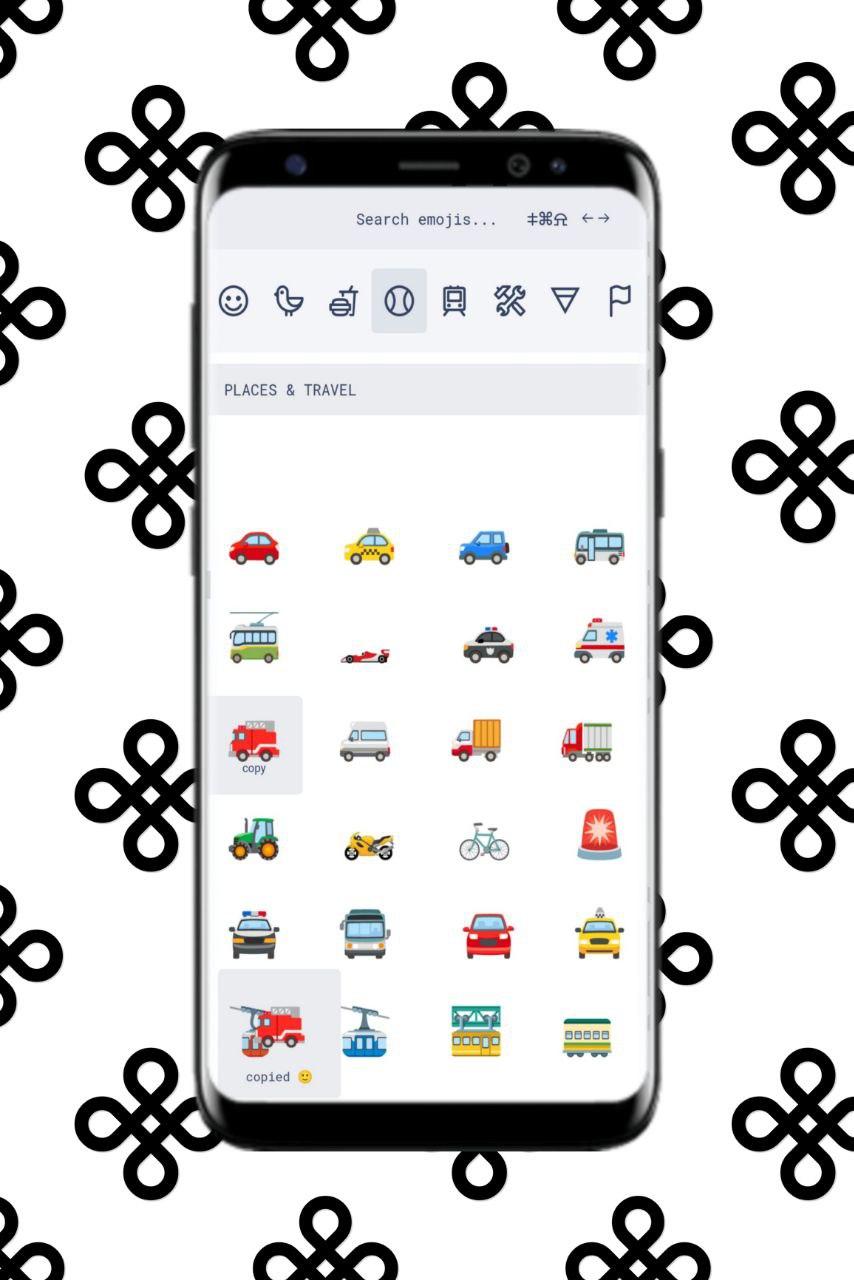
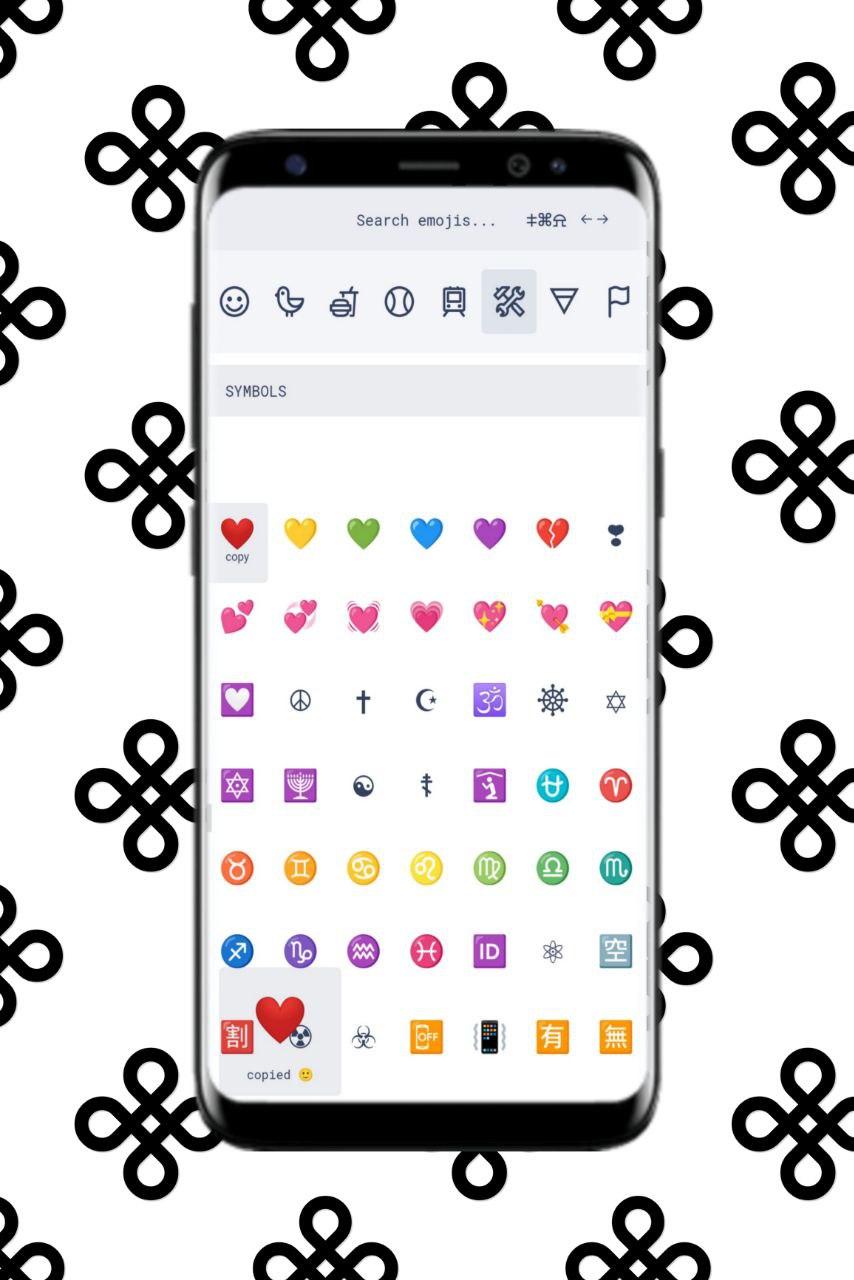
similar to how your phone’s keyboard categorises emoji.
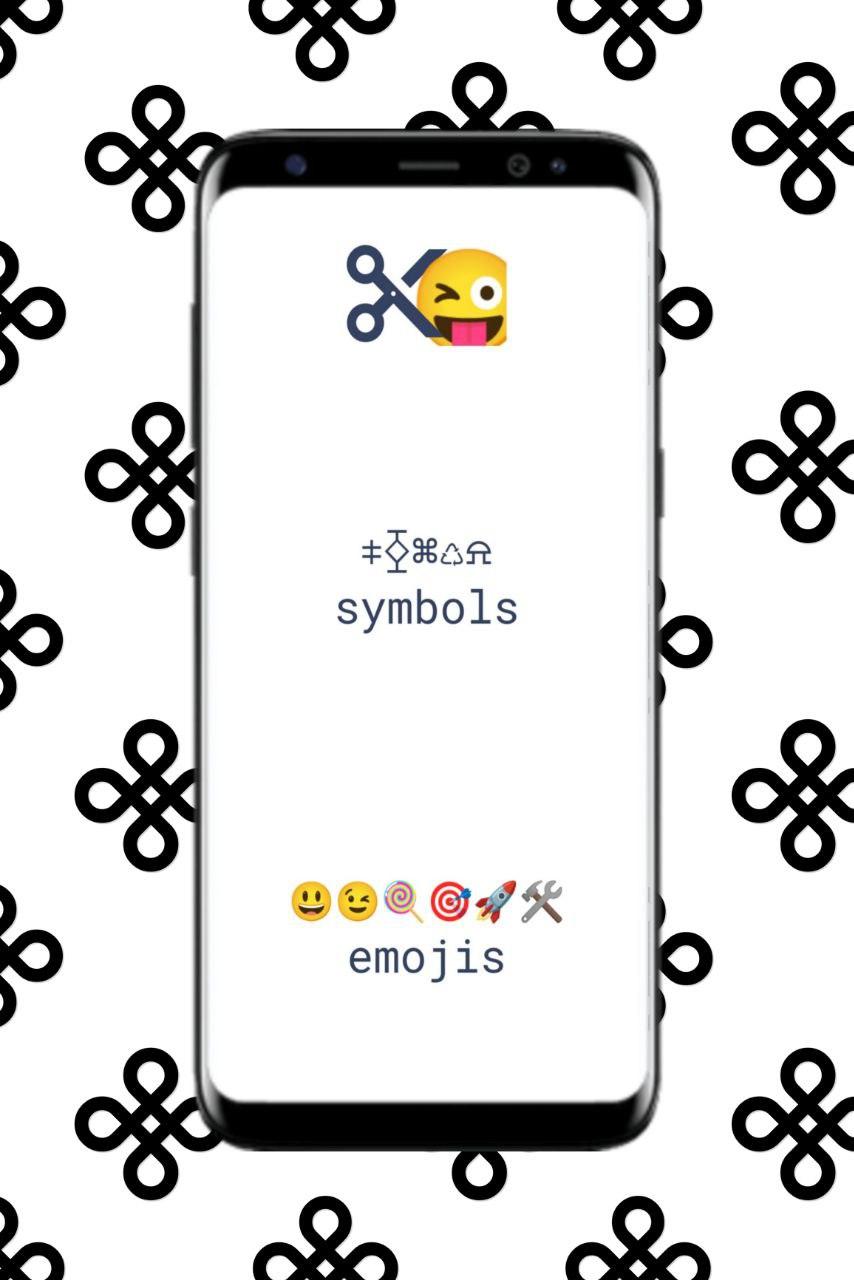
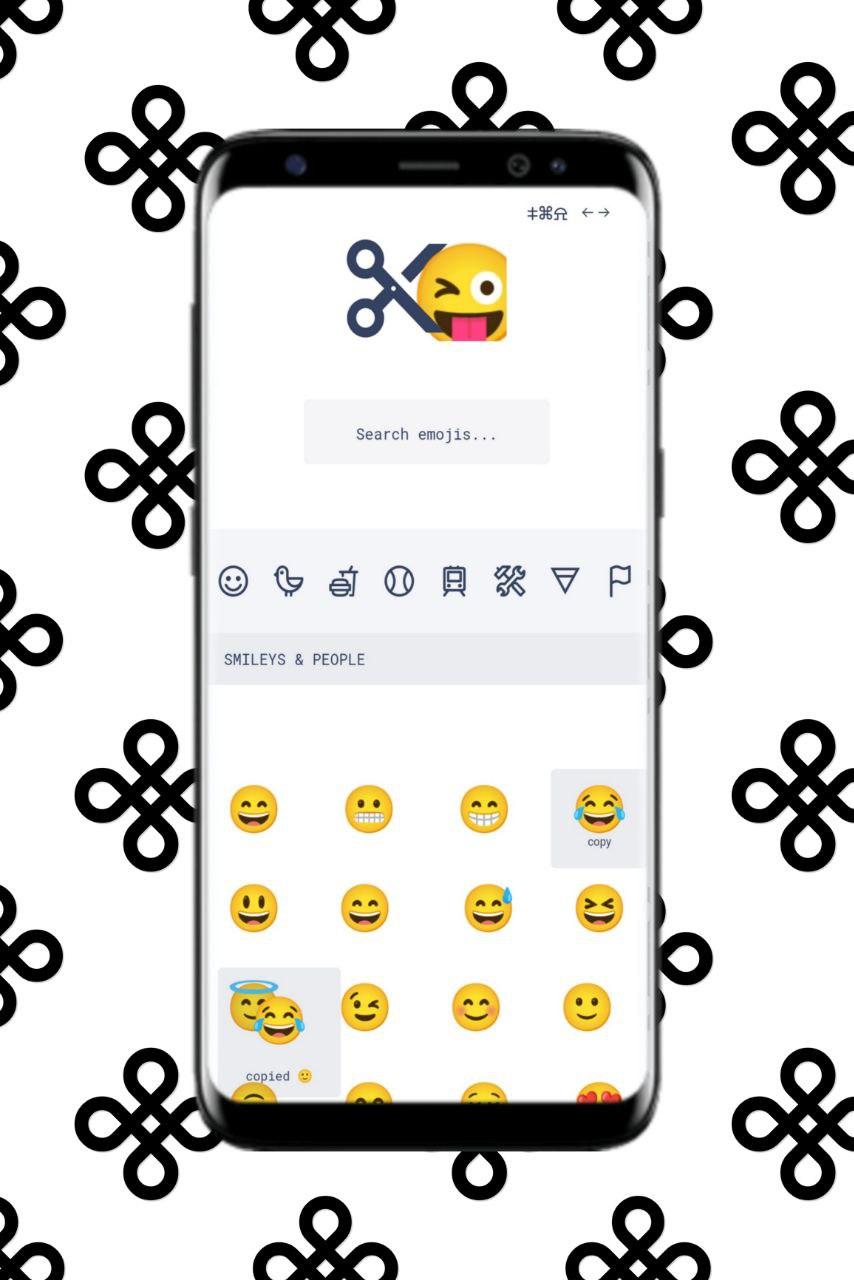
You can browse through letters, numbers, punctuation, maths and currency symbols, arrows, and emoji.
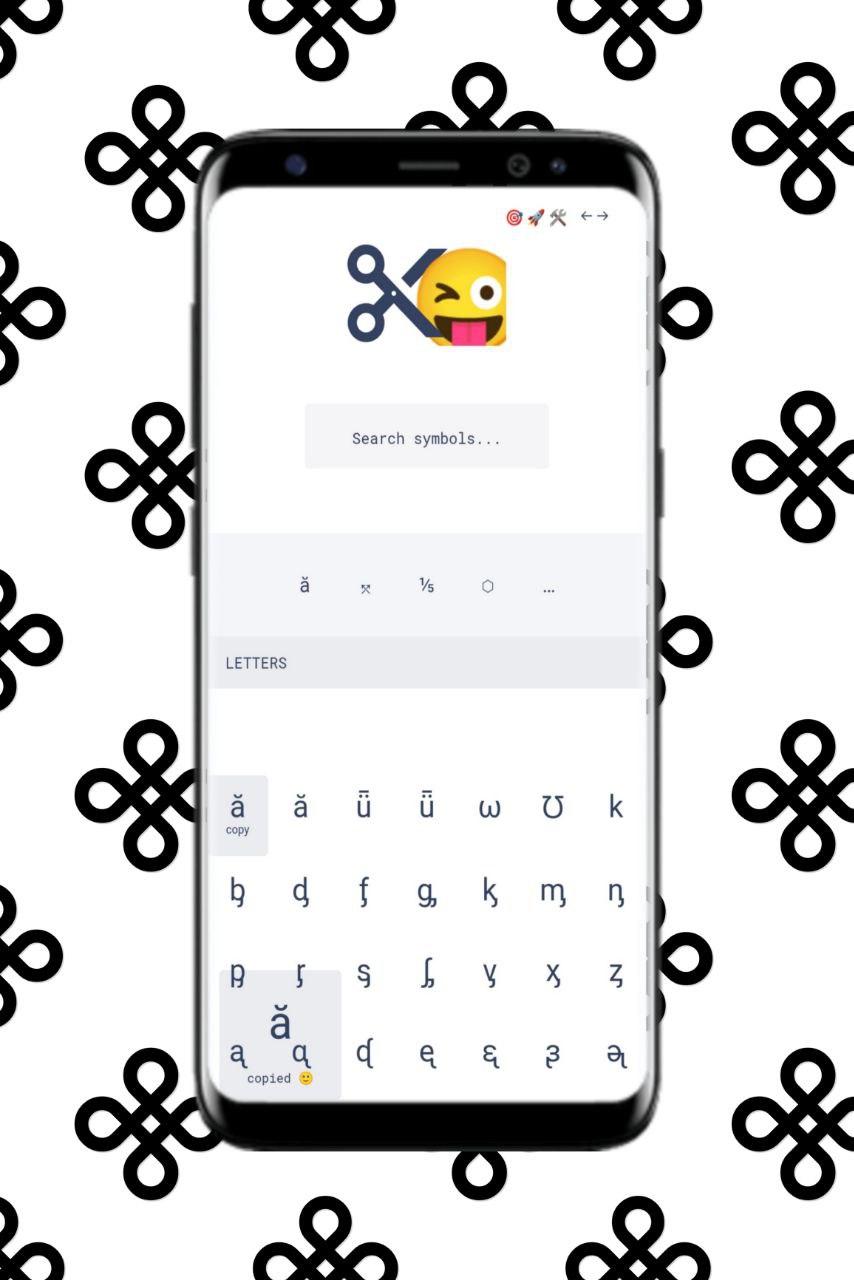
You can also search for a symbol by name, and CopyChar will update your results live.
This is only marginally helpful for emoji, which have frustratingly ambiguous names,
but it’s great when you need to look up a currency symbol or “that symbol with a dot”.
A basic app that allows you to find and copy special characters to your clipboard.
Click or tap on a character and it will be copied to your clipboard.
CopyChar lets you click on a special character (such as Greek letters) and copies it to your clipboard,
so you can just ctrl-V to paste it into your text.
Latest Version
1.0Uploaded by
Zain Borghl
Requires Android
Android 4.4+
Category
Free Personalization AppContent Rating
Everyone
Report
Flag as inappropriateLast updated on Oct 22, 2022
This release includes minor bug fixes and general improvements. Update to the latest version for the best experience.



APKPure - A multi-platform app store primarily focused on Android, providing extensive app-related content. Discover the app you want easier, faster, and safer, with quick and efficient downloads and installations.