Scan Date:May 21, 2026
Show More

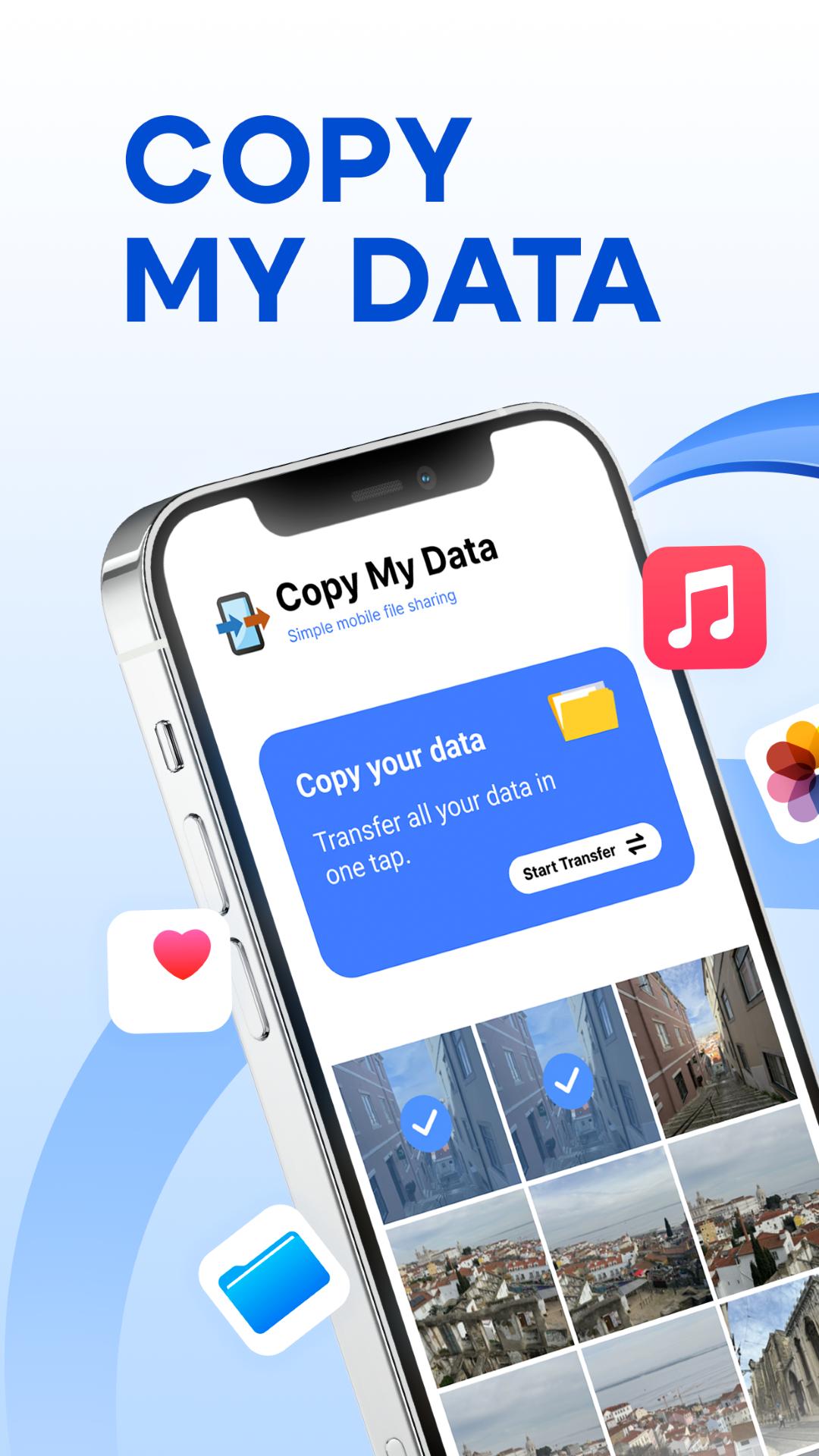
Copy My Data helps when you upgrade and want your important stuff to follow you quickly. It uses a simple setup between two phones so you do not rely on cables or a computer. The guided flow keeps things straightforward from start to finish. To begin, download Copy My Data and place both devices on the same connection, then pair them and follow the on screen steps.
Copy My Data moves content over the same Wi‑Fi network, so there are no cables, no computer, and no mobile data used. Once both phones are on the same network, transfers stay local for faster setup. This helps you avoid waiting for remote uploads.
QR code pairingAfter both phones connect to Wi‑Fi, you pair them by scanning a QR code. This creates a direct link between devices with minimal manual configuration. If the scan does not work the first time, you can retry within the guided flow.
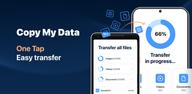
Move essential items togetherNext, you choose the items to copy in one session. Contacts, calendar events, photos, videos, and music can be selected together for a consistent move. This keeps core information organized on the new phone once the transfer finishes.
Step by step guidanceThroughout the process, Copy My Data shows short, clear prompts. Non technical users can follow along in a few taps. Progress messages let you know what the app is doing at each stage, which reduces guesswork.
Direct device to device workflowFinally, the app copies content straight from the old phone to the new phone on the same network. No cloud upload is needed during the transfer. This phone cloning approach helps preserve your media structure and folder organization.
Both phones must be connected to the same private Wi‑Fi network. Public or guest networks in hotels, cafes, or offices may block device to device connections. QR code pairing is required to establish the link between phones. Keep both devices nearby and awake until the transfer completes.
Copy My Data contains ads and offers in app purchases. Charges may apply if you choose a subscription. You can manage or cancel any active subscription from your device settings.
Use Copy My Data to move content from an old Android phone to a new one with a short, guided setup. The flow centers on a local Wi‑Fi connection and simple pairing. To begin, get the Copy My Data APK and prepare both devices on the same network.
Copy My Data provides a guided way to move personal content between Android phones over local Wi‑Fi. If you are ready to switch devices, download Copy My Data latest version and follow the pairing steps. Keep both phones on the same network for smoother transfers.
For support or more information, use the official contact links below.
Latest Version
70.2.0Uploaded by
Hồng Đức
Requires Android
Android 7.0+
Category
Free Tools AppContent Rating
Everyone
Security Report
Report
Flag as inappropriateLast updated on May 21, 2026
Minor bug fixes and improvements. Install or update to the newest version to check it out!




APKPure - A multi-platform app store primarily focused on Android, providing extensive app-related content. Discover the app you want easier, faster, and safer, with quick and efficient downloads and installations.