
Commend Intercom Client for Android
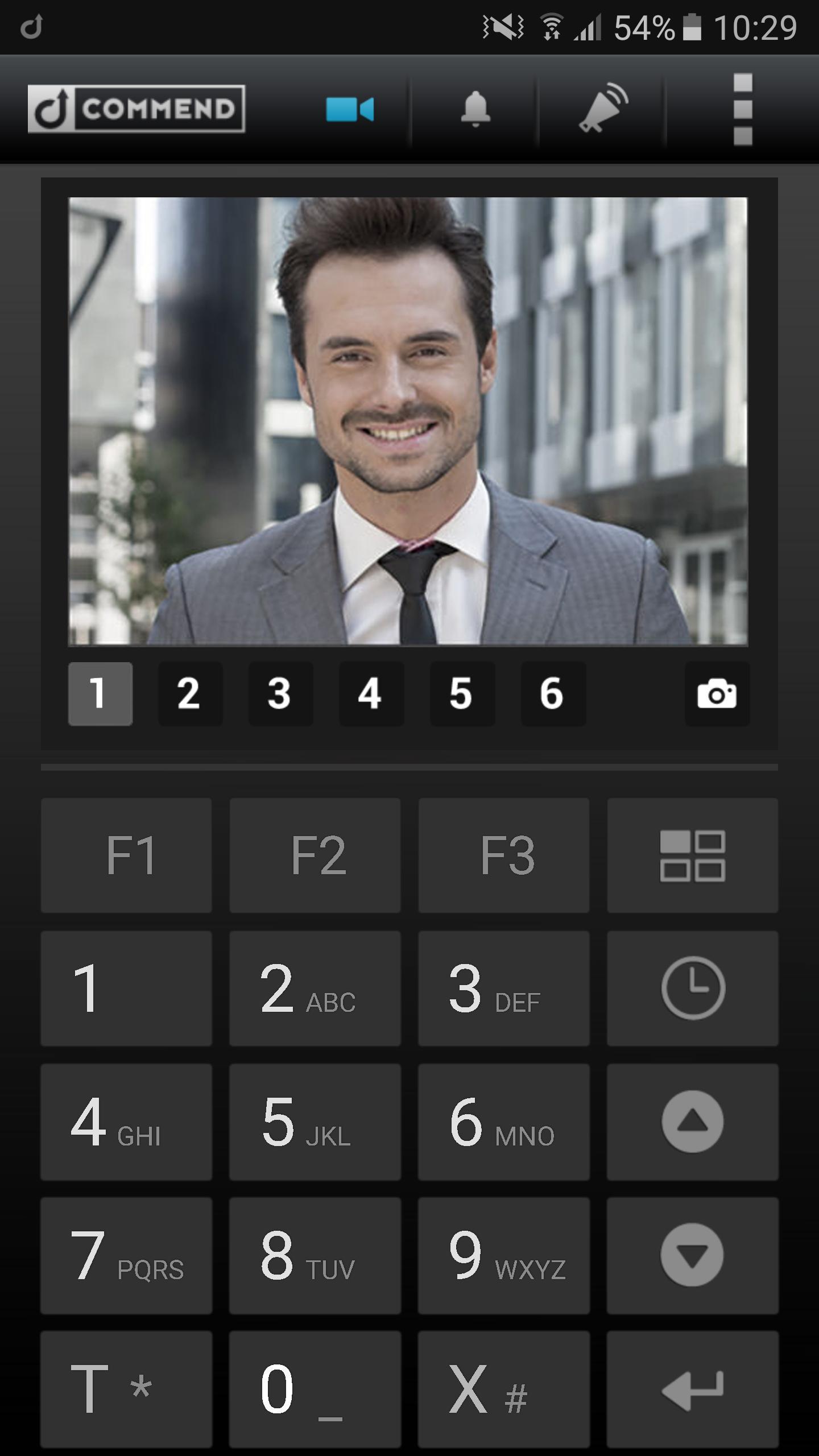
With the Commend Intercom Client users can seamlessly integrate android devices into the leading intercom technology.
Whether an expansion of the control desk for mobile workers or an easy to use on-the-go terminal for occasional use, a basic control desk for convenience solutions or a home intercom, the Commend Intercom Client seamlessly connects android devices to the world of Commend. It runs on both phone and tablet and adjusts its User Interface appropriately to facilitate the tasks of a modern intercom as user-friendly as possible.
Note: For the operation of Commend Intercom Client for Android a Commend Server and appropriate licenses will be necessary.
Powerful Intercom features
Over 300 Pro-Intercom functions immediately available
Optimized user interface for professional Intercom environment
Full support of Commend’s IoIP communication technology for exceptional audio quality and security
Intercom Control Center Functions with excellent I/O handling
Bi-Directional video and observation mode with connectivity from and to Commend hardware and software plus 3rd Party products
Exceptional HD Audio Quality with OpenDuplex® and HD Voice.
Full Intercom keyboard
Commend enhanced Intercom Display
Bi-directional Video:
Converts the built-in camera on the iOS device to an IP-camera with JPG/MJPG (compatible with ComWIN, Conductor, WS series ...).
Displays the video image of the WS-series cameras, and many other 3rd party cameras.
Adjustable Video resolution and refresh rate (MJPG frame rate depends on server).
2 x 12 direct dialing buttons, centrally manageable from CCT
Call List with direct call-back
Central Configuration through Commend CCT
Intercom Client can also control Commend audio hardware, such as ET908A, ET862, EE900, etc.
Latest Version
v1.2Uploaded by
Safaa Abas
Requires Android
Android 4.0+
Category
Free Communication AppContent Rating
Everyone
Report
Flag as inappropriateLast updated on Jan 6, 2018
Some improvements



APKPure - A multi-platform app store primarily focused on Android, providing extensive app-related content. Discover the app you want easier, faster, and safer, with quick and efficient downloads and installations.