

Lime suits people who need a practical way to cover short distances in busy cities, such as commuting, running errands, or reaching public transport. It connects users with shared electric vehicles that may be available nearby, depending on the city. Before choosing a Lime APK download, check whether Lime operates in your area and which vehicle types are offered. Prices, riding areas, parking rules, and local requirements can differ from one location to another.
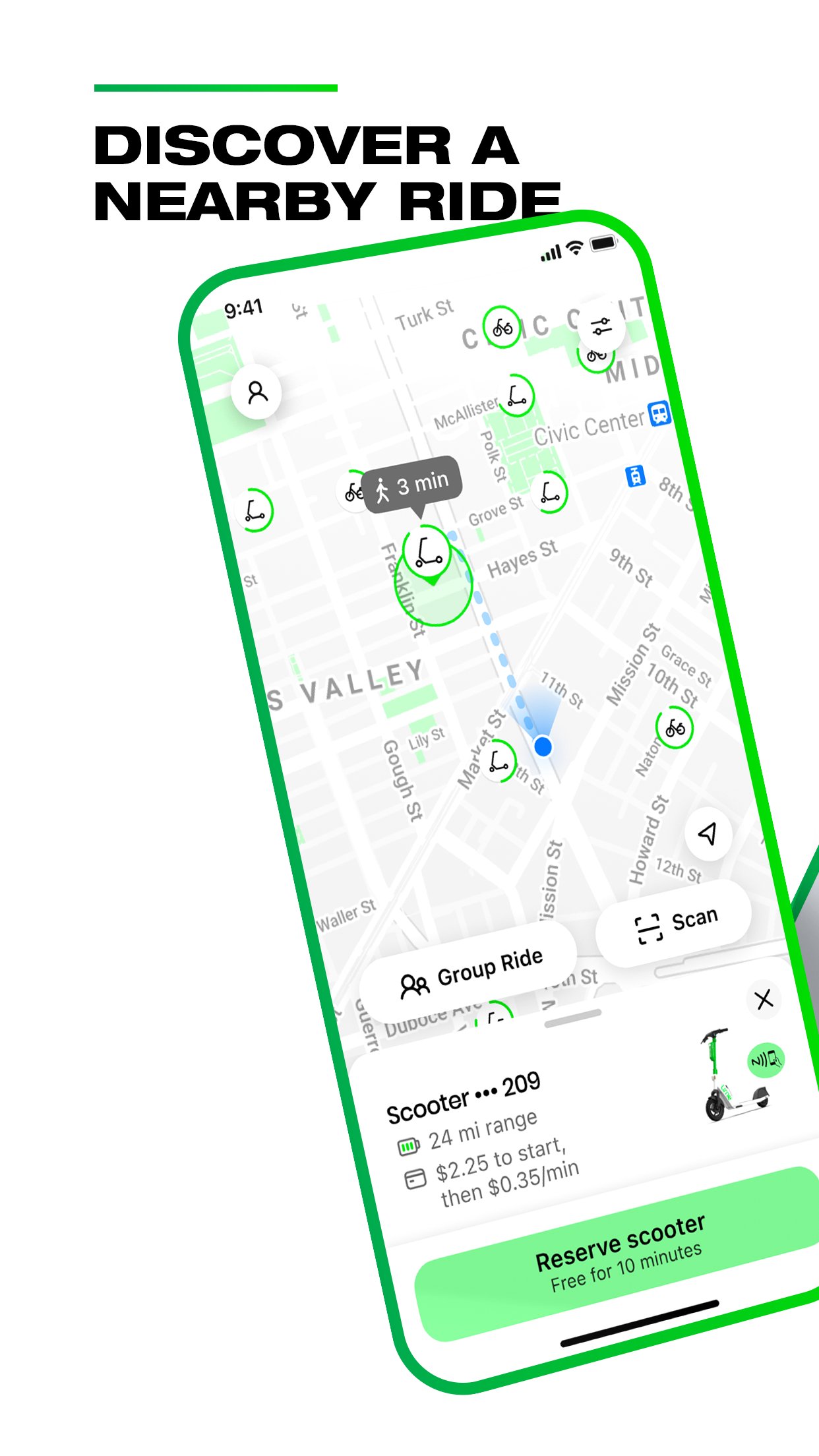
See vehicles on a live map
Lime shows nearby available vehicles on an in app map, so you can check your surroundings before walking to one. Depending on local service, the map may show electric scooters, electric bikes, or both. Availability can change as other users begin or end trips.
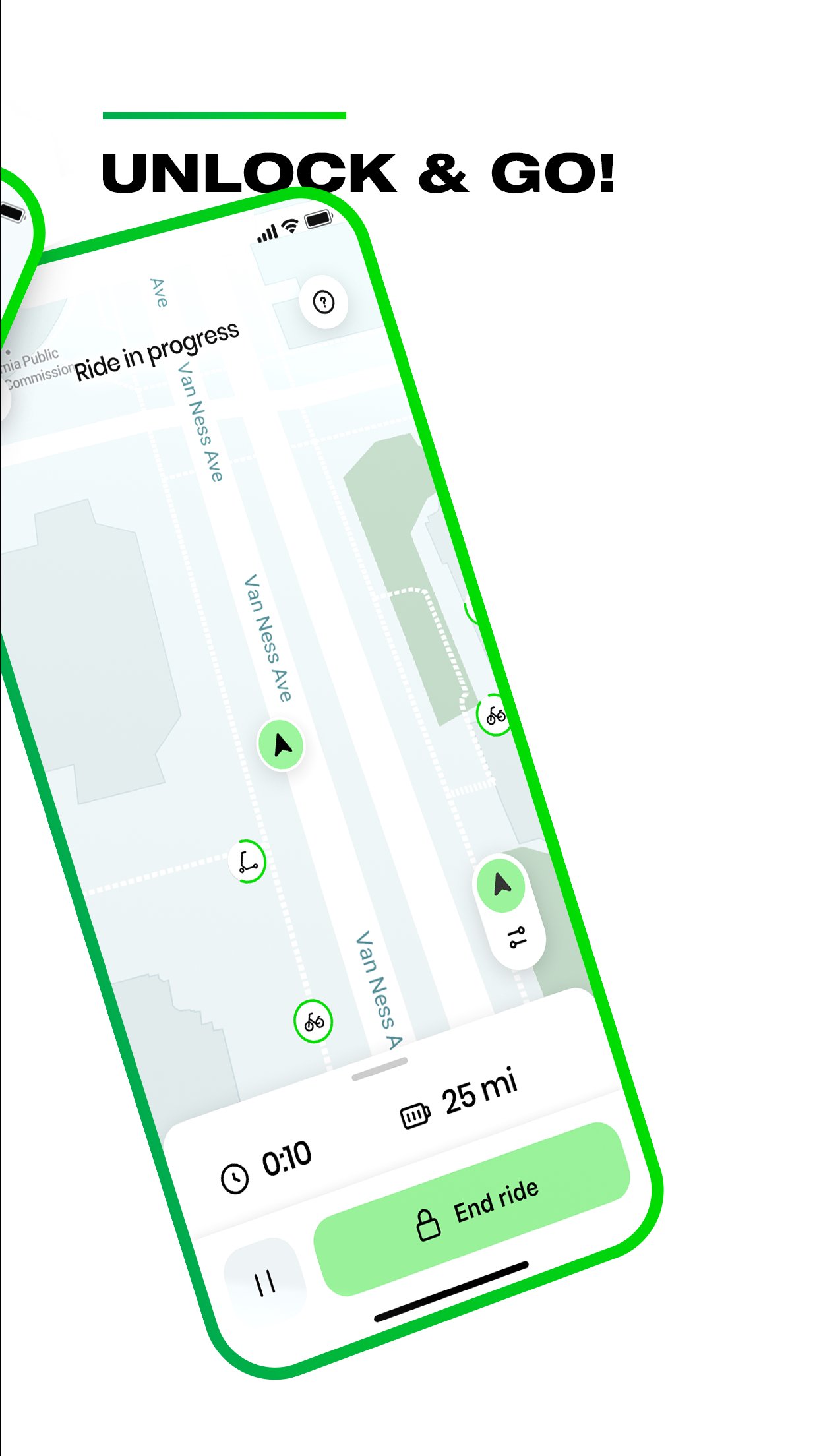
Unlock a vehicle from your phone
You can start a ride by scanning the QR code on a vehicle. Lime may also let you enter the vehicle plate number or use an in app unlock option in supported locations. Check that the vehicle is the one shown in the app before beginning your trip.
Review local prices and ride areas
Lime displays pricing and service details for the city where you are riding. You can review the ride area and local guidance before unlocking a shared electric vehicle. This helps you understand where a trip can begin, continue, and end.
Choose a Lime e scooter or e bike
Lime may provide Gen4 electric scooters and electric bikes, although the available options depend on the city. A Lime e scooter can suit a short connection between places, while an electric bike may be useful for a longer local route. Check the live map to see what is currently available.
End rides with parking guidance
Lime provides instructions for parking when you finish your ride. Follow the directions in the app and keep the vehicle away from sidewalks, doorways, driveways, and access ramps. Then end the ride only after parking in the required location.
Lime service conditions are set locally. Vehicle types, prices, operating hours, service zones, parking locations, and riding requirements may vary by city. Therefore, users should review the current in app information before each trip instead of assuming that rules from another city apply.
Lime also lists community and accessibility programs in some areas. Lime Access provides discounted rides for eligible users, Lime Hero lets users round up trip costs for charitable giving, and Lime Able relates to inclusive mobility support. Availability and eligibility for these programs can differ by location.
Check local rules before starting, especially when using a scooter near traffic or pedestrian areas. Lime latest version can show ride guidance and parking directions for the area where you are located. Wear a helmet where possible, follow traffic rules, and use bike lanes when they are available.
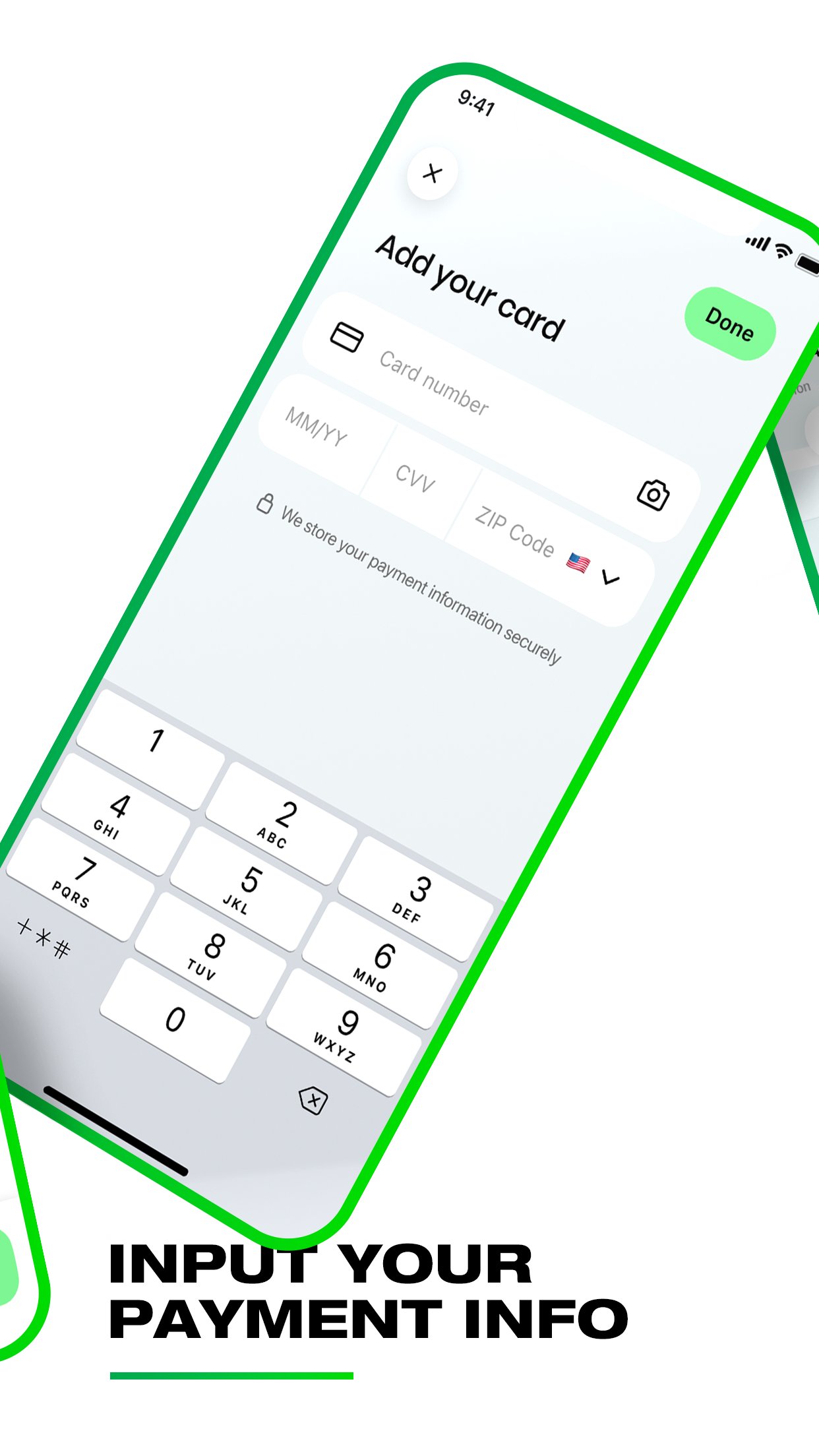
Open Lime and create an account, then add a payment method for automatic ride charges.
Use the map to find an available electric scooter or e bike nearby, and check the displayed pricing and ride area.
Read the local riding instructions, then scan the QR code, enter the plate number, or use the unlock control if it is available.
Ride according to local traffic rules and stay aware of pedestrians, vehicles, bike lanes, and restricted areas shown in the app.
When you arrive, park where instructed, keep access routes clear, and complete the end ride process in Lime.
Lime can help with short city trips, transit connections, errands, and commuting when shared vehicles are available nearby. To download Lime, review your local availability and follow the app’s ride and parking guidance for each trip.
For more information from the developer, visit the official website.
Official website: https://www.li.me
Latest Version
3.282.0Uploaded by
Sy Tuy
Requires Android
Android 9.0+
Category
Free Travel & Local AppContent Rating
Everyone
Report
Flag as inappropriateLast updated on Sep 15, 2026
We regularly update the app to make your rider experience even better.
Love the app? Rate us! Your feedback keeps us running :-)
Question or suggestions? Tap Help in the Lime app!


APKPure - A multi-platform app store primarily focused on Android, providing extensive app-related content. Discover the app you want easier, faster, and safer, with quick and efficient downloads and installations.