

Messenger Lite apk helps when your phone has limited storage, your data plan is tight, or your connection drops. It focuses on the basics so you can send messages and call people without heavy background activity. Whether you switch between Wi‑Fi and mobile data or travel through areas with weak signal, conversations stay responsive. The interface is straightforward and loads quickly, which keeps daily chats simple. For manual installation, many users look for the Messenger Lite apk to set up the app on Android devices.
Reliable on slow or unstable networks
When your signal is weak or unstable, Messenger Lite app keeps messages moving with minimal delays. It loads recent chats without heavy media and retries gently when the network changes. As a result, you can continue conversations even when coverage is not steady.
Core chat tools that cover the basics
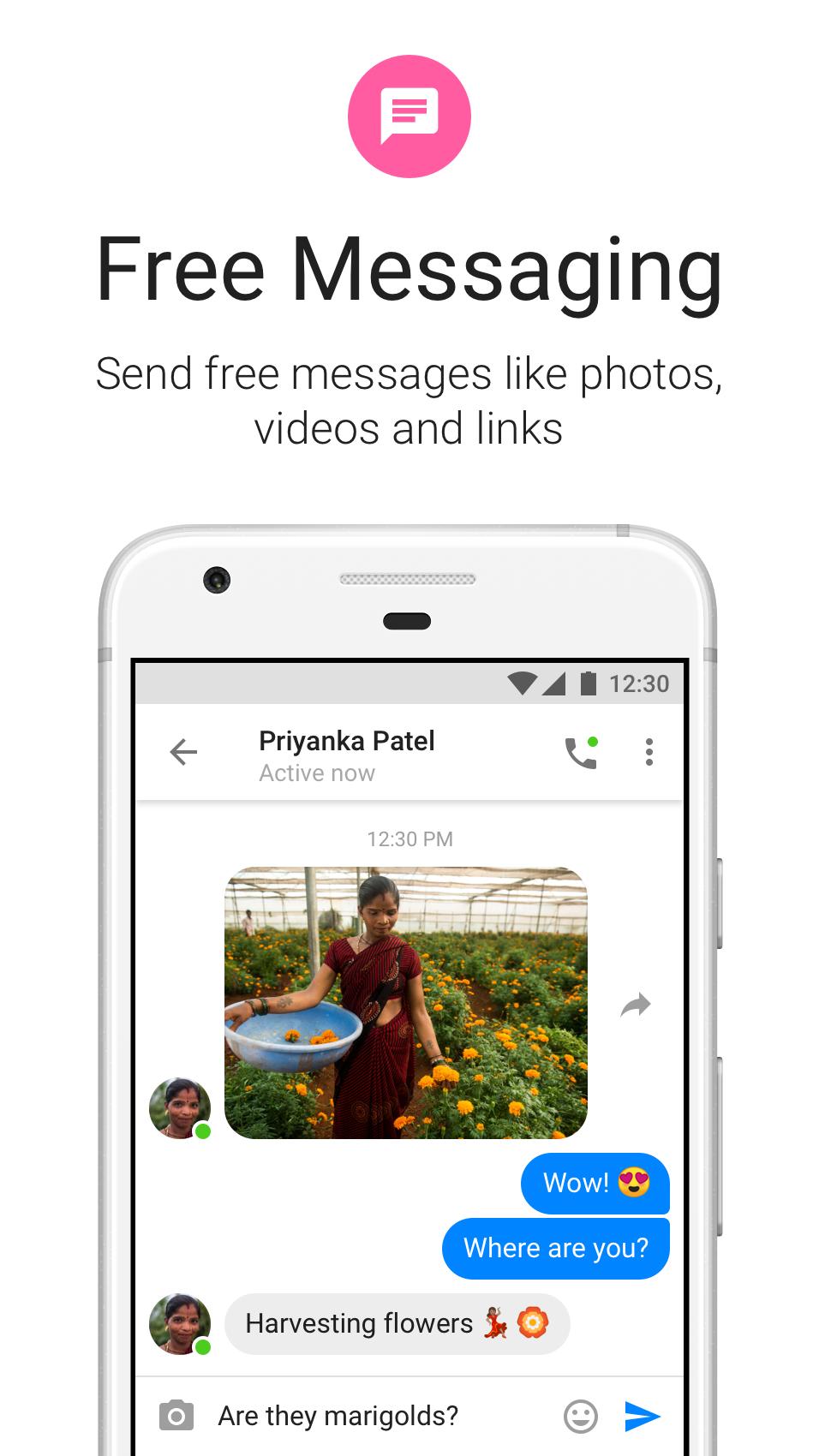
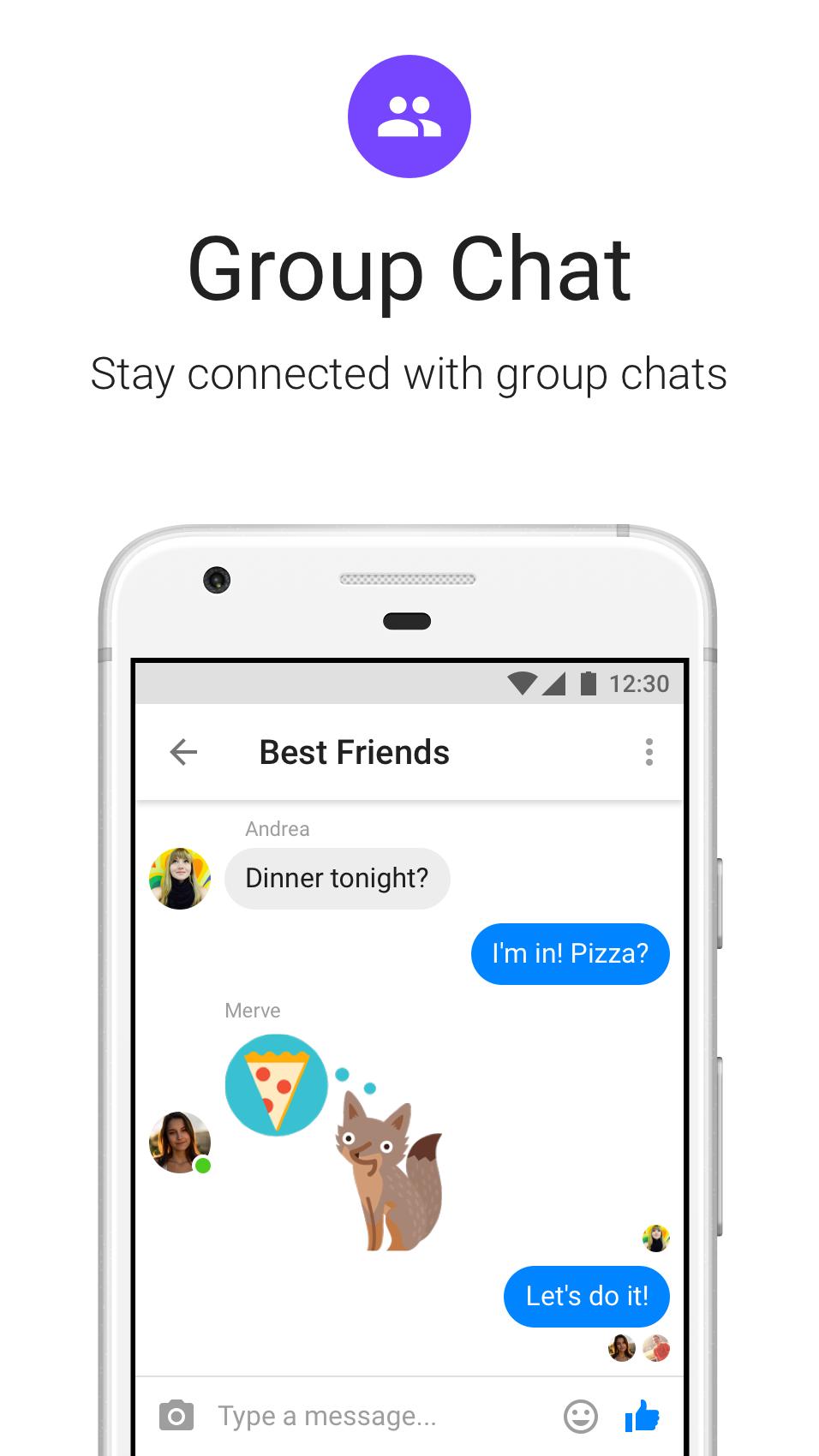
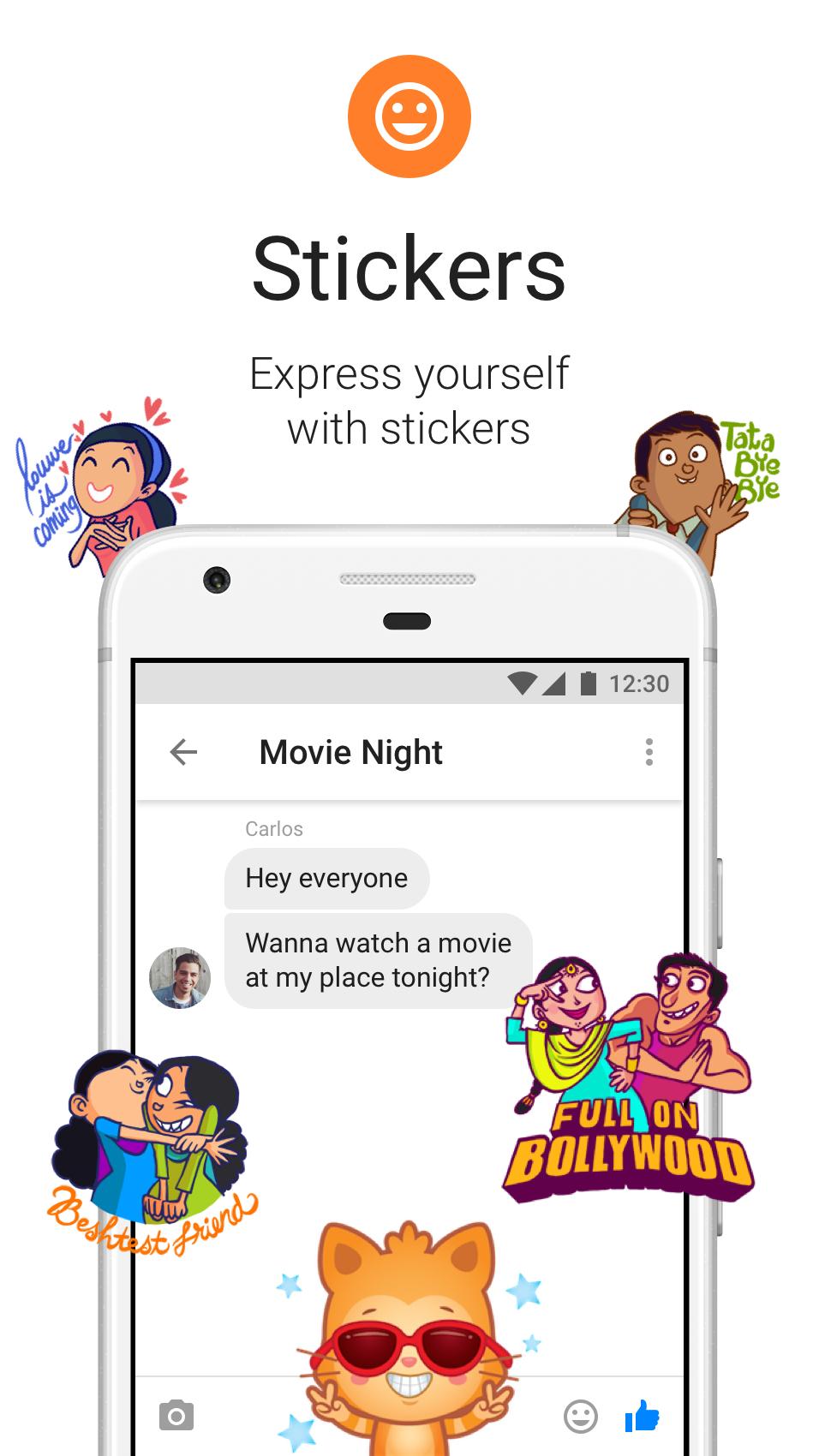
You can send 1:1 and group messages with text, photos, links, and stickers. Active status shows when you are available, which helps contacts reach you at the right time. The layout is simple, so starting or joining a chat takes only a few taps.
1:1 voice and video calls over Wi‑Fi
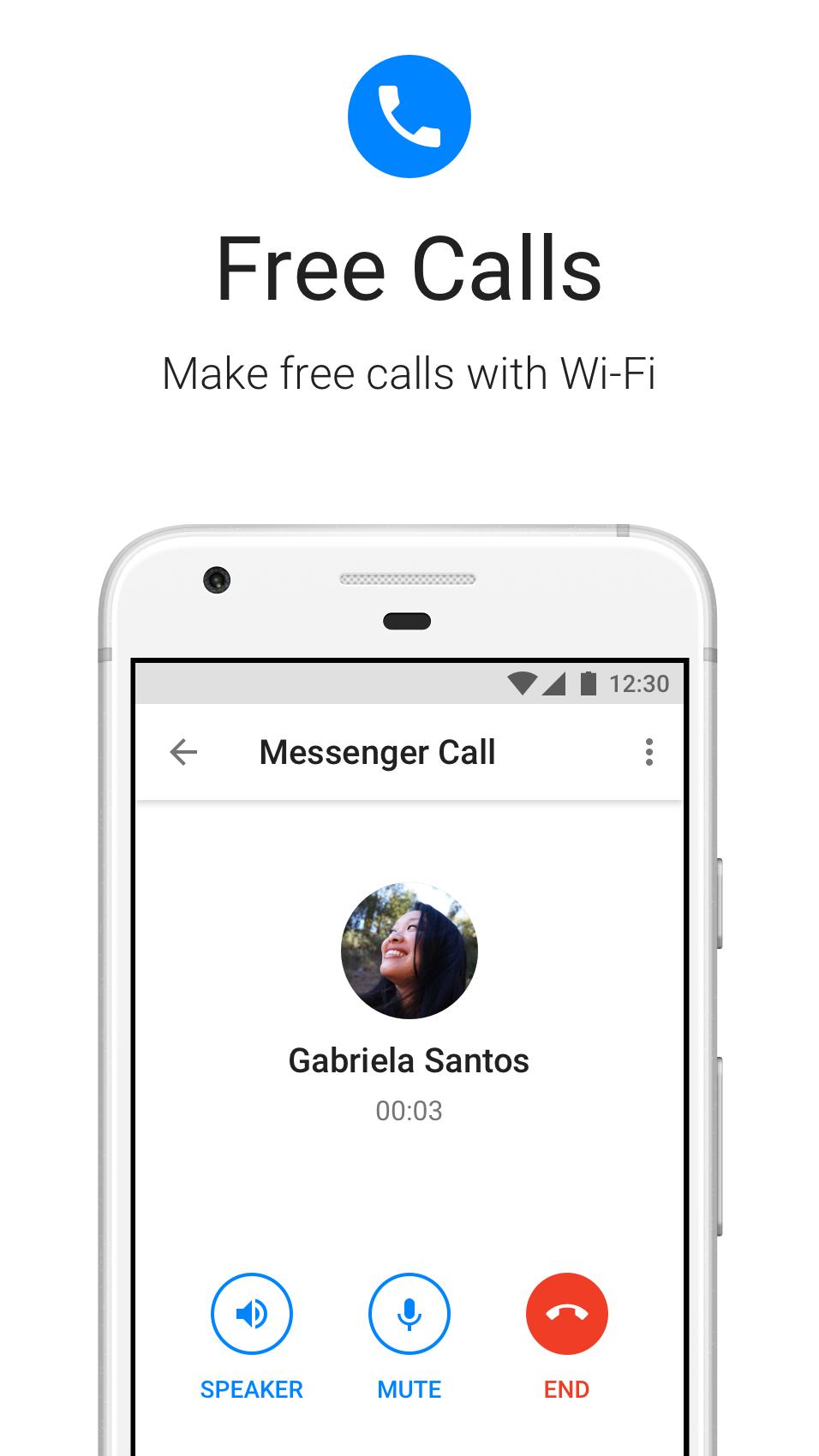
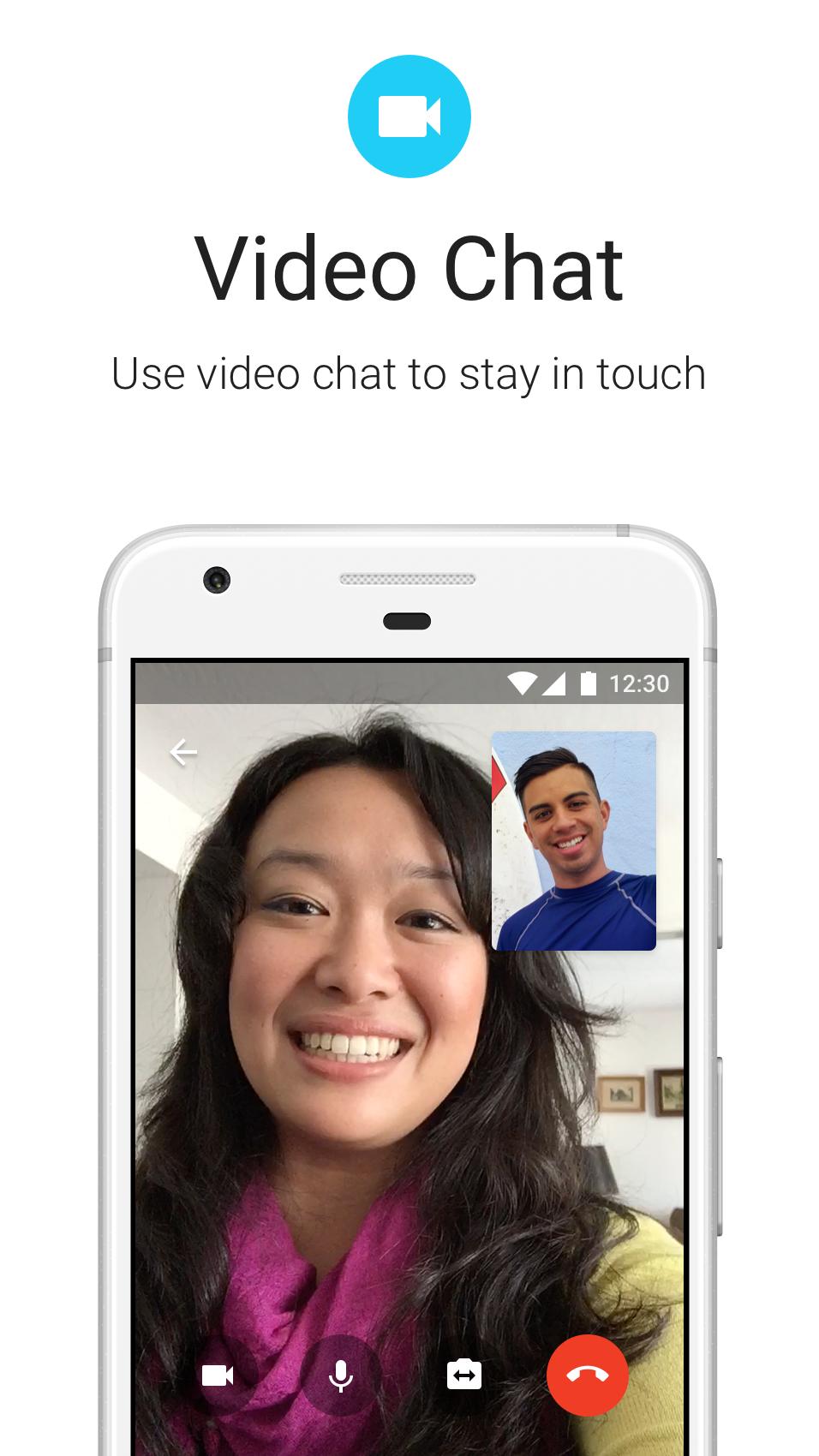
Messenger Lite supports free 1:1 voice and video calls over Wi‑Fi. Calls do not use mobile minutes and can run for long periods on a stable connection. For clearer audio and video, connect to reliable Wi‑Fi before you start. You can call contacts in other countries the same way as local calls.
Chat across Messenger, Facebook, and Facebook Lite
You can reach contacts who use Messenger, Facebook, or Facebook Lite, and your history stays in sync. This continuity means switching devices or apps does not break a conversation. Messages and calls you place in Messenger Lite appear alongside your history in the other apps.
Messenger Lite app focuses on Android phones and is built for light storage and low data use. Availability and update timing can vary by country or region, so some users may see delays or limited access. If Lite is not available where you are, the standard Messenger app may be the better fit for full features. In Messenger Lite app, 1:1 voice and video calling is supported, and using Wi‑Fi is recommended to manage data.
Some users prefer to install with the Messenger Lite APK for manual setup or sideloading. For most devices, choosing the Messenger Lite latest version is the best option for stability. If your phone is very old or the app becomes unstable after an update, installing an older version can help. To keep conversations and media consistent, sign in to the same account so your chat history stays synced across the Messenger family of apps. For a reliable setup, complete your messenger lite apk download to ensure you get the correct version for your device.
Getting started is straightforward and only takes a few moments. If you need to download Messenger Lite first, complete the install before opening the app. After that, you can start chatting or place a call right away.
Open Messenger Lite after installation, then wait for the initial load to finish.
Sign in to your account, and confirm your phone number if the app asks.
Grant any requested permissions so messaging, photos, and calls work properly.
Tap the compose icon, choose a contact, then send a message, photo, link, or sticker.
To call over Wi‑Fi, open a chat, then tap the voice or video icon and wait for the connection.
Messenger Lite focuses on fast, reliable conversations with essential tools and 1:1 calling over Wi‑Fi. It works well on older phones and in places with weak connectivity. To begin, download Messenger Lite latest version and sign in to reach your contacts across the Messenger family of apps.
Latest Version
338.0.0.3.102Uploaded by
Meta Platforms, Inc.
Requires Android
Android 4.0+
Category
Free Communication AppContent Rating
Everyone
Report
Flag as inappropriateLast updated on Dec 8, 2024
Minor bug fixes and improvements. Install or update to the newest version to check it out!


APKPure - A multi-platform app store primarily focused on Android, providing extensive app-related content. Discover the app you want easier, faster, and safer, with quick and efficient downloads and installations.