Package Name:com.discord
SHA-256:86d7db41e45cc021e6c5e95eb0a7b5ecac02f38c1157bf99b938a8f6a967838e
Show More


Discord gives people a shared place to talk when planning game nights, study sessions, or hobby groups. It helps you keep conversations organized so you can drop in for a quick check or stay for a longer chat. You can move between devices without losing context, and conversations stay easy to find by topic. This keeps groups on the same page during busy days. You can download Discord APK via APKPure.
Servers and channels built for groups
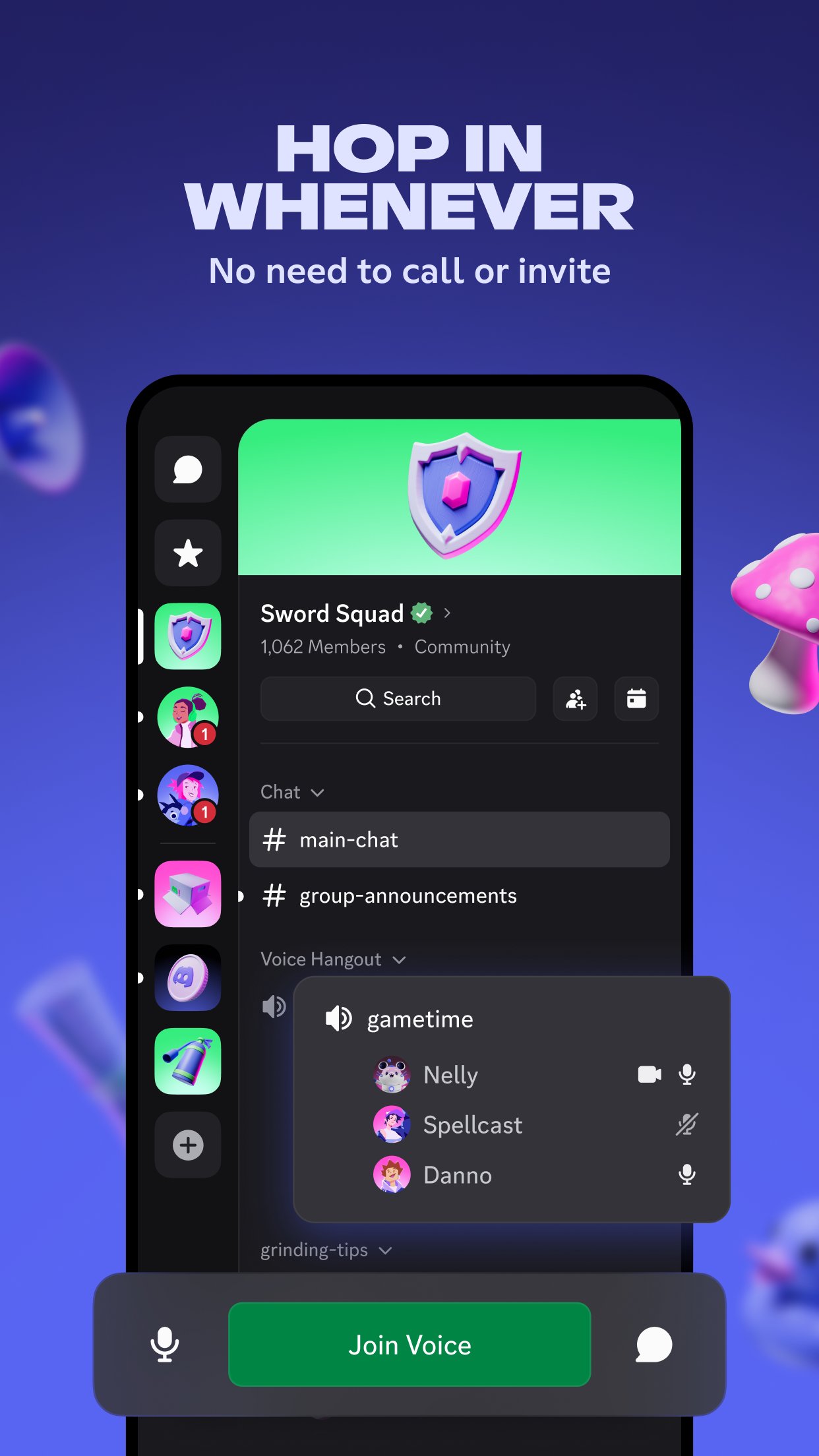
Discord organizes conversations into servers, then into text and voice channels. This structure keeps side topics from mixing with important updates, so you can follow what matters without scrolling through everything. You can also extend a server with helpful apps from the App Directory to handle moderation, games, or utilities as the community grows.
Drop in voice channels for quick talk
Instead of placing a call, you join a voice channel and start talking right away. Friends can come and go as they have time, which makes planning before, during, or after a game simple. If a chat needs more context, you can switch to video with a tap and return to voice when you are done.
Streaming and screen sharing together
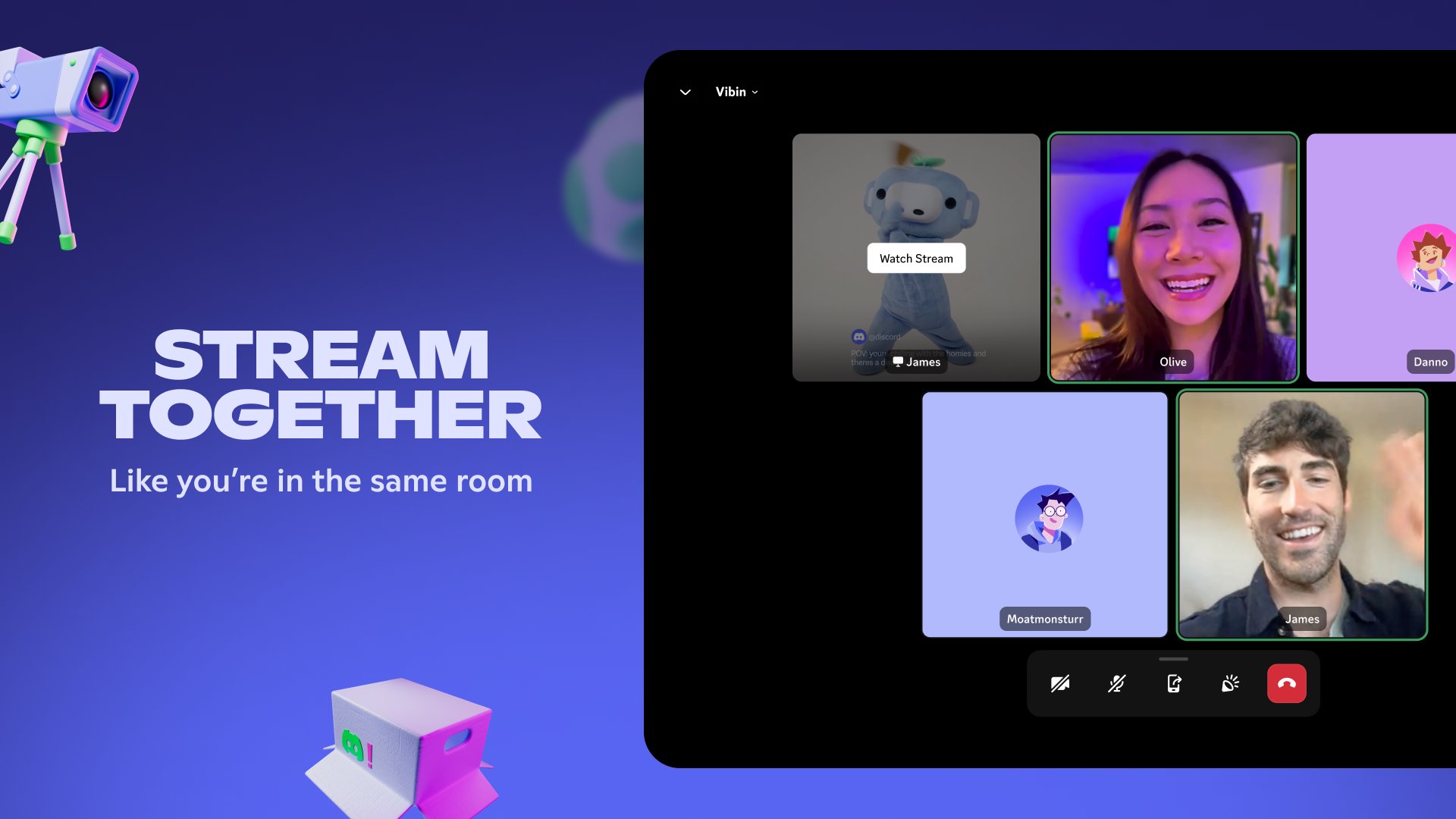
Discord lets you stream what you are doing with low latency, so others can watch your screen or gameplay in real time. This is useful for showing a strategy, troubleshooting a setup, or viewing a video together. In compatible servers, Activities add built in ways to watch, play, and listen as a group without leaving the app.
Personalize your space
You can customize how you appear with avatars, statuses, and short bios. Servers can add emoji, stickers, and soundboard effects to match their style. These options help members express themselves while keeping the overall server easy to read and navigate.
Cross platform access and presence
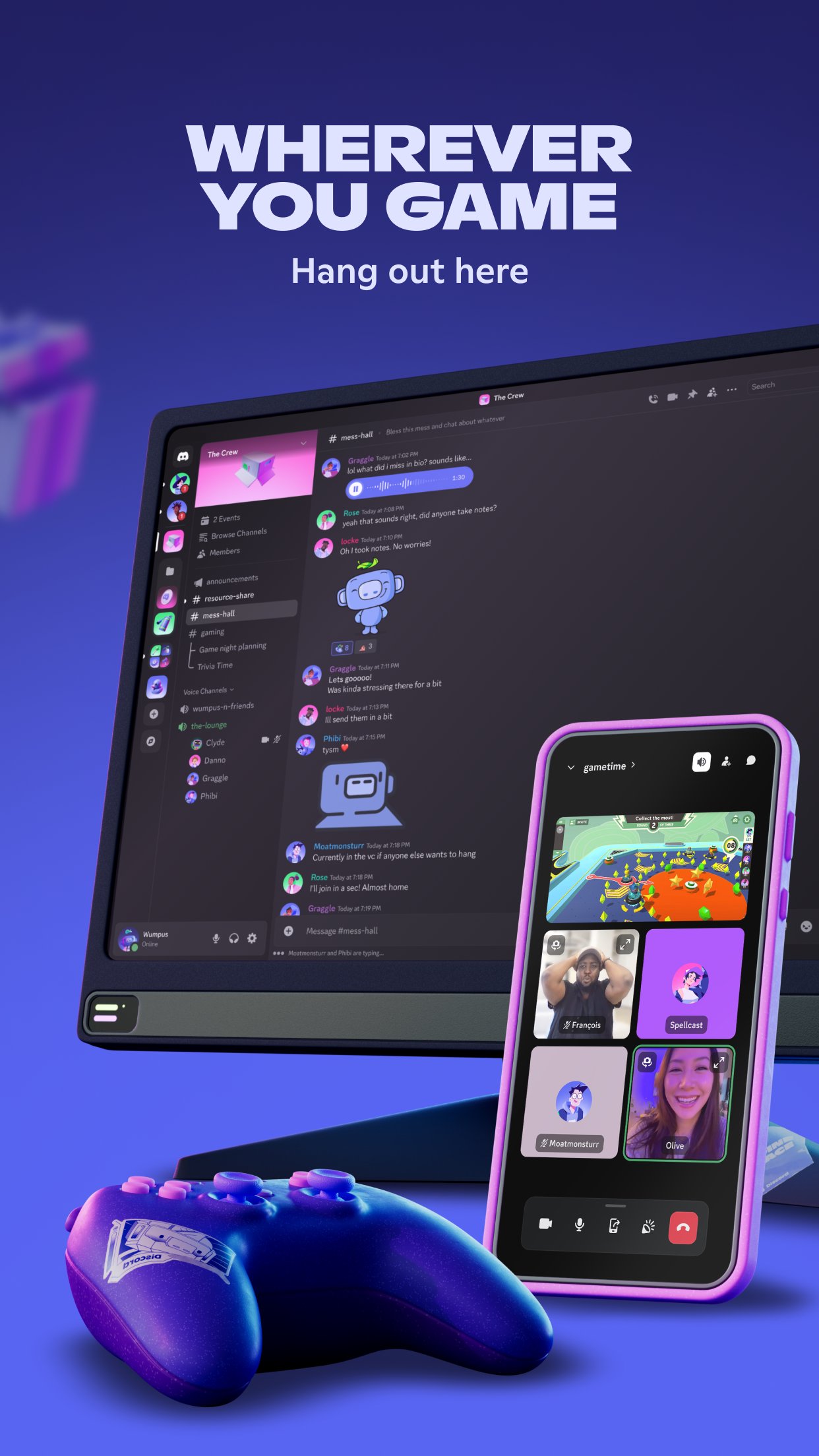
Discord works across desktop, mobile, and the web, and you can switch devices without breaking the conversation. Presence shows who is active, what friends are playing, and when it is a good time to join in. For supported platforms, PlayStation and Xbox voice integration helps bring console chat into the same place as the rest of your group.
Discord is available on Windows, macOS, Linux, iOS, Android, and the web. If you use PlayStation or Xbox, you can link your accounts to join voice chat from a console while friends stay on phone or desktop. This flexibility makes it easier to keep one conversation going even when people change devices.
Discord uses a teen by default experience that limits certain actions and content for younger users. Some servers are age restricted, and you will need to confirm your age to access them. If you believe you are old enough but got locked out, the Discord Help Center offers guidance on age assurance and account recovery steps. Parents and guardians can review Safety resources to understand controls and available tools.
If you like early features, you can try the Public Test Build to preview changes before they roll out to everyone. This build is optional and may change frequently, so it is best for users who want to test and provide feedback. You can switch back to the regular release at any time.
This quick guide covers the basics on a phone so you can start chatting right away. If you are new, the Discord latest version makes setup simple with guided prompts. Follow these steps to get going without extra tools.
Open the app and sign in or create an account. Then set your display name and allow the permissions you are comfortable with to enable voice and media features.
Join a server from an invite link or create your own. Next, pick a few channel topics so conversations stay organized from the start.
Enter a text channel to send messages, emoji, and files. When you are ready to talk, join a voice channel and tap the camera icon if you want to switch to video.
Share your screen or start a stream inside a voice channel when you need to show what you are doing. Adjust volume, mute, or deafen as needed from the in call controls.
Set your status and manage notifications so you are only alerted when needed. Finally, fine tune server settings like roles and permissions as your group grows.
Discord brings group communication into organized servers with text, voice, video, and shared activities. To begin, download Discord on APKPure and join a server that matches your interests or create one for your friends.
For official information about the app and its services, visit the website below.
Website: https://discord.com
Latest Version
348.10 - StableUploaded by
Rida Hilal
Requires Android
Android 7.0+
Category
Free Communication AppContent Rating
Teen
Security Report
Check Now
Report
Flag as inappropriateLast updated on Oct 6, 2026
We’ve been hard at work making Discord better for you. This includes bug fixes and performance enhancements. For more detailed information, go to your profile in the app and scroll down to “What’s New”.






APKPure - A multi-platform app store primarily focused on Android, providing extensive app-related content. Discover the app you want easier, faster, and safer, with quick and efficient downloads and installations.