
Split APKs Installer (SAI) helps when an app is delivered as several APK files and a simple tap fails. It focuses on reliable, file based installs that you start yourself, so you always know what is going onto your phone. The app is also useful for users who test different builds or keep app copies for later. Because it works within Android system limits, some setups may vary; for quick access on supported devices, getting the Split APKs Installer (SAI) APK keeps setup straightforward.
Flexible installation methods
Split APKs Installer (SAI) installs packages through the standard Android API when available. If your device allows advanced access, you can also use root or Shizuku. This gives you a fallback if one method does not work.
Split APK handling
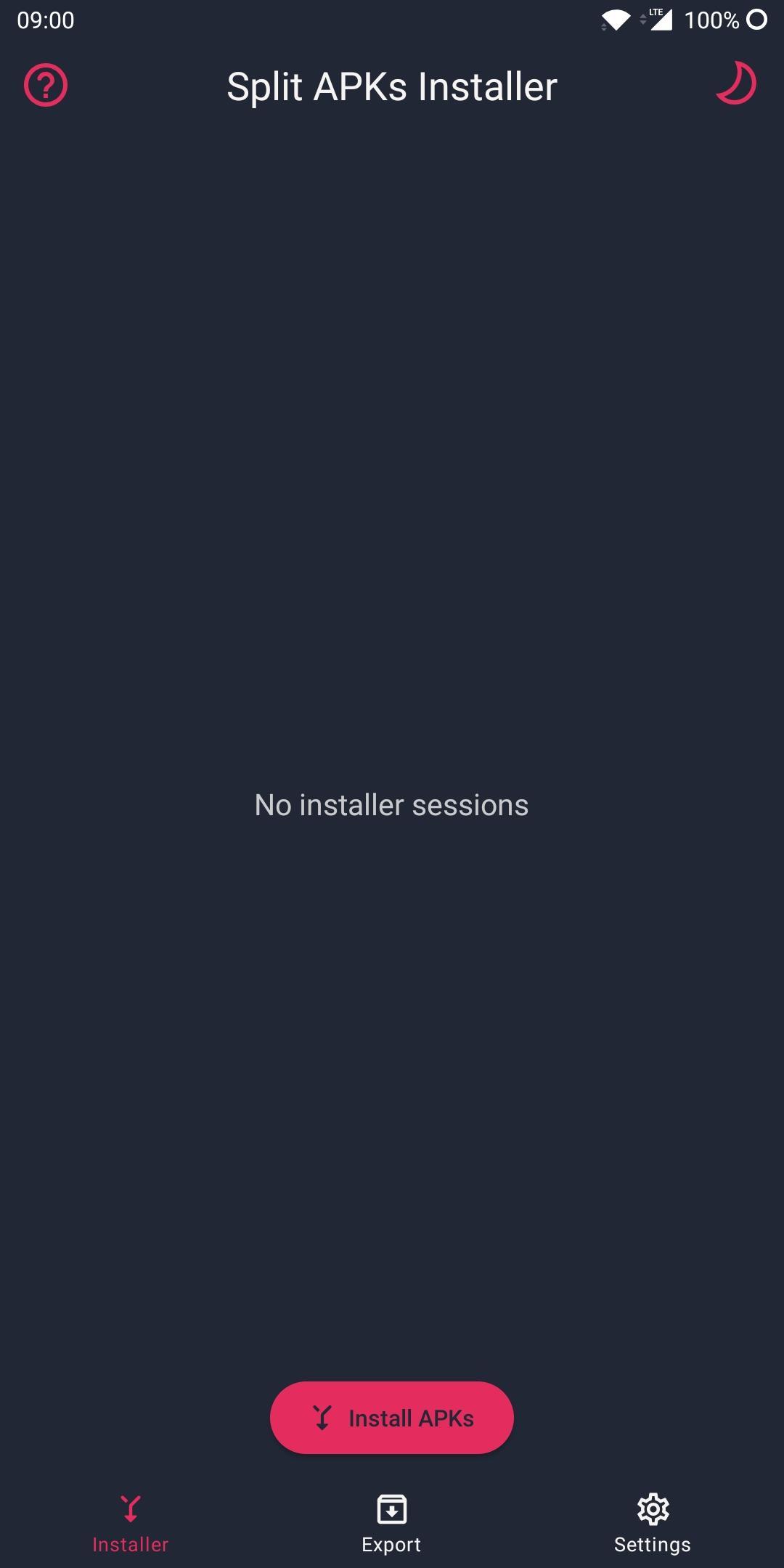
SAI installs apps that come as multiple APK files. You select the parts, and the app builds them into one install. This reduces common errors that appear when trying to add split packages manually.
Simple backup and export
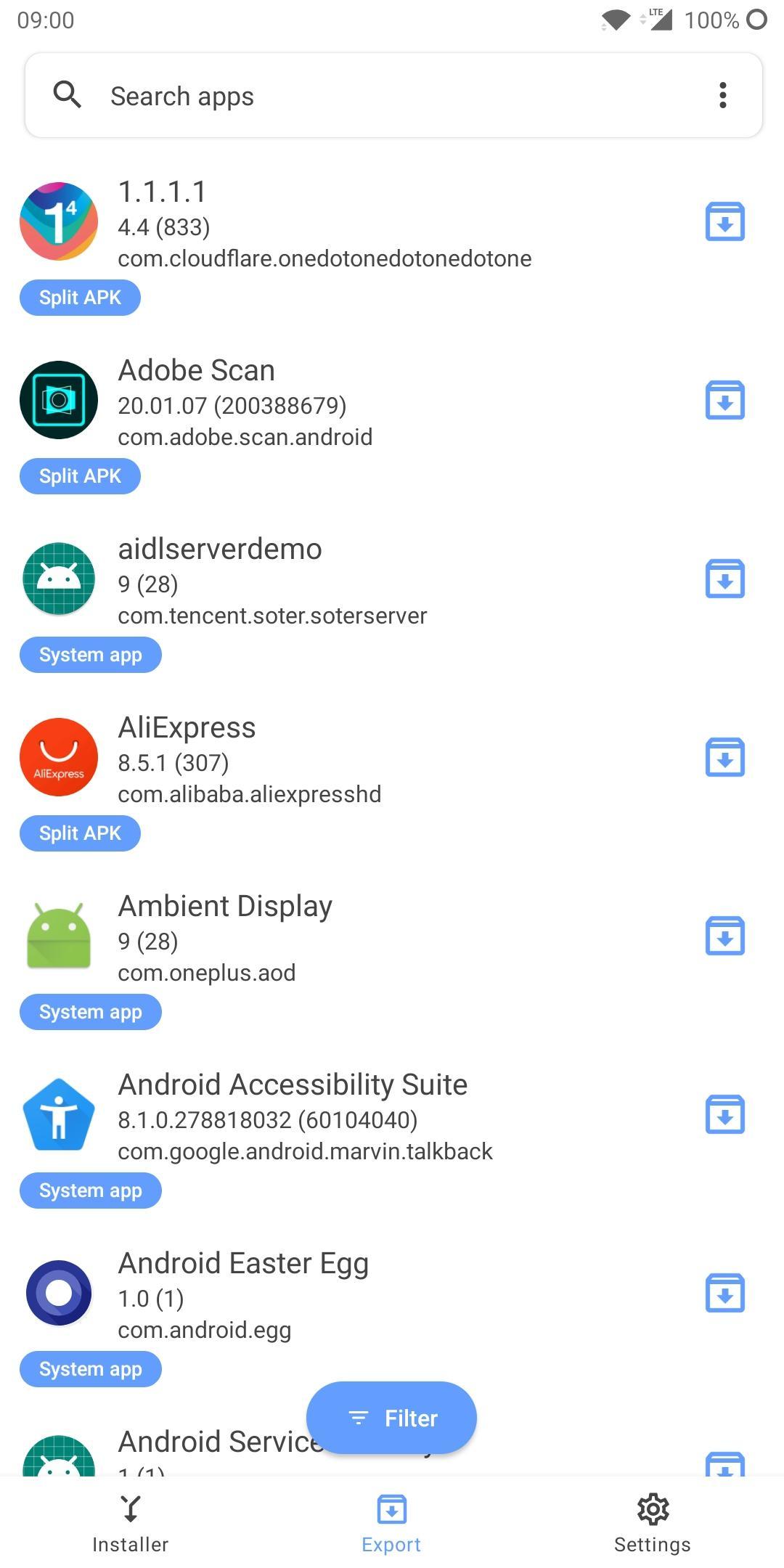
You can export installed apps to a file before making changes. This is helpful when moving between devices or keeping a local copy. The process is simple and does not add extra steps.
Open source and clear scope
Review the features and compatibility notes before use. If your device supports the required APIs, install and begin with your own files. For the most stable experience, use the Split APKs Installer (SAI) latest version and follow the on screen prompts.
Latest Version
4.5Uploaded by
خادمة الزهراء خادمة الزهراء
Requires Android
Android 5.0+
Category
Free Tools AppContent Rating
Everyone
Report
Flag as inappropriateLast updated on Feb 25, 2021
4.5:
• Added a setting to disable opening .apk files via SAI
• SAF fixes for Android 11
• Added warning when installing huge (>150MB) apps
4.4:
• Fixed in issue where system suggested SAI when opening any type of file
• Added Sui support for Shizuku Installer
Legendary SAI update Pog
4.3:
• Support for opening .apk files via SAI
• APKM support (only for the unencrypted .apkm files)
• Installer Pro mode is now enabled by default
• Config splits shouldn't be marked as Unknown anymore



APKPure - A multi-platform app store primarily focused on Android, providing extensive app-related content. Discover the app you want easier, faster, and safer, with quick and efficient downloads and installations.