Scan Date:Aug 28, 2025
Show More
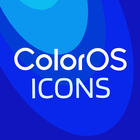

ColorOS 16 Icon pack suits users who want a clean, cohesive home screen without complicated setup. It focuses on adaptive, linear-style icons inspired by ColorOS design, so your grid looks neat and consistent. Additionally, it provides built-in guidance to help you apply and adjust icons with popular Android launchers. If you plan to download ColorOS 16 Icon pack, the app offers practical tools to preview, pair, and fine-tune your look while keeping the process straightforward.
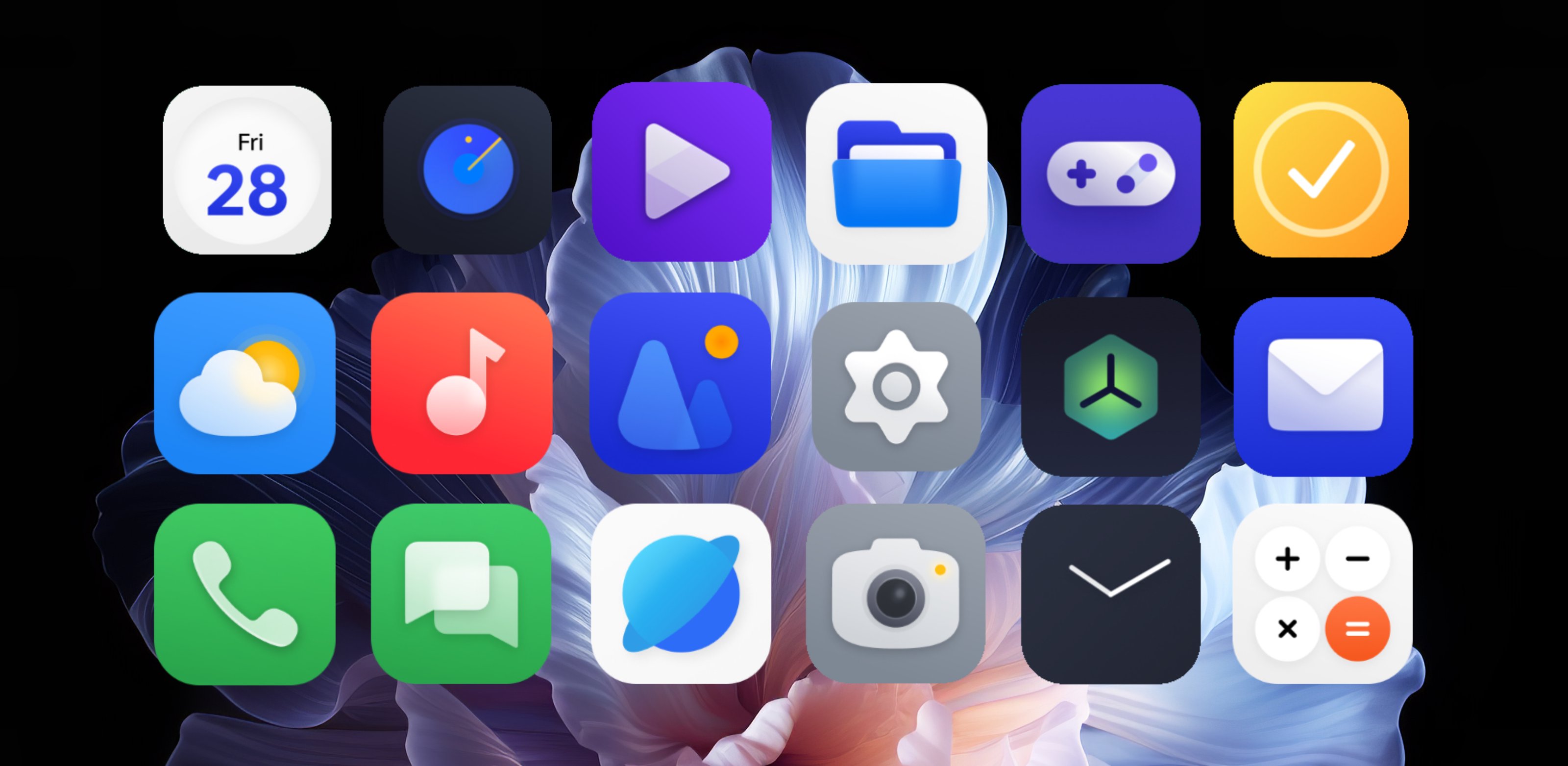
ColorOS 16 Icon pack delivers linear glyphs on varied color backgrounds to keep icons readable and visually aligned. Adaptive shapes help maintain a tidy layout across different launchers. As a result, your home screen gains a consistent style that matches the ColorOS aesthetic without extra setup.
Alternative icons, updates, and masking for coverageThe pack includes many alternatives for popular apps, so you can choose variants that fit your taste. Regular updates expand coverage and refine details over time. A masking system applies a matching frame to unthemed apps, which helps keep your grid uniform even when some apps are not directly supported.
Curated wallpapers that pair with the icon styleHigh-quality wallpapers are curated to complement the icon colors and linear design. New options arrive regularly, giving you fresh choices to complete your theme. You can match your wallpaper with icon tones to form a balanced home screen that feels coordinated.
Broad launcher support with simple apply stepsColorOS 16 Icon pack supports many popular launchers, including Nova, Smart Launcher, Lawnchair, and Poco. The app guides you through the apply flow, so you can switch styles in a few taps. Clear setup tips cover icon size and normalization, which helps align icons between 85% to 120% based on your preference.
Built-in tools and helpful guidanceYou can preview icons before applying, which reduces trial and error. A dynamic calendar shows the current date when the launcher supports it. A material panel and options for custom folder and app drawer icons provide extra control. The in-app FAQ and the icon request tool connect you with the developer for missing app coverage and quick answers.
Launcher support is broad, but some stock launchers may limit third-party icon packs. If your default launcher does not apply icons, install and use a supported launcher listed in the app. Dynamic calendar, folder icons, and app drawer customization depend on each launcher’s capabilities. Updates arrive frequently, though icon requests are processed in batches and may take time. If you prefer a different design language, AKBON also offers other packs such as OxygenOS, HyperOS, iUI, and Material You styles.
Use the app to apply icons and set wallpapers in a few simple steps. Installing the ColorOS 16 Icon pack APK enables launcher integration and the built-in tools for setup.
ColorOS 16 Icon pack focuses on a clean, linear style with practical tools for applying and tuning icons and wallpapers. For users seeking consistent coverage and easy setup, check the ColorOS 16 Icon pack latest version and begin customizing with a supported launcher.
For official information and support, use the links below.
Latest Version
10.9.3Uploaded by
Yang Fan
Requires Android
Android 6.0+
Category
Free Personalization AppContent Rating
Everyone
Security Report
Report
Flag as inappropriateLast updated on Jul 24, 2025
Minor bug fixes and improvements. Install or update to the newest version to check it out!



APKPure - A multi-platform app store primarily focused on Android, providing extensive app-related content. Discover the app you want easier, faster, and safer, with quick and efficient downloads and installations.