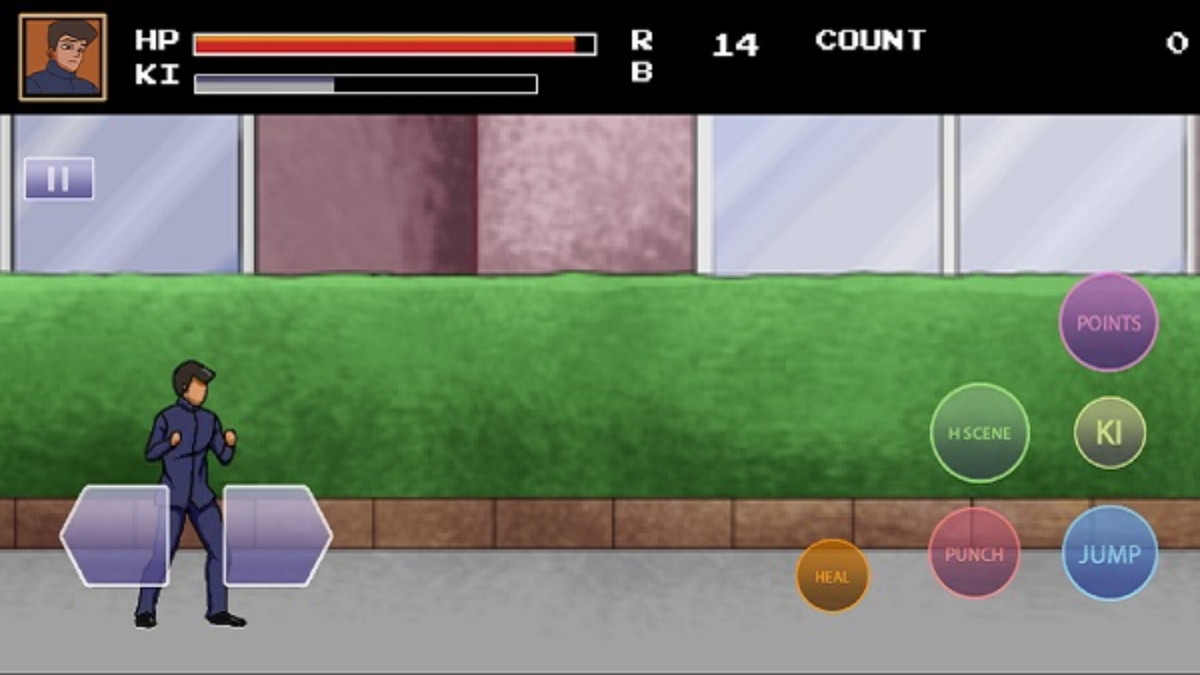

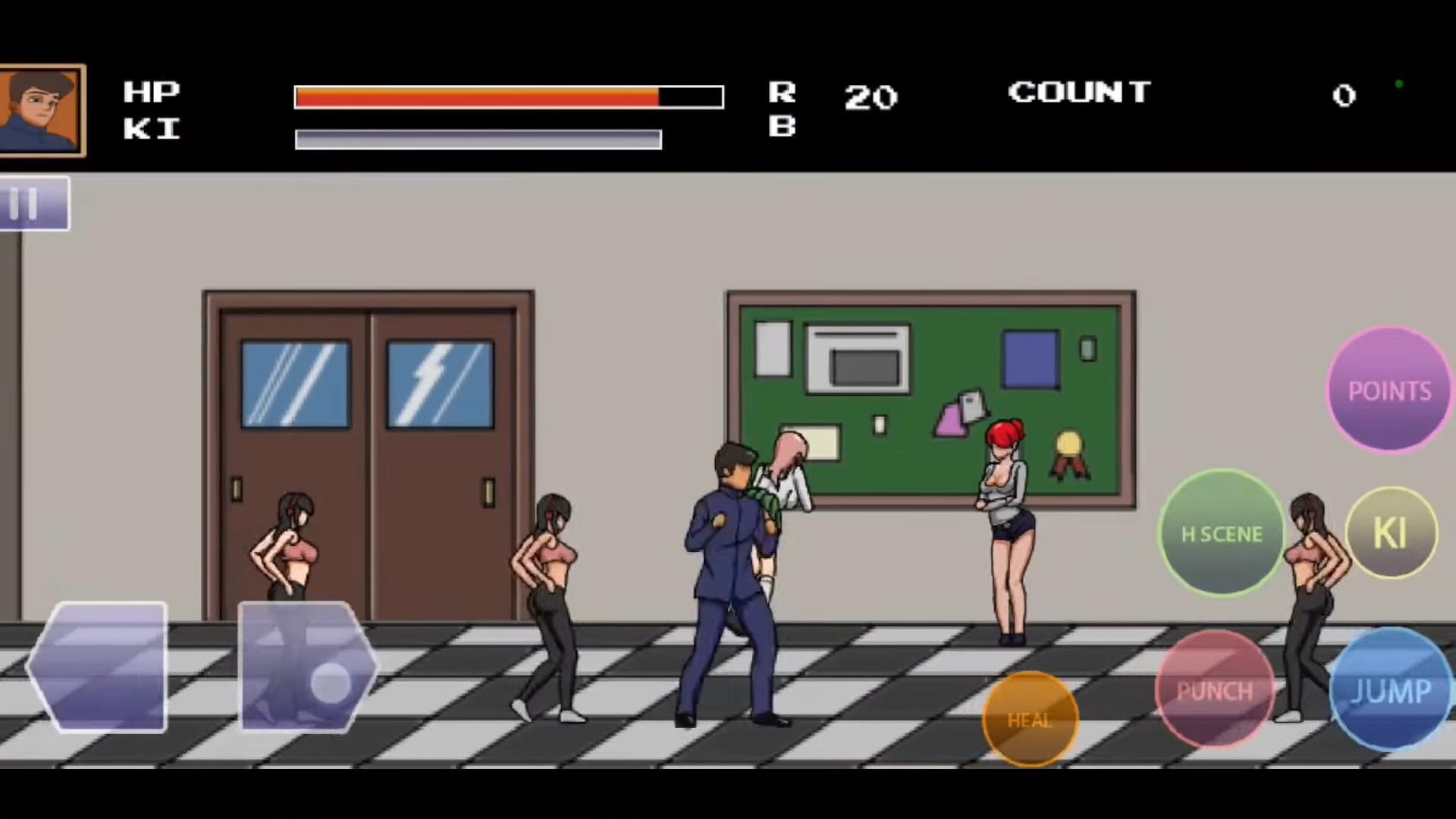
College Brawls 2 focuses on fast action and simple controls so you can jump in and start brawling within seconds. The game uses colorful, cartoon visuals and upbeat sound to create a light and lively match flow. You can play solo challenges for short sessions, and you can also go online with friends for competitive rounds. The design emphasizes accessibility and replay value, therefore you can refine your style over time across different match types and rotating events. Moreover, customization lets you shape your fighter’s look so every match feels personal and fresh.
Arcade style combat you learn fast
College Brawls 2 delivers quick punches, kicks, and clean combo chains that feel responsive from the first match. You get pick up and play controls, and the move set stays readable during hectic moments.
Modes that keep every session fresh
You can switch between team battles and free for all so each lobby plays differently. In addition, extra mods like hunter and racing change the objective and pace, which gives you new ways to improve timing and positioning.
Online and local multiplayer
College Brawls 2 supports playing with friends or matching with others for fast queues. You can join competitions and enjoy cross device play, and this makes it simple to keep a party together.
Characters and customization
You can unlock a diverse roster of quirky fighters and tailor them with outfits and accessories. Therefore your main feels unique, and your look can change as you progress.
Vibrant look and sound
College Brawls 2 uses cartoon style art with clear effects and an energetic soundtrack. The presentation supports the fast tempo, and it keeps the chaotic brawl vibe readable on mobile screens.
Optional VR on supported devices
You can enable VR on compatible hardware for a more immersive view. It remains optional, and you can switch back to standard play in settings at any time.
This quick guide explains how to start a match and play with friends. It uses default terms so you can adapt to your device and control layout. Follow the steps to go from install to your first win.
Get the College Brawls 2 APK on APKPure, install it, and open the app. Allow any required permissions so the game can run correctly.
Open Settings to adjust display, audio, and controls. Practice basic moves in training so you can feel timing for punches, kicks, jumps, and dodges.
After you finish setup, go to Play and choose a mode. Pick solo challenges, team battle, or free for all, and select an event or map if prompted.
Select your character and customize outfits or accessories as desired. Save your loadout so your changes carry into the next match.
Then enter the match and focus on spacing and stamina usage. Apply light and heavy attacks into short combo chains, and watch for openings to dodge or counter.
College Brawls 2 offers fast, accessible brawls with modes for both solo players and friends. Get the College Brawls 2 APK latest version on APKPure to keep your build current and stable. You can tap the "Download APK" button below for a quick and secure College Brawls 2 free download.
Does College Brawls 2 support VR on mobile?
Yes, College Brawls 2 includes optional VR support on compatible devices. You can enable or disable VR in settings, and performance may vary based on your hardware. If your device is not supported, you can continue with the standard view.
Can I play College Brawls 2 online with friends?
Yes, College Brawls 2 supports online and local multiplayer so you can invite friends or match with others. You can join competitions and enjoy cross device play for flexible parties. This makes quick sessions easy to set up.
Where can I safely download or update College Brawls 2?
You can download College Brawls 2 and update to the latest version on APKPure. Use the button on this page to get the verified College Brawls 2 APK and install the update over your current build. This helps you avoid altered packages and keeps your game current.
Latest Version
1.0Uploaded by
انس سلامة
Requires Android
Android 4.4+
Category
Free Adventure GameContent Rating
Everyone
Report
Flag as inappropriateLast updated on Jan 15, 2023
College Brawl 2



APKPure - A multi-platform app store primarily focused on Android, providing extensive app-related content. Discover the app you want easier, faster, and safer, with quick and efficient downloads and installations.