Scan Date:Apr 30, 2026
Show More

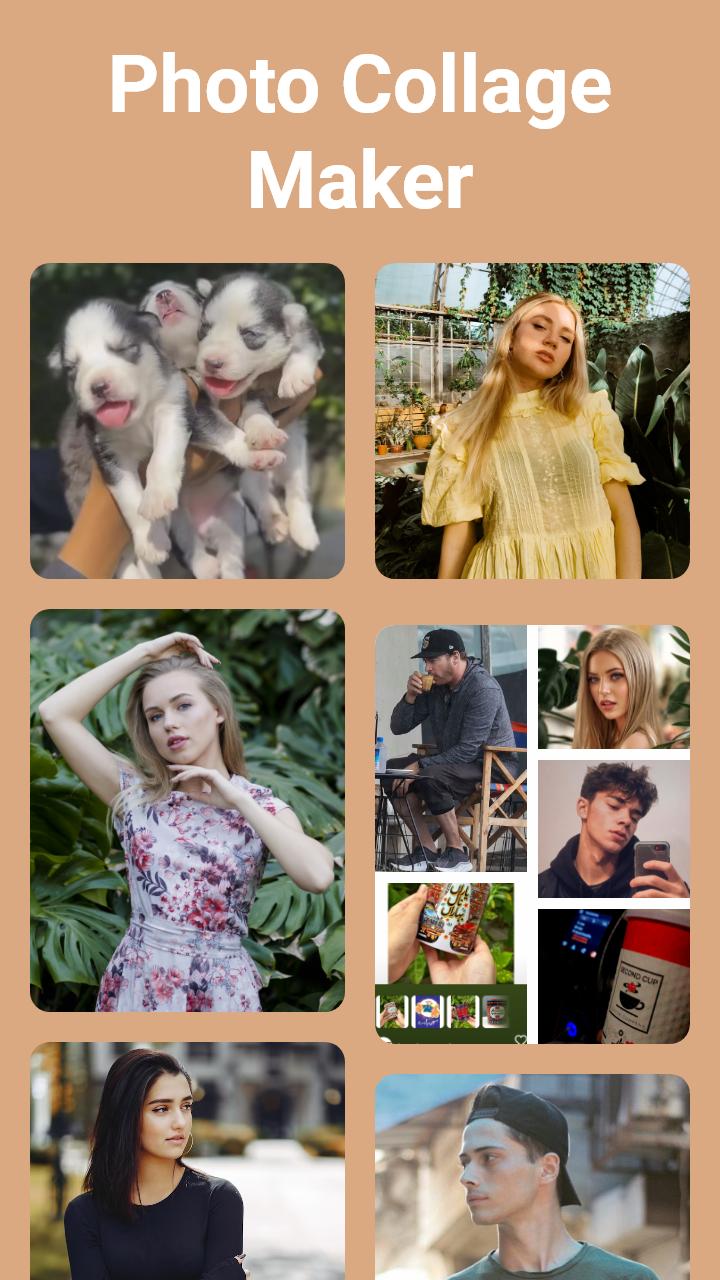
Collage Maker App is a creative tool to combine photos into one frame. It provides various layouts and frames, along with backgrounds, stickers, and filters. Adjust the size and border of your photo collage, and even add text with ease. Once you're happy with your creation, save it in high resolution and share it with friends or on social media. Collage Maker - Photo Editor is a great way to showcase memories or edit your pictures in one place.
Main Features:
• Combine two or more photos with a photo blender.
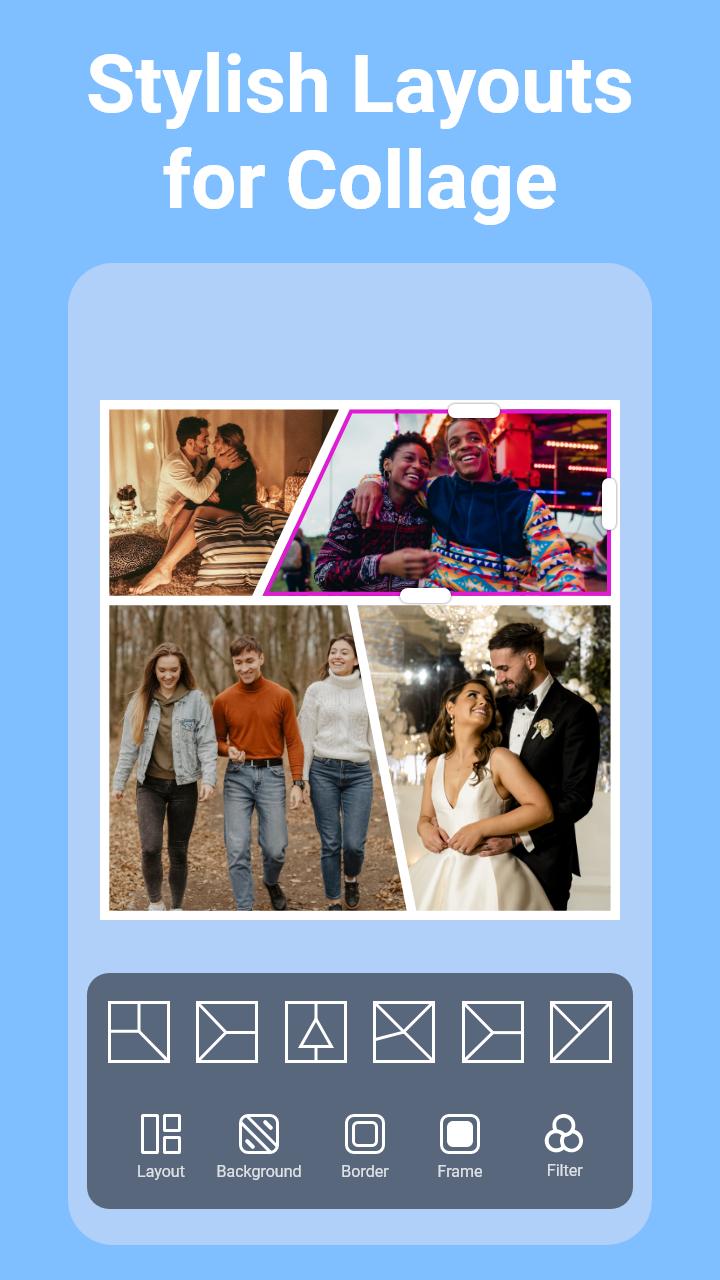
• Variety of layouts, filters, and photo frames.
• Mix and match images from your gallery.
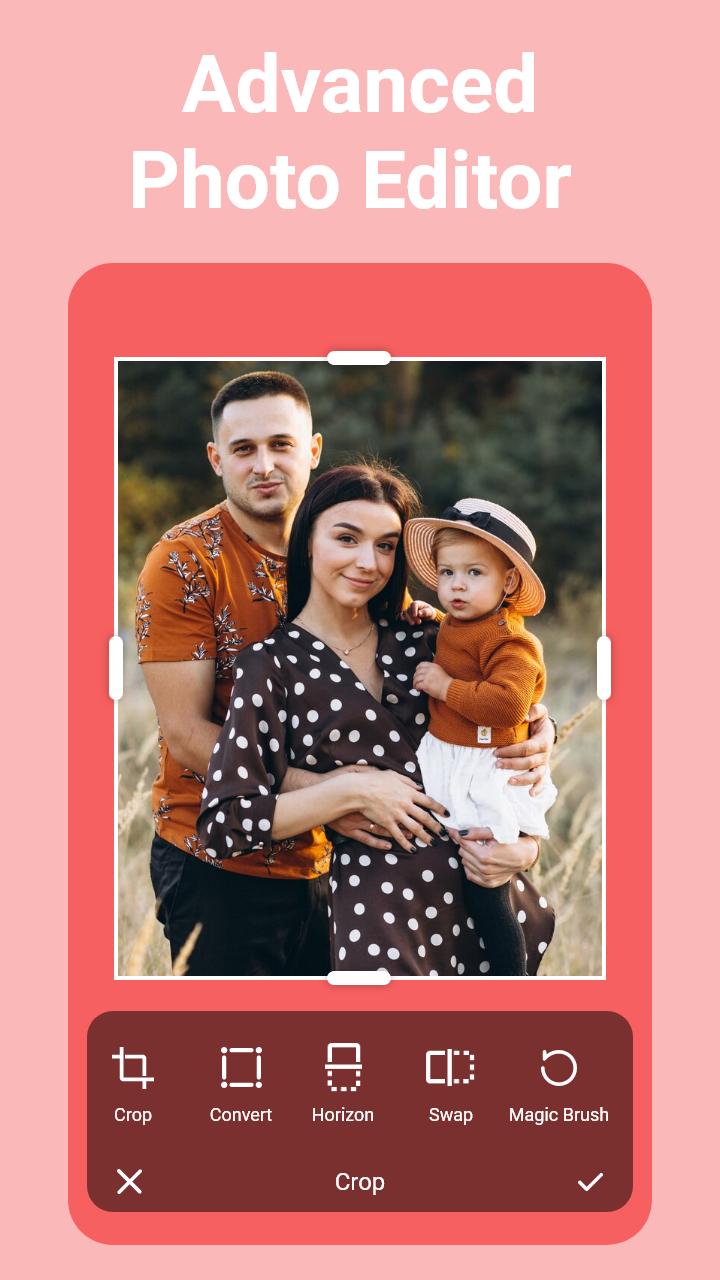
• Crop and edit photos with a collage editor.
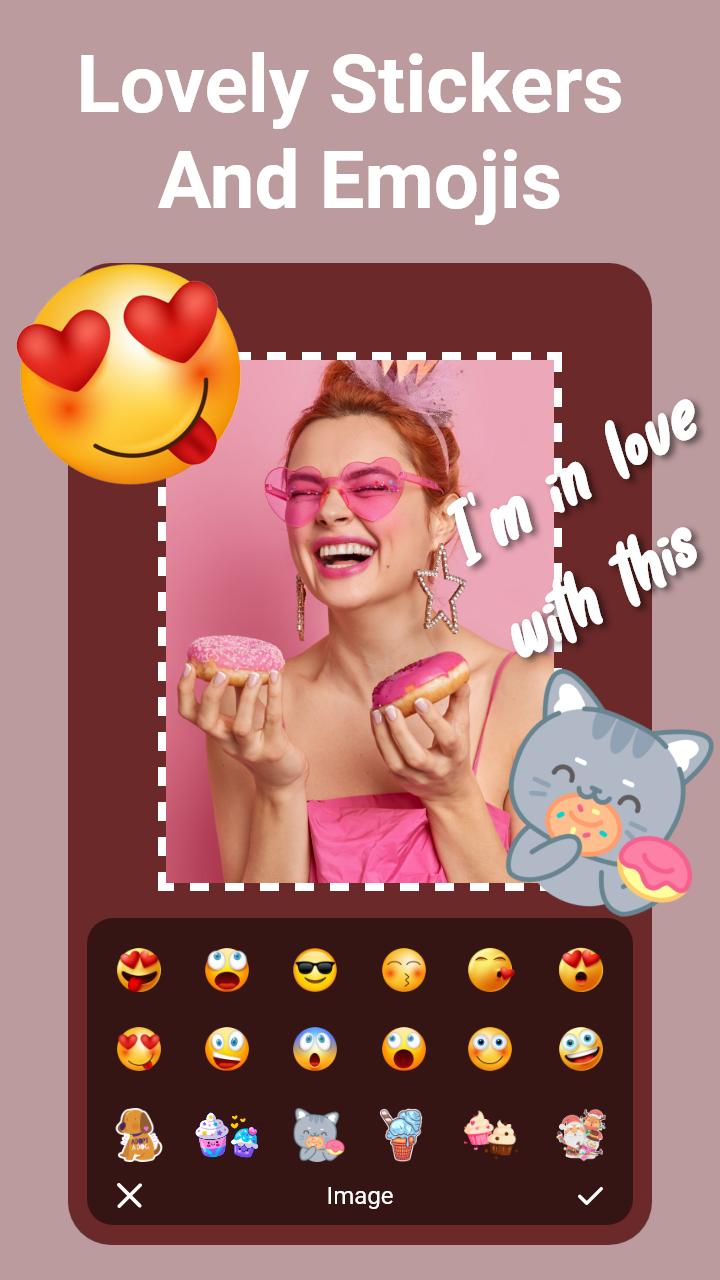
• Add text and emojis to make memes.
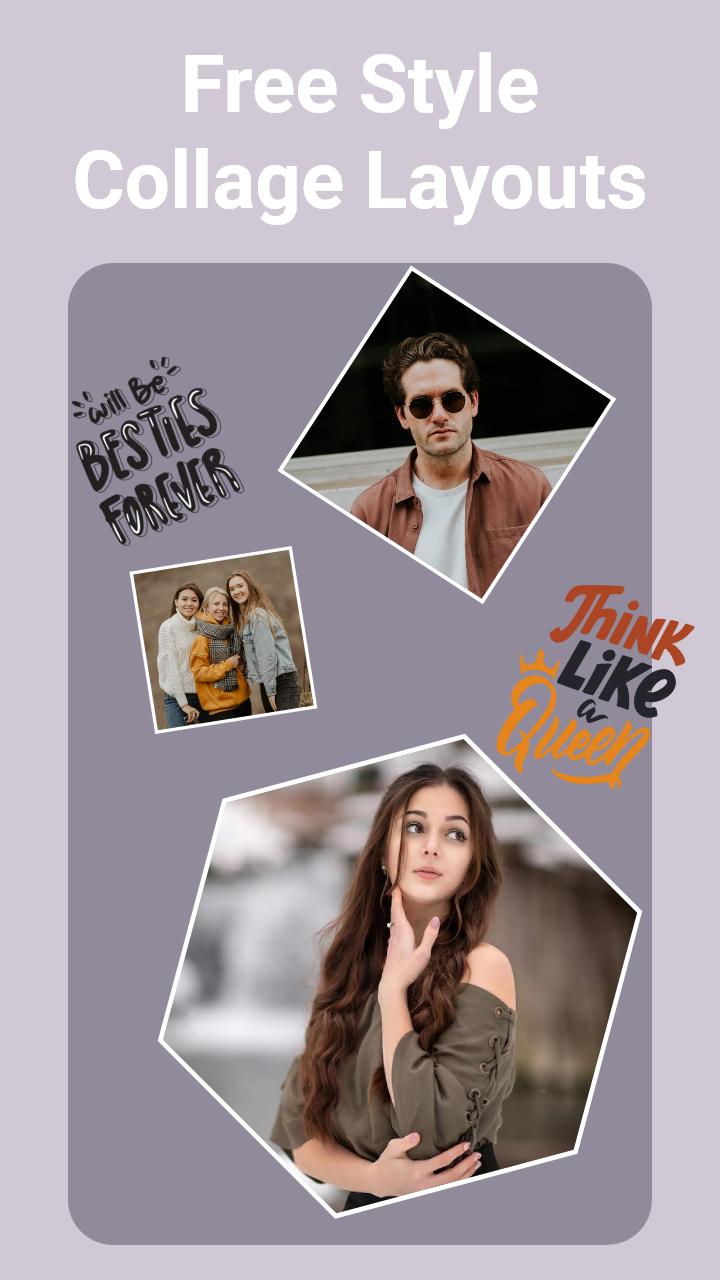
• Photo collage with grid and freestyle.
• Use backgrounds, stickers, and templates.
• Snap photos directly for instant collages.
• Customize the collage ratio.
• Make grid art and share it easily.
Photo Grid:
Photo Collage Maker - Photo Editor provides multiple layouts to arrange your photos in grids. Easily customize grid size, border, background, and ratio to create the photo grid that you need.
Side by Side Photos:
Use side-by-side photos and make exciting social media posts. You can show before and after pics in one photo frame. You can also use this app as a photo merger to combine multiple photos with stylish layouts.
Meme Generator:
Collage Maker - Photo Editor can also be used as a meme generator. Add fun to your collages by adding emojis and text to share them on social media platforms.
Edit Photos:
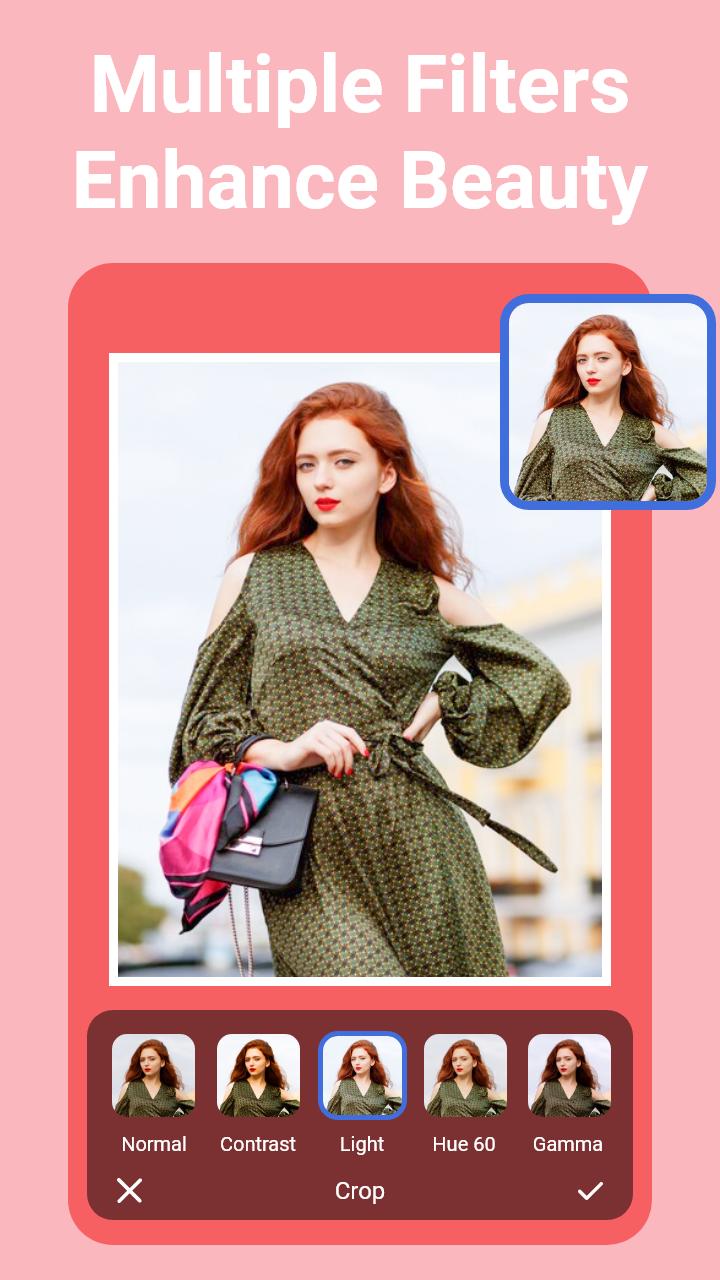
Edit your photos with Collage Maker - Photo Editor. Crop, apply filters, and even add backgrounds to make your photos fancy instead of boring. Photo Collage Editor is a powerful app and has everything you need.
Freestyle:
Add photos to a blank canvas and move them as you need. With Pic Collage Maker, add text, emojis, and stickers to create your scrapbook. Pic Stitch & Layout app allows you to get creative with your photos.
Photo Frames:
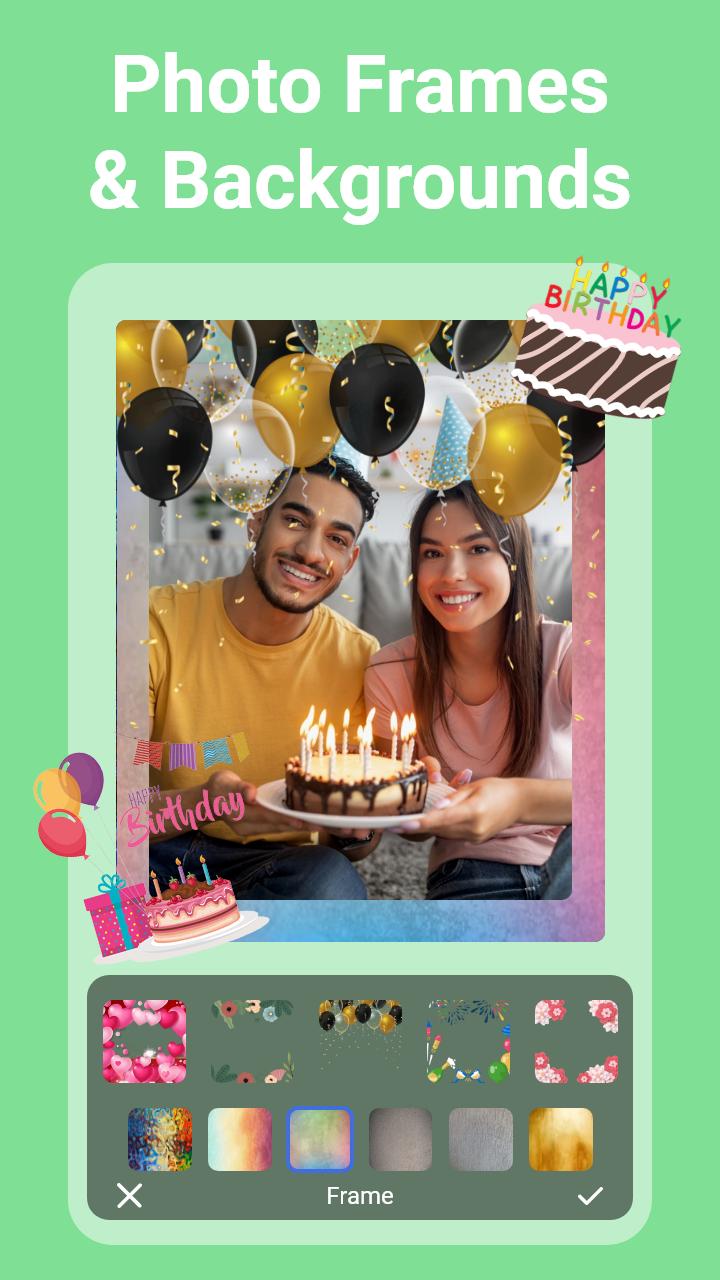
Transform photos into amazing memories with a collection of photo frames. Choose from a variety of styles to enhance your pictures with the Pic collage editor.
Easy Sharing:
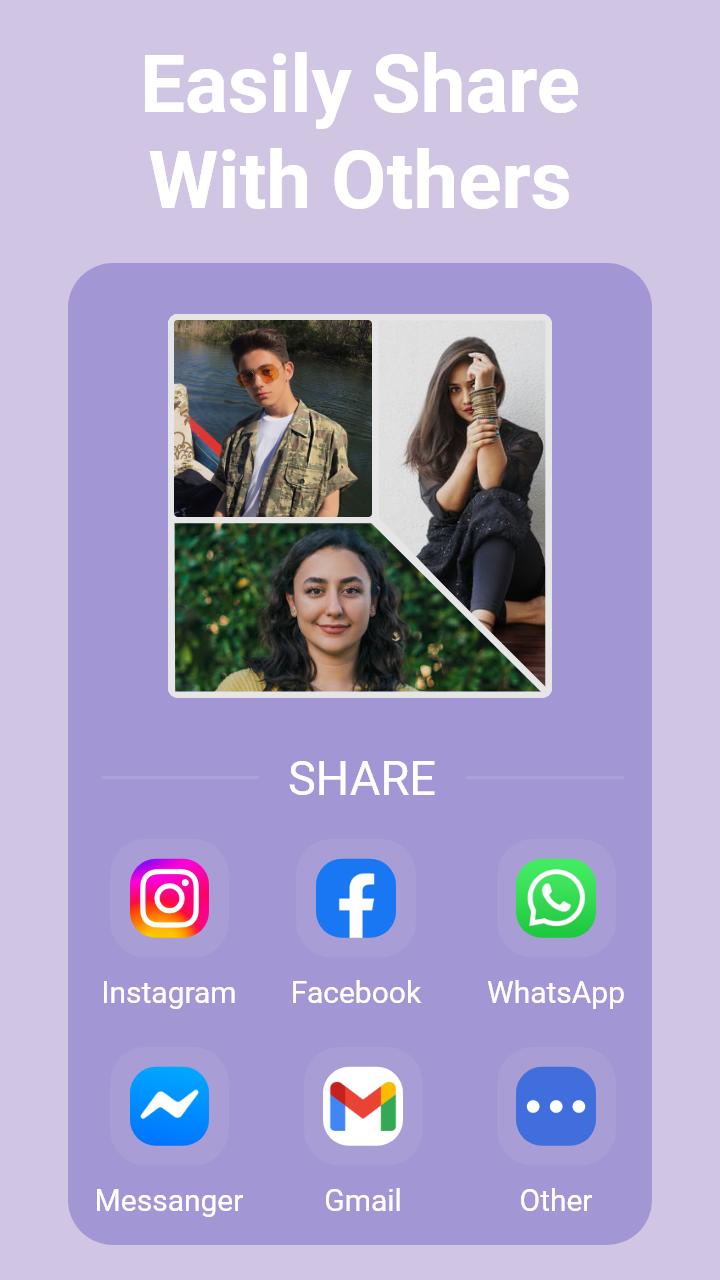
Make awesome photo art and share it with Collage Maker. Combine photos of your loved ones in a single frame and spread the joy. Each photo collage shows how creative you are.
Collage Maker - Photo Editor is a powerful collage creator and picture editing app. Download it today and tell your story through photos. If you have any ideas or suggestions about our collage app, reach out to us at support@appswingstudio.com. Enjoy Photo Layout & Grid Maker.
Latest Version
1.2.4Uploaded by
Btool Weshah
Requires Android
Android 7.0+
Category
Free Photography AppContent Rating
Everyone
Security Report
Report
Flag as inappropriateLast updated on Apr 30, 2026
Minor bug fixes and improvements. Install or update to the newest version to check it out!

APKPure - A multi-platform app store primarily focused on Android, providing extensive app-related content. Discover the app you want easier, faster, and safer, with quick and efficient downloads and installations.