

CnX Player suits users who keep videos in different formats and want reliable playback on a phone or tablet. It focuses on handling Ultra HD and common subtitle types, so you can watch without converting files. The layout keeps controls and your library within easy reach for quick access. You can use it for local files or supported network streams, depending on your setup. Before installing or updating, checking the CnX Player latest version helps ensure compatibility with your device.
Broad format and codec support
Playback controls and display options
After compatibility is covered, you can fine tune how videos play. Adjust speed between 0.5x and 2x for slow or fast motion. Use auto rotate, choose repeat settings, and crop or stretch the picture to fit your screen. Video filters let you modify saturation, contrast, and brightness. CnX Player supports HW+ acceleration and lets you switch between hardware and software decoding when needed.
Interface, gestures, and casting
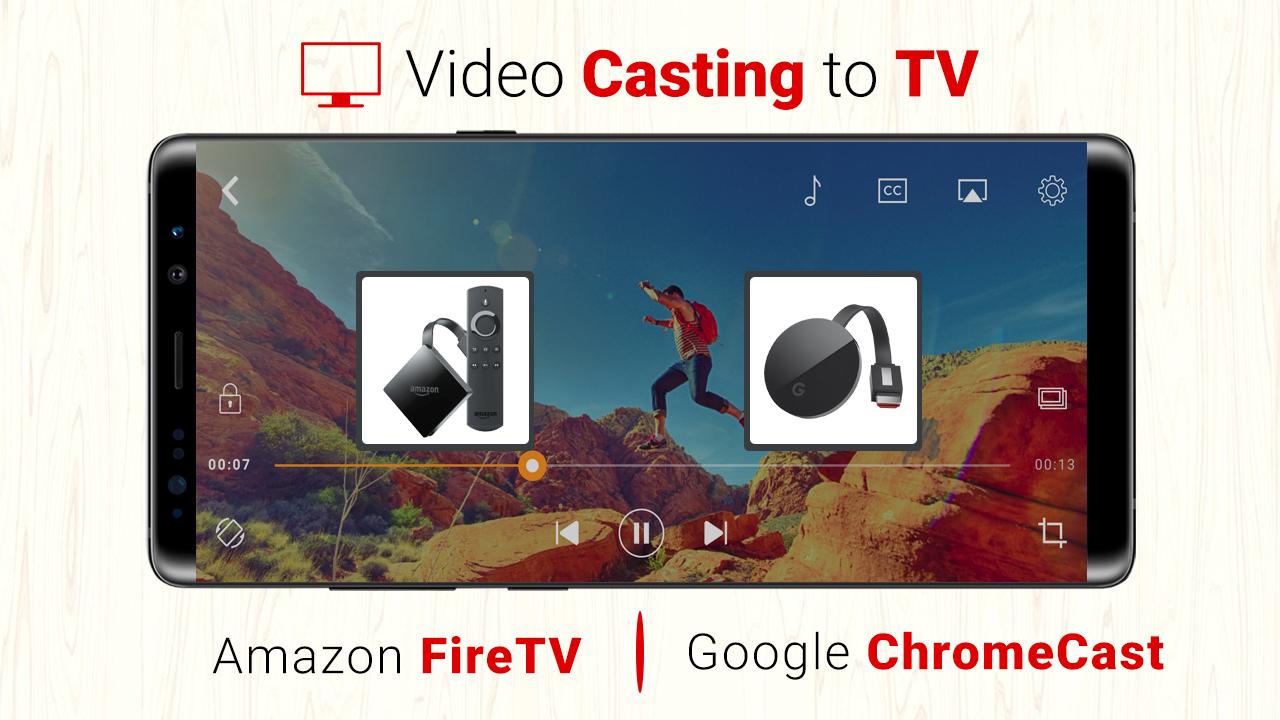
To keep viewing simple, Theatre Mode lets you watch while browsing your gallery. Choose grid or list views, apply colorful themes, and use a floating window for multitasking. On screen gestures help you seek, skip with a double tap, and change volume or brightness. Casting to Fire TV Stick and Chromecast is available in the pro version, with remote control support when casting to Fire TV Stick.
Library and file management
CnX Player handles varied formats, offers practical playback controls, and includes tools for subtitles and file organization. Casting and extra options are available if you choose the pro version. To try it on your device, download CnX Player and follow the in app setup prompts.
Latest Version
3.3.6Uploaded by
Milán Erhart
Requires Android
Android 5.0+
Category
Free Video Players & Editors AppContent Rating
Everyone
Report
Flag as inappropriateLast updated on Jun 21, 2019
3.3.6
- Resolved bugs and improved the stability.
- Resolved saturation setting issues.
- Resolved video casting issues.




APKPure - A multi-platform app store primarily focused on Android, providing extensive app-related content. Discover the app you want easier, faster, and safer, with quick and efficient downloads and installations.