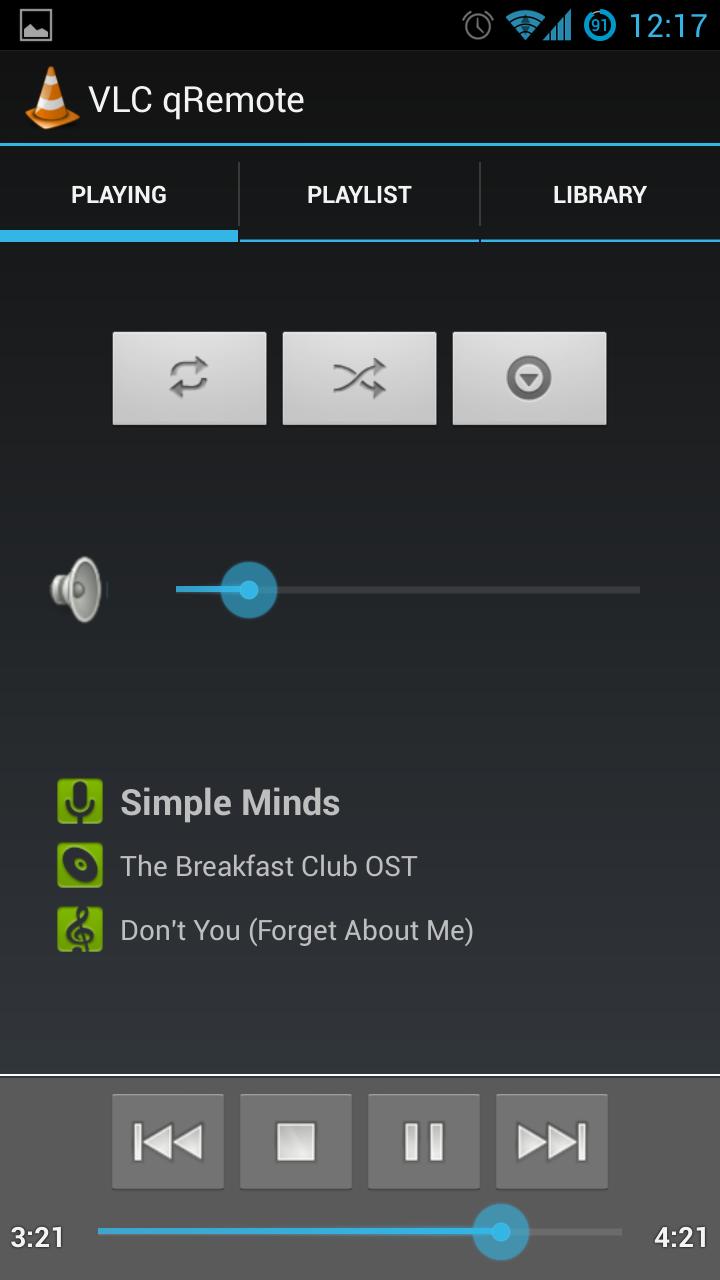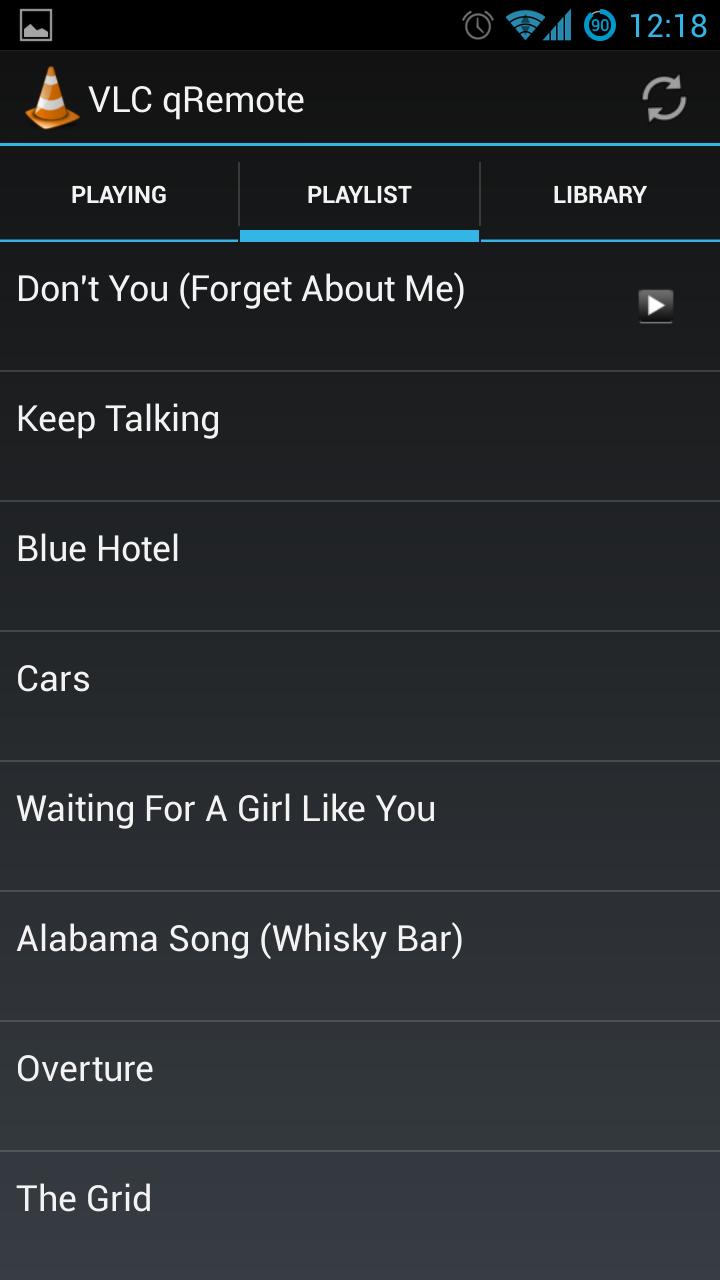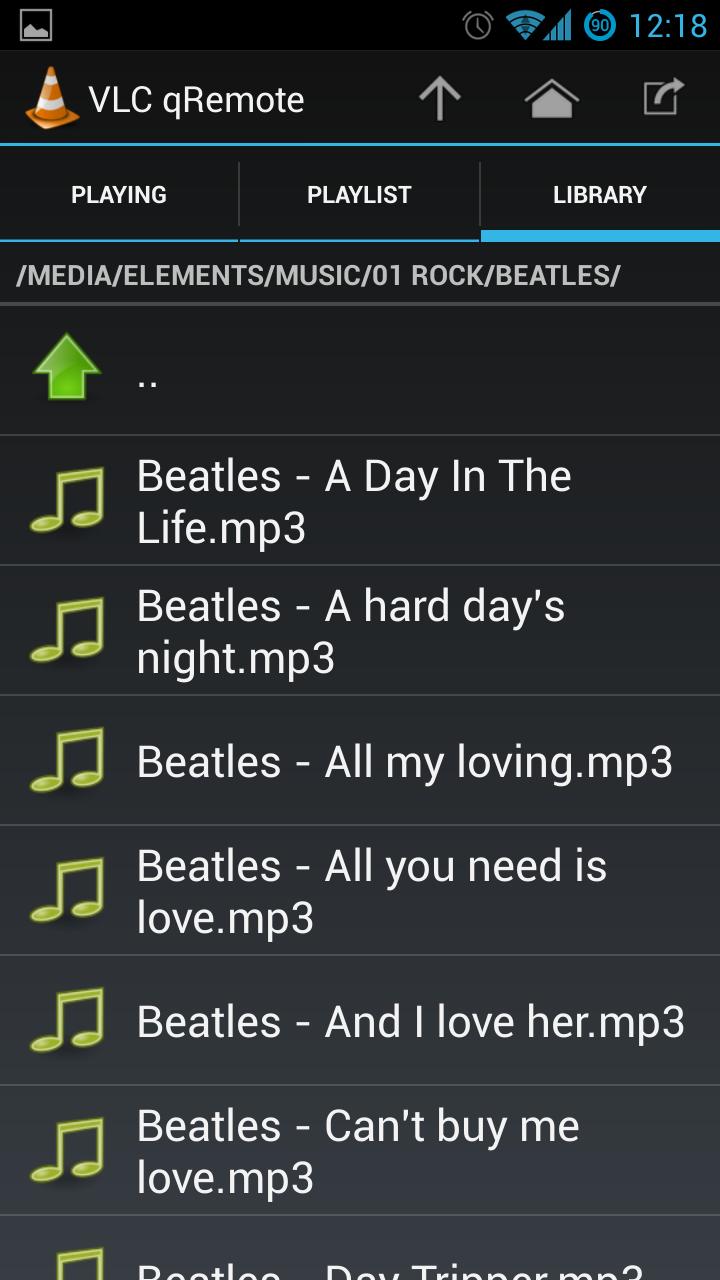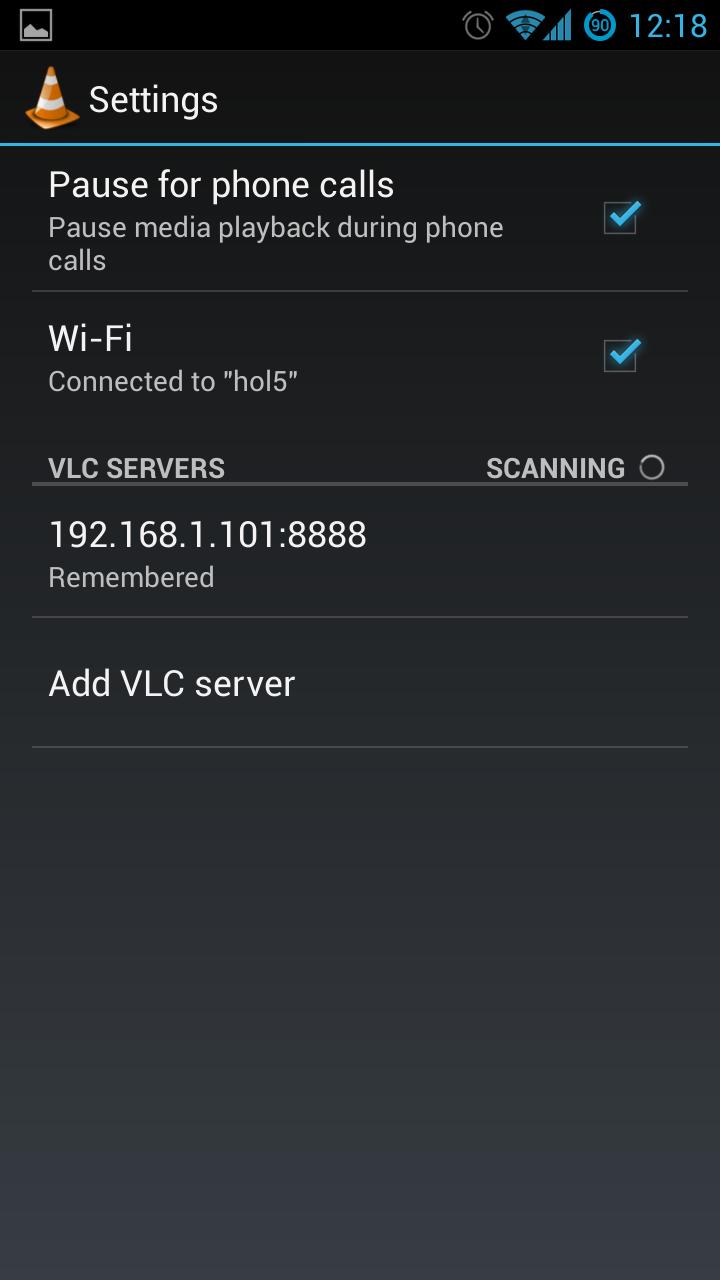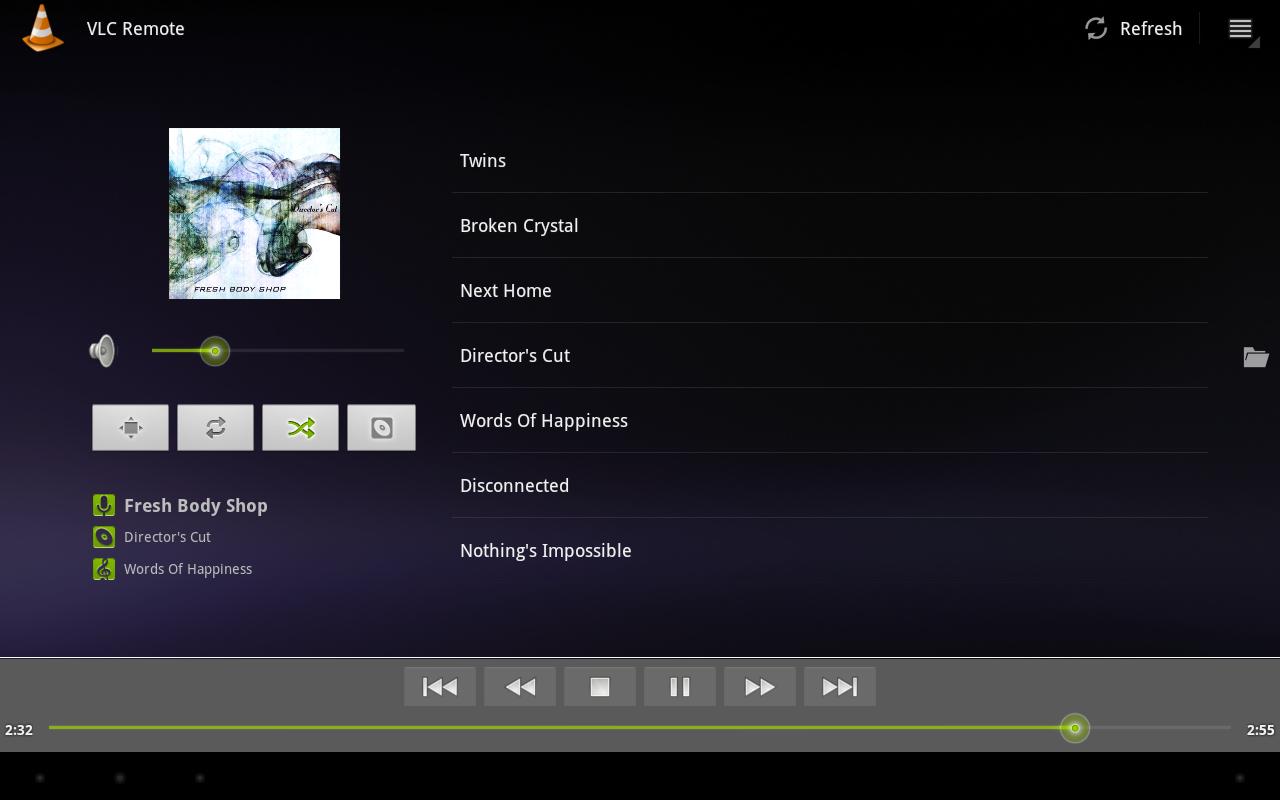
This is a remote control for VLC media player best suited to those who use VLC as music player.
This application is a fork of the application "Remote for VLC" by Peter Baldwin (https://play.google.com/store/apps/details?id=org.peterbaldwin.client.android.vlcremote).
Thank Peter Baldwin for his great application. Blame me for any bugs.
Here are the changes I've made:
- The DVD navigation tab has been removed.
- Swipe to change tab functionality has been added.
In the Library Tab (File Browser):
- Back key goes to parent directory.
- When going to parent directory previous directory is remembered and it is on top.
If you are using VLC 2.0.x version, you may need to edit your VLC ".hosts" file. (Windows default location: C:\Program Files (x86)\VideoLAN\VLC\lua\http\.hosts).
The upstream author has created a Troubleshooting guide which may be useful if you have any connection issues (http://code.google.com/p/android-vlc-remote/wiki/Troubleshooting).
Last updated on 2016年06月29日
- The DVD navigation tab has been removed.
- Swipe to change tab functionality has been added.
In the Library Tab (File Browser):
- Back key goes to parent directory.
- When going to parent directory previous directory is remembered and it is on top.