Thumbnail Maker creates thumbnails from your images (JPG, PNG, BMP, WEBP). in two easy steps.
1.) Choose your picture
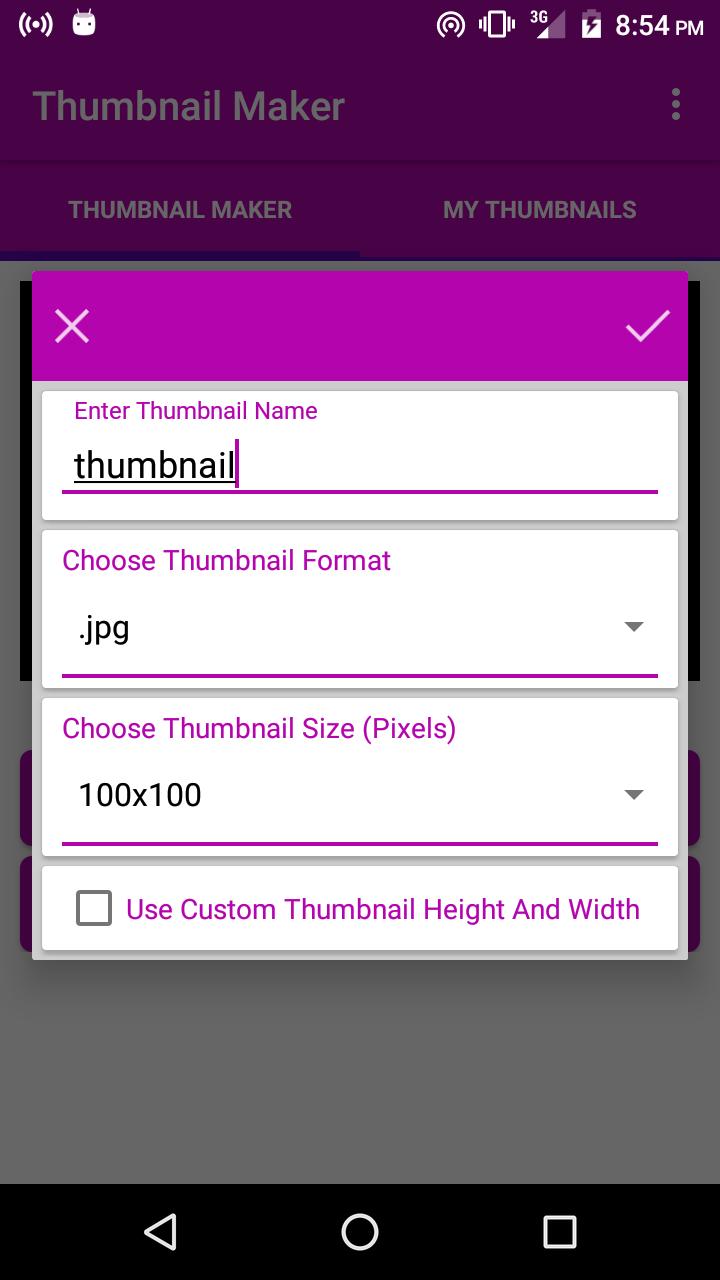
2.) Hit the "Create thumbnail" button (enter thumbnail preferences).
# For best results use pictures with a high resolution.
# You can choose thumbnail output format (JPG, PNG, BMP, WEBP).
# You can also specify Thumbnail width and thumbnail height.
All generated thumbnails are stored in "Pictures Folder" (i.e /SdCard/Pictures/).
Last updated on 2016年09月25日
Updated the media chooser.