This is the old version of Solid Explorer. For better user experience and bigger set of features, head to the new version page: https://play.google.com/store/apps/details?id=pl.solidexplorer2
Follow me!
Google+: https://plus.google.com/communities/113821567265426173430
Facebook: https://www.facebook.com/pages/NeatBytes/1516789311908389
Twitter: https://twitter.com/Neat_Bytes
Looking for a good file explorer with a sleek look and many features? Good to see you here!
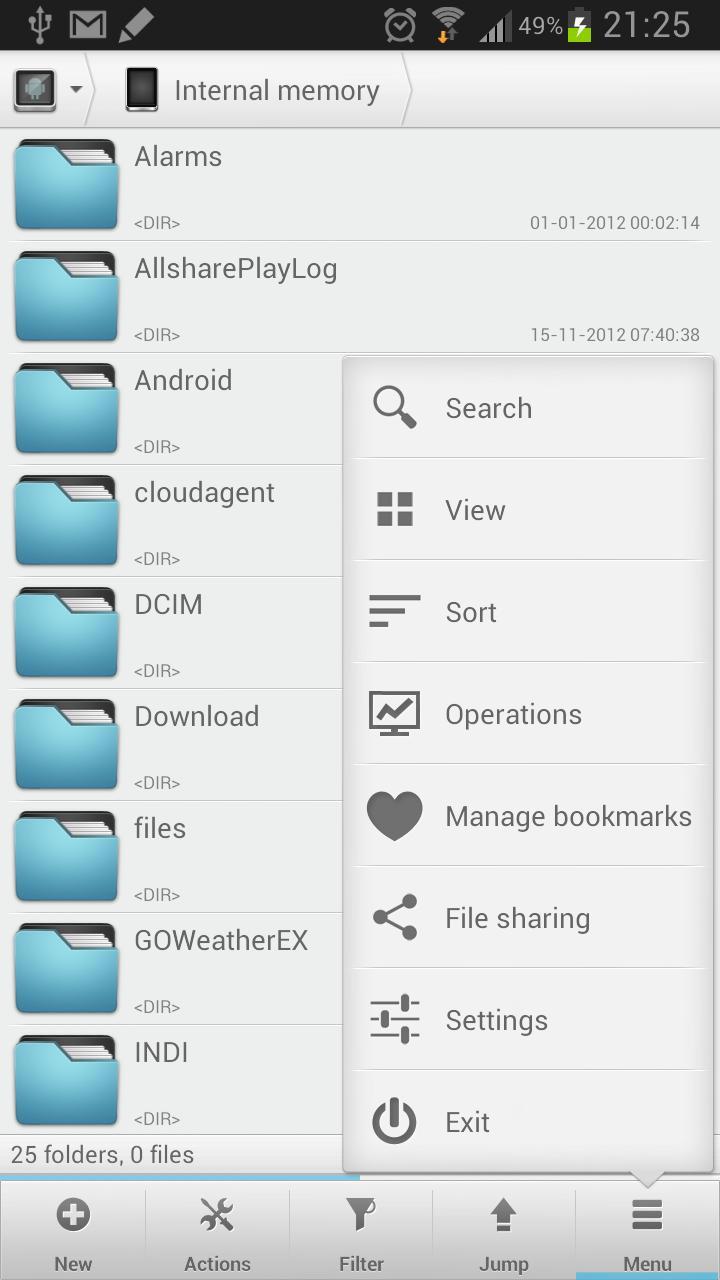
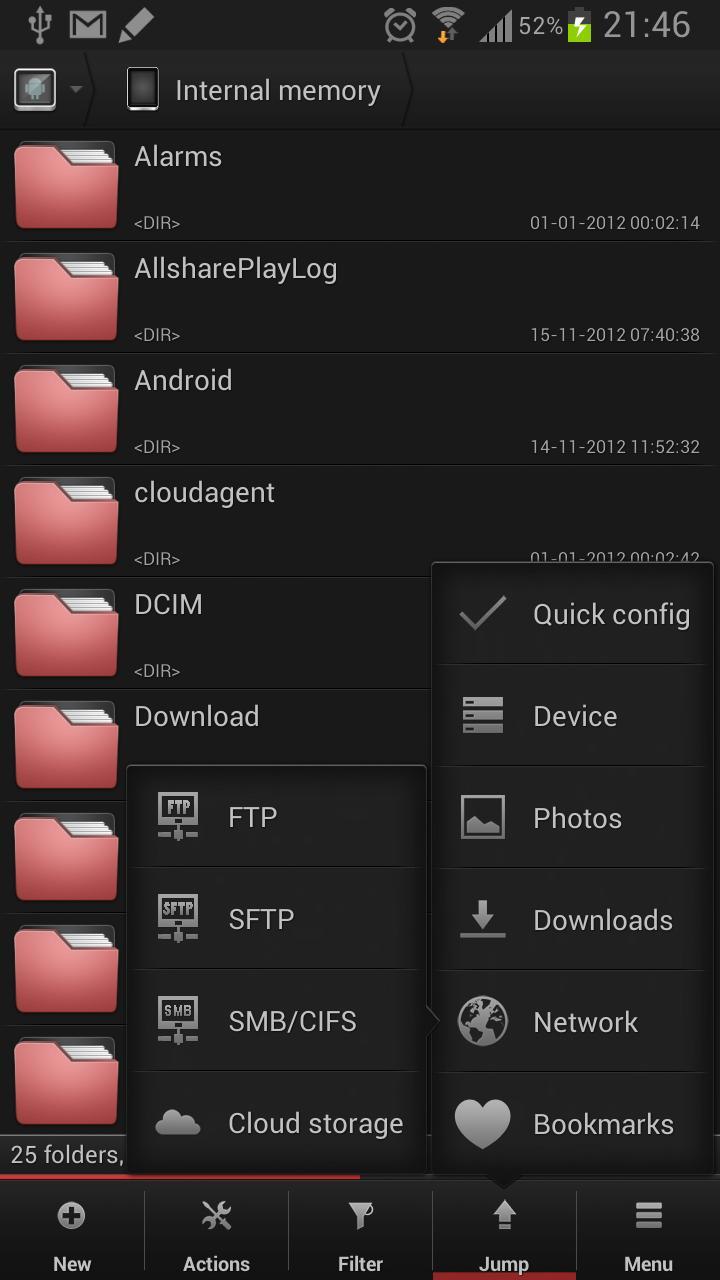
Solid Explorer is the nicest looking file manager with two independent panels which brings to you a new file browsing experience. It provides to you a wide support for cloud storages including Dropbox, Box, Google Drive and One Drive. This file manager can connect to your Windows PC and many remote servers working with FTP, SFTP and WebDav. You will also appreciate ability to create and extract most commonly used archive formats.
Two independent panels allows for seamless file transfer with drag and drop. Just hold your finger on a file and drag it to other panel. In this way you can easily transfer files between various locations including PC shares, cloud and root folders.
If you're looking for a root explorer, this file manager will meet your needs. It features a root explorer with ability to change system level file properties. You don't need to remember about mounting file systems as read/write. Solid Explorer will do it for you automagically.
Solid Explorer is also a good tool for viewing your media. This file manager can stream music and videos from your PC or cloud without a need to download it. You can even cast the stream to Chromecast!
With this file explorer you will also receive a very elegant UI look with many customization options, such as dynamic list resizing with pinch gesture or custom color schemes, which will even change the file icon colors.
Just give it a try! You will not be disappointed.
Tl;dr:
- Two independent panels serve as file browsers
- Drag and Drop inside and between panels
- FTP client with support for secure connections
- SFTP client
- WebDav client capable of connecting to Owncloud and Yandex
- SMB/CIFS client allows for browsing network folders shared with Windows file sharing
- FTP server for sharing files to your PC
- Ability to read and extract ZIP, RAR and TAR archives
- Ability to create TAR archives and password protected ZIP archives
- Many cloud clients: Dropbox, Box, SkyDrive (One Drive), Google Drive, Sugarsync, Copy, Mediafire, Owncloud (through WebDav), Yandex (through WebDav)
- Root access makes Solid Explorer fully functional root explorer
- Indexed search finds your files in a couple of seconds
- Detailed file information with storage usage statistics
This app displays ads. You can remove ads by purchasing the unlocker: https://play.google.com/store/apps/details?id=pl.solidexplorer.unlocker
Last updated on 2017年06月18日
Updated Dropbox client