SealNote is simple, safe and easy to use notepad application that puts security first. Your notes are password protected using industry standard 256-bit AES encryption. Keep sensitive information always available without compromising security!
Source code available at Github under MIT license. https://github.com/vishesh/sealnote
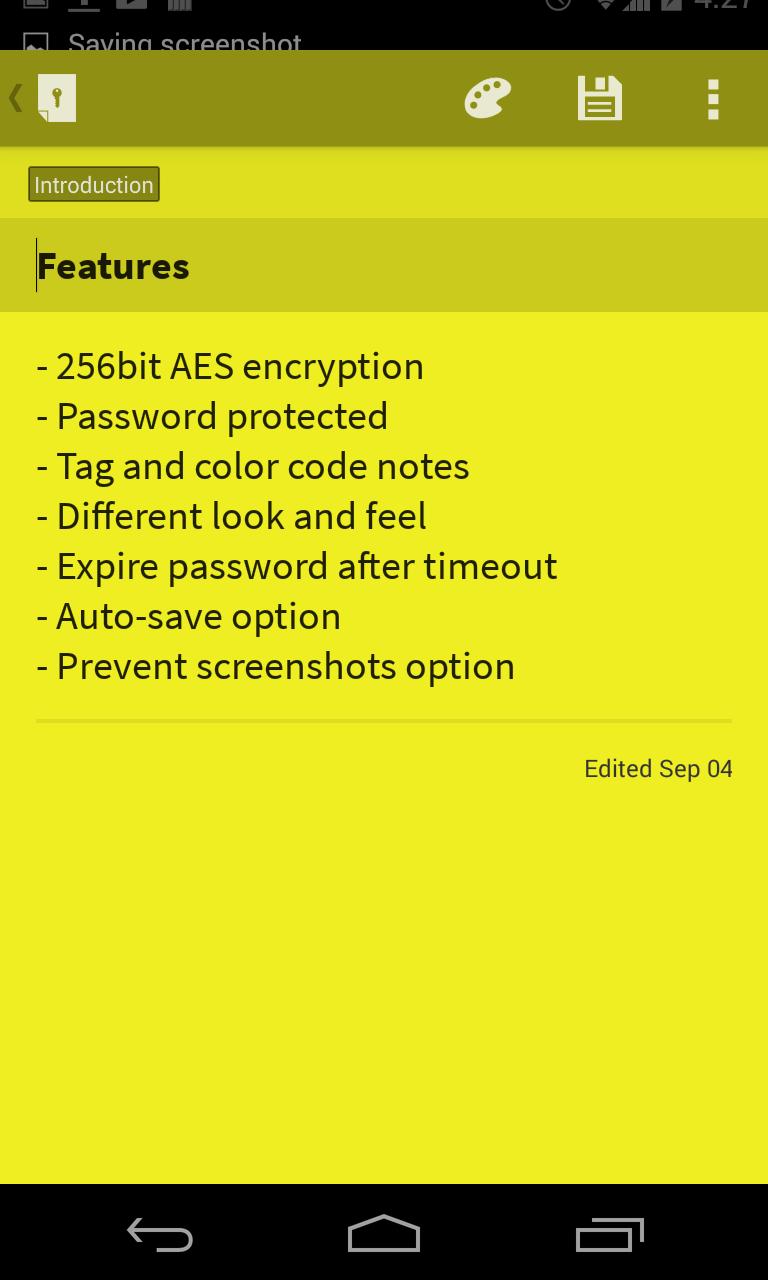
• Password protection (256-bit AES encryption)
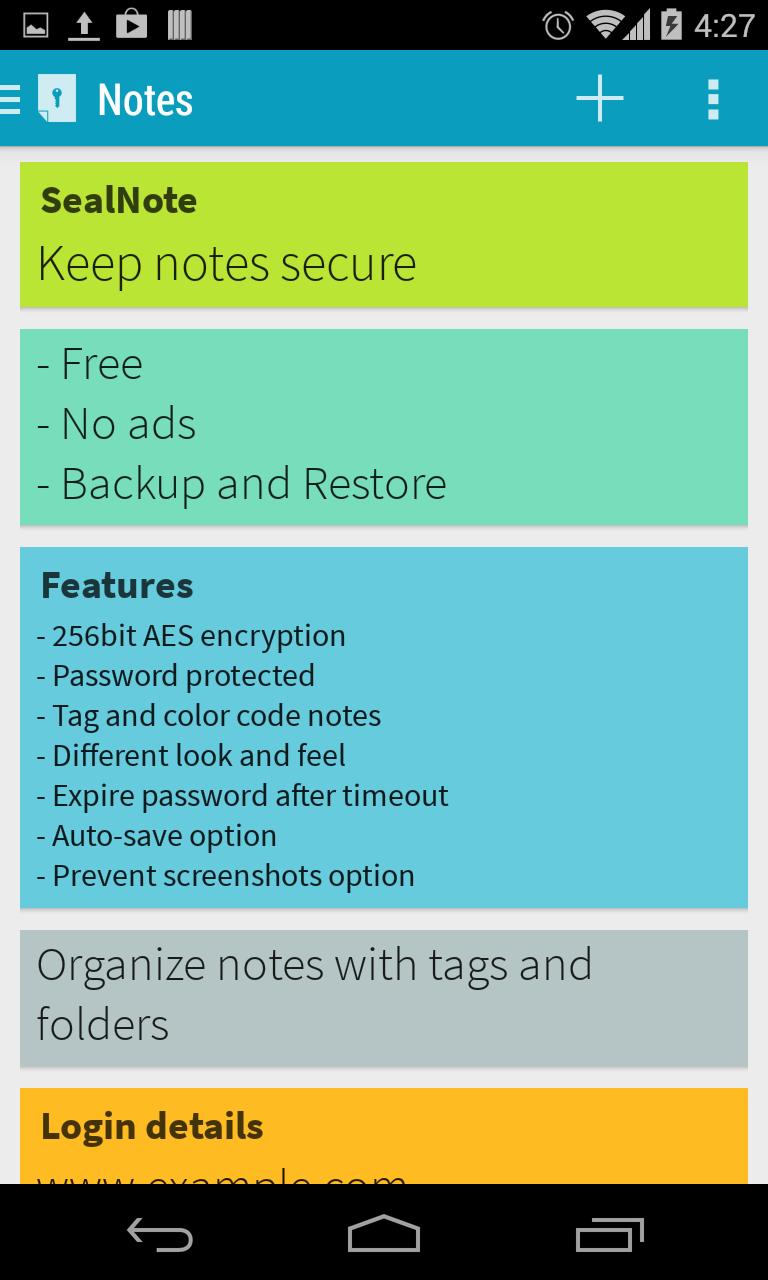
• Organize notes using colors codes and tags
• Three different styles to list your notes and please your eyes
• Password expires after configurable timeout
• Protect content from screenshots, window switcher and other non-secure displays
• Multi-column layout with number of columns optimized for your screen size.
• Simple and easy to use UI/UX
• No ads ever!
• Create encrypted data file for backup/restore
Advantages of encrypting notes:
• Keep private information such as credit cards, bank account, passwords and ideas in a single place
• Notes are encrypted locally so no one else can access, read or modify them, unless they have password.
• Since encryption is done at storage level, accessing notes directly from disk is not possible. If you ever lose phone, you won't lose your notes to thieves.
FAQ -
Q: Why not use XYZ app with application lock?
A: Application locks prevents user from opening application, but does not secure the storage. Hence adversary can simply access the storage file directly and read the content. Using encryption is proper secure way to keep sensitive information safe.
Q: If someone connects phone to computer and copies/read the data file storing all the notes, can't they read everything?
A: They can't. No one can, regardless how they access the data file (unless they have your secret password). The application uses a technique called encryption. Encryption uses your password to convert notes to unreadable form which makes no sense to anyone even computer. This can be converted back to readable text only using exact same password.
Q: I forgot my password. How do I recover my notes?
A: You can't. Your password is not stored anywhere but in your brain. If you lose your password, you will lose all your notes. Storing password locally or on server is a security hole which should be avoided.
Q: I can't take screenshots from app or I see blank screenshot in application switcher. What's wrong?
A: You probably have enabled "Secure Window" feature in SealNote settings. Disable it to be able to take screenshots or show window content in application switcher.
Contact
Homepage: www.twistedplane.com
Email : contact@twistedplane.com
File bug reports at Github https://github.com/vishesh/sealnote/issues or email at above address with [Sealnote][BUG] tags in subject.
Last updated on 2017年03月12日
* Bug fixes
* Getting ready for F-Droid
Thanks to Akshat Goel, Chad Curtis, Faruk Toptaş, and Rohit Ramkumar for making this release happen! Its been two years since last release. Sealnote has since been open-source and is hosted at https://github.com/vishesh/sealnote. Pull-requests are always welcome.