SAFE LOCK
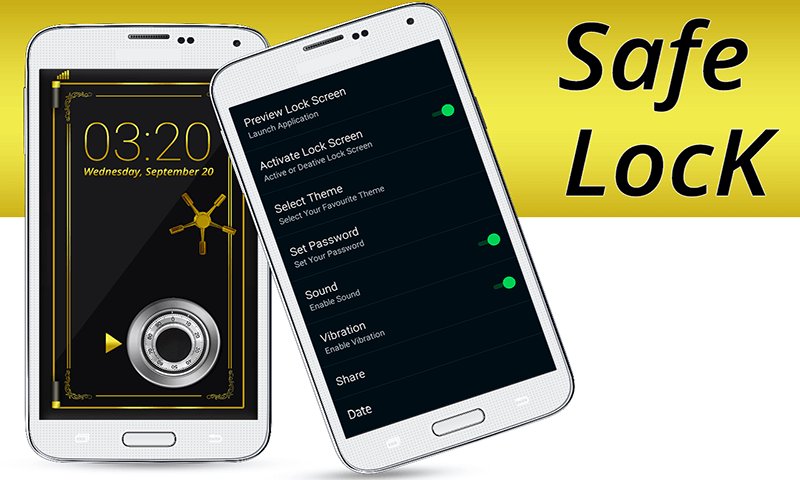
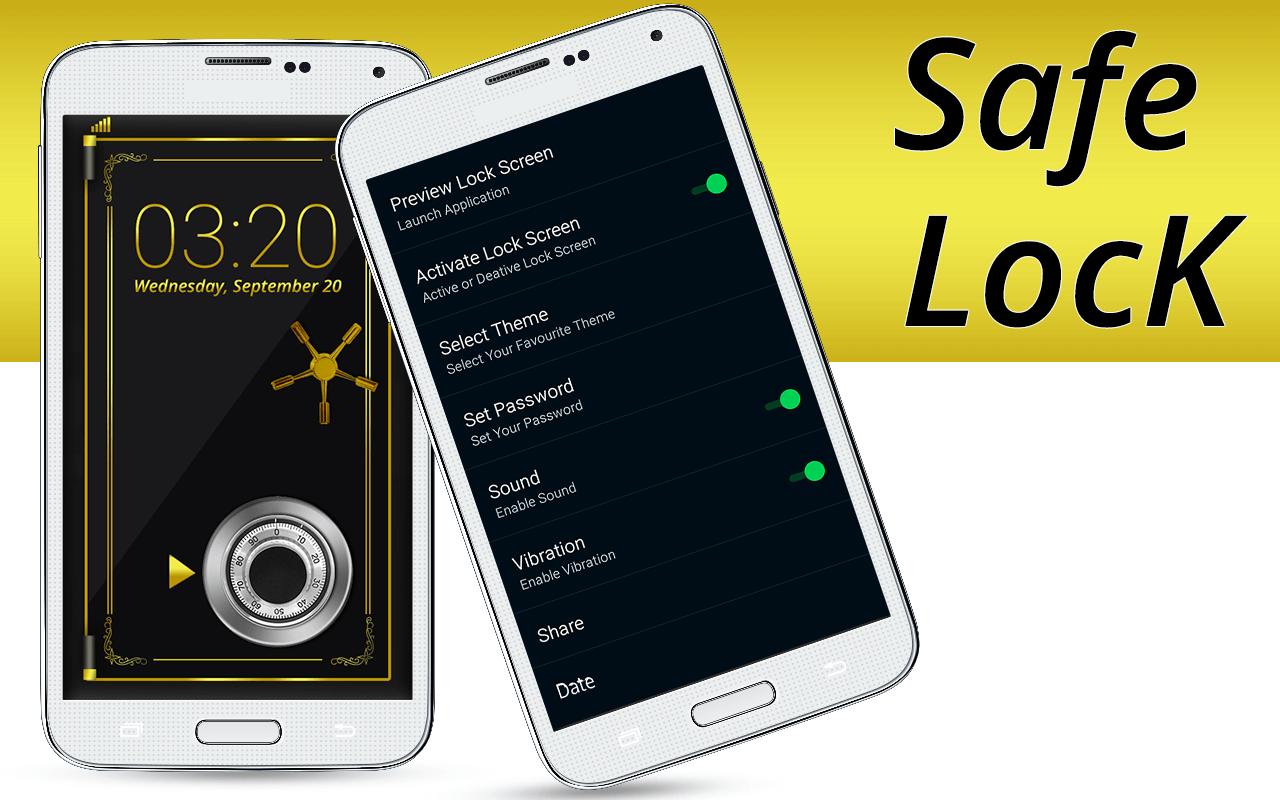
Safe lock is a custom application to lock your device professionally. Now you can safe photo, safe video, safe audio, safe web image, safe contacts , safe files and safe your whole device with professional safe lock. Safe lock is a beautiful , fancy and useful phone security application. In the app you will find fantastic 3D safes, including realistic sounds, to lock your phone. With this application you will be able to lock your phone not to allow anybody else to access it. The safe - screen lock is very easy to use.
safe door lock is the best & advance door lock screen app designed for all those people who want to secure their phone screens. This safe door lock will also protect your sensitive data and apps and you need a secure pin code to unlock the phone screen.
Safe Screen Lock is just like combination of safe lock and a custom screen lock application for Android Smart Phones and Tablets. Whether you are after increased security or simply a unique way of unlocking your device, safe combination lock screen acts as a safe vault to give you an alternative way to secure your device with as many different pattern combinations, as complex or simple as you like.
How to use safe lock?
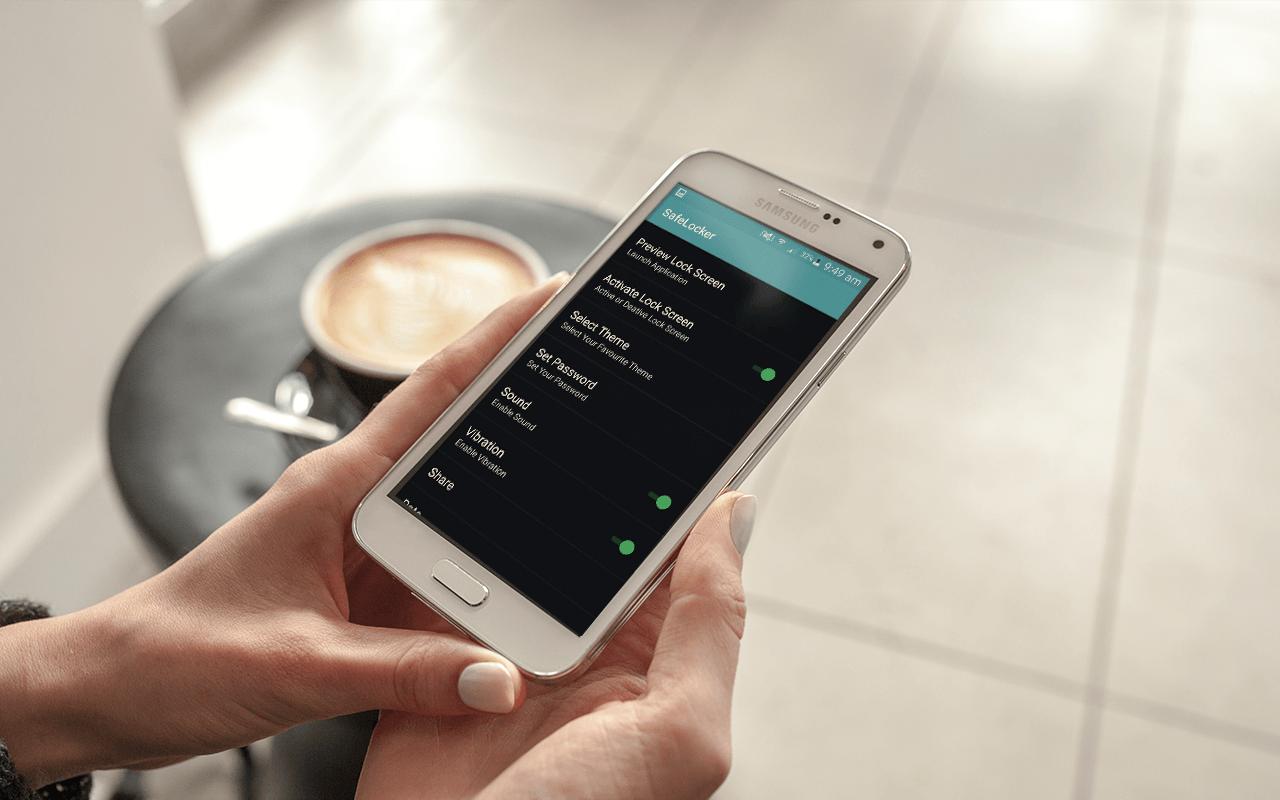
There are two passwords require for the lock containing maximum of four characters each. provide MASTER PASSWORD AND original password and then confirm it. now you have to select the 3D safe lock theme set as background.
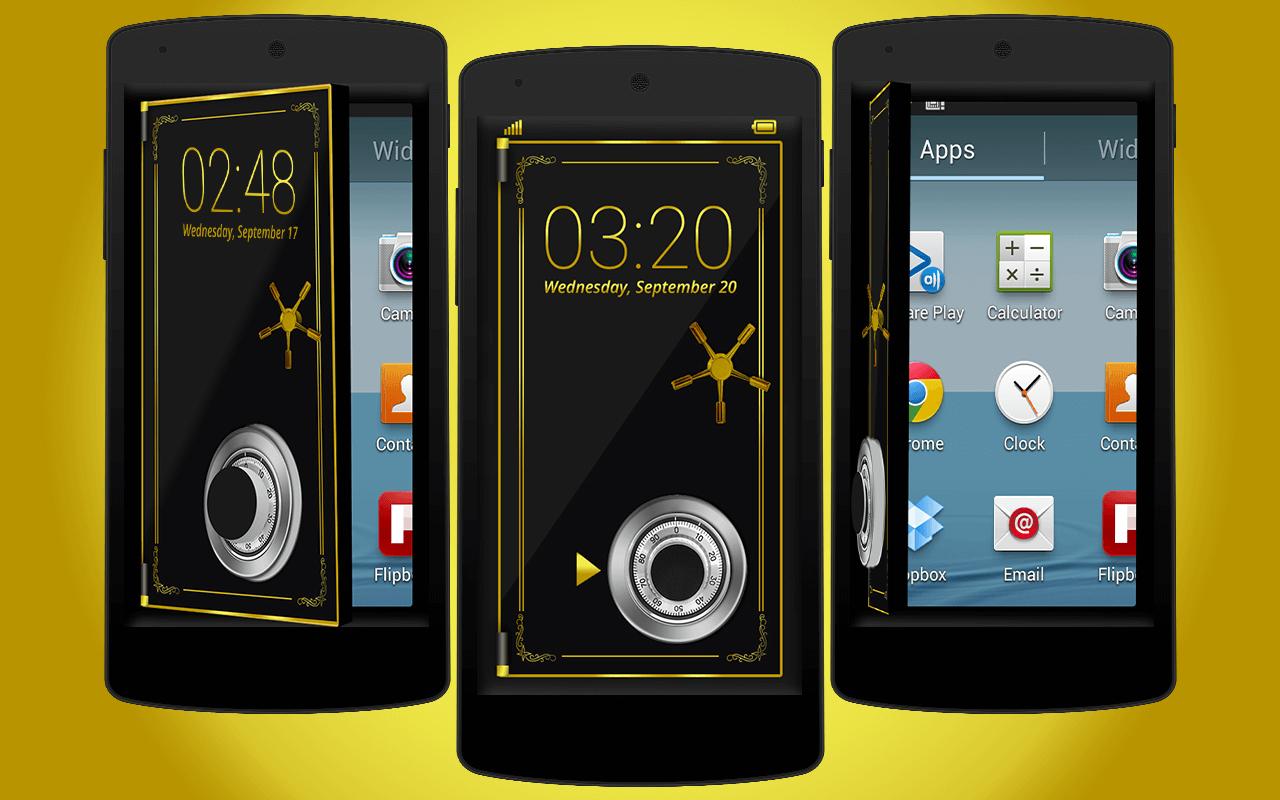
To unlock please match the password with the safe knob and it unlock your home screen with beautiful safe animation.
Features of Safe Lock Screen
- 3D Safe door lock app
- Useful Safe screen lock
- No chance of hack of your password
- Safe lock animation
- Record complex or simple lock patterns to be enforced on your screen lock safe vault
- New safe door lock screen
- fancy lock screen
- Best Safety Lock
- Combination lock screen
- fancy safe door animation
- Professional lock screen
-----------FAQ---------
1)How to avoid double lock screen?
Go to - "Setting" - "Turn off System lock".
2)How many types of password in this lockscreen ?
There are two type of password first is the main password for security and second is the Master password in case you loss your first password to make you secure in professional way with safe screen lock
.
3) How can I unlock my device if I forgot the passcode?
In this safe lock screen you are given a Master password to secure you. so you can enter the super password to avoid the unlock
Last updated on 2016年11月24日
此版本包含小幅错误修复和常规改进。请更新至最新版本,以获得更佳体验。