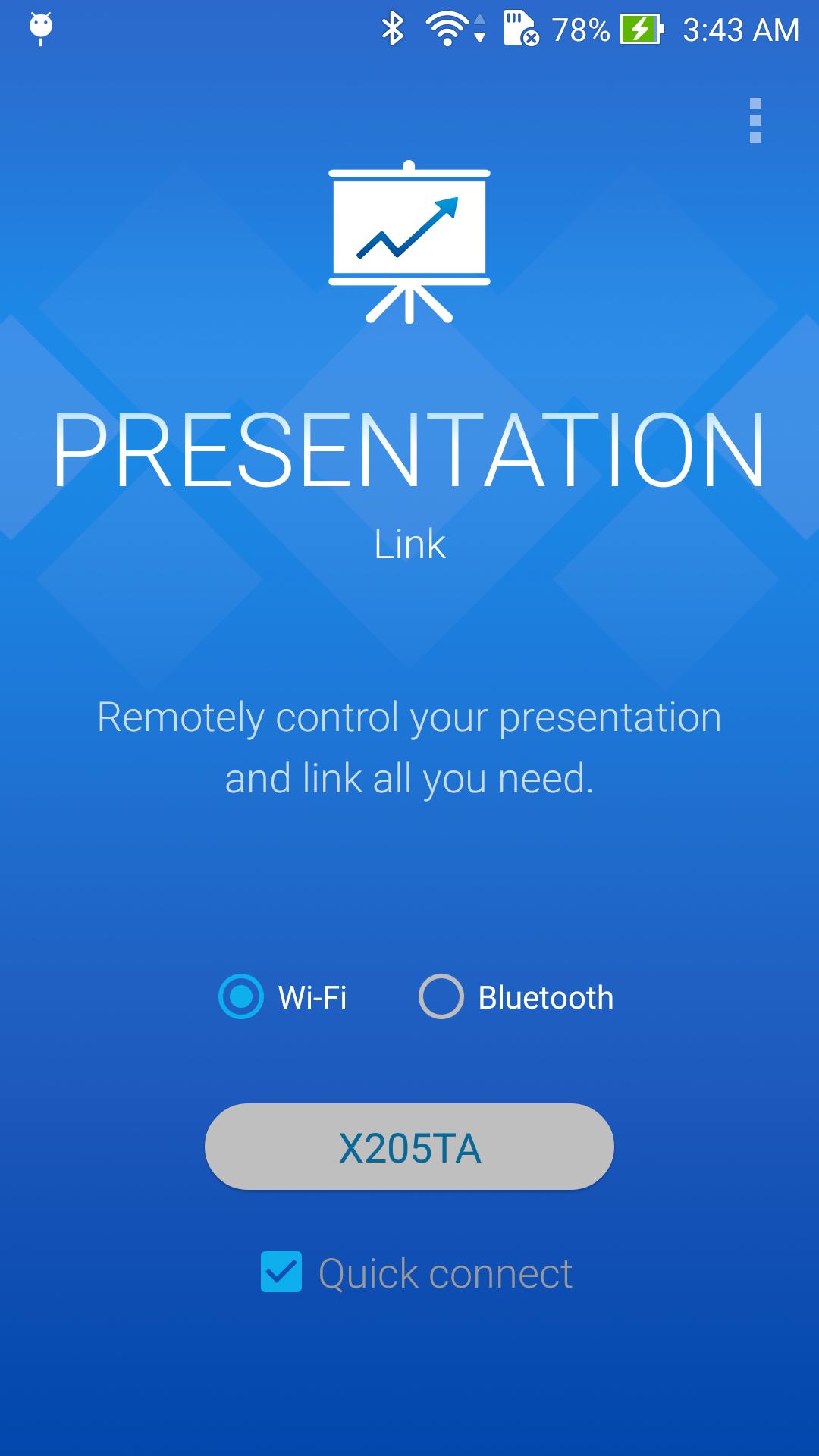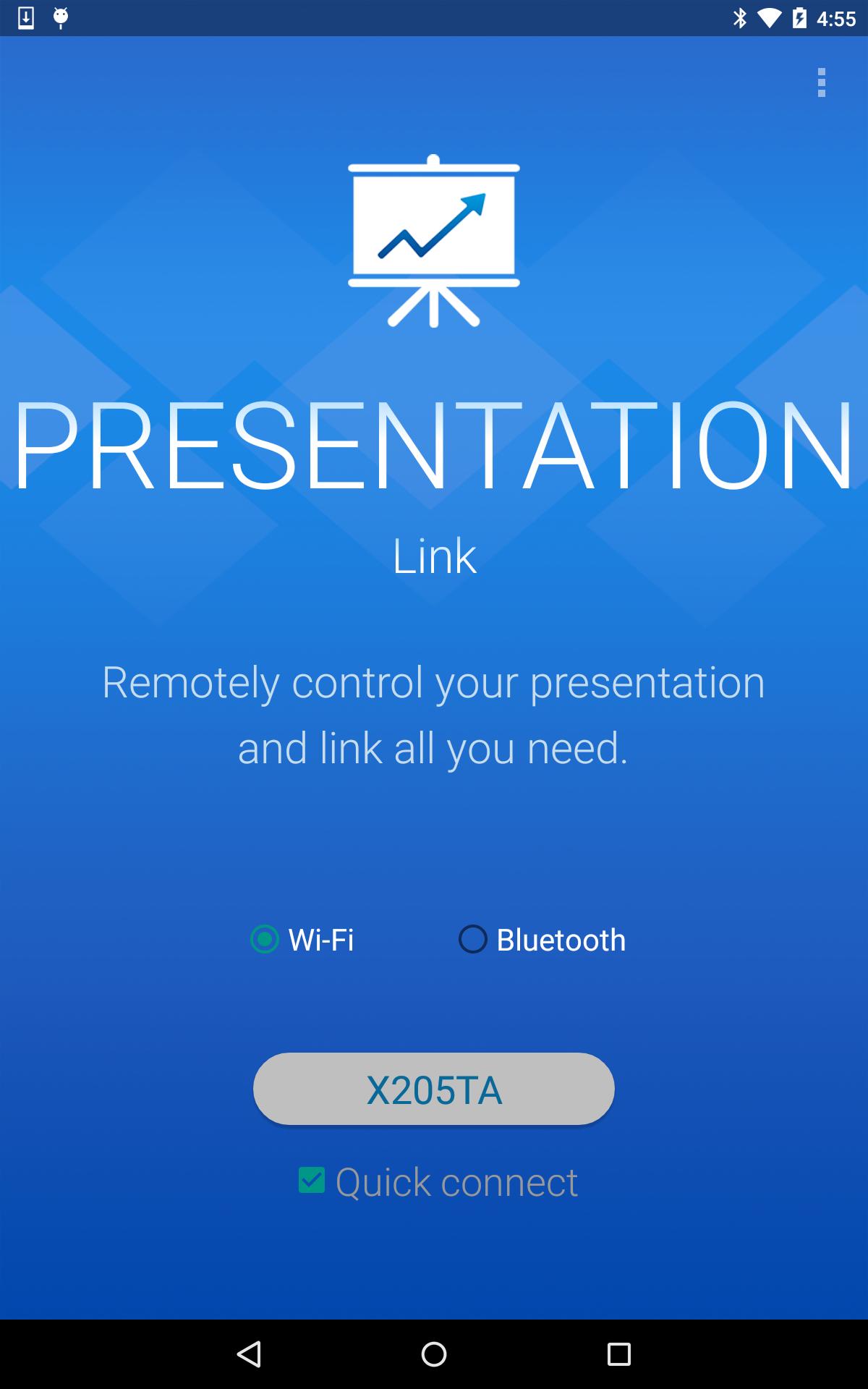
Presentation Link让演示更轻松更有效。 在进行商务演示或演讲时,您可以在移动设备上切换幻灯片、跟踪进度、以及关注已过去的时间等,使您的演示更加精炼和有效。
【关键特性】
- 支持Bluetooth和WiFi
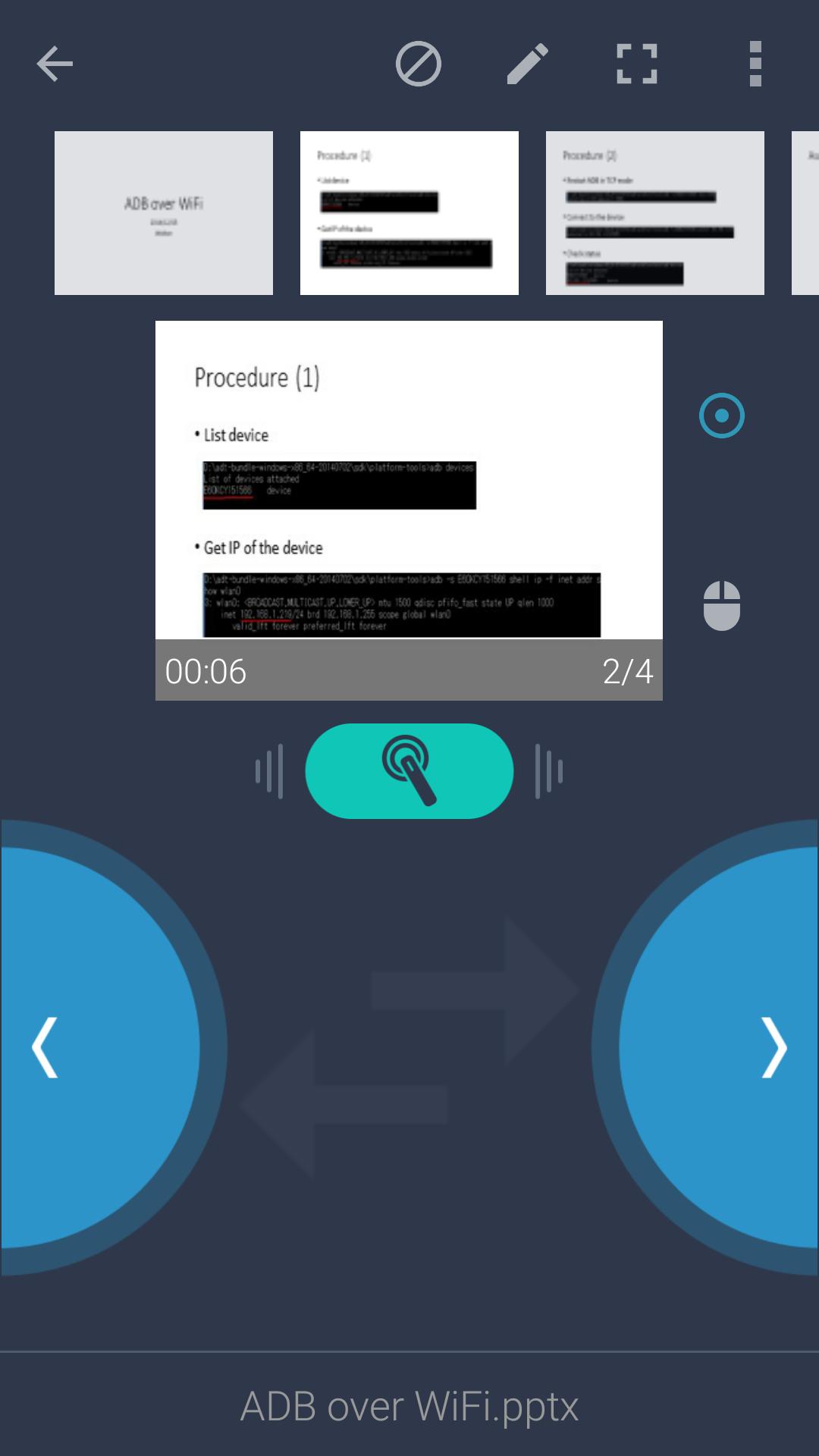
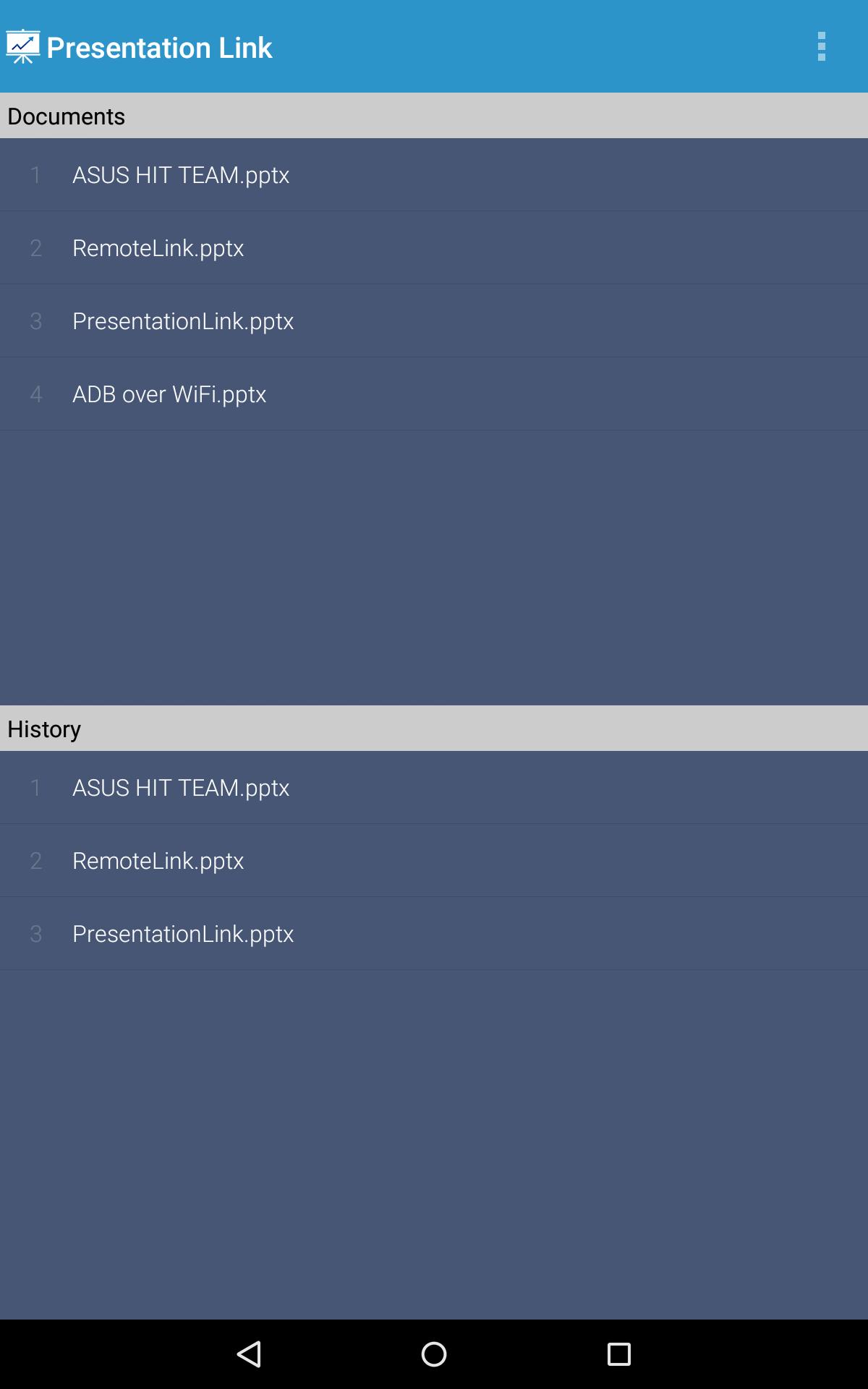
- 远程同步和浏览您的幻灯片文件
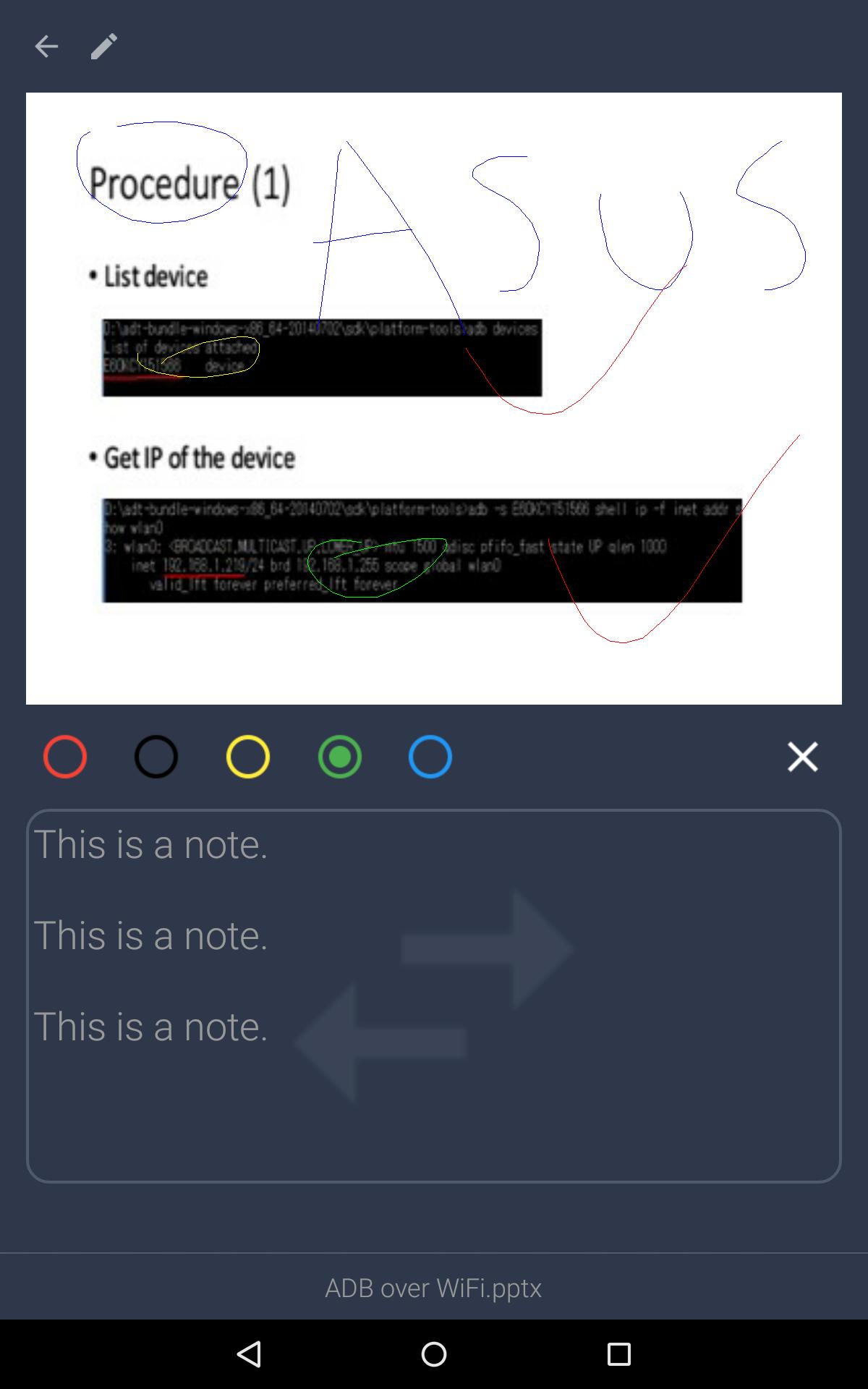
- 在您的移动设备上点按可实现激光教鞭/鼠标光标功能
- 预览当前幻灯片
- 支持绘图模式和多种颜色
- 查看幻灯片缩略图,跳转到特定幻灯片
- 在手机上查看附注
- 查看演示计时器和幻灯片编号
- 切换空白屏幕
- 音量按钮可用于切换幻灯片
- 滑动手势可用于切换幻灯片
- 没有幻灯片和演示时间限制
【要求】
- Windows 7或以上
- 服务器必须安装在您的PC上: http://remotelink.asus.com
- Visual Studio 2010 Tools for Office Runtime(若存在同步问题): http://www.microsoft.com/en-us/download/details.aspx?id=44074
【联系我们】
电子邮件: touchpadhit@gmail.com
Last updated on 2016年11月23日
↑ ★ ★ ★ ★ ★ ↑
Like this app? Keep us inspired by giving a 5-star rating!
We're sorry, Presentation Link will be removed from store soon.
We recommand Remote Link as an alternative tool.
( (https://play.google.com/store/apps/details?id=com.asus.remotelink.full )
Thank you all for your support!
== 1.2b.0.150806 ==
- According to the Android 6.0 restriction, Bluetooth discovery requires the permission of location. If you can't find any devices via Bluetooth, go app info to allow the permission.