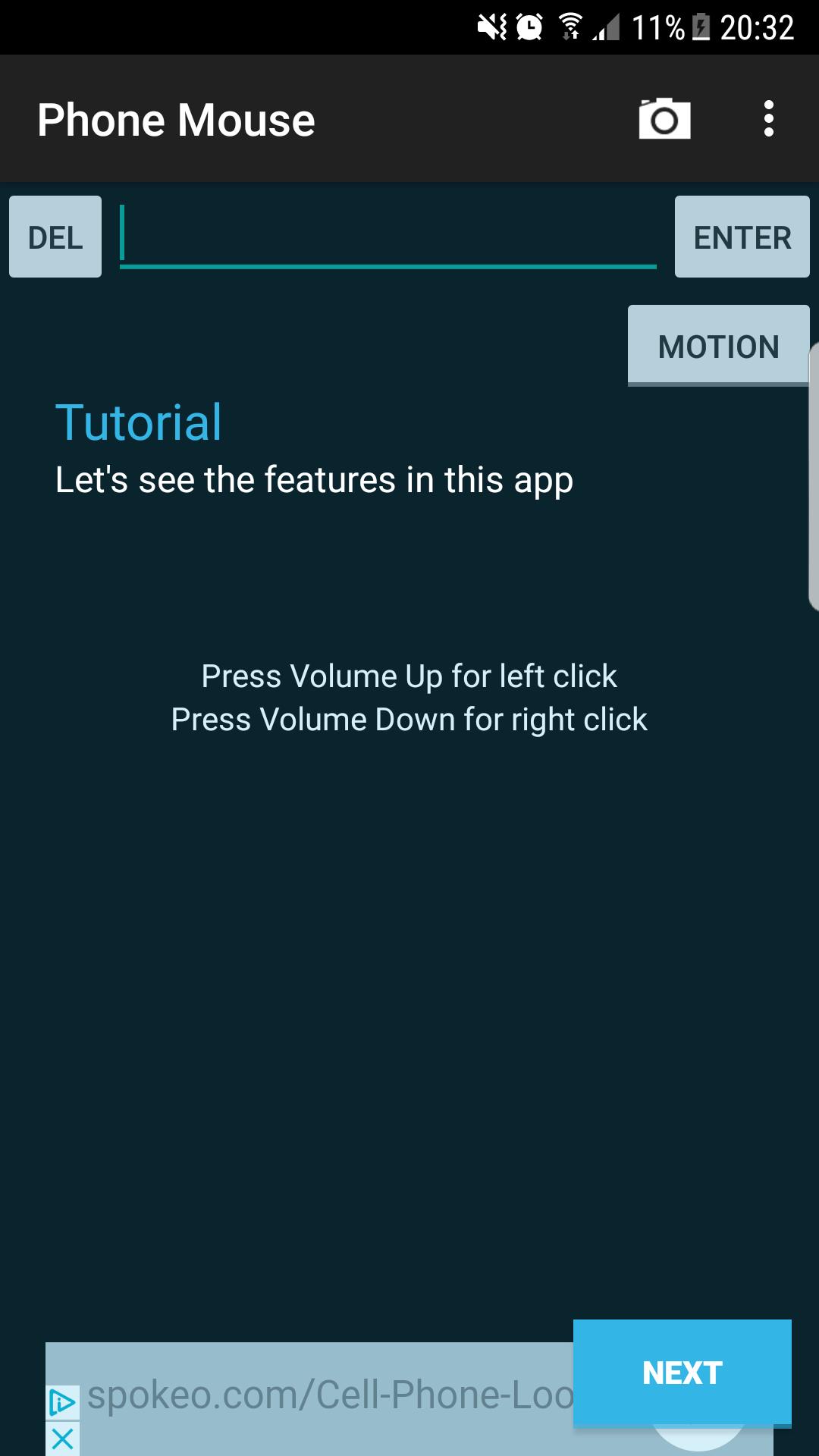
Transform your phone into a wireless in-air motion mouse, touch-pad mouse, keyboard for your computer using a simple Bluetooth connection from your phone to the windows server.
Sitting comfortably on sofa? Or giving a presentation? Now control your PC by simply moving your phone around in-air or by using the phone's touch screen as a touch-pad.
Now surfing net is even more convenient, add and save your frequently used URL shortcuts. Add those URLs in the application and browse them on your PC by just clicking on them.
★★★★★★
Requires a server (requires java) to be downloaded on the computer.
Click on the link to Download server software from: Our Webpage Or go to : https://bit.do/phonemouse
If you don't have java installed in your computer, please click to download it from here: JAVA install link
A barcode scanner will be automatically downloaded on your phone to scan the QR code of the server to connect it with your PC.
★★★★★★
★★ How to start using the application (One-time process)★★
➢ Turn on your device Bluetooth and start the application.
➢ Start the server on PC, wait till the QR code appears (~10 seconds).
➢ If the server fails to load, please update java software.
➢ Install barcode scanner if you don't have one and then scan the code.
➢ On successful scan, it will automatically connect with the PC with a success message on bottom of the app.
➢ Enjoy controlling the cursor through your phone.
➢ Switch from motion to touch by just clicking on the toggle button.
MOUSE FEATURES:
★ Accelerometer sensor based mouse controller
★ Touchscreen track-pad
★ Secured bluetooth connection to PC using QR code
★ Android keyboard
★ Many gestures: Tap to left-click,Double Tap to right-click,Two fingers slide
★ Volume button can be used for clicking
★ Add shortcuts for easy browsing
Notice:
● Please download mouse server (.jar), ignore any warnings during download. Allow the server for at-least 10 seconds to start-up.
● The app uses accelerometer for motion-control function. It may work differently in different phone models
● Sometimes based on the configuration of the PC, the server might not load properly.
● We would ask that you do not give the app a bad rating based on problems with the sensors - there's nothing we can do to help with that except offer configuration advice, sorry.
Last updated on 2017年03月17日
Changed theme to Dark to help show the tutorial text better.