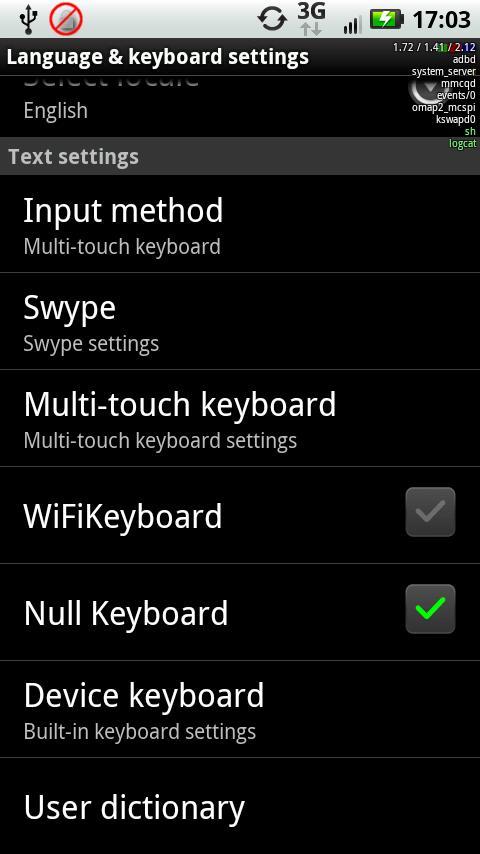
A keyboard that does nothing.
Yes, really.
This keyboard is useful if you have an external bluetooth keyboard paired with your phone and you want to stop the on-screen keyboard from popping up all the time.
To use, go in to keyboard settings and enable null keyboard, and then pick it as your input method. No keyboard should appear until you change it back.
NOTE: Samsung galaxy tabs running the latest android have an issue where the keyboard is frequently switched back to the on-screen keyboard. As far as I can tell, a fix for this needs to come from samsung, not from me. Even if it's something I can fix on my end, without a tab to test on, there's no way I'm going to be able to figure out what it is.
Last updated on 2015年09月15日
此版本包含小幅错误修复和常规改进。请更新至最新版本,以获得更佳体验。