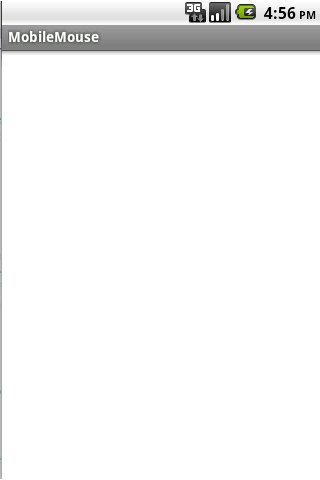
This program is designed to use your smart phone as a track pad. When the device is connected with a computer, finger movement on the device's screen will change the mouse pointer in the host computer accordingly. It supports single tap and double tap. Moreover, tapping with two fingers (together) gives right click option. One can also do up and down scrolling with two finger movement.
To connect with a host computer, the host computer must run the MouseServer program. Please download the MouseServer program from the developer's website. Run the program in the host computer and it will provide the IP address of the computer. Enter the IP address in the MobileMouse program and press connect. The device will be connected with the host.
Enjoy!!
Last updated on 2015年12月28日
此版本包含小幅错误修复和常规改进。请更新至最新版本,以获得更佳体验。