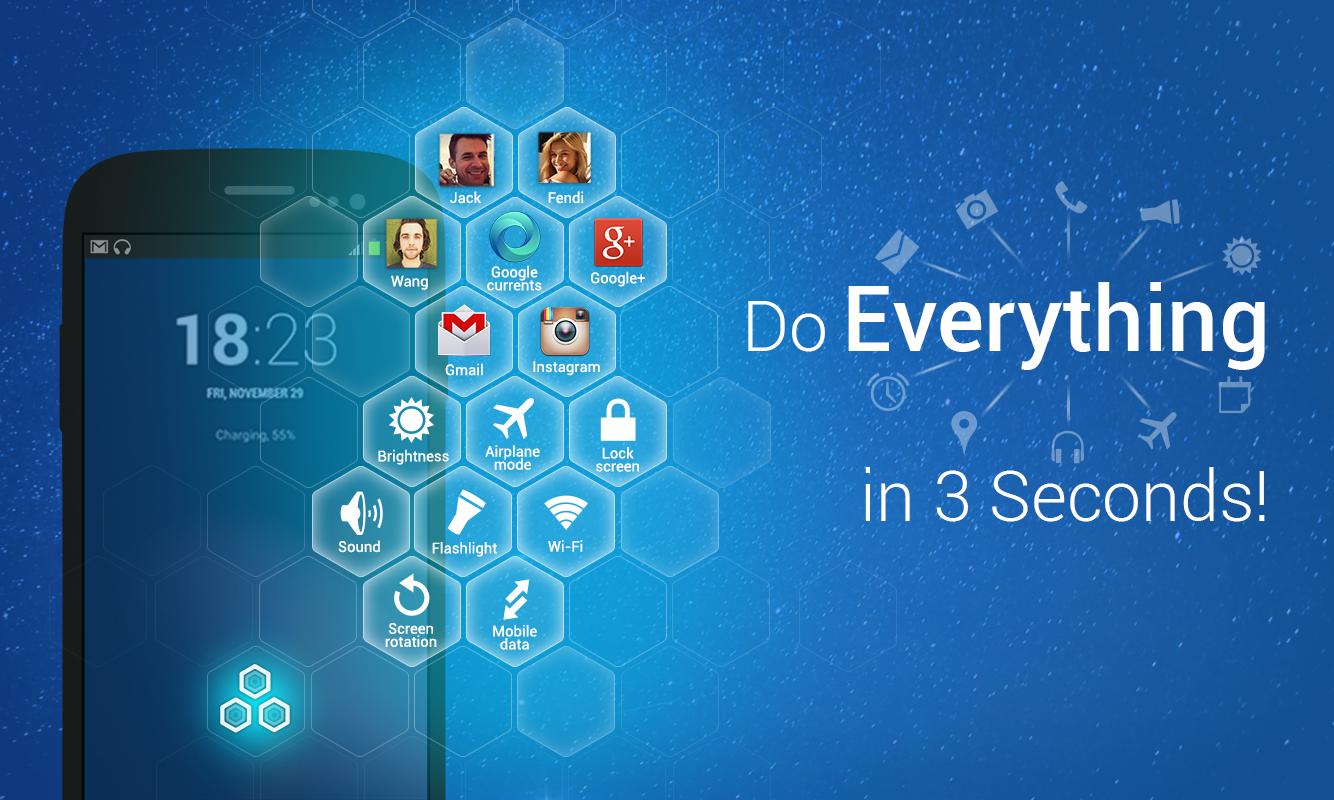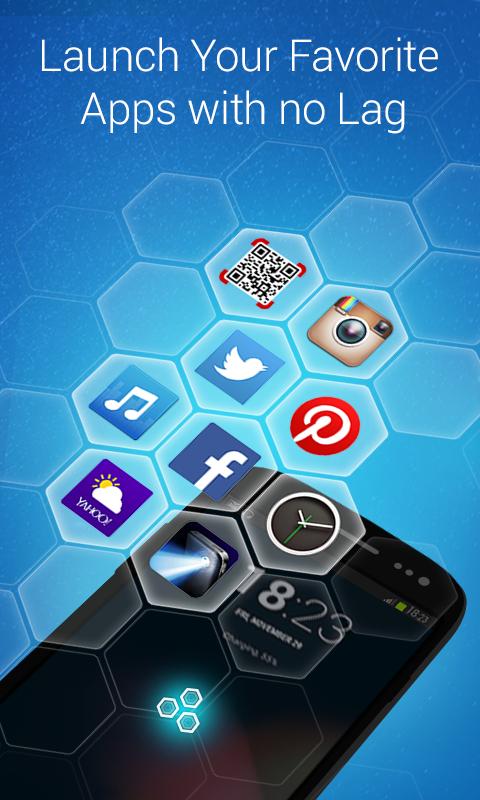
Quick. Easy. Elegant. Lockscreen Reader allows you to access any function in only 3 seconds. Call friends, text buddies, launch apps, and toggle system features - all in just 3 seconds.
With Lockscreen Reader you can:
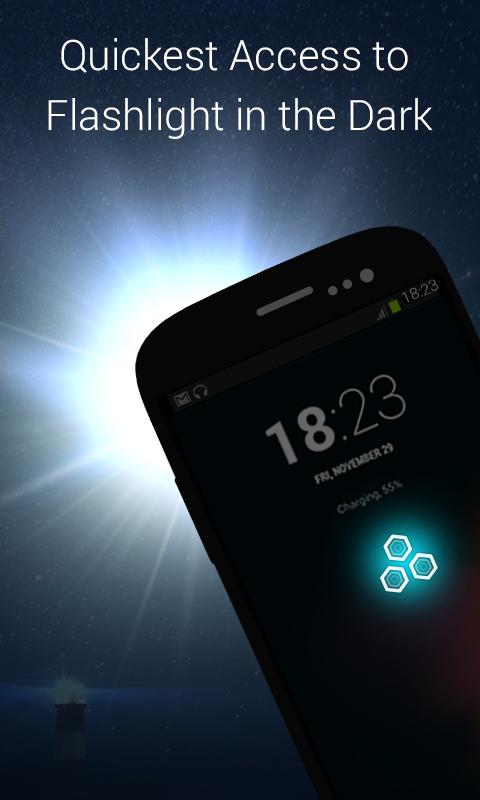
- Quickest access to flashlight in the dark, just like using a real flashlight.
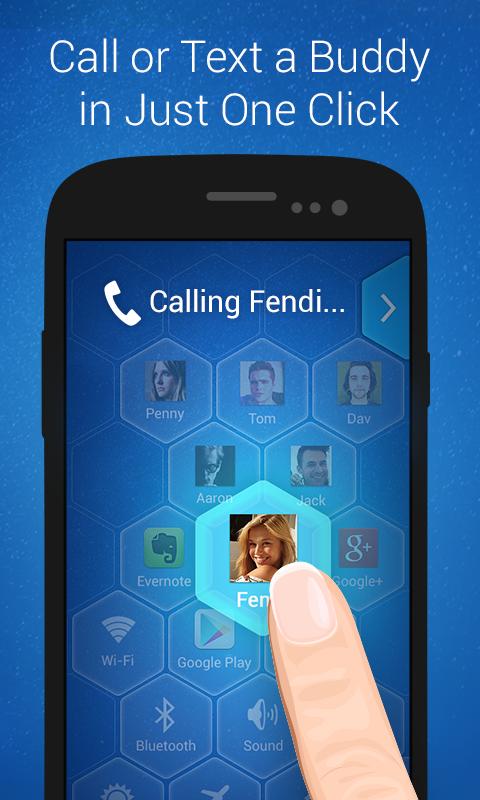
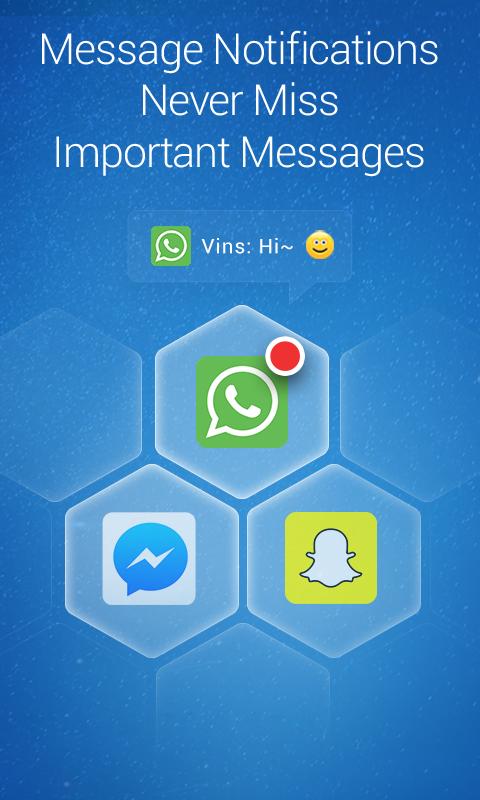
- Call or message your father, mother or significant other in just one click, even on the lock screen.
- Launch Facebook, Pandora, Instagram and all your other favorite apps easily without endlessly searching through the home screen.
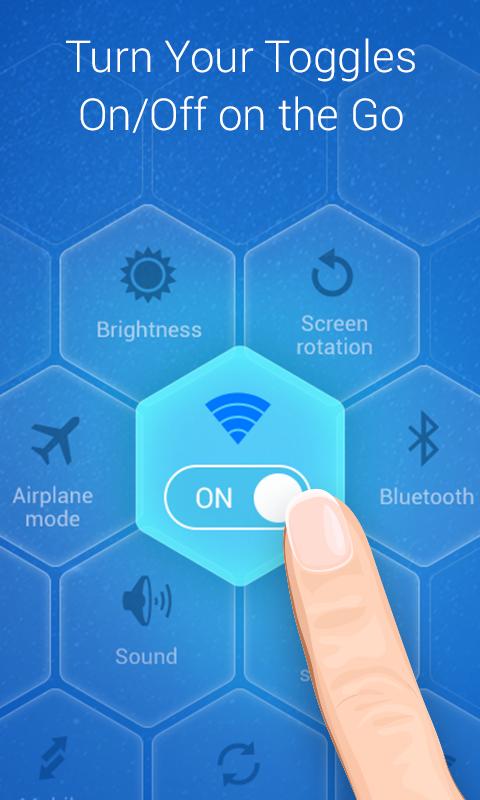
- Turn system toggles on/off on the go, (Wi-fi, Bluetooth, GPS etc).
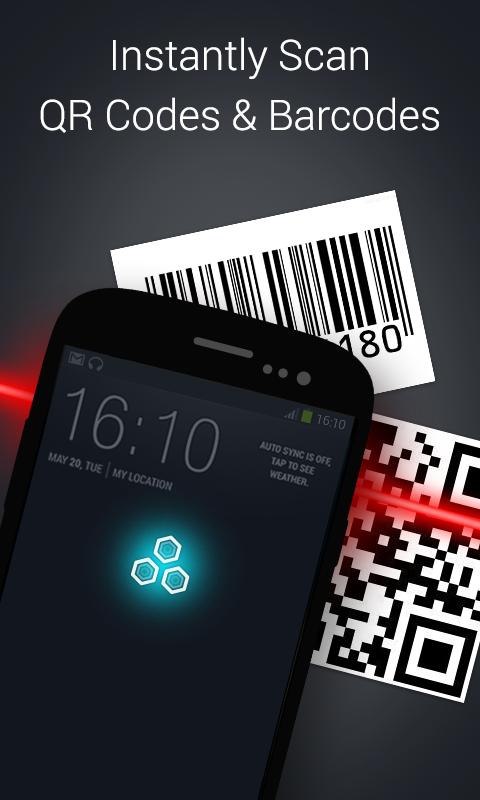
- Instantly scan QR codes and barcodes, faster than you have ever experienced.
- Set alarm clock in one touch - it's never been so easy!
- Play all your favorite music instantly, perfect if you are in a hurry.
- Get weather updates on the fly.
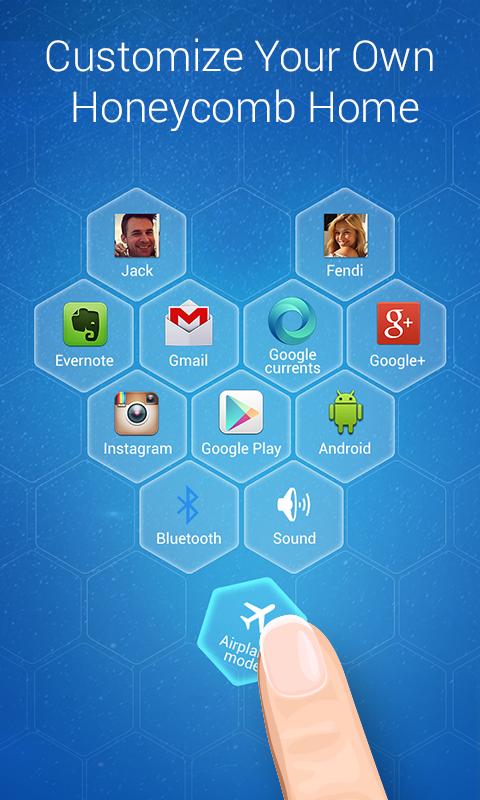
- Customize your own Lockscreen Reader, make it totally unique.
All features are FREE!
And that's not all! You can also:
- Lock screen with just one tap on the Honeycomb cell, don’t worry about wearing down the power key.
- Toggle the built-in portable Wifi hotspot, no root required.
- Adjust the screen Brightness with bright/dark/auto modes.
- Enable/Disable Mobile data settings with just one click.
- Change Airplane mode status in the simplest way.
- Switch Sound between Sound, Vibrate and Mute modes.
- Toggle Auto-rotate Screen settings on and off quickly and easily.
- Switch Auto Sync on/off - very handy to save battery life and data usage.
All these functions can be accessed on more than just the home screen - even on the LOCK SCREEN.
Compared with other similar apps Lockscreen Reader is the:
- Quickest: Message or call your favorite contacts in just one click.
- Easiest: Launch your favorite apps easily without exiting current app.
- Smartest: Lockscreen Reader will automatically shrink into a smallest bar when you are playing games or doing other work so it will never get in the way.
- Most convenient: Access all functions anywhere and anytime, even on the lock screen.
- Most elegant: Crystal clear honeycomb cells and vivid animation bring you a wonderful experience like you have never seen.
- Most personalized: Add your frequently used functions in honeycomb cells and customize your own Lockscreen Reader.
- Most multifunctional: Change system switches quickly between functions, including Wi-fi, Airplane Mode, Bluetooth, Brightness, GPS, Lock Screen, Mobile data etc.
When Lock Screen has been activated, Android system does not allow you to uninstall Lockscreen Reader in the normal way. If you need to uninstall, there are two ways:
1. Open Lockscreen Reader settings, find the "Uninstall" option.
2. Go to "System settings" -> "Security" -> "Device administrators" to find “Lockscreen Reader", then deactivate Lockscreen Reader.
Last updated on 2015年09月01日
此版本包含小幅错误修复和常规改进。请更新至最新版本,以获得更佳体验。