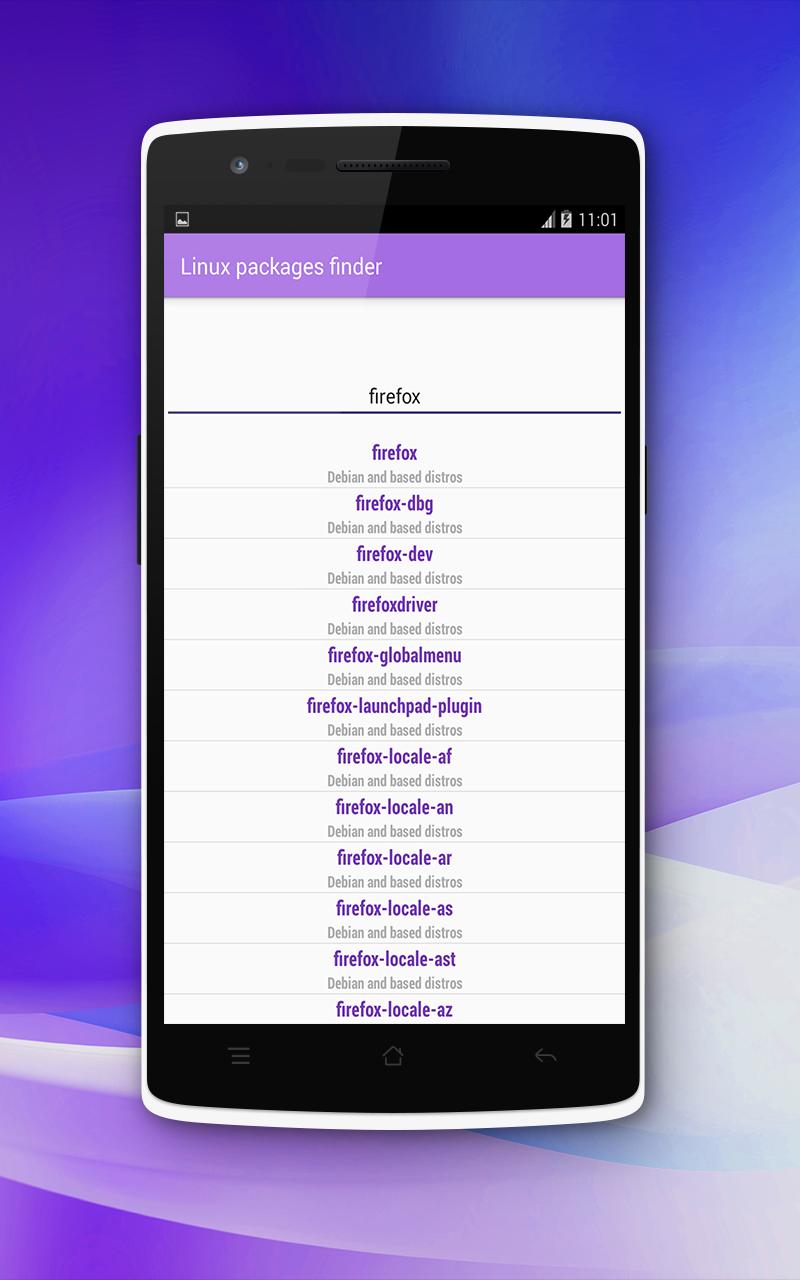
Linux package finder helps you to browse and search more than 57 000 packages offline without need the internet, Ordering alphabetical.
The purpose of application if you do not know how to write the package name correctly You can just type the initials of the package name into the search box and you will see a set of packages to choose the correct ones. You can then click on the package name to show you what to write in the terminal to install the package.
+ Features :
- Find Debian packages and based on Debian like: Linux Mint, Ubuntu, Elementary OS, Zorin OS, Kali Linux, Raspbian ...
- By clicking on package name will recieve the command that allows you to install the package.
- You can use it offline because database is locally, so no need to intenet.
- Easy to use and lightweight.
Last updated on 2018年08月04日
此版本包含小幅错误修复和常规改进。请更新至最新版本,以获得更佳体验。