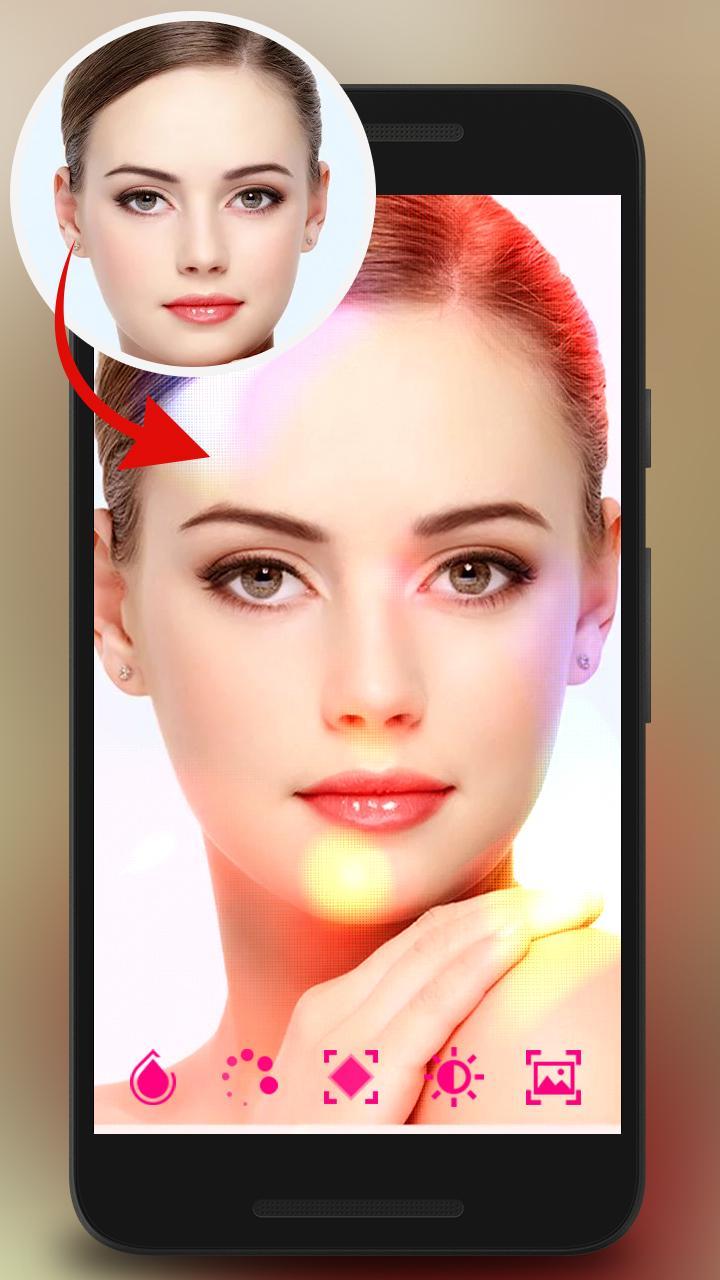
Image Editor is a powerful and free photo editor designed for Android. It supports cool effects,Stickers layers.
Adjust brightness, contrast and saturation with filters or apply effects such as sharpen, blur or bump, just to name a few.
Add emoticons to your photos with Emojis smiles and smiles and popular tags.
Image Editor comes with tons of different frame, effects, stickers options. Image Editor is the most comprehensive photo editor on android and it gives you the ability to do any photo task within a few taps.
★Key Features:★
✔ Add filters and text to your pictures
Add great filters and typography to your photos.
We have high quality filters so your selfie picture will truly stand out from the rest!
✔ No Crop feature
The easiest way to post high quality instasize picture on social apps without cropping them! One click and you got your square photo for social apps.
No more frustration when you have to crop your great full size photos before posting them on social networks.
✔ Adjustments
Fine-tune your pictures with Contrast, Brightness, Saturation etc. tools.
✔ Simple and easy to use interface
Simple, but powerful user interface helps you to get job done much quicker.
✔ Blurred background
Create beautiful pictures with nicely blurred backgrounds.
✔ Emoji stickers
Unleash your creativity with hundreds of Emoji stickers. Make your stylish selfie pictures to stand out from the crowd.
Transform photos with the tap of a finger. Use simple, yet powerful, pro photo editing tools to apply filters, adjust colors, and more. Share photos instantly and use which ever apps you’d like to share!
Note: The edited image is saved in "File Manager/Pictures\ImageEditor" or “\Sdcard\Pictures\ ImageEditor”
Last updated on 2018年03月08日
此版本包含小幅错误修复和常规改进。请更新至最新版本,以获得更佳体验。