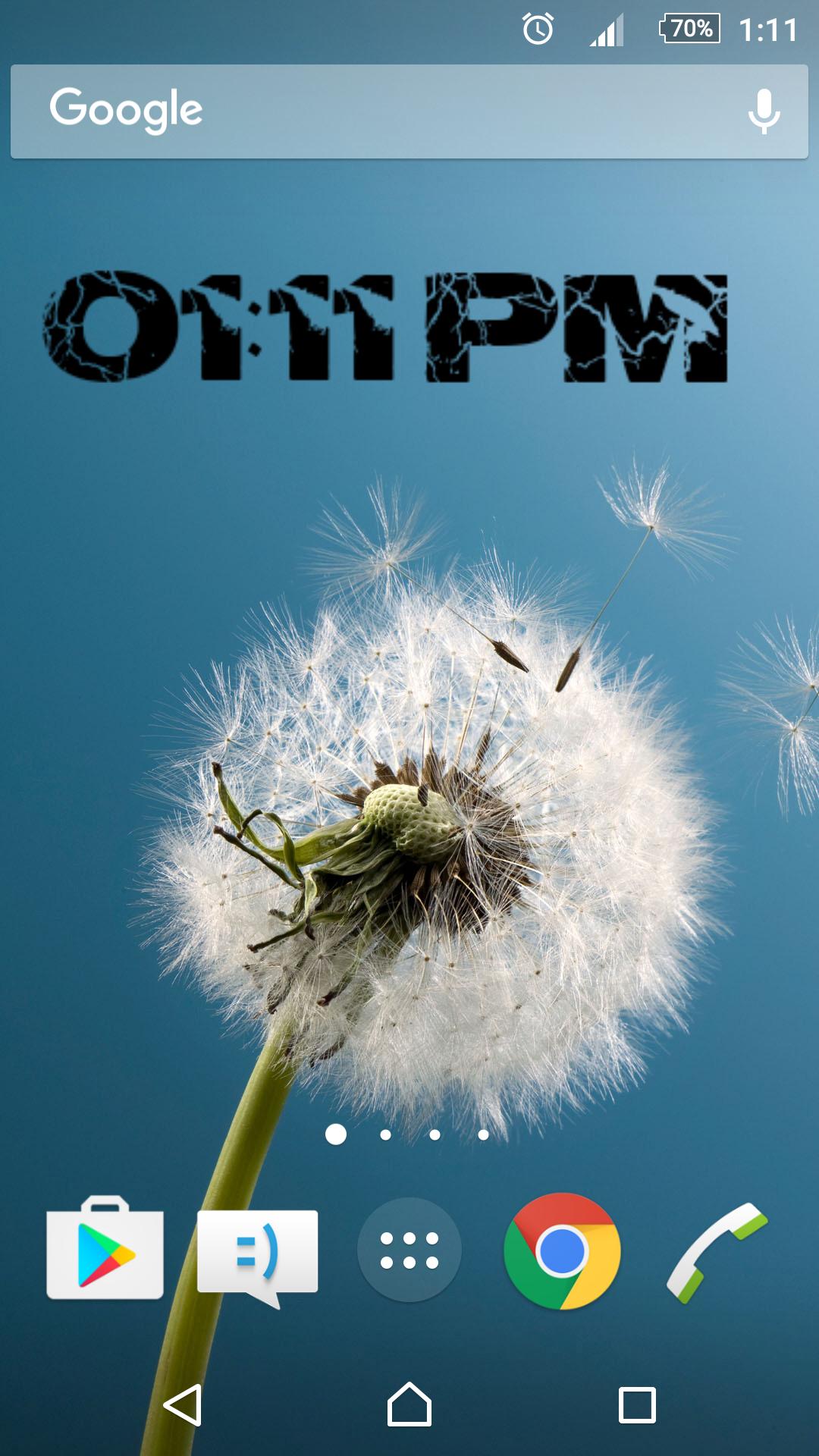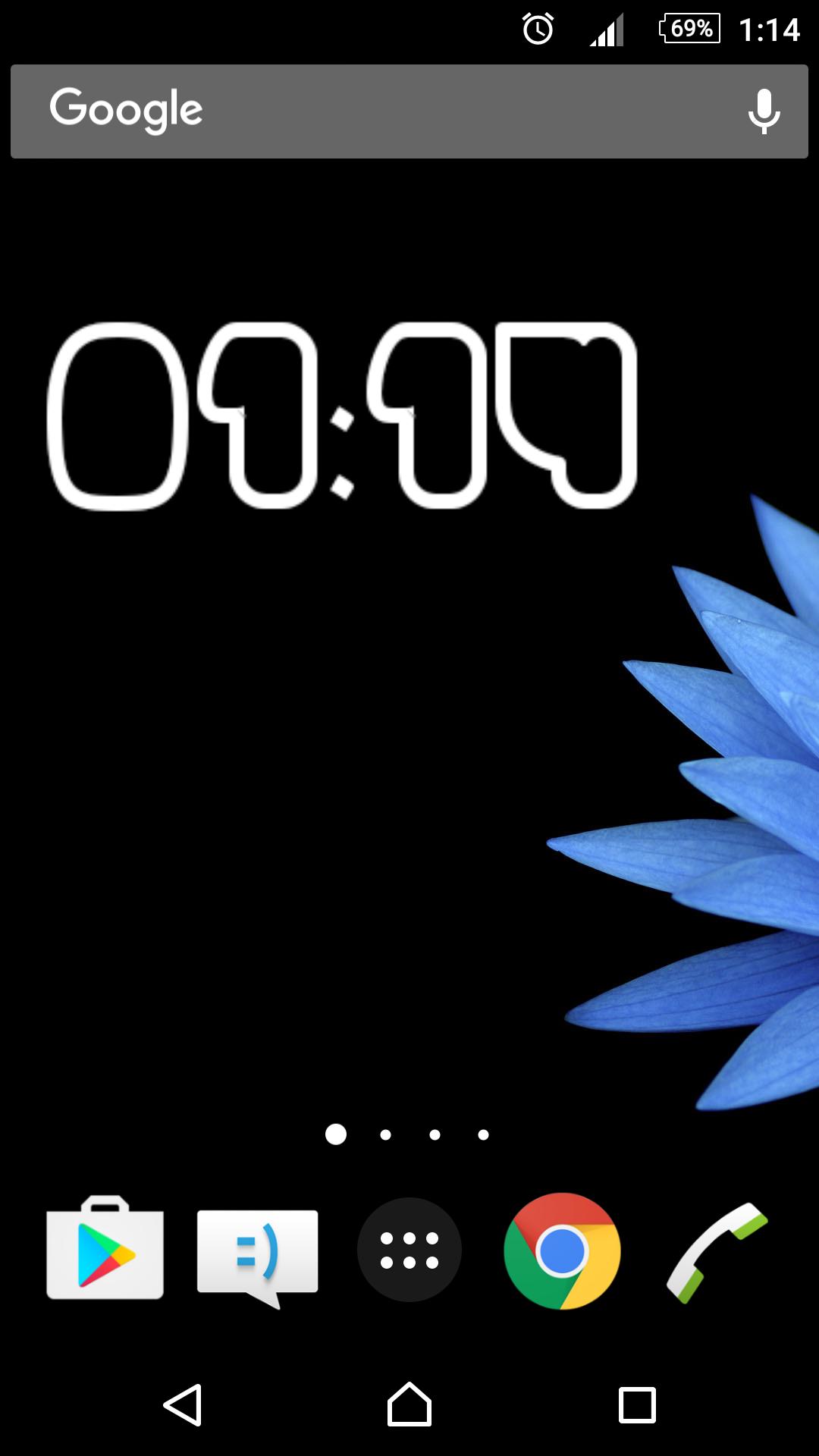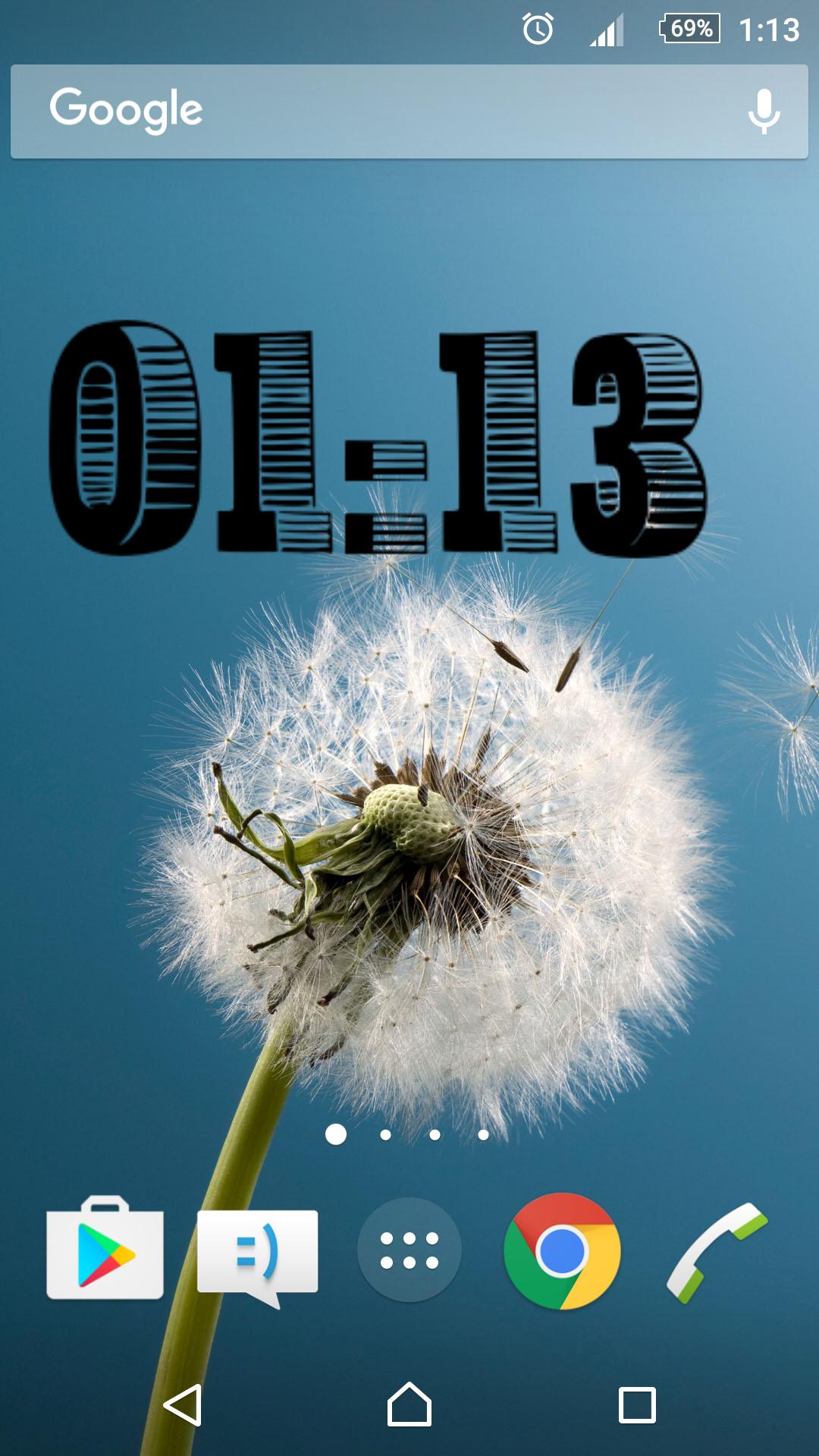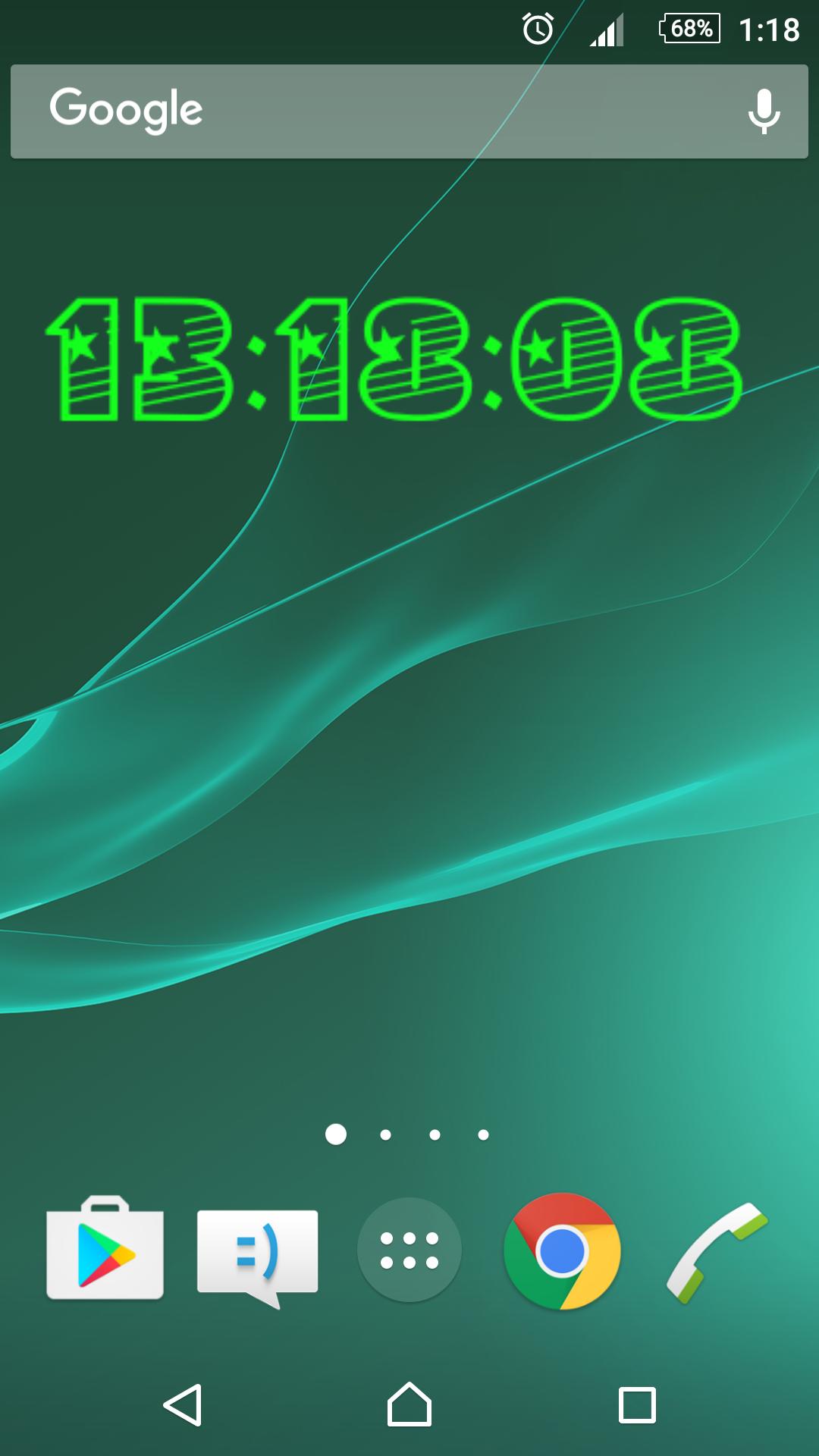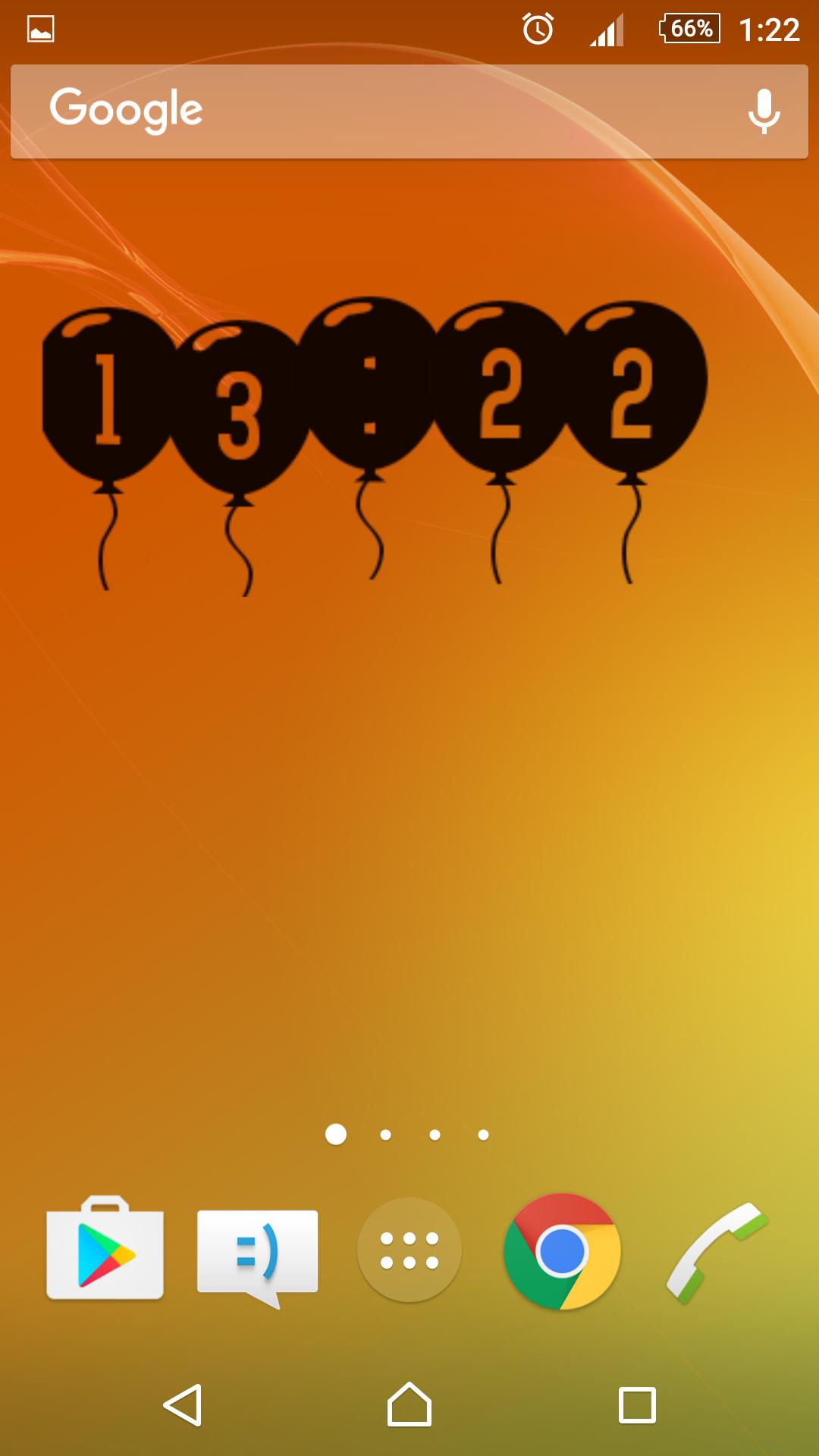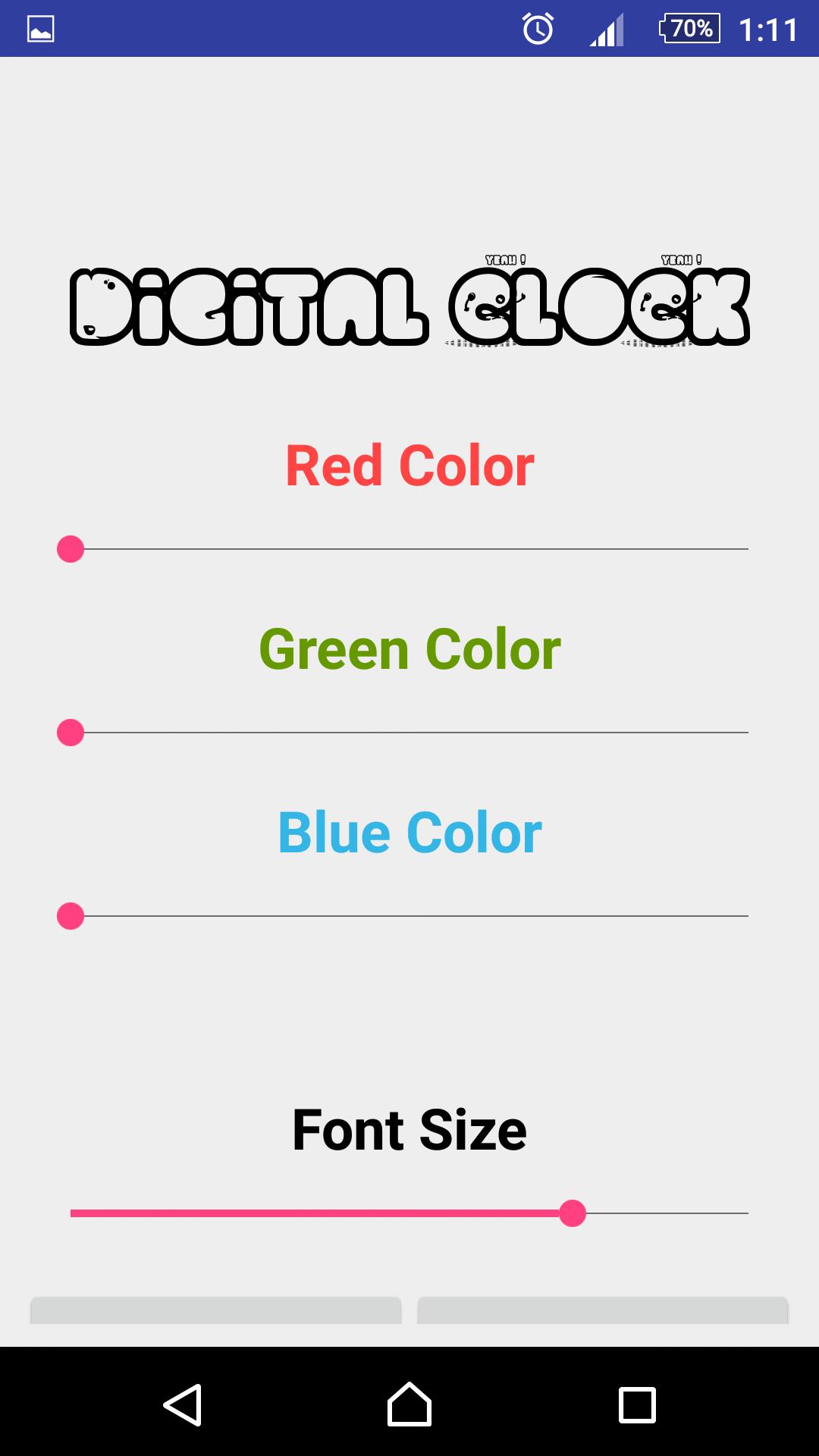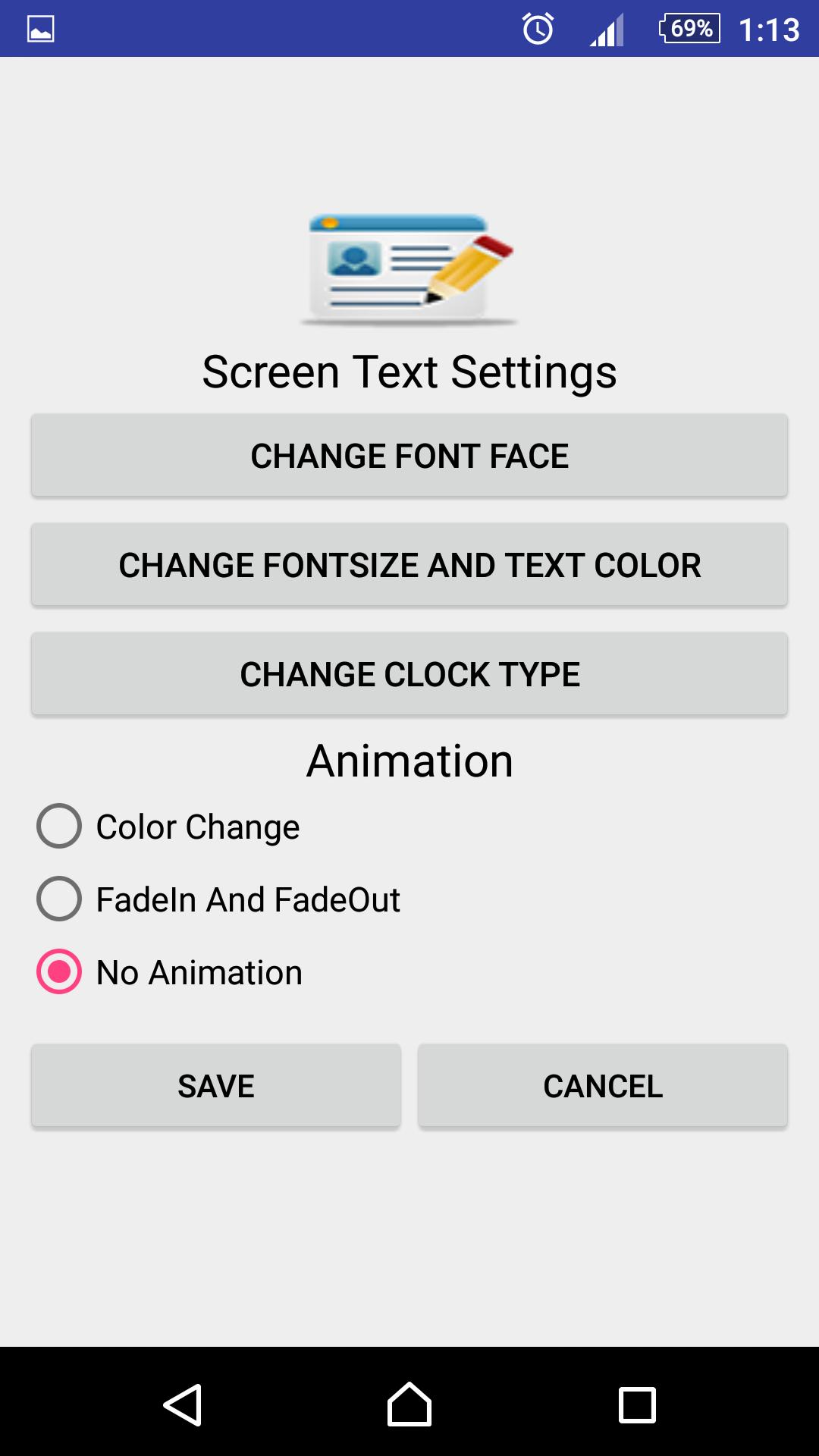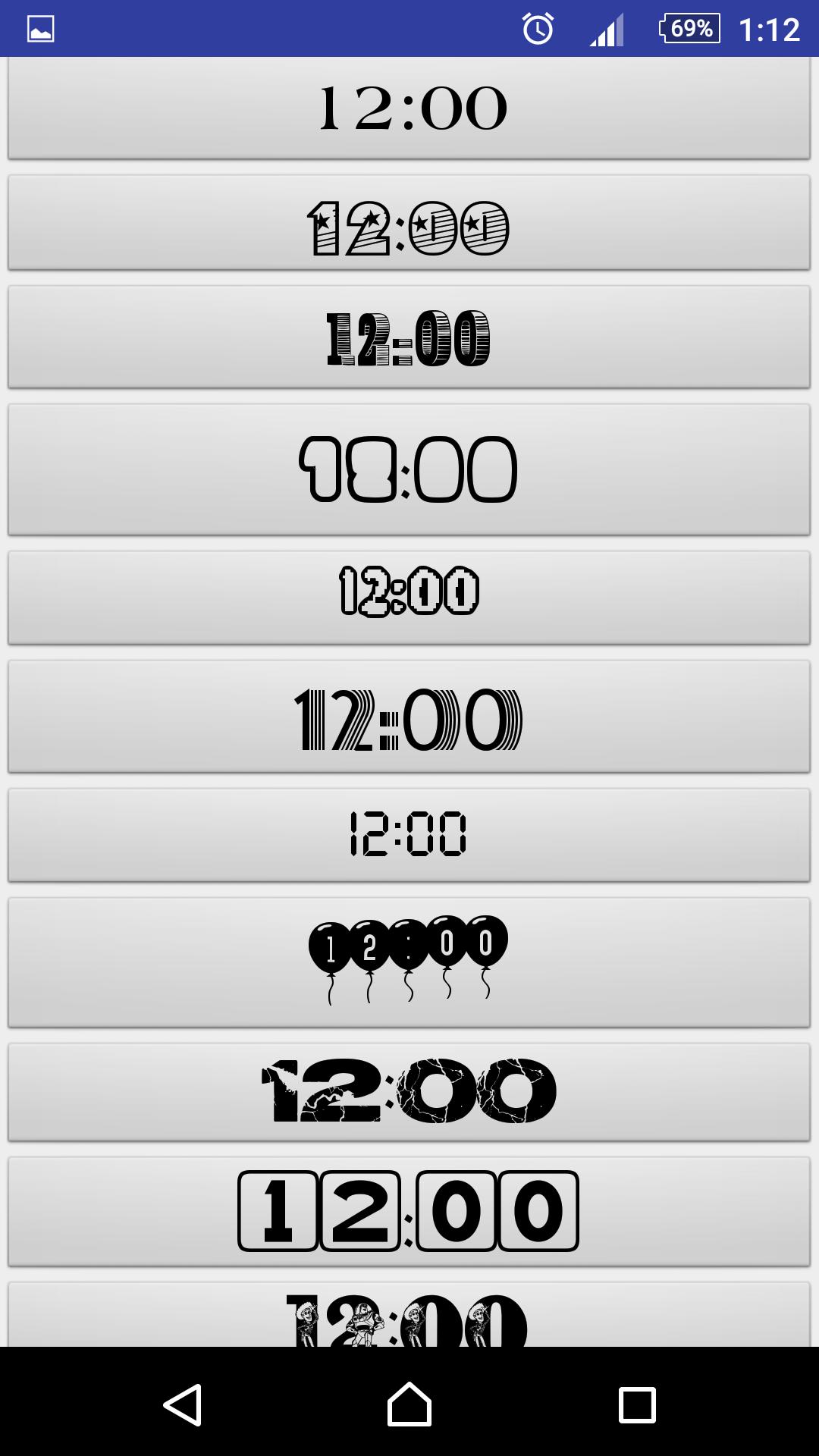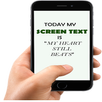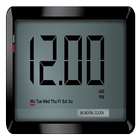
Digital Clock Widget is an attractive Widget Clock that comes with a variety of fonts. You can change the Font Size, Font Color and even you can animate you clock with the animations.
Instructions
1. Go to Widgets
2. Drag Digital Clock Widget icon to the Screen.
3. Resize the Widget according to your screen size.
4. By Clicking on the widget, Settings page will open where you change the clock according to your needs
Tips for Few Small Screen Device Users
My Friends
1. Wait for the widget on the screen to appear (after dragging it on the screen)
2. If not appearing (try to drag the widget icon again and wait for few seconds and widget will appear)
3. Try to change the font size ( If font appears small)
Thanks
Last updated on 2017年04月22日
1. Date Function Added (As Requested)
2. Stability Enhanced
3. Bugs Fixed