Package Name:ru.lineris.barcodescanner
SHA-256:33e5154e19293518d410bcd248861833fdf826d881fe11be898bac8612f53e0a
Show More
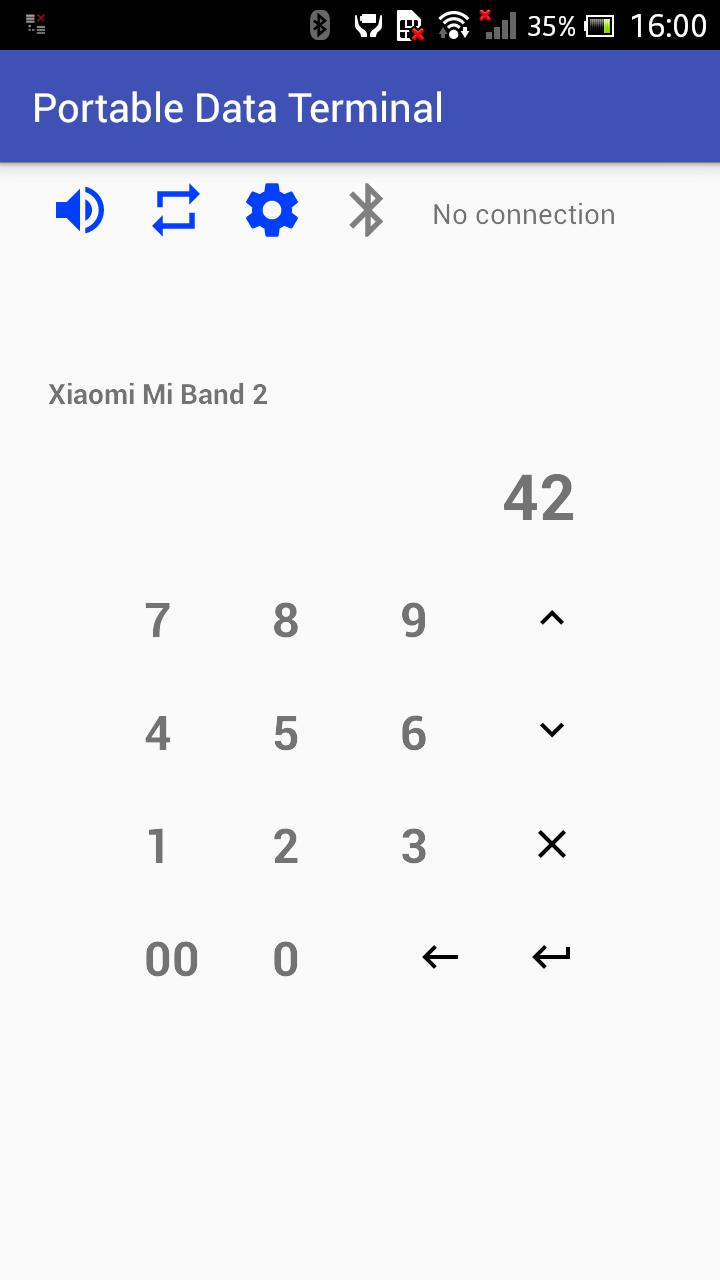
This is a professional software for retail, logistics, small and medium business. It replaces hardware barcode scanner and portable data terminal. Does not require any additional software on your PC. Working via RFCOMM like hardware wireless Bluetooth scanners. Support for data transfer via open source REST API for more complete integration with various business systems.
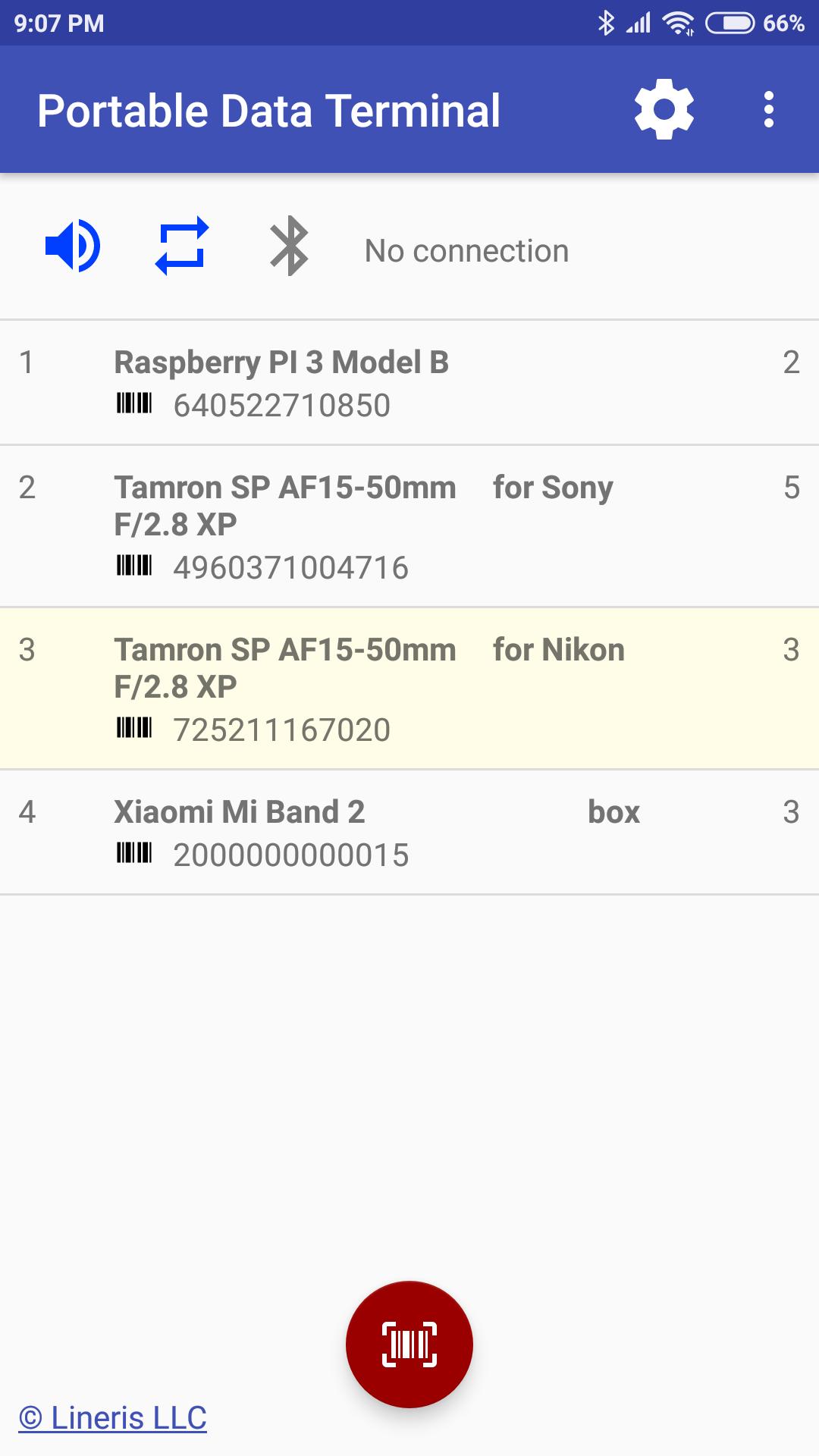
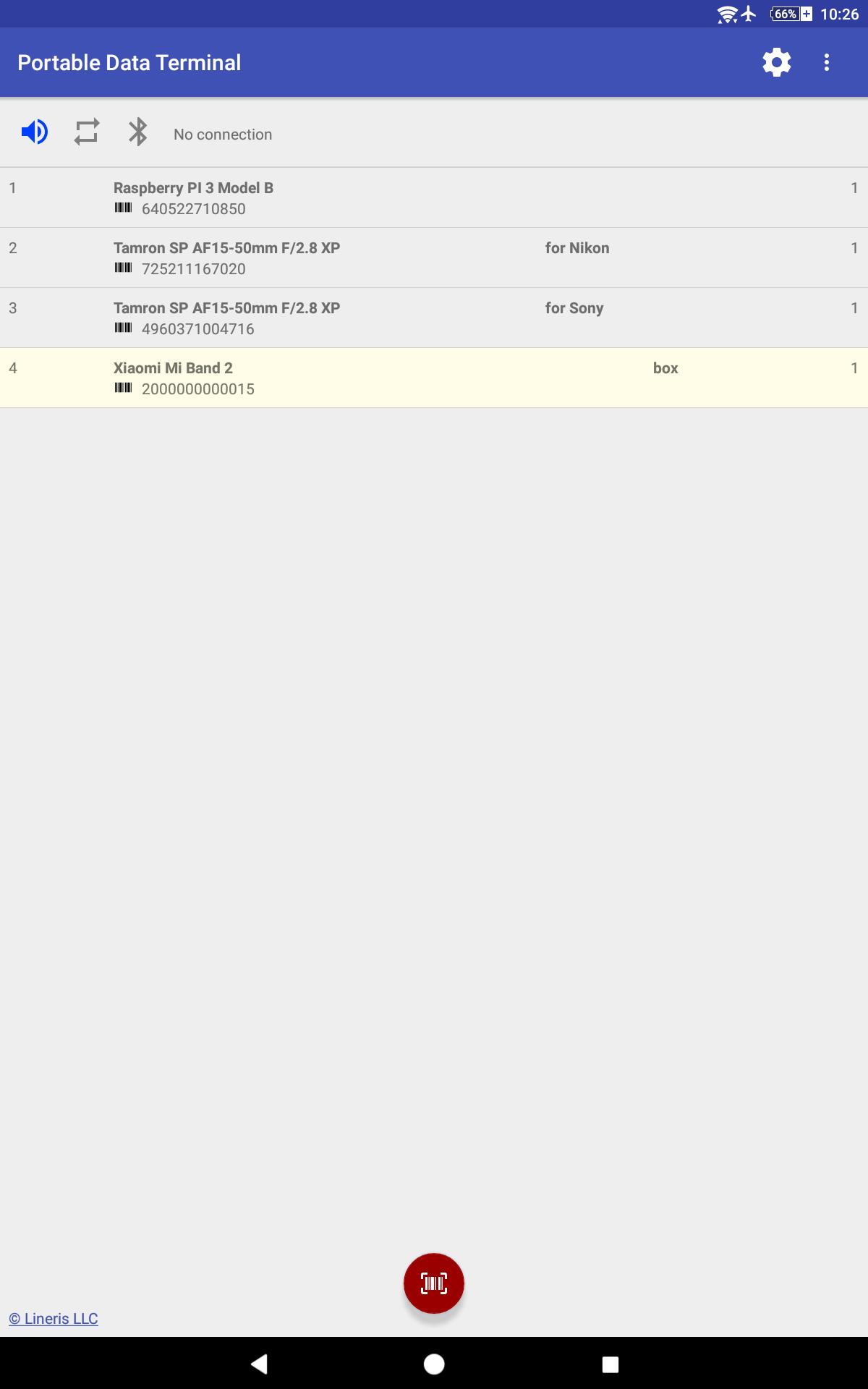
When your smartphone is connected to PC or POS this application immediately tramsmits the scanned barcodes via RFCOMM. If there is no connection the application automatically switches to portable data terminal mode and save all barcodes in database for use later. Version 1.3.0 and high support serial numbers.
This application will run on ordinary smartphones or tablets and professional hybrid devices with built-in barcode scanners.
Camera-scanner read all the popular barcodes: UPC-A, UPC-E, EAN-8, EAN-13, Code 39, Code 93, Code 128, ITF, Codabar, RSS-14, RSS Expanded, QR Code, Data Matrix, MaxiCode, PDF417.
Also you can use any hardware barcode scanners connected as HID or Broadcast Intent.
Quick start:
1. Pairing smartphone and PC.
2. Run this application.
3. On PC run Control Panel - Devices and Printers - Change the Bluetooth settings, go to the COM ports tab and add an outgoing port for your smartphone with Lineris Barcode Service.
4. Configure your PC software for working with new COM port.
For use names database with barcodes scan the QR code of URL to JSON file or web-service GET method. Use this format:
[
{
"barcode": "Barcode value",
"name": "Name",
"advanced_name": "Not required. Advanced name, for example, size",
"unit": "Not required. Unit name, for example, pcs.",
"serial": true // if serial nubmers is required, elsr false or blank
},
{
"barcode": "253408567004",
"name": "Skirt",
"advanced_name": "36, Cherry"
}
{
"barcode": "725211167020",
"name": "Leans SP AF17-50mm F/2.8 XR",
"advanced_name": "Camera model",
"unit": "pcs",
"serial": true
}
]
The URL must ends "json".
The portable data terminal can transfer collected data to PC via Bluetooth. This method is convenient because it does not require additional software.
Also you can use web-service. Scan QR-code ends "upload" then application pack data in JSON array:
[
{
"barcode": "Barcode value",
"quantity": 1,
"serial" : [ //Only if serial numbers is required
{"serial":"Serial number",
"quantity":1
}
]
},
{
"barcode": "253408567004",
"quantity": 17
},
{
"barcode": "725211167020",
"quantity": 2,
"serial": [
{"serial": "034319",
"quantity": 1},
{"serial": "034320",
"quantity": 1}
]
}
]
and send it in POST request to this URL.
For details see "Integration" section in application preferences.
Latest Version
2.3.09-147Uploaded by
Rawa'a Naddour
Requires Android
Android 5.0+
Category
Free Business AppContent Rating
Everyone
Security Report
Check Now
Report
Flag as inappropriateLast updated on Sep 19, 2025
Optimized for Android 15. Added support for PDT hardware numeric keypad. Built-in support for Movfast-branded PDT.




APKPure - A multi-platform app store primarily focused on Android, providing extensive app-related content. Discover the app you want easier, faster, and safer, with quick and efficient downloads and installations.