Scan Date:May 15, 2026
Show More

Clonapp Messenger – Web Chat Companion for Multiple Devices
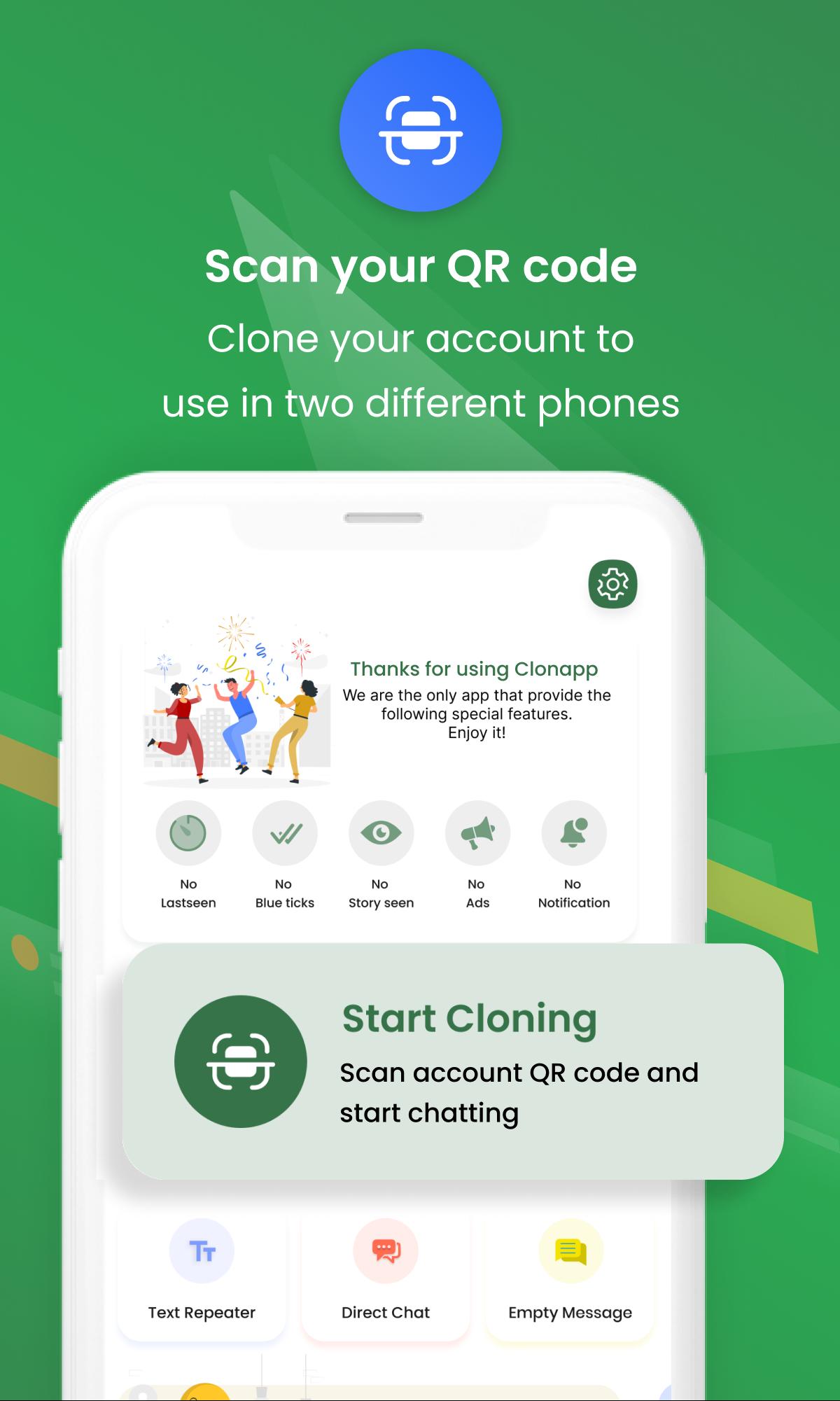
Clonapp Messenger lets you securely access your chat account on another device using a web connection and QR scan.
Use your chat on a second phone or tablet without logging out of your main device. Simple, fast, and easy to use.
Why choose Clonapp Messenger?
• Access your chat account on multiple devices
• Secure QR code scanning
• Real-time message sync via web session
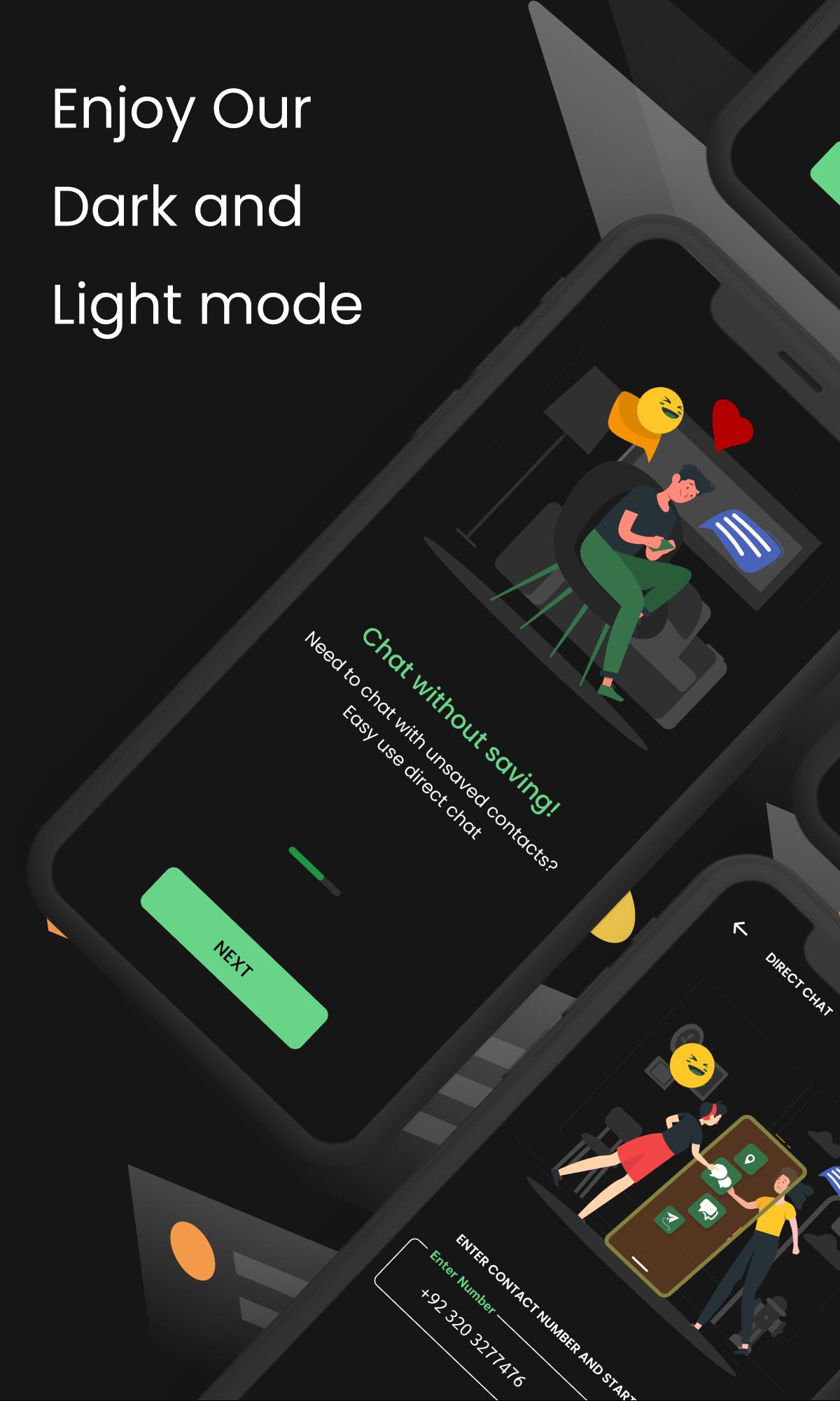
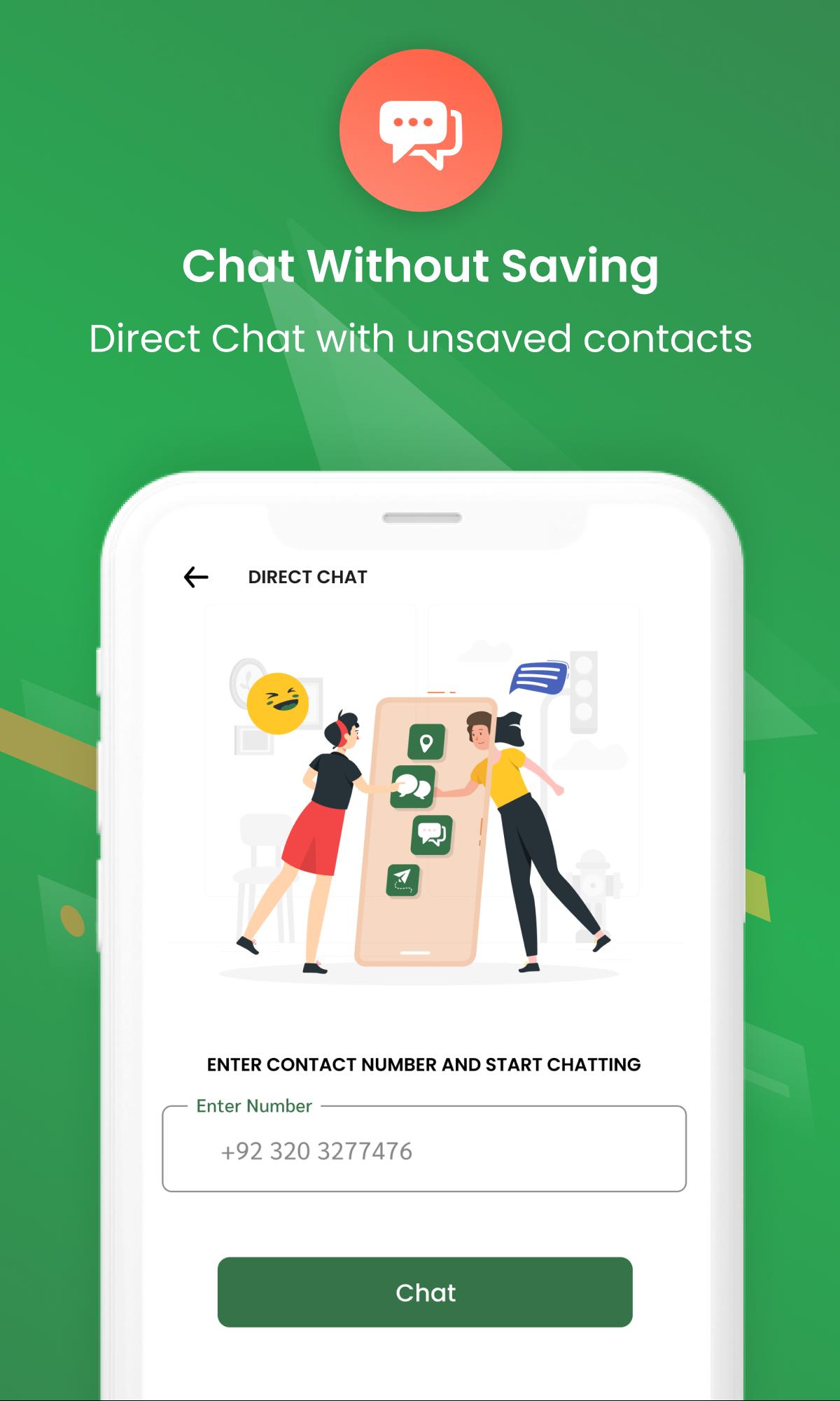
• Start chats with unsaved numbers
• View and download media from web chat
• Lightweight, fast, and battery-friendly
How it works
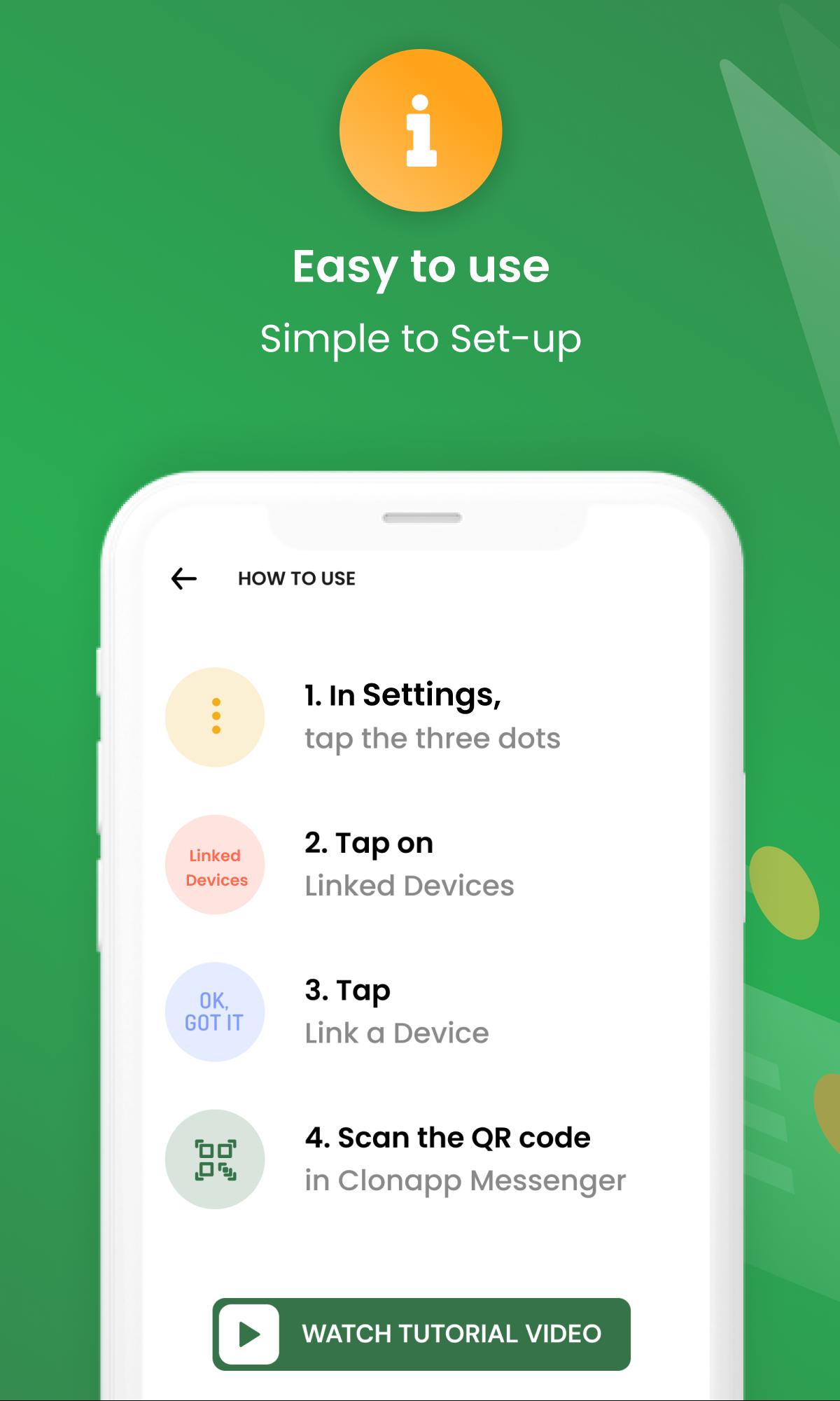
1. Open Clonapp Messenger
2. Scan the QR code from your chat app’s linked devices section
3. Start using web chat instantly
Extra Features
• Media viewer & downloader
• Easy-to-use interface
• Optional PRO version removes ads
Important Notice
Clonapp Messenger is a third-party utility app.
It is NOT affiliated with, endorsed by, or connected to any messaging service or brand.
All trademarks belong to their respective owners.
Latest Version
Clonapp_5.17.0Uploaded by
Cường Phạm
Requires Android
Android 8.0+
Category
Free Communication AppContent Rating
Everyone
Security Report
Report
Flag as inappropriateLast updated on May 15, 2026
We fixed some bugs and performance issues
new features added:
- Backup chat in local storage
- Fancy text for your chats or names
We fixed the chrome problem, important update
We fixed uploading and downloading media issue
We always work behind the scenes to make your experience better.
Clonapp Messenger now opens fast, and message loading is super fast



APKPure - A multi-platform app store primarily focused on Android, providing extensive app-related content. Discover the app you want easier, faster, and safer, with quick and efficient downloads and installations.