
ClipKey helps when you copy text, symbols, or snippets all day and need them again across different apps. It runs alongside your default or third-party keyboard, keeping track of what goes into the system clipboard so you can bring past items back when needed. Access is quick through your keyboard switcher, and the interface focuses on recalling content rather than typing. With ClipKey APK, users can keep routine entries within reach without changing how they type.
Clipboard history for quick reuse
ClipKey records copied text and shows a running history. You can pick a previous item and paste it into any app without re-copying it. This reduces repeated copying when working between messages, notes, or code. When using the ClipKey latest version, the history reflects your most recent entries for straightforward selection.
Open from the keyboard switcher
You can bring up the ClipKey panel from your device’s keyboard switching menu. This places your clipboard list one tap away while writing, so you do not need to leave the current screen. It works alongside whichever keyboard you prefer.
Favorites for frequently used clips
ClipKey lets you mark important items as favorites for faster access. Pin common phrases, email addresses, or ASCII graphics like ¯\_(ツ)_/¯ so they stay available at the top. This is helpful when you insert the same text many times a day.
Permissions and clipboard caution
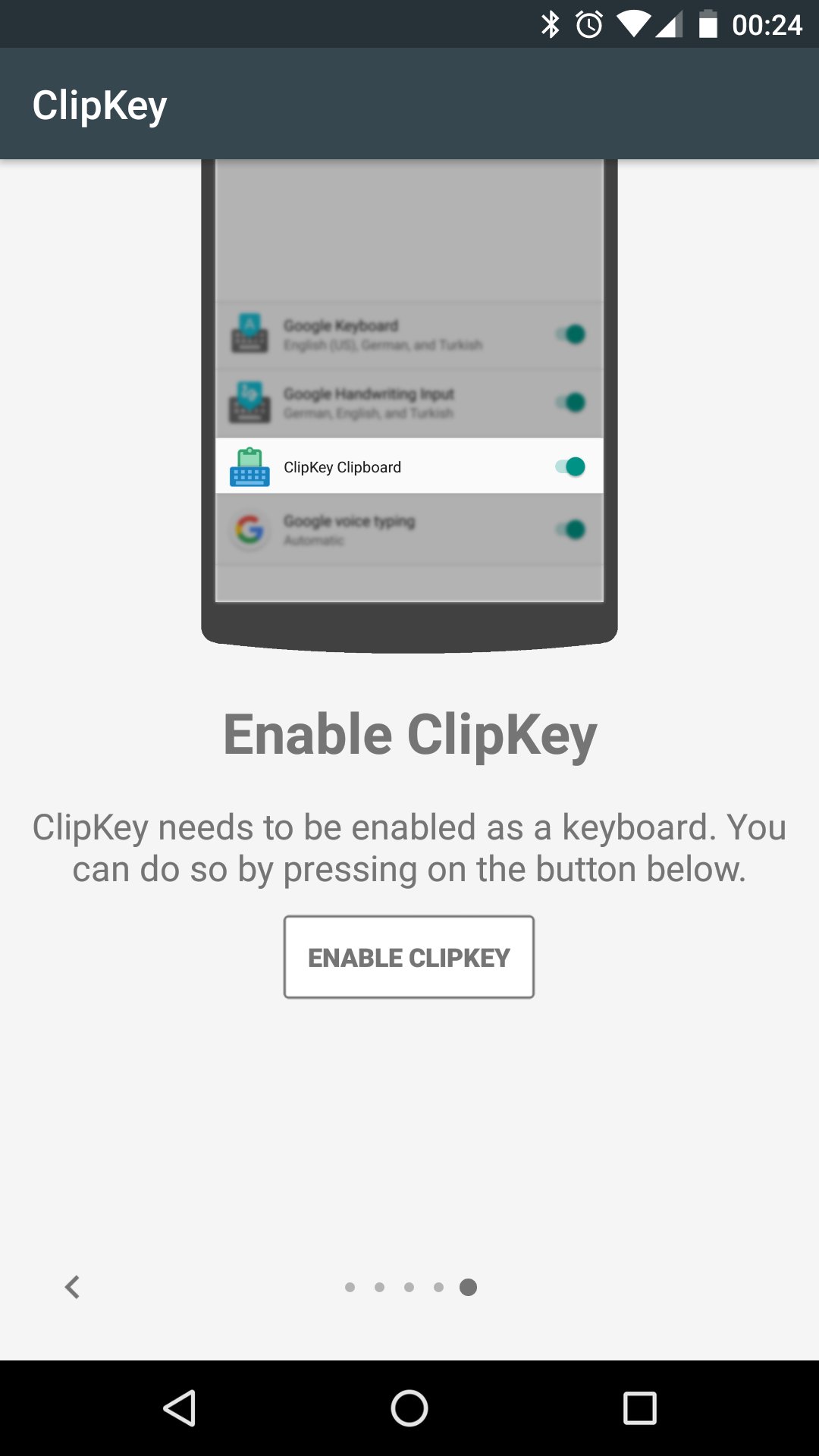
ClipKey provides a straightforward way to recall and paste items you copied earlier, right from your keyboard menu. Set up favorites for routine text and keep your clipboard history close at hand. If you need these tools now, download ClipKey and follow the on-screen prompts after installation.
Latest Version
1.3.2Uploaded by
Alan Ramazan
Requires Android
Android 4.4+
Category
Free Productivity AppContent Rating
Everyone
Report
Flag as inappropriateLast updated on Jul 16, 2021
v1.3.2
* Simplified opening of ClipKey keyboard (globe key support due to popular demand).
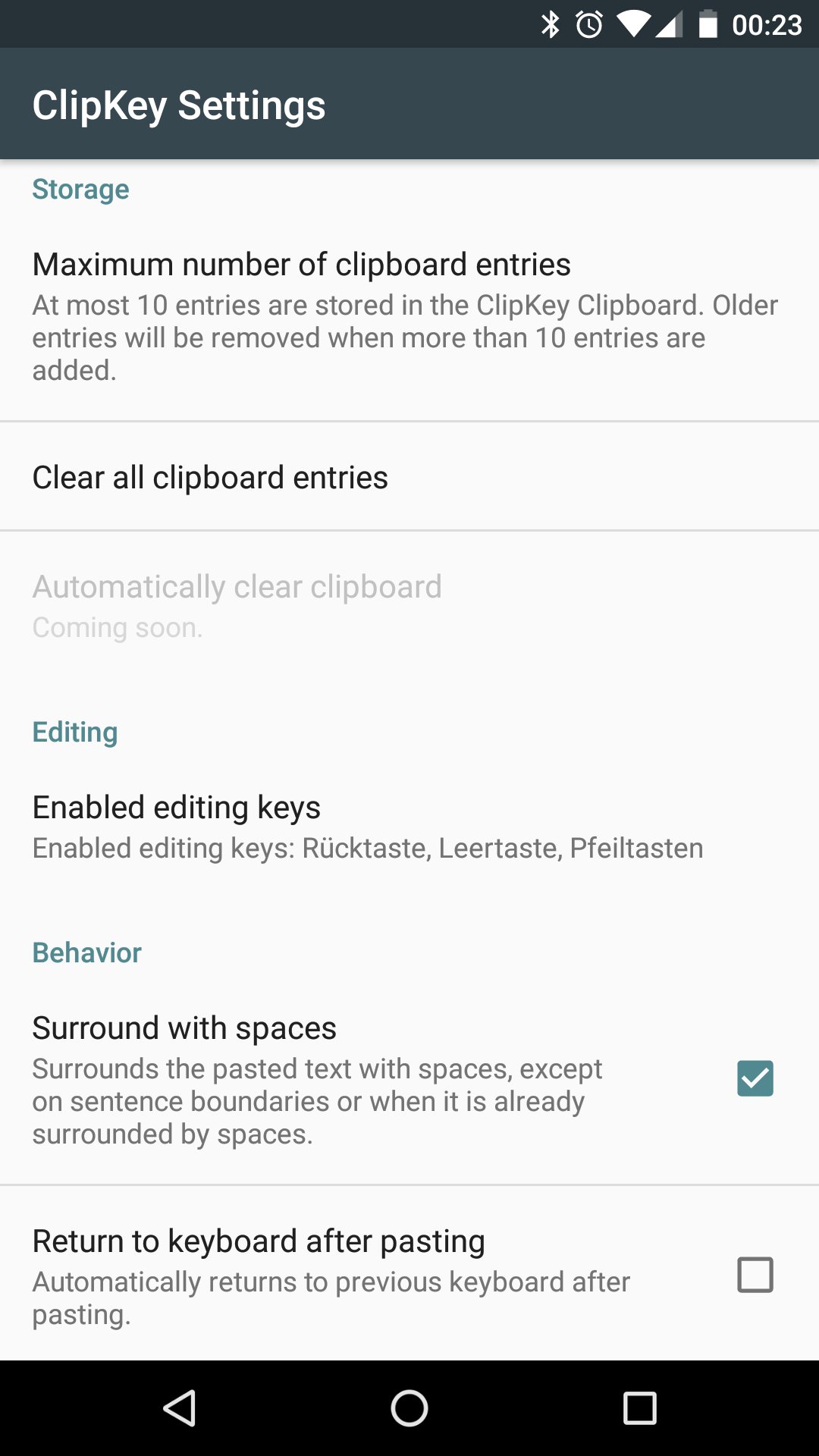
* Increased maximum number of stored clips to 200 (see in-app settings).
Introducing ClipKey Premium!
* enables app-specific favorites feature
* removes in-app advertisement
* more premium features to come soon




APKPure - A multi-platform app store primarily focused on Android, providing extensive app-related content. Discover the app you want easier, faster, and safer, with quick and efficient downloads and installations.