Scan Date:May 22, 2026
Show More

Disclaimer: This app is not affiliated with nor endorsed by WhatsApp Inc.
Previous name: "Open in WhatsApp (click to chat) [small, no ads]", changed to comply with WhatsApp and Google guidelines.
------------------
I'm aware some users are using the app for business purposes. I'm glad my app is helping you being more productive, but please if you are using the app for commercial purposes consider supporting it. I want this little personal project to keep being a free without ads nor purchases app, and the progress and updates are based on the reception and support from you. There is a donation version that you can buy to help the development: https://play.google.com/store/apps/details?id=com.trianguloy.openInWhatsapp.donation
[New: There is now a web version, compatible with WhatsApp Web: https://trianguloy.github.io/OpenInWhatsapp_Web/ ]
------------------
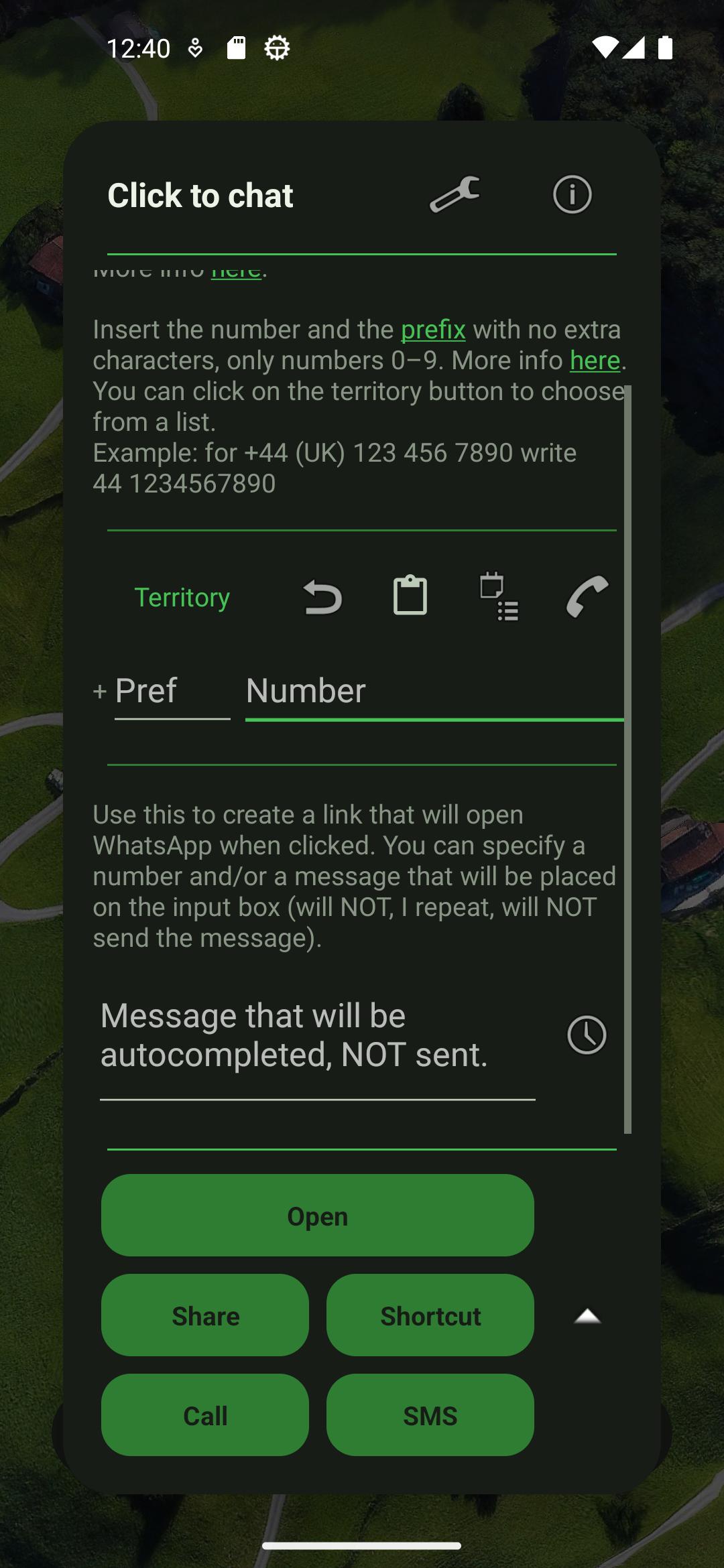
Did you know you can open a chat in WhatsApp with any number without saving first into contacts by entering it on the search box inside WhatsApp itself?
Source: https://faq.whatsapp.com/1183494482518500
Originally you needed to use a long and difficult to remember link, so I made this tiny app to help in the process.
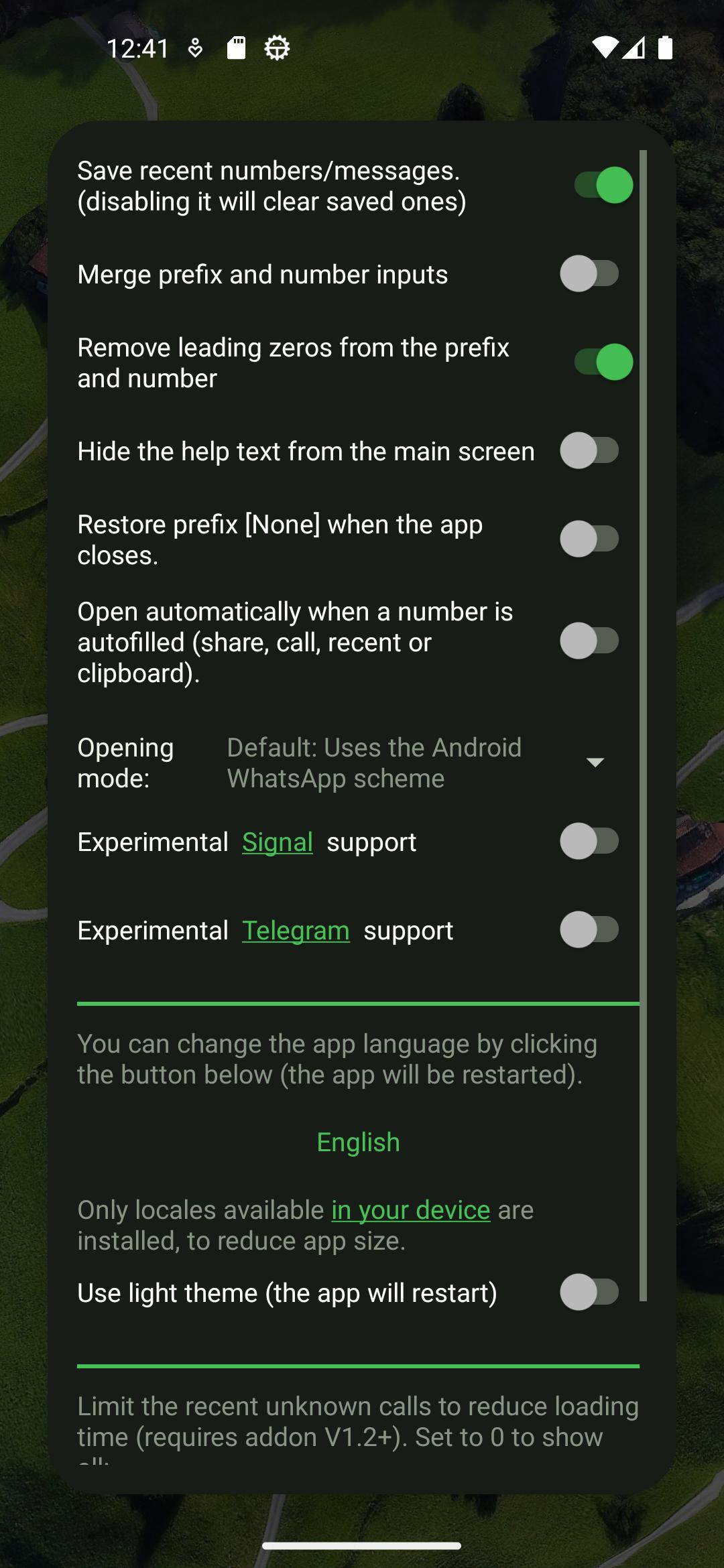
Since then I have added multiple functionalities (enter message, share link, list of country codes, create shortcut, save recent and pinned, open recent calls via add-on, and a few more) but always with these three principles:
1) Make the smaller app possible. This means no extra unrelated content, no extra libraries and no useless things. Currently its size is around 100KB=0.1MB. Less than a standard picture!
2) Use as few permissions as possible. Only the create_shortcut permission is used, nothing else! (no calls, no storage, no internet).
3) No ads. I hate ads. I will never add ads, adware, spyware, user tracking or other nasty stuff.
If you want a small tool to help you open numbers in WhatsApp, try it. If you prefer an app that sends your data to Google, there are clones out there.
---------------------------
Translation:
Thanks to Timofey Lisunov, Matheus Damacs, Yusuf Emen, Benjamin Yılmaz Çetiner, Richard Anderson (Hirai RCD), Aditya, Armand Secco, Yoni Cohen jonbir3, MageshBabu K (mage1k99), artmann (Dwi Legowo), Steven Felix, mezysinc, Thenur Mahesh Kannan, Faisal Aloufi, RaviDhoriya, Nathanaël Gagnepain, OnnoV, Hüseyin Filiz for the translations!
Permissions used:
SHORTCUT: To create shortcuts in the launcher.
-Nothing else- (they aren't necessary)
Apk size:
~100 KB (0,1MB)
Latest Version
5.3.1Uploaded by
فهد الشايع
Requires Android
Android 5.0+
Category
Free Tools AppContent Rating
Everyone
Security Report
Report
Flag as inappropriateLast updated on May 22, 2026
V 5.3.1
- Fix static shortcut on donation and ads version
- Internal code updates
V 5.3
- Shortcut + tile to open directly from clipboard
- Added missing Italian translation on the donation version
- Links to the new (and optional) ads variant
Do you like the update? Suggestions? You can say so in the comments or in the blog! https://triangularapps.blogspot.com/




APKPure - A multi-platform app store primarily focused on Android, providing extensive app-related content. Discover the app you want easier, faster, and safer, with quick and efficient downloads and installations.





![Instant Intent [Experiment] APK](https://image.winudf.com/v2/image1/Y29tLnRyaWFuZ3Vsb3kuaW5zdGFudGludGVudF9pY29uXzE1NzE1Mzg0NjBfMDU5/icon.png?w=102&fakeurl=1)