- More than 20 exclusive themes for your choice
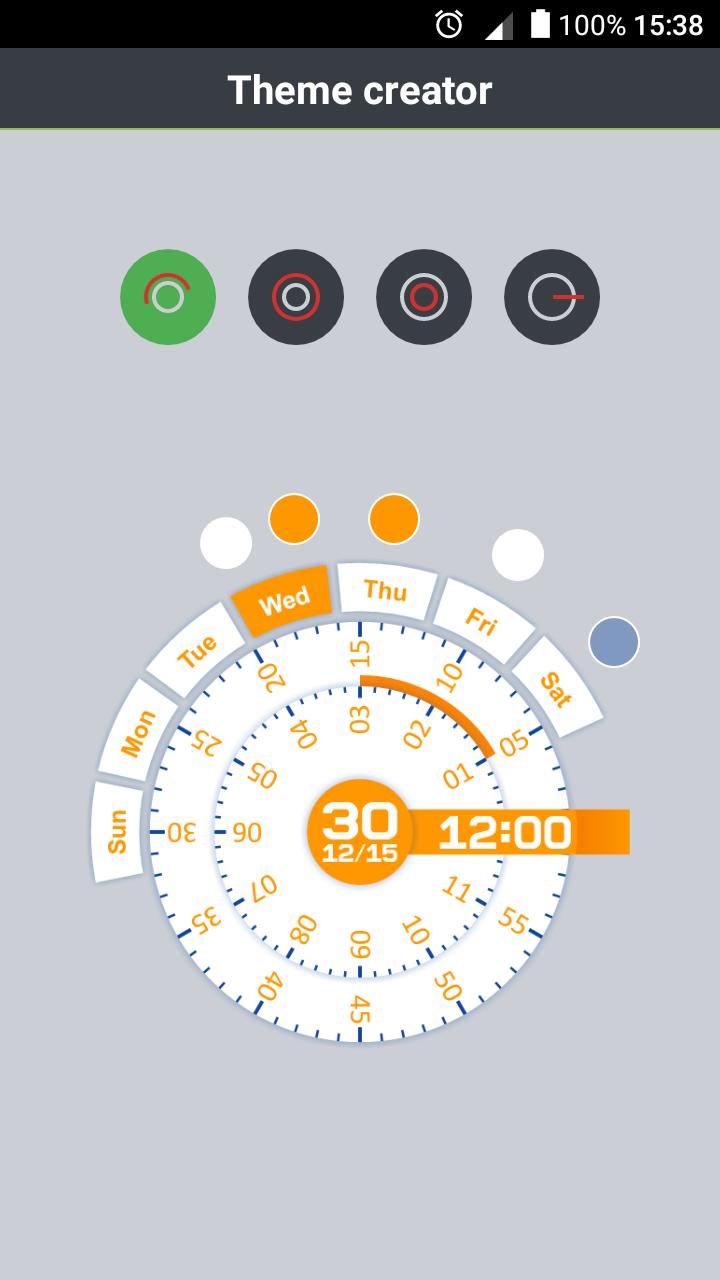
- Theme Creator
- Supporst 27 languages for each day of the week
- Personal settings
- Quick access to the alarm
- Quick access to the calendar
IMPORTANT: If it does not appear in widgets section, try uninstall and reinstall the app! thank you :)
FOR XIAOMI READMI:
1. Open application "Security".
2. Go to "Permissions".
3. Open the first item "Auto".
4. Tick the application "Clear Clock".
Latest Version
7.1.1Uploaded by
Reham Al Ahmad
Requires Android
Android 4.1+
Category
Free Tools AppContent Rating
Everyone
Report
Flag as inappropriateLast updated on Dec 22, 2017
- Bug fixing





APKPure - A multi-platform app store primarily focused on Android, providing extensive app-related content. Discover the app you want easier, faster, and safer, with quick and efficient downloads and installations.