Scan Date:Sep 21, 2025
Show More


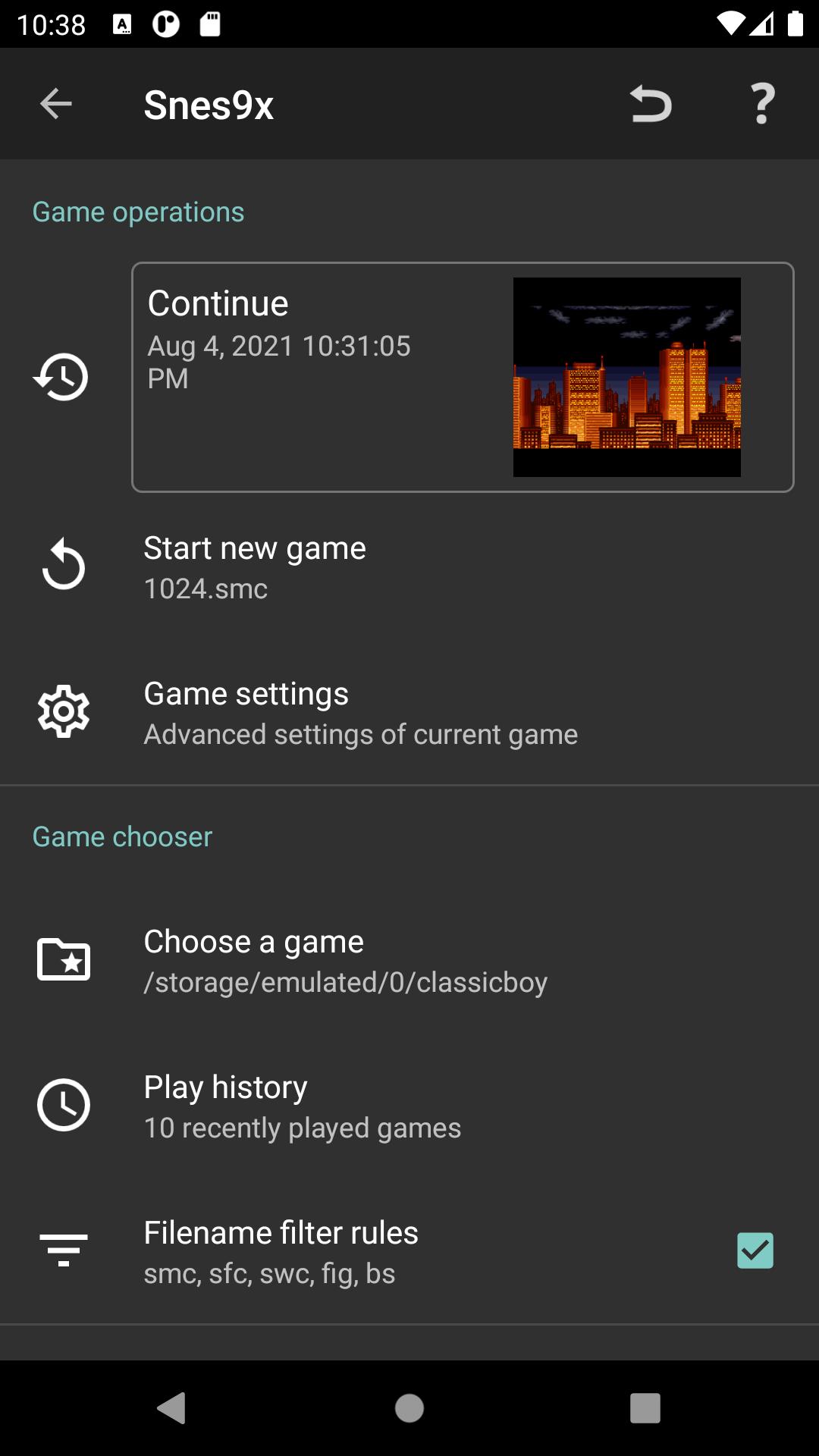
ClassicBoy addresses the need to play retro consoles on modern screens without complicated setup. It focuses on consistent emulation across phones, tablets, and TVs, so sessions feel familiar and responsive. You can switch between supported systems and adjust basic preferences as needed, which suits both short play sessions and longer runs. If you want a straightforward way to revisit old favorites, you can download ClassicBoy and start when it fits your schedule.
Multi-system console support
Control options and customization
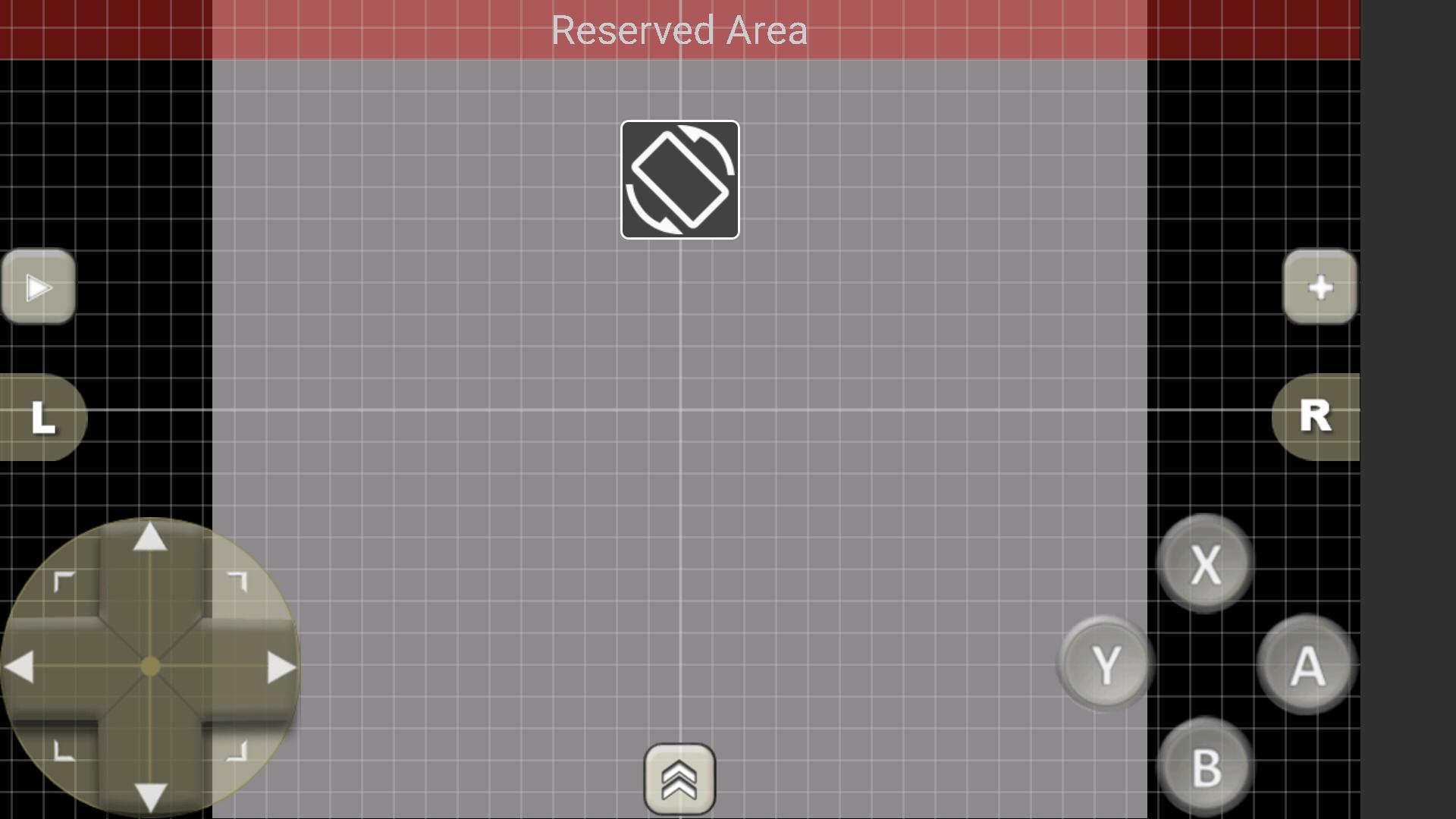
You can use intuitive touchscreen controls or connect external gamepads for a traditional layout. ClassicBoy lets you tailor button positions and visual style to fit your device and play style. Advanced gesture and accelerometer remapping is available for more precise input control for Premium User.
Gameplay tools
Settings, data, and permissions
ClassicBoy provides advanced core settings to balance performance and visual quality. You can import and export game data to move between devices. Bluetooth enables wireless controller connections, and vibrate can provide feedback. On devices below Android 10, external storage access is used only to read and write game data and app settings. Personal photos and media are not accessed.
ClassicBoy brings multiple systems into one app with flexible controls, useful tools, and clear permission use. For the best stability and core compatibility, install the ClassicBoy latest version and configure controls before starting a new game.
Latest Version
6.7.5Uploaded by
Nguyễn Xuân Diển
Requires Android
Android 5.0+
Category
Free Arcade GameContent Rating
Everyone
Security Report
Report
Flag as inappropriateLast updated on Sep 21, 2025
- Fixed file manager issues for Android TV
- Fixed bugs of touchscreen input
- Other minor fixes





APKPure - A multi-platform app store primarily focused on Android, providing extensive app-related content. Discover the app you want easier, faster, and safer, with quick and efficient downloads and installations.