Scan Date:Oct 9, 2025
Show More


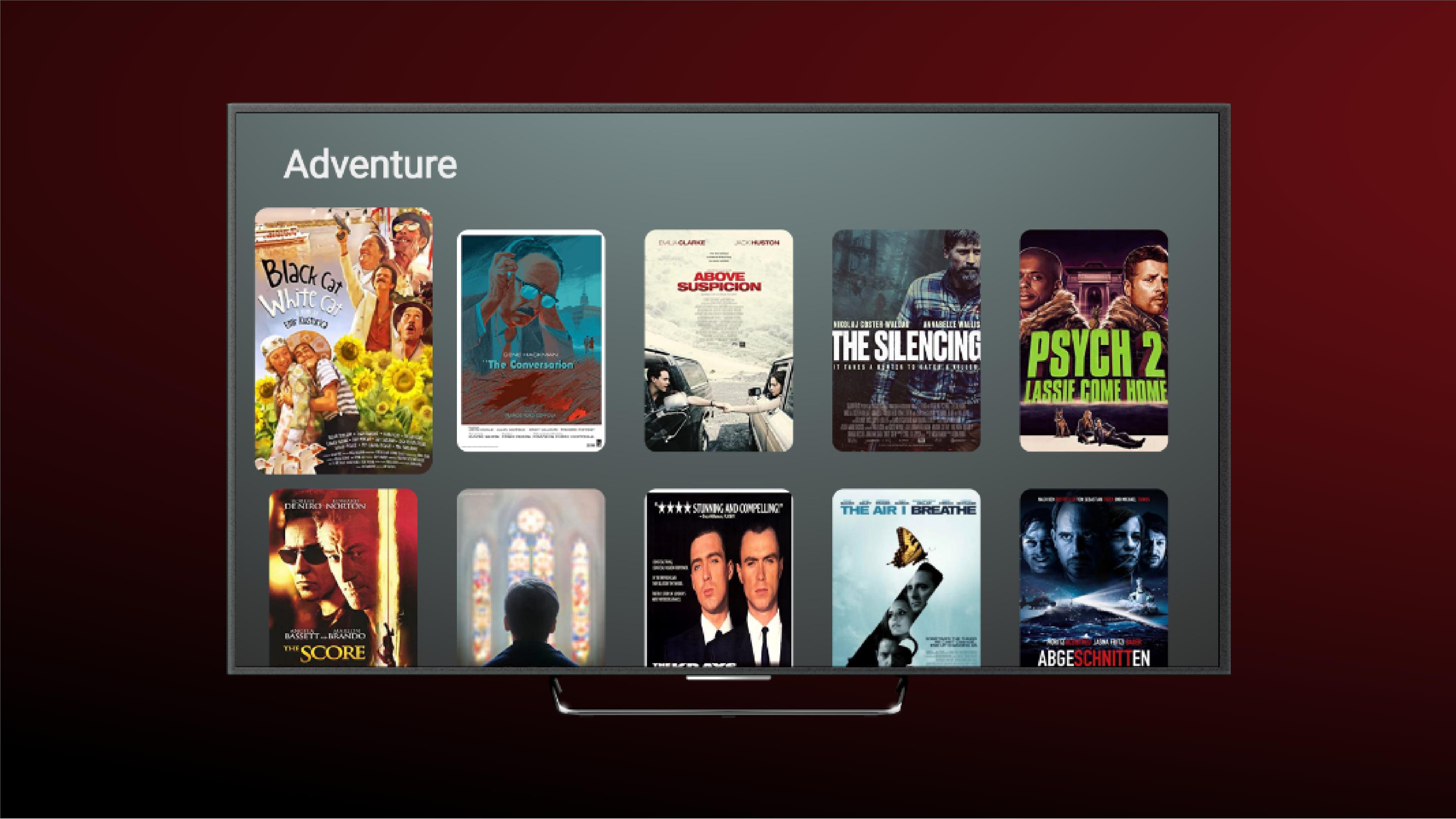
Cinema Box Android TV helps you decide what to watch in your living room. It focuses on discovery with a TV optimized layout that you can navigate with a remote. The app surfaces what is new and trending and presents official information for each title. It does not stream content and is built for previews. If you prefer phone browsing, you can look for the Cinema Box app. Users can find the Cinema Box Android TV APK on this page.
Cinema Box Android TV lets you view official trailers for movies and TV shows. You can play short teasers to get a quick sense of tone, then watch longer previews for more context. This helps you decide whether a title fits your mood before you commit to watching it elsewhere.
Read full descriptions and synopsesYou can open a title page to read a clear synopsis and full description. Each entry provides essential context such as genre and storyline so you understand what the title offers. This information supports quick, informed choices without needing to search across different sources.
Remote friendly, TV optimized navigationThe interface is designed around Android TV and standard remote controls. You can move smoothly across sections, open title details, and start a trailer using simple directional buttons. This setup keeps browsing straightforward for couch viewing and minimizes extra steps.
Privacy first approachCinema Box Android TV focuses on privacy and does not collect or share personal data. Data is encrypted while it moves between your device and the service. If you ever need specific data removed, deletion requests are supported through the developer contact.
Lightweight and free to useThe app uses a lightweight design that loads quickly and keeps navigation simple. You can browse without account setup and without fees. This structure supports fast discovery during short browsing sessions on your TV.
Cinema Box Android TV is not a streaming service. It provides trailers and full descriptions so you can research titles ahead of viewing on your preferred platform. The experience is built for Android TV devices and may feel different from phone apps because it relies on remote input. If your goal is in app playback of full episodes or films, this app does not offer that function.
Users who want a similar discovery experience on a phone can look for the Cinema Box app from the same developer. The phone version is designed for touch navigation and smaller screens, while the TV edition focuses on remote controls. If you are comparing versions, check the naming carefully since Cinema Box APK refers to the phone experience and Cinema Box Android TV APK is for TV devices.
This guide covers the basic flow from opening the app to previewing titles. To begin, download Cinema Box Android TV and open it from your Android TV home screen.
Cinema Box Android TV organizes trailers and descriptions for the latest movies and series. It offers a TV optimized way to explore without collecting personal data. To try it now, get the Cinema Box Android TV latest version from this page.
For developer information and support, use the official contacts below.
Latest Version
4.2.20Uploaded by
Stev Love Zin
Requires Android
Android 6.0+
Category
Free Entertainment AppContent Rating
Everyone
Security Report
Report
Flag as inappropriateLast updated on Oct 9, 2025
Minor bug fixes and improvements. Install or update to the newest version to check it out!



APKPure - A multi-platform app store primarily focused on Android, providing extensive app-related content. Discover the app you want easier, faster, and safer, with quick and efficient downloads and installations.