

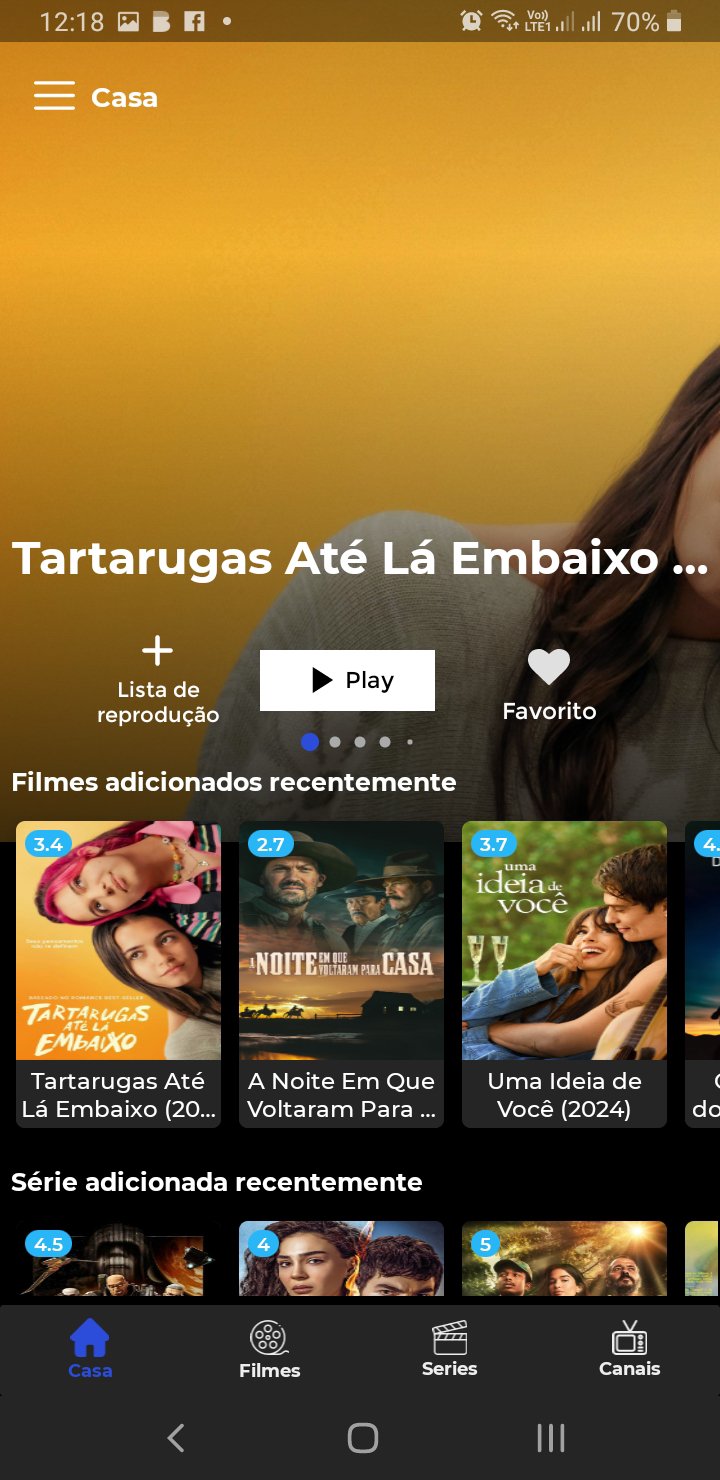
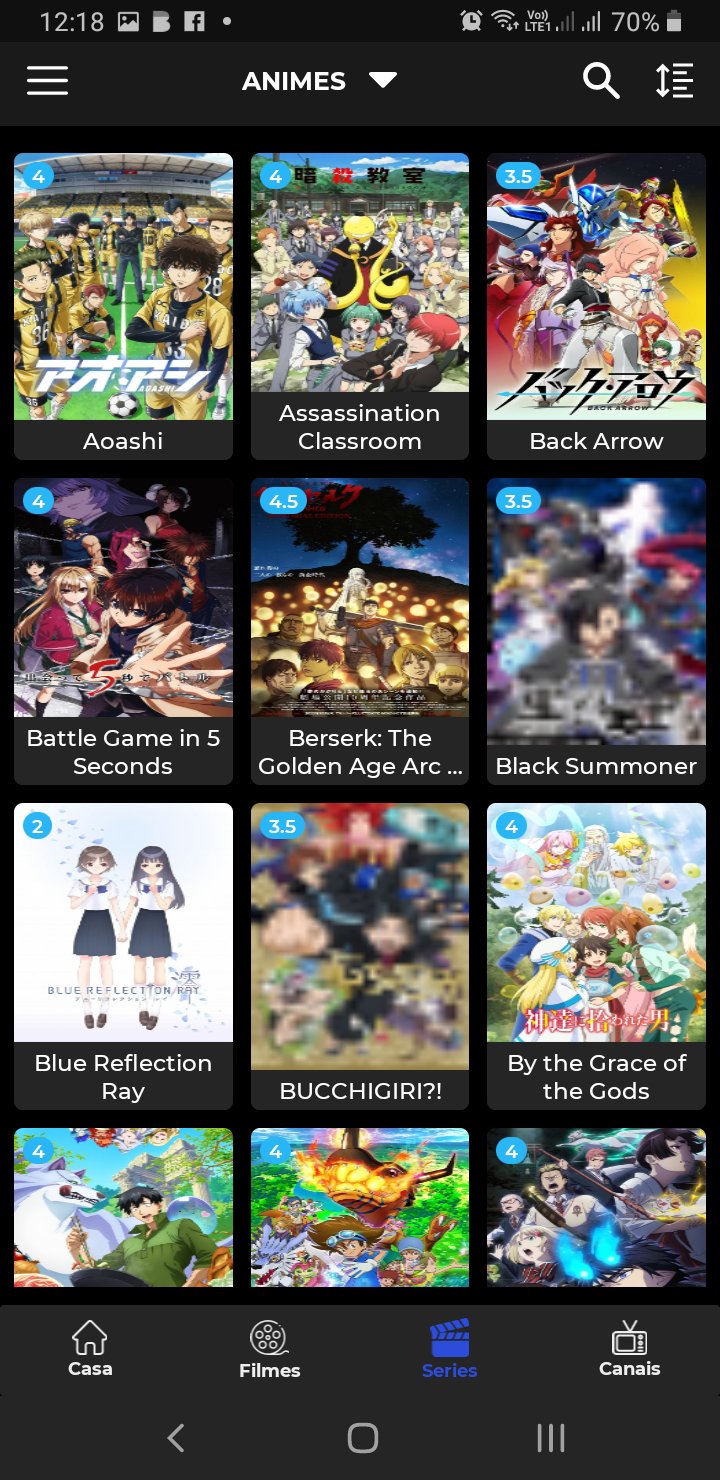
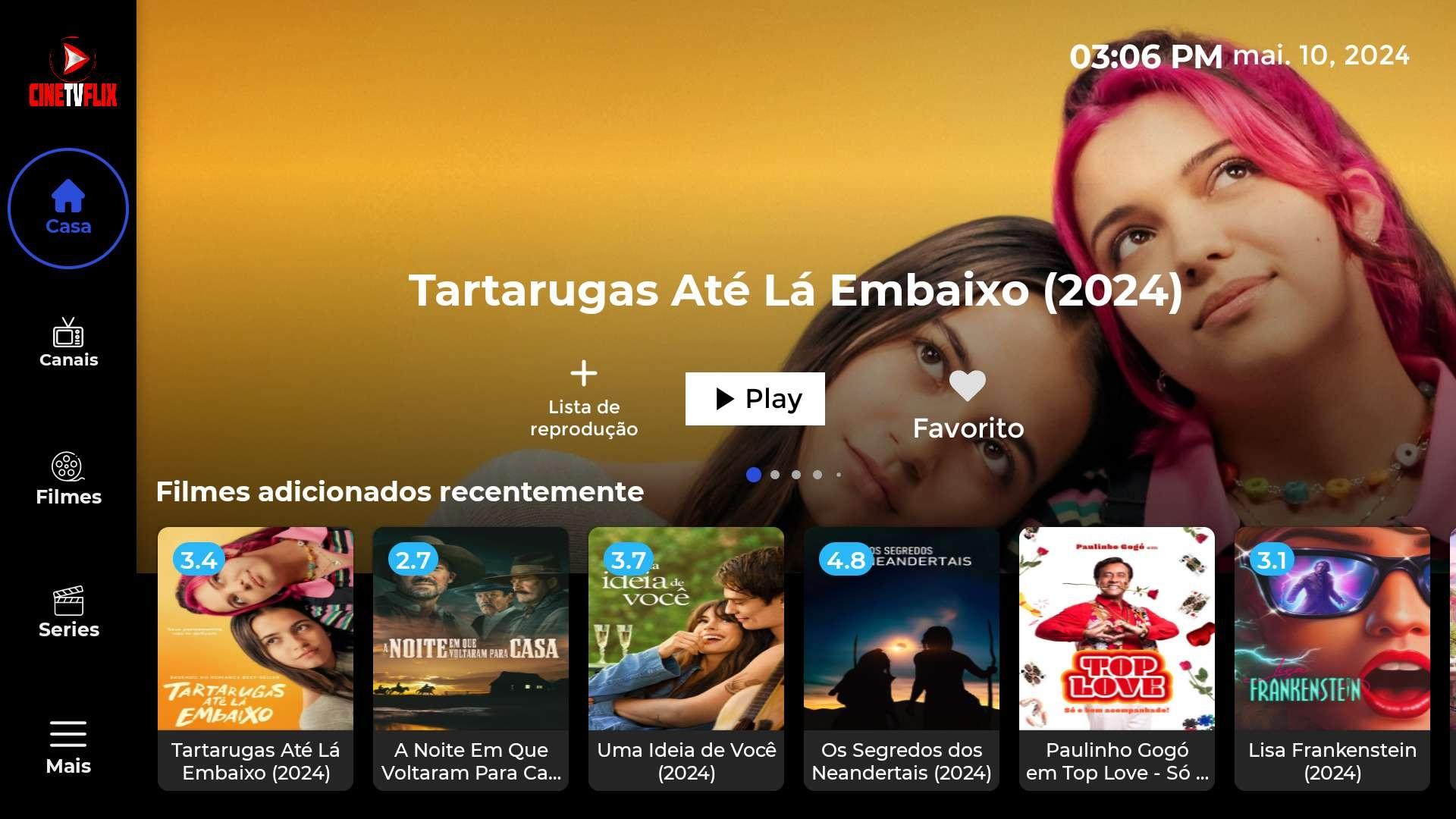
CINE TV FLIX serves users who already have streaming URLs, playlists, or personal media and need a single player. It does not provide any content and only displays what you add, so you keep control of your library. You can supply m3u links or credentials for your sources when setting it up. The screenshots shown are illustrative and do not represent actual video. To begin, download CINE TV FLIX and add your sources.
Add your own playlists and streaming links
CINE TV FLIX lets you enter m3u URLs, direct streaming links, or playlist credentials. The app does not include any built in media and only shows what you provide. After adding sources, you can browse and play content from your own library.
Play personal videos, music, and photos
You can watch videos, listen to music, and view photos from your sources in one place. After setup, playback is straightforward and uses the media you supply. The CINE TV FLIX APK works without any affiliation to external providers.
Use your sources for live TV, movies, and series
Content responsibility and permissions
CINE TV FLIX has no affiliation with any third party provider and does not supply media. Responsibility for content rests with the user who adds it. The app does not endorse streaming copyrighted material without permission from rights holders. Screenshots are for illustration, and the app may play or download only the content you add.
CINE TV FLIX focuses on playing content you provide through your links, playlists, or files. Add your sources, then watch in a simple interface with clear controls. For stability and improvements, install the CINE TV FLIX latest version.
Latest Version
4.0Uploaded by
Kokomo Jojo Kh
Requires Android
Android 5.0+
Category
Free Entertainment AppContent Rating
Everyone
Report
Flag as inappropriateLast updated on May 7, 2026
Minor bug fixes and improvements. Install or update to the newest version to check it out!




APKPure - A multi-platform app store primarily focused on Android, providing extensive app-related content. Discover the app you want easier, faster, and safer, with quick and efficient downloads and installations.