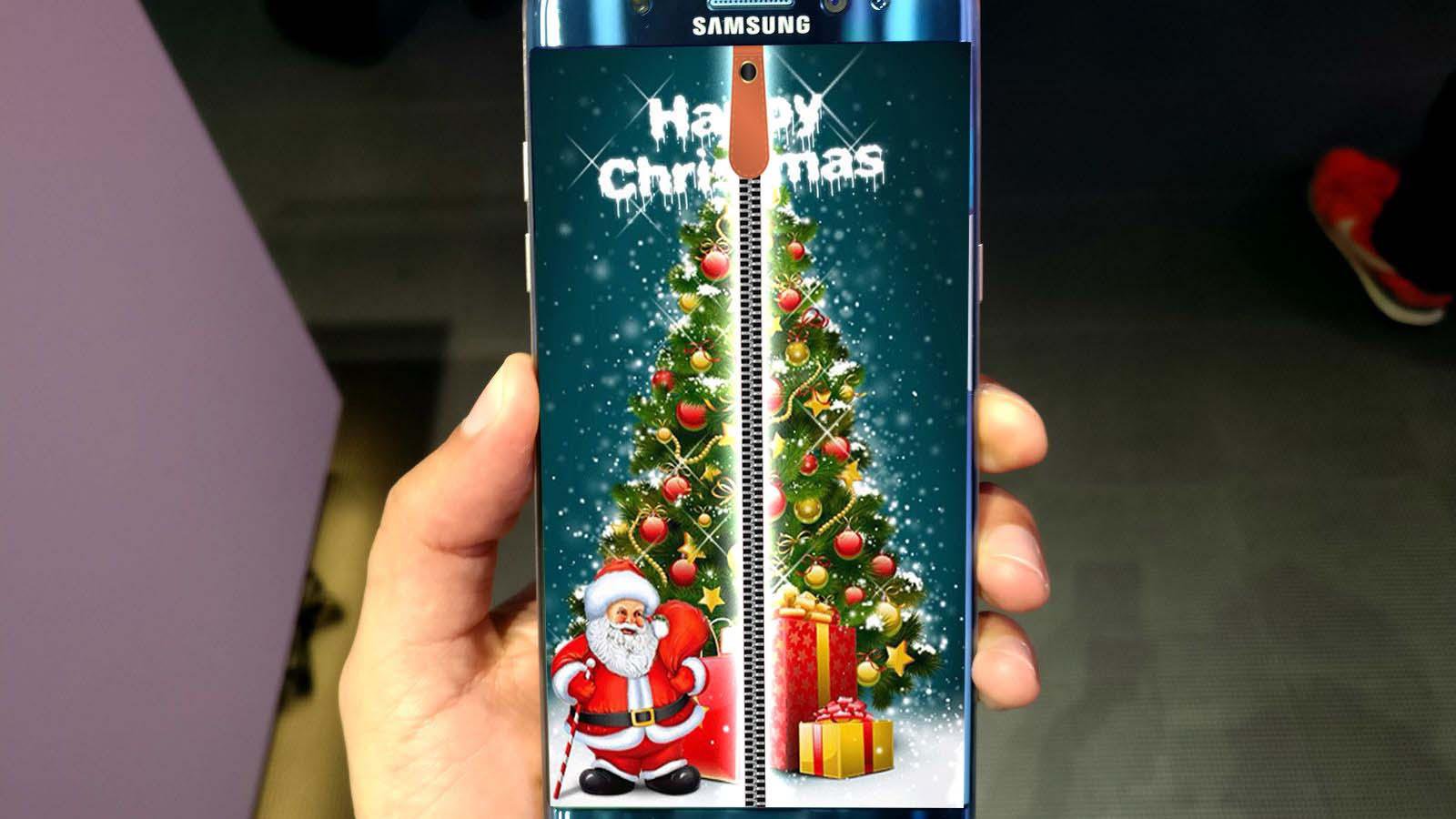
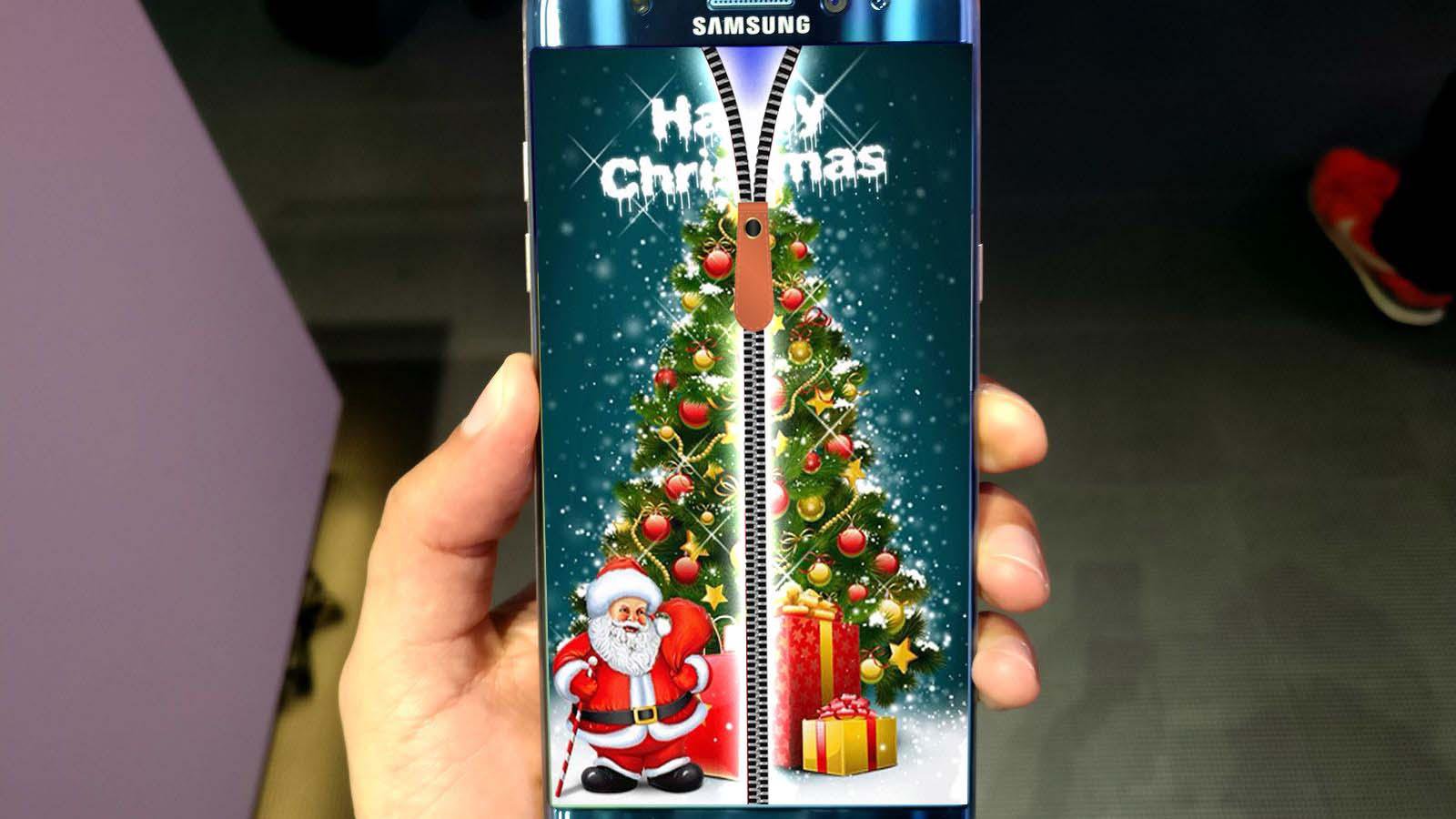
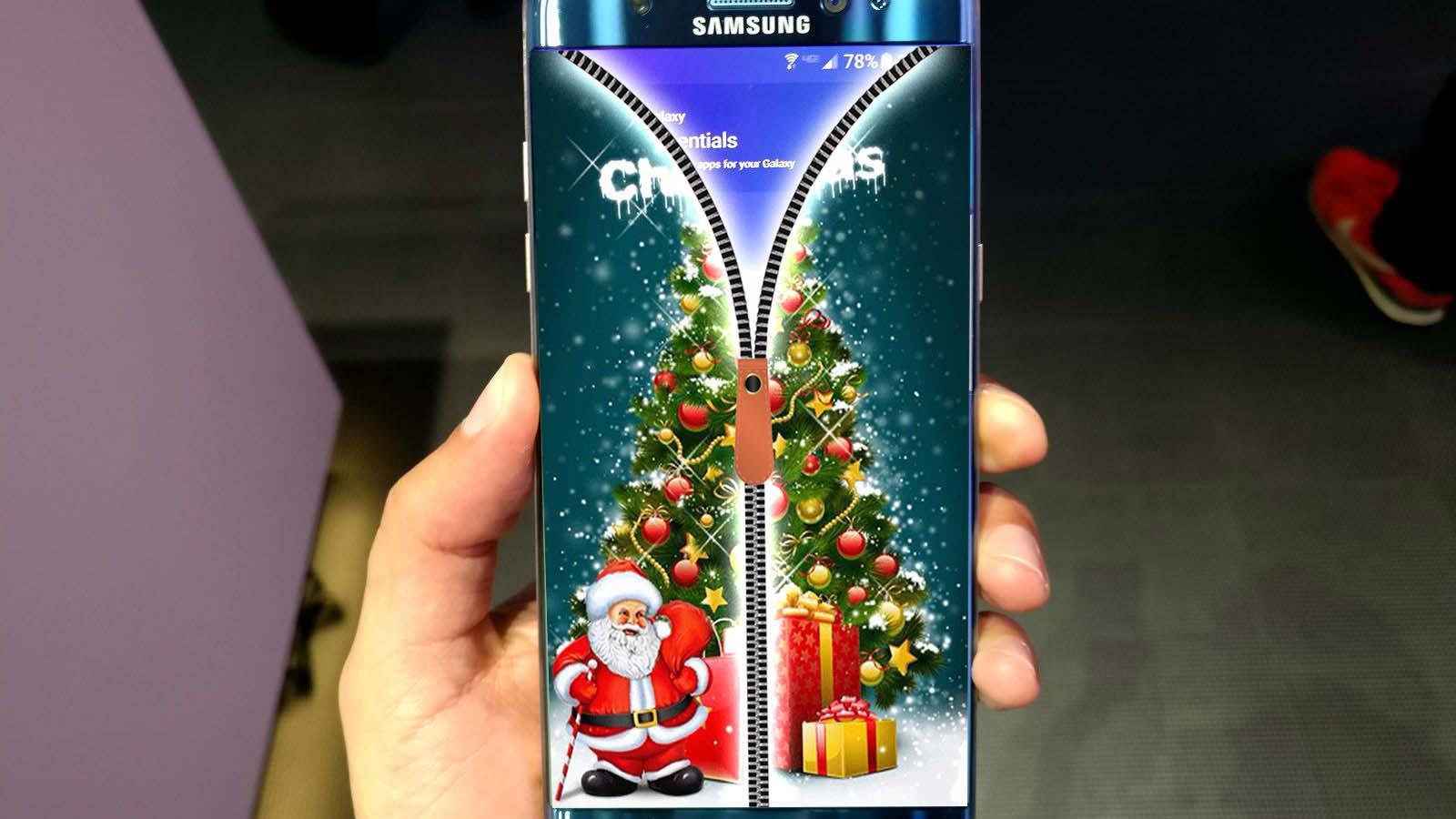
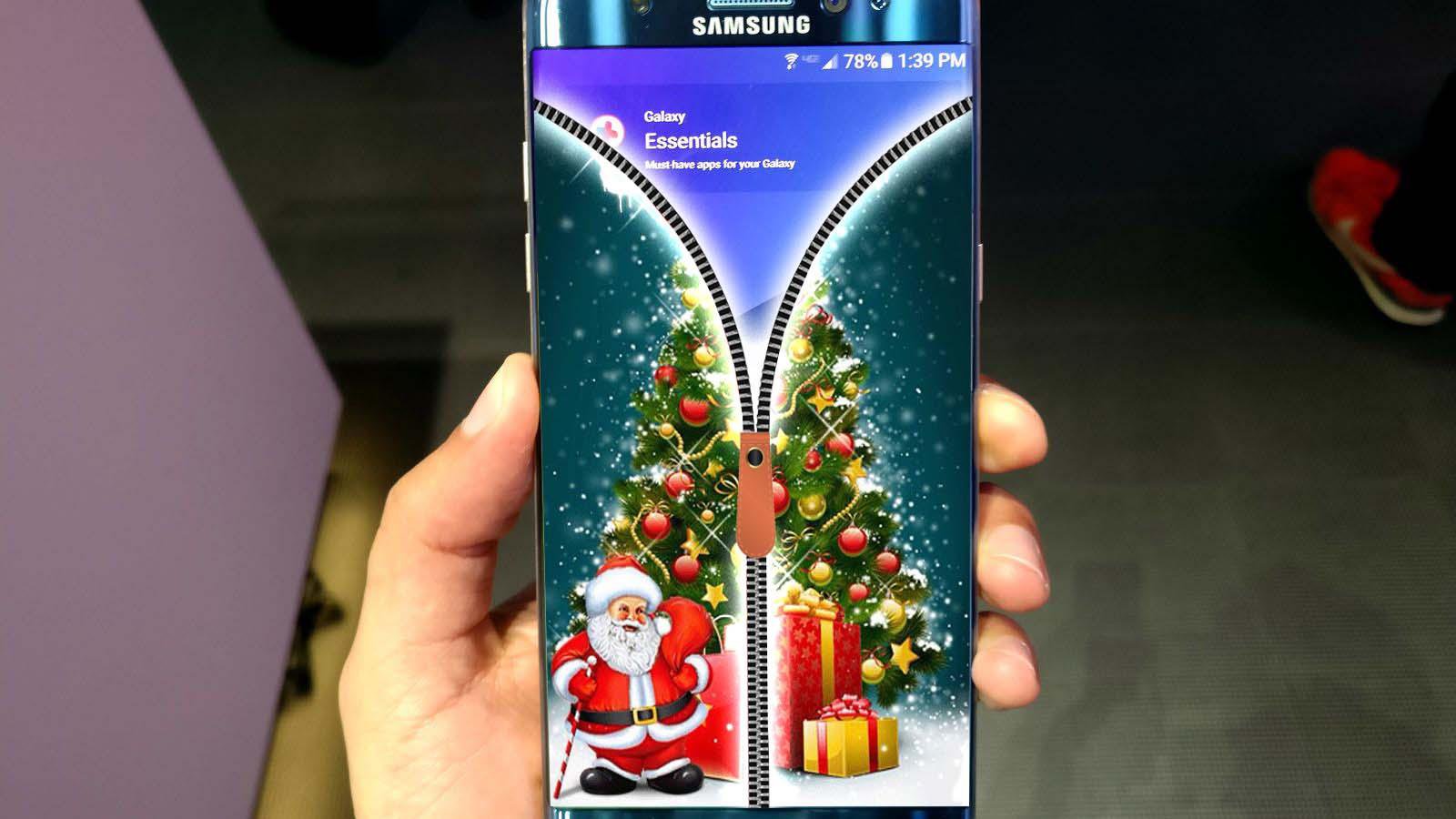
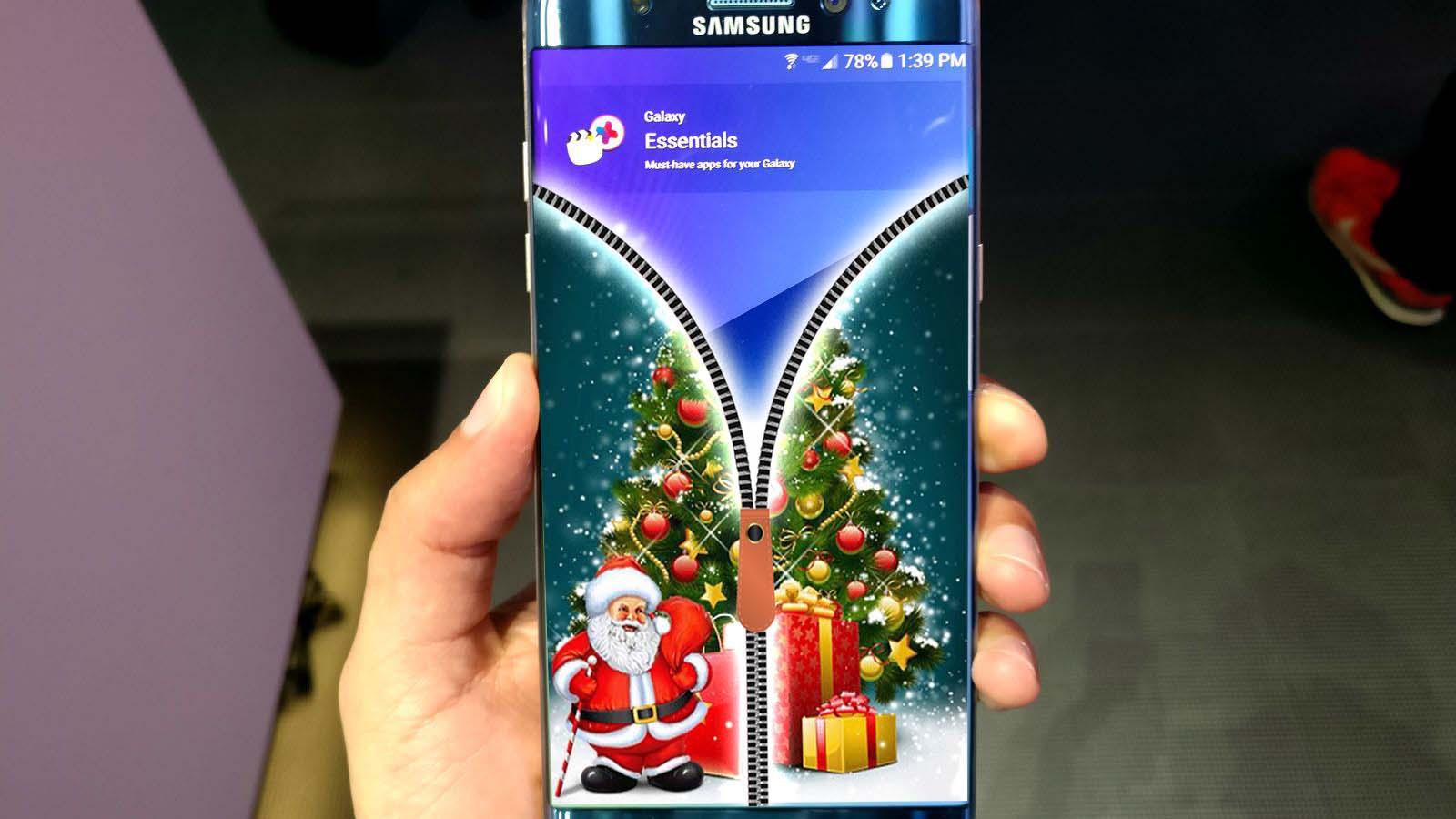
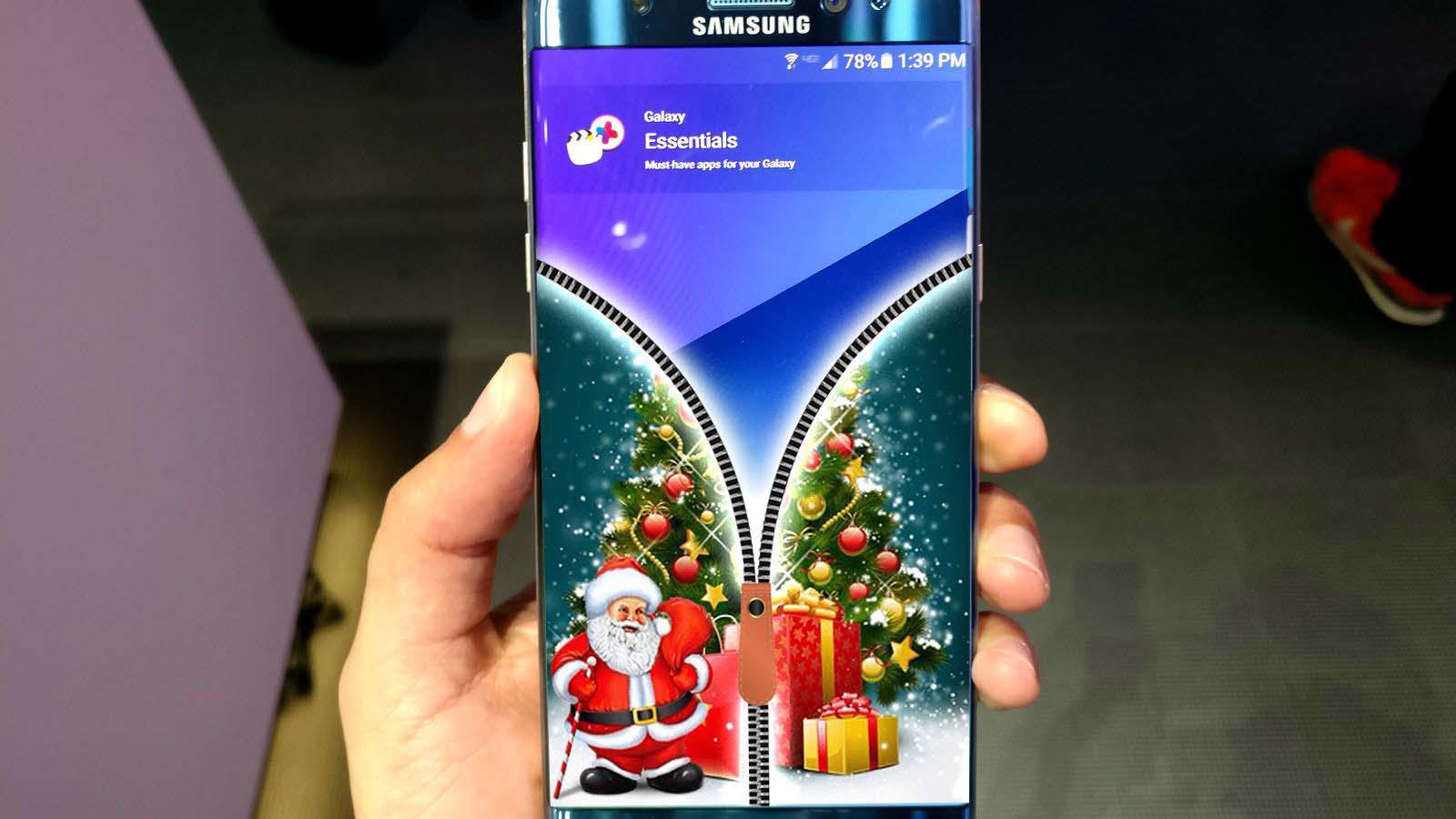
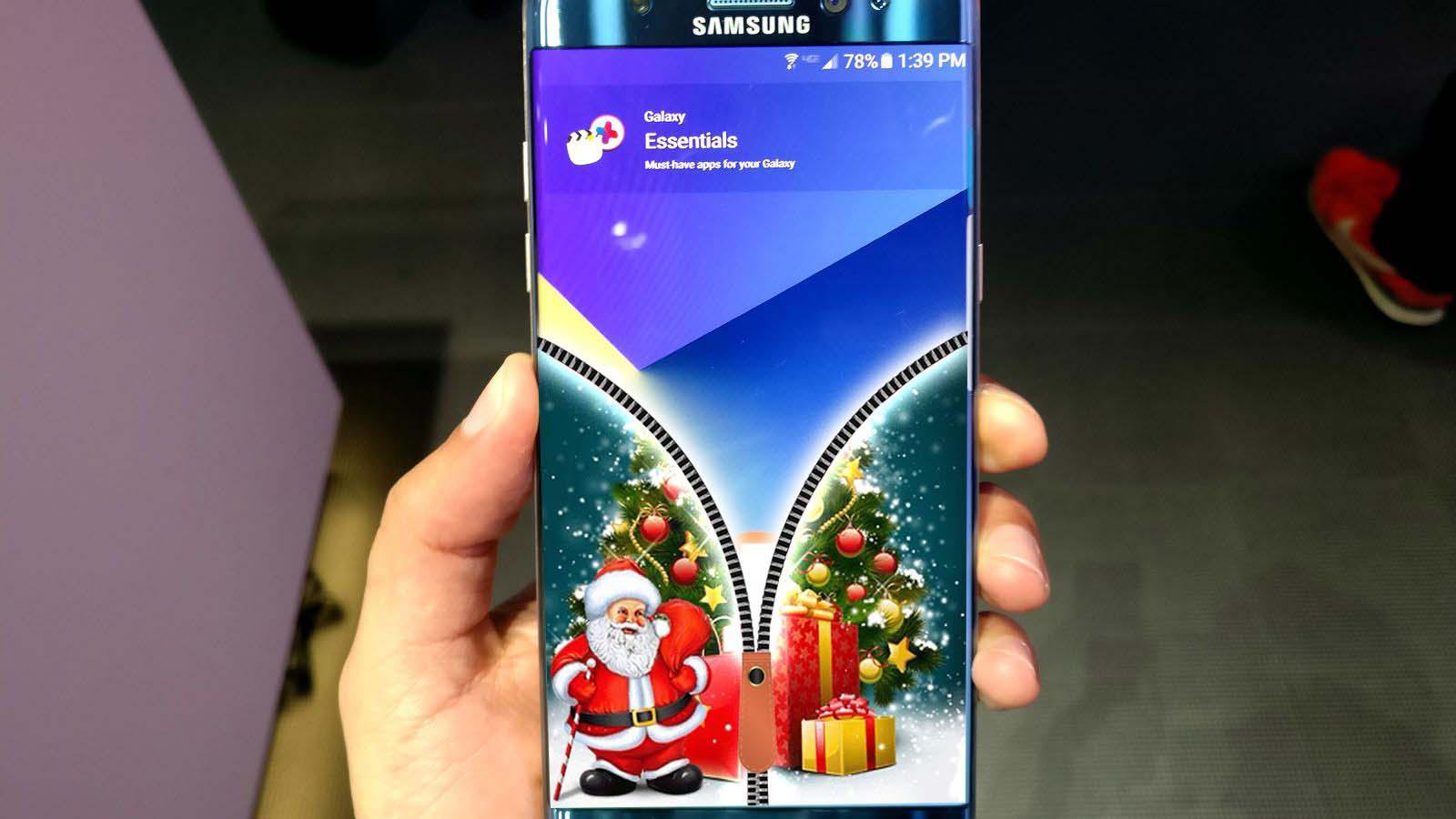
Christmas Zipper Screen Locker is the best app of its type to lock and secure your screen with Christmas zipper
The app is working with all android devices and sets and you can modify the settings from inside the application after installing and opening the app for the first time, add the screen locker and enable the main screen lock and dim your screen light to test the application.
The is designed to protect your mobile phone instead of the ordinary boring pattern lock, you now have the smart Christmas zipper locker and replace with the Christmas tree on your locker screen
Try the app now and advice your friends to use it and you will get all of its benefits with few simple clicks.
How it works:
1. Install the application into your android mobile.
2. Open the app by clicking on the app icon on your phone.
3. Inside the application, you will find a button "enable locker - enable as master locker" just push it to be On and green.
4. Inside the application, you will find a button "enable screen turn screen locker on" just push it to be On and green.
5. Inside the application, you will find a button "enable locker sound" just push it to be On and green.
6. App rating button: click it and give the app 5 stars if you like it. and don't forget to leave us your feedback as a review.
7. Share now: to share the app with your friends
Latest Version
1.1Uploaded by
Mrwan My
Requires Android
Android 2.3.2+
Category
Free Tools AppContent Rating
Everyone
Report
Flag as inappropriateLast updated on Dec 1, 2016
Minor bug fixes and improvements. Install or update to the newest version to check it out!


APKPure - A multi-platform app store primarily focused on Android, providing extensive app-related content. Discover the app you want easier, faster, and safer, with quick and efficient downloads and installations.