
CHEVYSTAR APP. Offers control and connection with your CHEVROLET on real-time.
It is available for vehicles with CHEVYSTAR CONNECT active service and registered on the website for your country:
Colombia - https://co.michevystar.com/ChevystarCliente
Ecuador - https://ec.michevystar.com/ChevystarCliente
Venezuela - https://ve.michevystar.com/ChevystarCliente
If you have any questions please contact us to following numbers:
Colombia: 01 8000 (1) 24389 (CHEVY)
Ecuador: 1800 Chevrolet (243-876)
Venezuela: 0800 CHEVY (24 389) 00
Services:
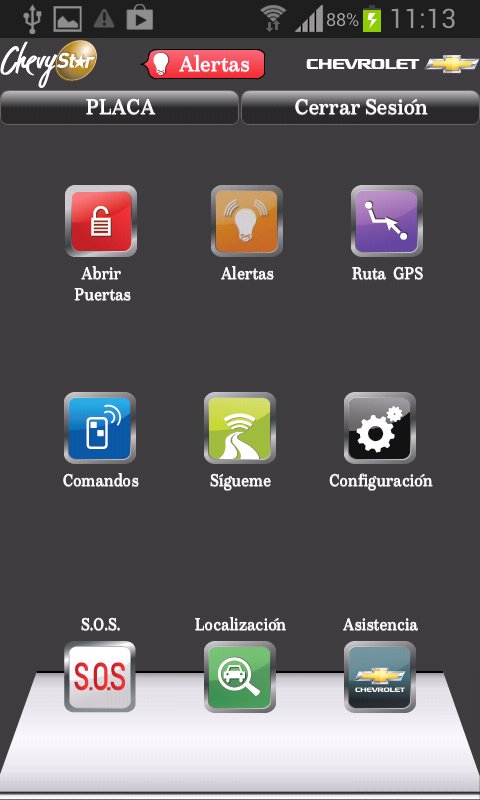
* Lock / Unlock your doors from any distance.
* Disarm the PIN CODE alarm remotely.
* Activate your horn and lights to help to locate your CHEVROLET.
* Find a point of interest on your phone and send it directly to your CHEVYSTAR´S GPS. The route will be downloaded upon vehicle start.
* Localize and follow your CHEVROLET by GPS signal.
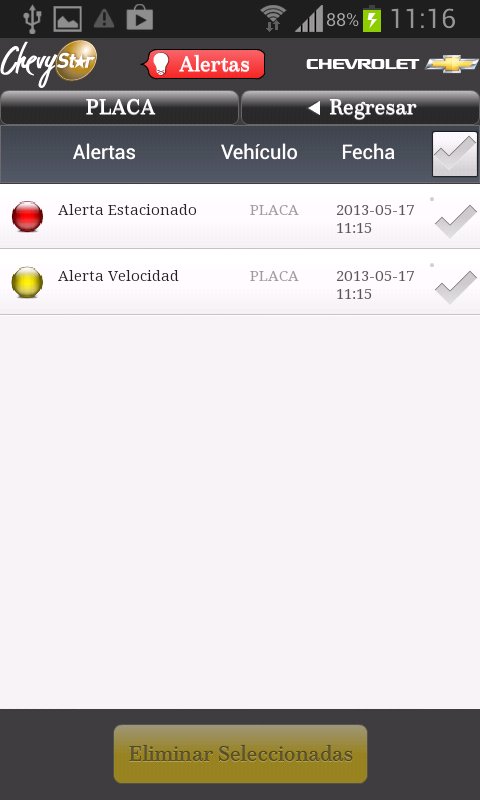
* Establish speed and parking alerts to your CHEVROLET.
* Direct contact with CHEVYSTAR´S call center.
* S.O.S emergency button (send an emergency message to CHEVYSTAR´S security Call Center).
With CHEVYSTAR “VIVE LA VIA AL MAXIMO!!”
Latest Version
1.2.17Uploaded by
Thatphong Baothi
Requires Android
Android 2.2+
Category
Free Maps & Navigation AppContent Rating
Unrated · Warning – content has not yet been rated. Unrated apps may potentially contain content appropriate for mature audiences only.
Report
Flag as inappropriateLast updated on Dec 8, 2015
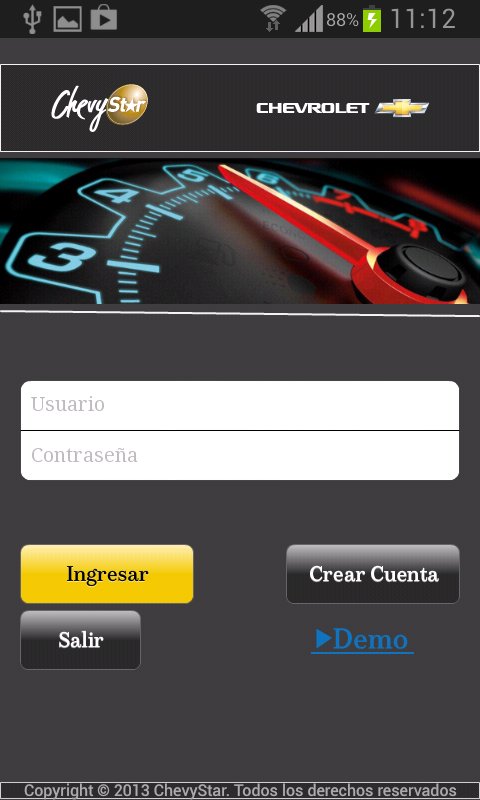
• Setting up your account is simple. By selecting the "Create Account" will reach the instructions to your email
• Option DEMO. Browse and enjoy the application as if it had Chevystar Connect enabled service
• In the option of "GPS Route" on the map press and hold for more than 2s and will show the option to send to GPS Chevystar
• Improved results are obtained directions from Google
• Minor bug fix and performance improvements

APKPure - A multi-platform app store primarily focused on Android, providing extensive app-related content. Discover the app you want easier, faster, and safer, with quick and efficient downloads and installations.










