Package Name:com.nemesis.materialchess
SHA-256:dbeb4240023da3cd34311f37b6d75e8a23487d4d5e27e53defae559b302afd42
Show More

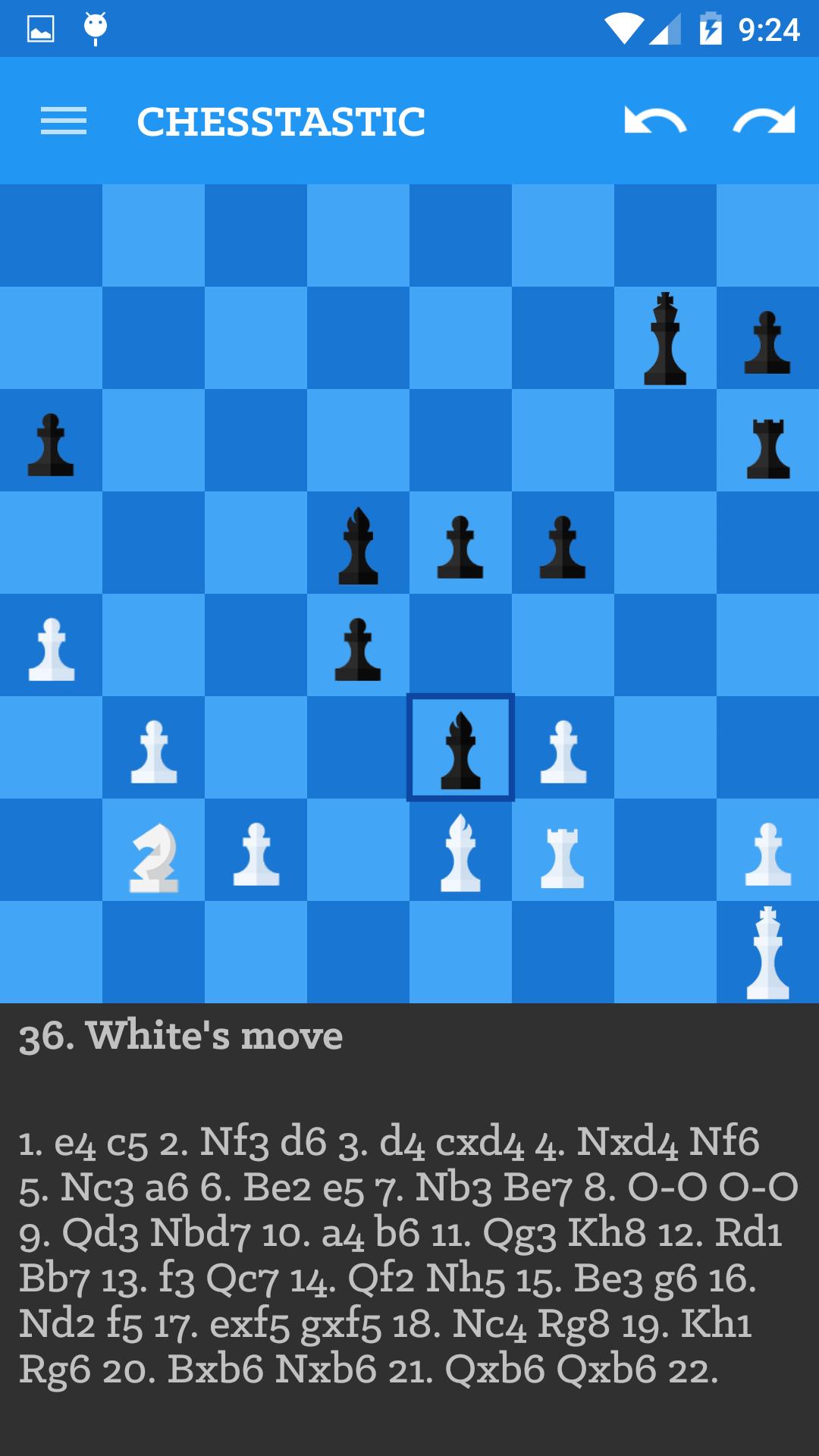
ChessTastic is a fully material designed Android Lollipop optimised game to fully enjoy the wonders of Chess. It is based on the opensource app Dark Knight and uses the Stockfish Chess Engine.
Features
* Opening book
* Unlimited undo/redo
* Copy/paste to/from clipboard
* Analysis mode
* Two player mode
* Computer vs computer mode
* Edit board
* Support for PGN variations
* Multiplayer support coming soon!
Hints
* In game mode, long press chess board to activate copy/paste menu.
* In edit board mode, long press chess board to activate edit menu.
* Scroll left/right on the chess board to undo/redo moves.
* If the game contains multiple variations, scroll up/down on the chess board to go to the previous/next variation.
Analysis
ChessTastic can analyze games to find better alternatives to moves. By using hints described above, players can optimize strategies and use the computer to improve their play. Analysis can be activated in Settings.
Opening book
ChessTastic contains a small internal opening book. If you want to use a larger book, you can configure ChessTastic to use a polyglot book file:
1. Create a directory called ChessTastic on the SD card folder.
2. Copy one or more polyglot book files to the ChessTastic directory.
3. From the program menu, activate the Select opening book function.
4. Select the opening book file you want to use.
PGN files
ChessTastic can load games from PGN files. To use this feature:
1. Create a directory called ChessTastic/pgn on the SD card folder.
2. Copy one or more PGN files to the ChessTastic/pgn directory.
3. Long press the chess board and select Load game from PGN file.
4. Select the file, then the game within the file you want to load.
License
GNU GPL v3
Developers
* Stockfish is developed by Tord Romstad, Marco Costalba and Joona Kiiski.
* Droidfish is developed by Peter Österlund. (http://web.comhem.se/petero2home/droidfish/)
* Dark Knight is a Honeycomb fork of Droidfish. Its source is available at SourceForge.net.
* ChessTastic is a Lollipop fork of Droidfish and Dark Knight. Sources available at https://github.com/AvijitGhosh82/material-chess-android . Do help me out if possible!
Latest Version
Beta 1.2Uploaded by
Muhammad Rizky Ramadhan
Requires Android
Android 3.0+
Category
Free Strategy GameContent Rating
Everyone
Security Report
Check Now
Report
Flag as inappropriateLast updated on Nov 15, 2015
Beta 1.2: Fixed chessboard square colors. Sorry for the delay, had been busy.




APKPure - A multi-platform app store primarily focused on Android, providing extensive app-related content. Discover the app you want easier, faster, and safer, with quick and efficient downloads and installations.