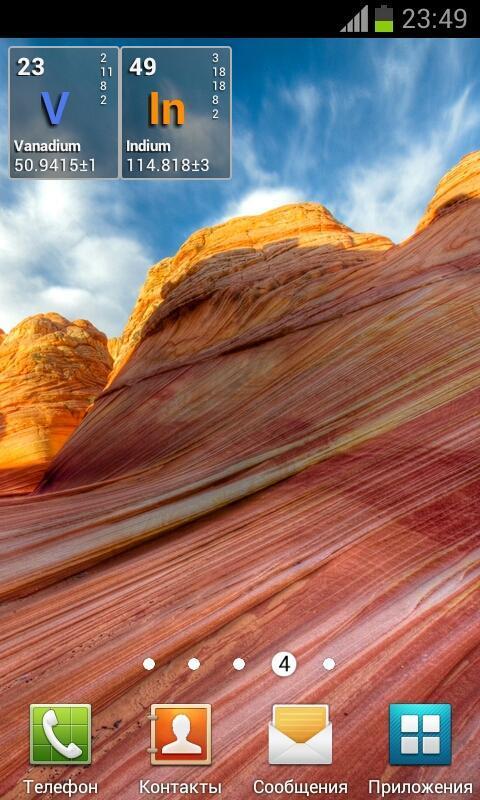
A "nerdy" clock widget for Chemistry fans. Shows time with chemical elements.
To activate a widget follow these steps:
★ Press "Home" button to go to your home screen
★ Press "Menu" button and then select "+Add" option
★ Select "Widgets" from list
★ Find and click Chemical Elements Clock widget which you want to add on homescreen or drag a widget icon to your homescreen
★ Press "Home" button and enjoy the widget on the homescreen
Latest Version
2.1Uploaded by
Josue Mendoza Mejia
Requires Android
Android 2.2+
Category
Free Personalization AppContent Rating
Everyone
Report
Flag as inappropriateLast updated on Sep 1, 2015
Minor bug fixes and improvements. Install or update to the newest version to check it out!




APKPure - A multi-platform app store primarily focused on Android, providing extensive app-related content. Discover the app you want easier, faster, and safer, with quick and efficient downloads and installations.