Package Name:com.husseinelfeky.characterpad
SHA-256:ca7cb562b38bbcc9032dcac402b28f144b39a85ba223e24d1b2ade834767bcfb
Show More

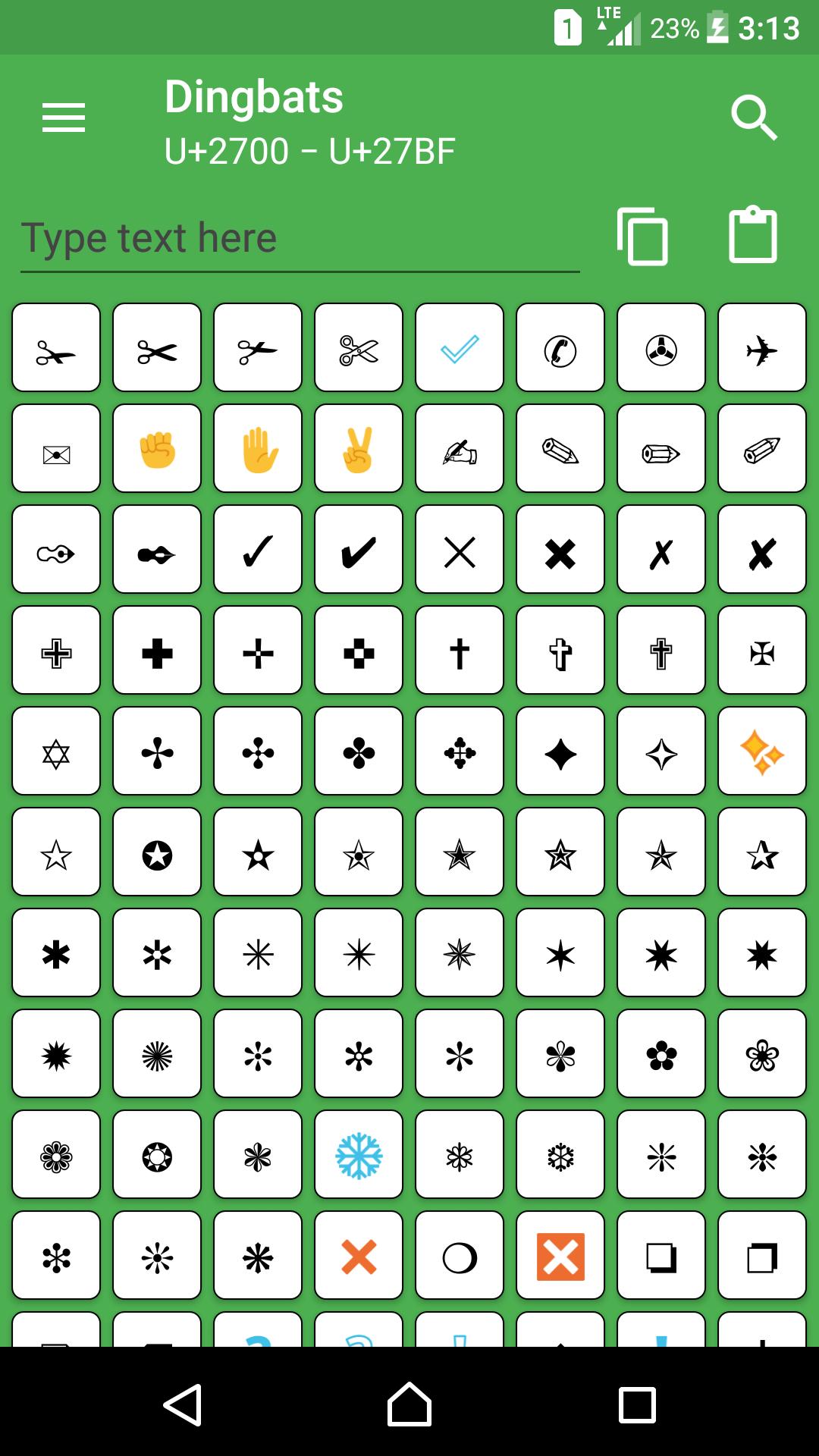
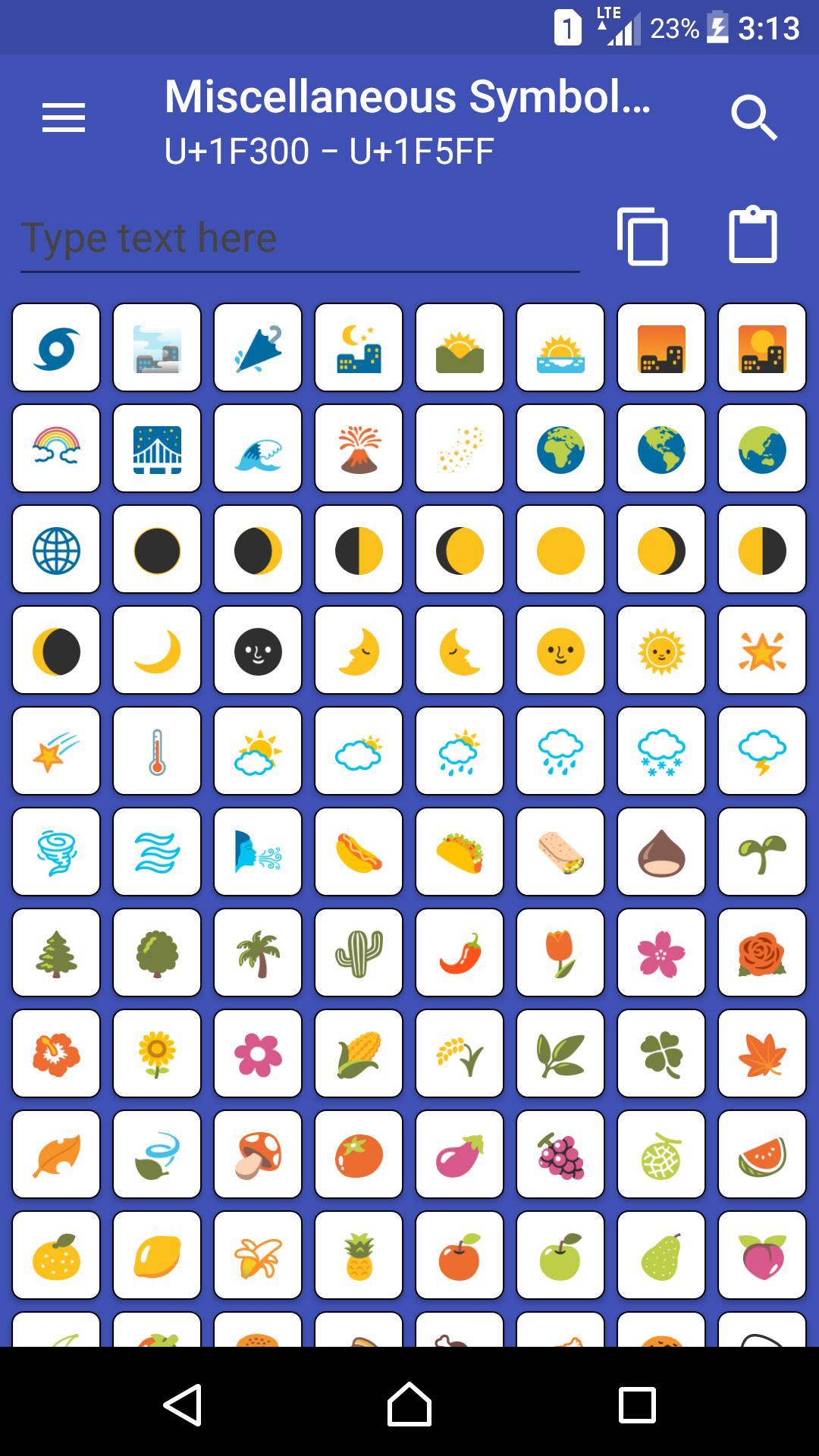
Customize your emails, documents and other texts with any kind of Unicode characters, ranging from alphabets, hieroglyphs, and mathematical symbols, to symbols, emojis, shapes, and many more!
Simply tap a character to copy it to your device's clipboard, open any other app, and paste it anywhere you like. Done. Easy! 😉
Key Features:
- Recents: View your recent copied characters to easily refer to
- Favorites: View your favorite characters to pick from at anytime
- Clipboard: A floating widget on screen to copy characters from Recents/Favorites on the go without needing to open the app
- Text composer: A text box, in which you can write/paste as many characters as you want, and copy/share later on
- Character Dialog: View any character's info such as Unicode/HTML codepoints, character name, character block, its Bold and/or Italic form, emoji skin tone, etc.
- Supported Characters: View the readable characters that your device fonts support only, and hide all others
☞ Please Note:
Not all characters will be readable on some Android devices especially the old ones running old Android versions due to the lack of some characters in the system fonts. If you copy any character and paste it anywhere else and it appeared as or �, this means that your device doesn't contain that character in the Android system fonts. Unfortunately, we as developers, can never fix it because we can't control how it is shown to you.
By default, supported characters option is available for Android 6.0+ users. For Android 5.1.1 and below, the supported characters option is not available because it was not implemented in the old Android versions.
For more info on Unicode, refer to:
> Unicode Consortium
Copyright © 1991-2021 Unicode, Inc. All rights reserved.
Latest Version
1.2.1Uploaded by
علي السليم
Requires Android
Android 4.4+
Category
Free Tools AppContent Rating
Everyone
Security Report
Check Now
Report
Flag as inappropriateLast updated on Mar 3, 2019
Version 1.2.1
- Added Favorites section
- Added ability to share text
- Added ability to show/hide character blocks in Basic View
- Bug fixes





APKPure - A multi-platform app store primarily focused on Android, providing extensive app-related content. Discover the app you want easier, faster, and safer, with quick and efficient downloads and installations.