Scan Date:Apr 7, 2026
Show More

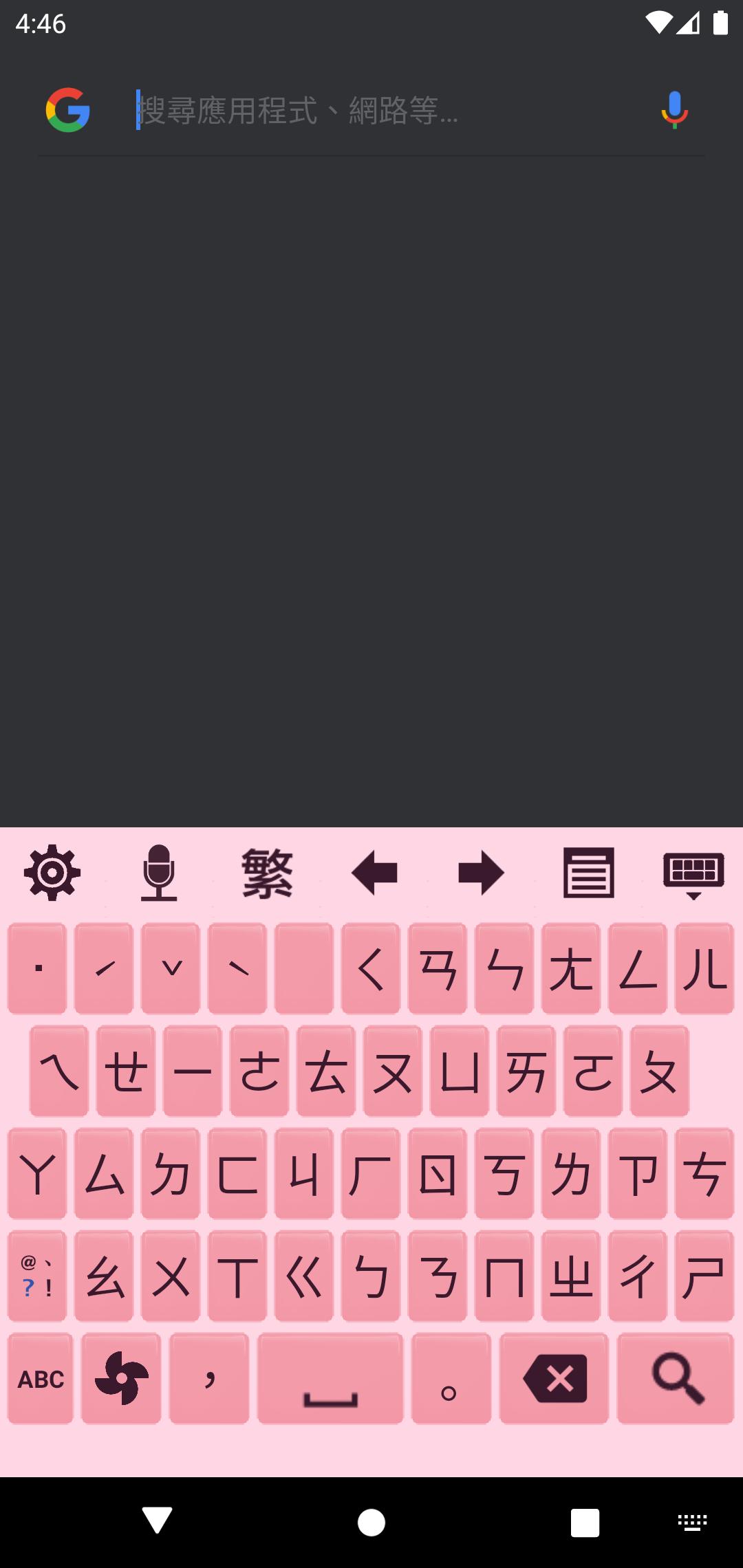
Chaozhuyin is a Chinese phonetic symbol Input Method (Bopomofo IME). It is very easy to use with zero learning curve.
Features:
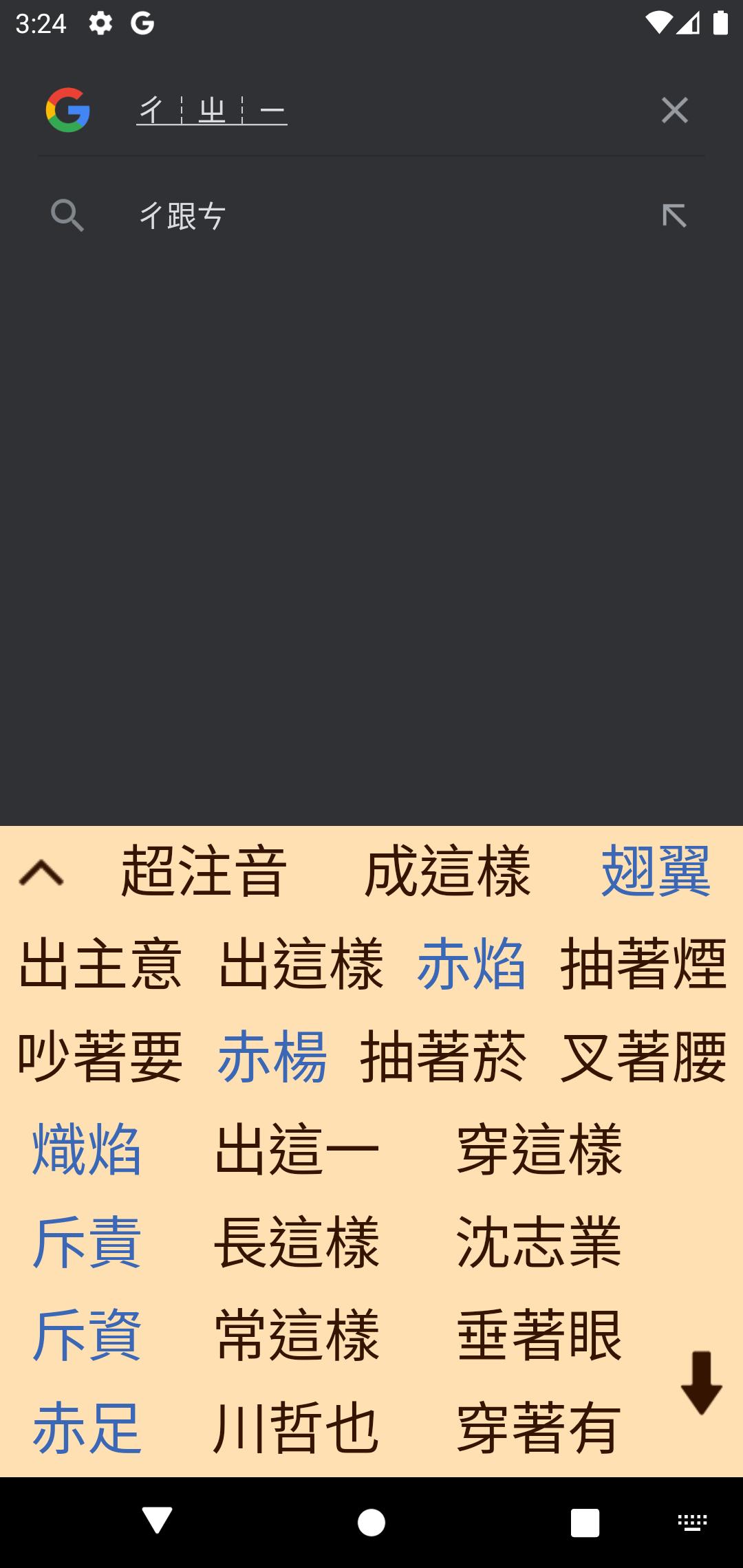
● To input a Chinese phrase, you only need to input the first phonetic symbol of each word, and you can add any remain symbols arbitrarily to narrow down the candidates you may want.
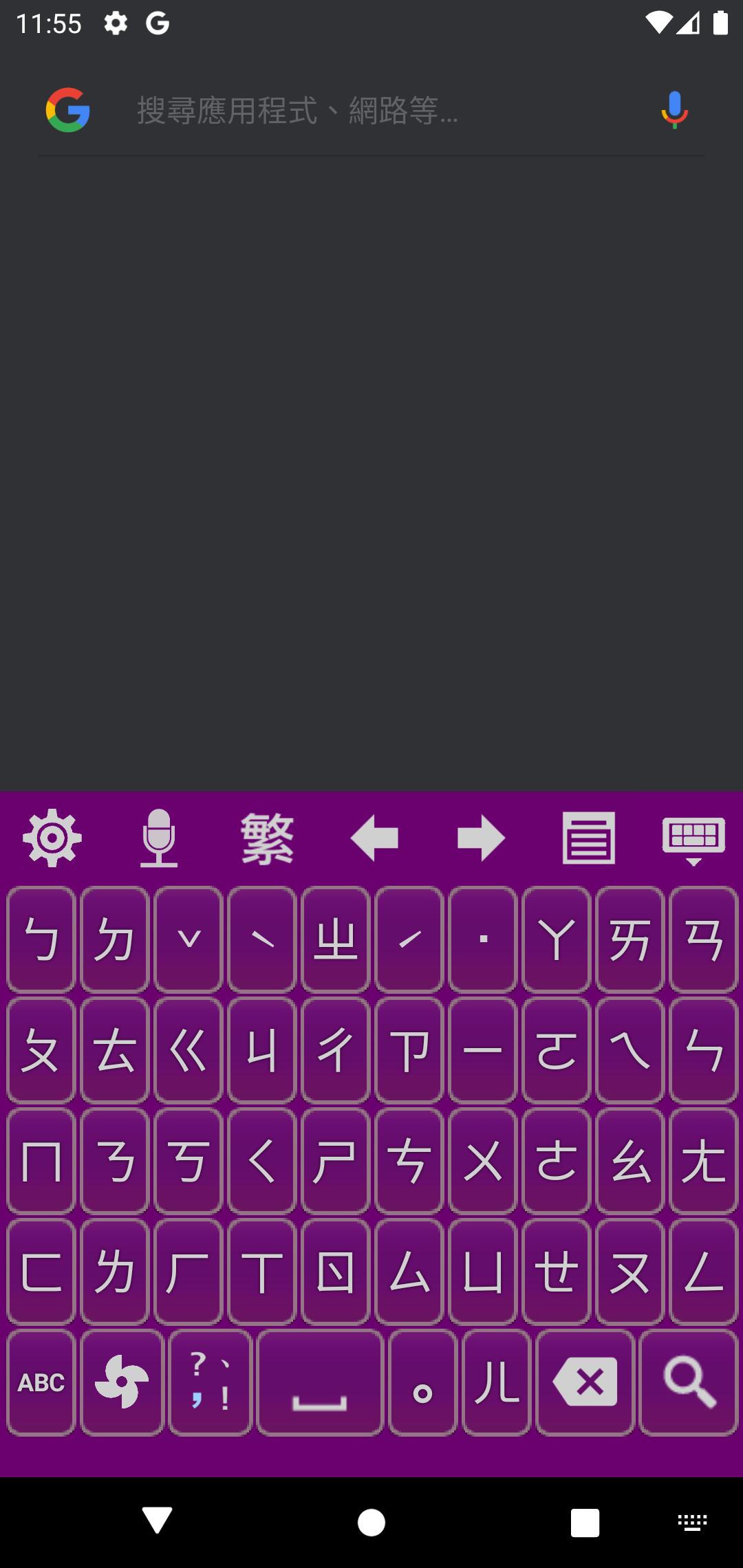
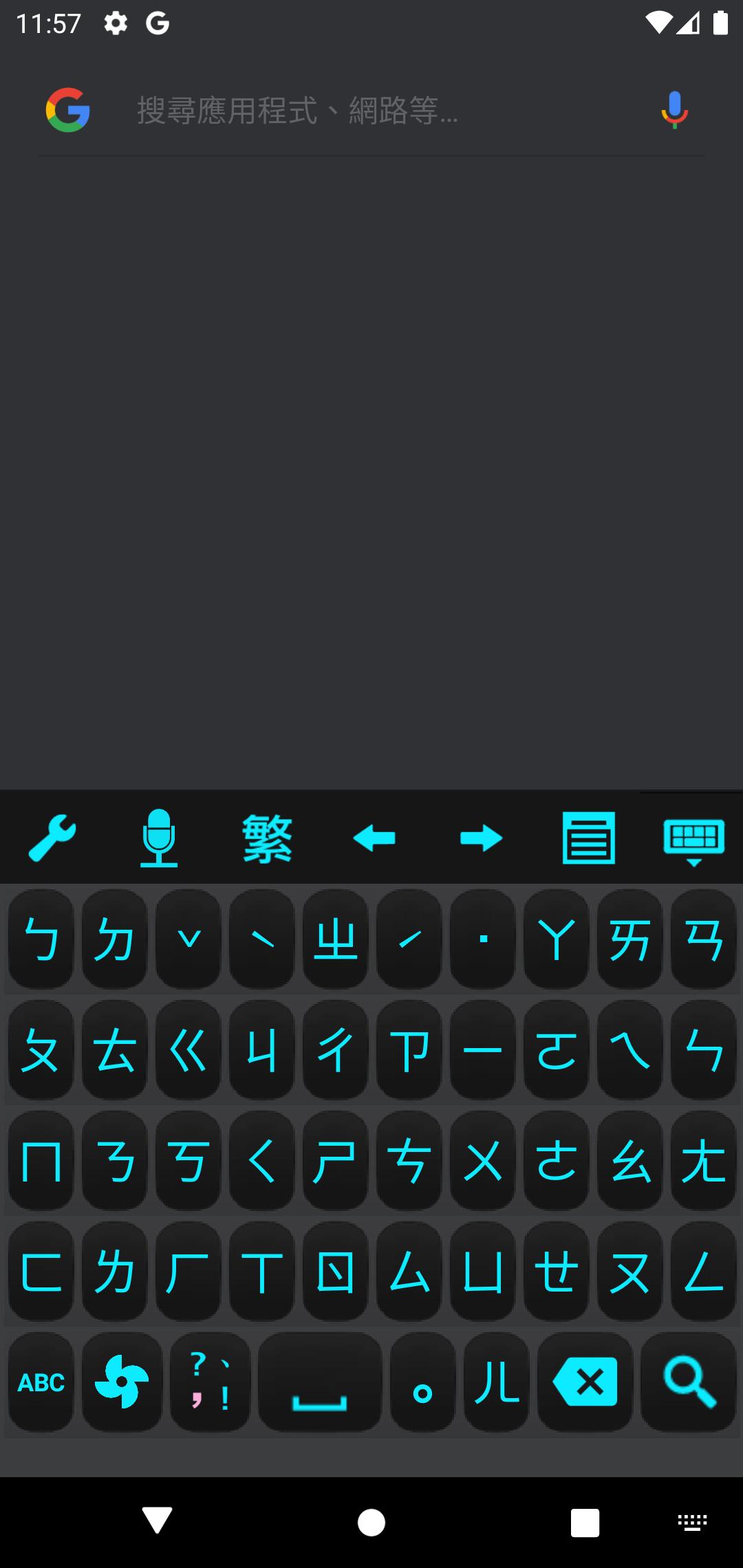
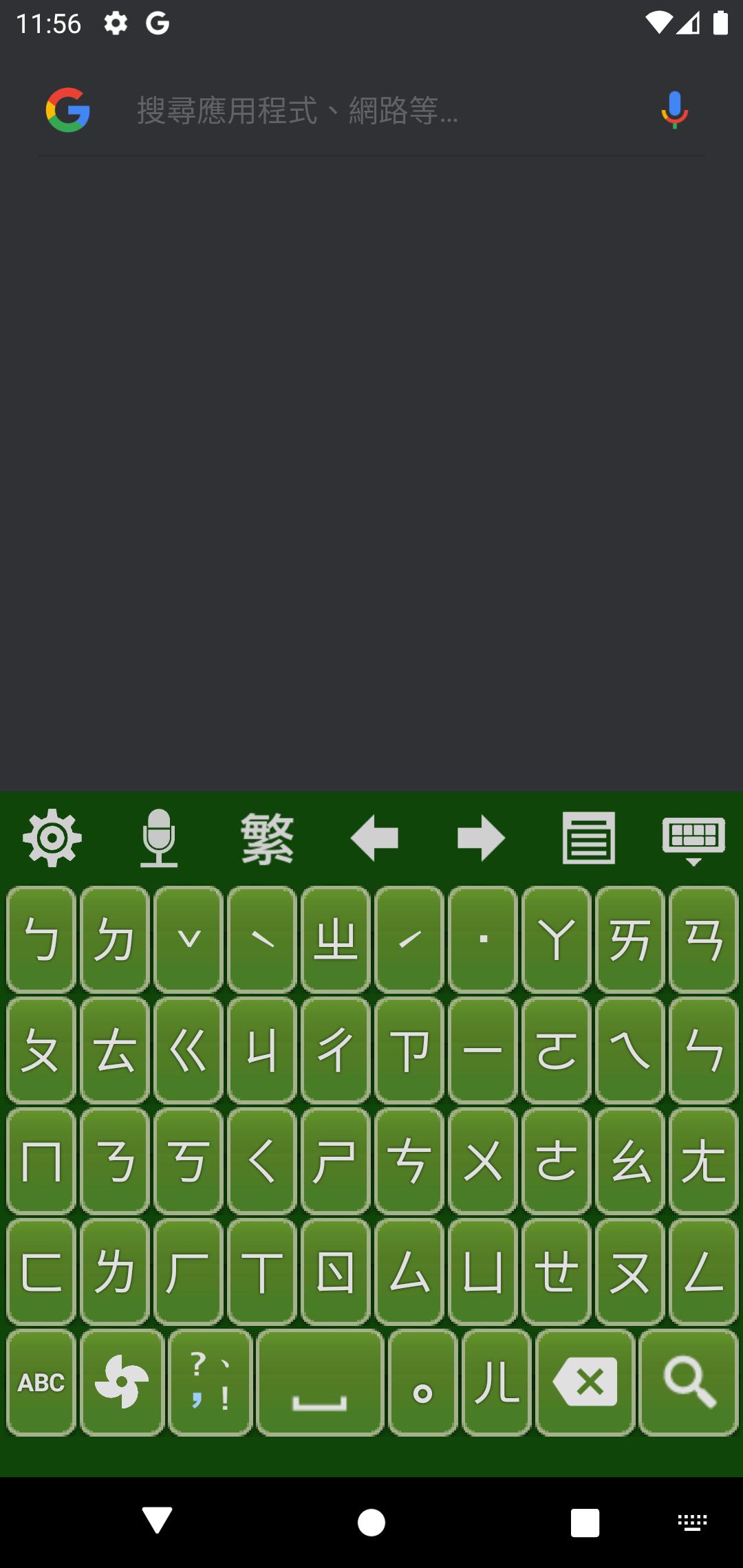
● Provide several kinds of skins and colors of the soft keyboard. Keyboard and font size can be adjusted freely.
● Proximity correction: it'll smartly guess what word or phrase you want to input from neighbor keys.
● Swiping keyboard.
● English input method.
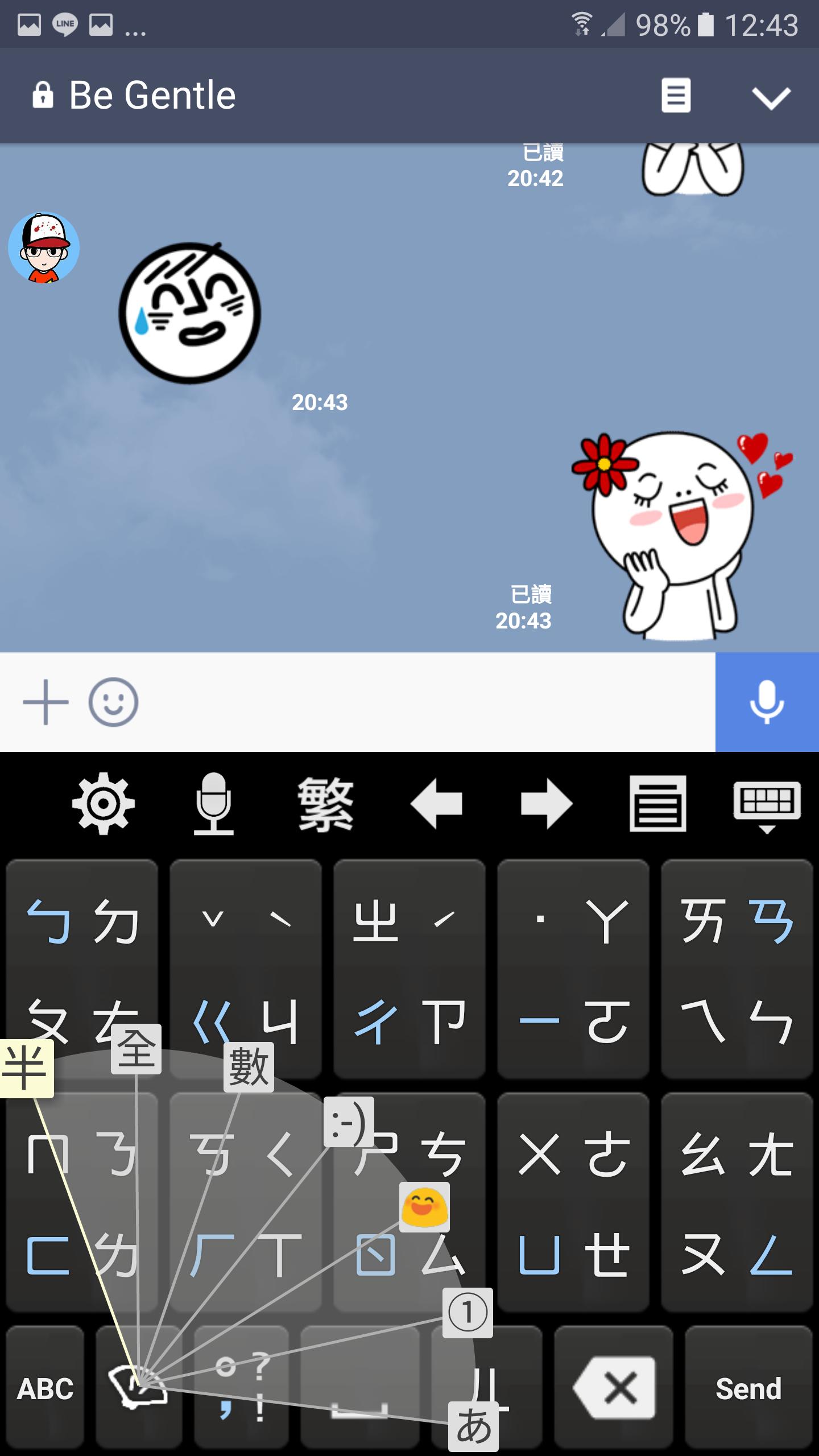
● Keyboard fan-shaped selector.
● Candidate selection dropdown.
● "Smart proximity correction" feature.
● You can remove your user phrase now.
● Eten keyboard layout.
● Up/down/left/right arrow keys, and voice recognition button.
● Move the system phrase database file to and from SD card.
● Backup/restore user phrase by yourself.
● With great functionality of word or phrase guessing.
● Support mobile and tablet devices, support hard keyboard.
● Able to import Chinese names in your contacts.
● Able to output Simplified Chinese.
● Support Android 4+.
This version can be used for free for 28 days with full functions. During the trial period, there will be a banner ads at the bottom of the setting screen. After the trial period, the following functions will be closed:
● Swiping keyboard.
● Keyboard fan-shaped selector.
● Candidate selection dropdown.
● Word or phrase guessing.
● "Smart proximity correction" feature.
● English input method.
● Up/down/left/right arrow keys.
● Voice recognition button.
● Import Chinese names in your contacts.
● Move the system phrase database file to and from SD card.
● Backup/restore user phrase by yourself.
● Remove your user phrase.
Latest Version
3.5.1Uploaded by
Gabriel Lopez Vega
Requires Android
Category
Free Productivity AppContent Rating
Everyone
Security Report
Report
Flag as inappropriateLast updated on Apr 7, 2026
Ver 3.5.1:
- OpenAI Whisper speech recognition now supports Bluetooth headset microphone input (Android 12 and above).
- Fix: Resolved an issue where garbled or corrupted characters were occasionally output.
- Fix: Resolved an issue where using voice input while the device was in silent or vibrate mode would incorrectly unmute or disable vibration.


APKPure - A multi-platform app store primarily focused on Android, providing extensive app-related content. Discover the app you want easier, faster, and safer, with quick and efficient downloads and installations.