

CelcomDigi helps Celcom and Digi customers handle everyday account tasks in a single, secure hub. It suits users who juggle multiple lines, need quick payments, or want simple access to support without visiting a store. As MyDigi and Celcom Life move toward retirement, this app becomes the central place for your services. Clear prompts and safety tools guide setup and daily use with minimal steps. To get started on Android, search for the CelcomDigi APK and manage everything from your phone.
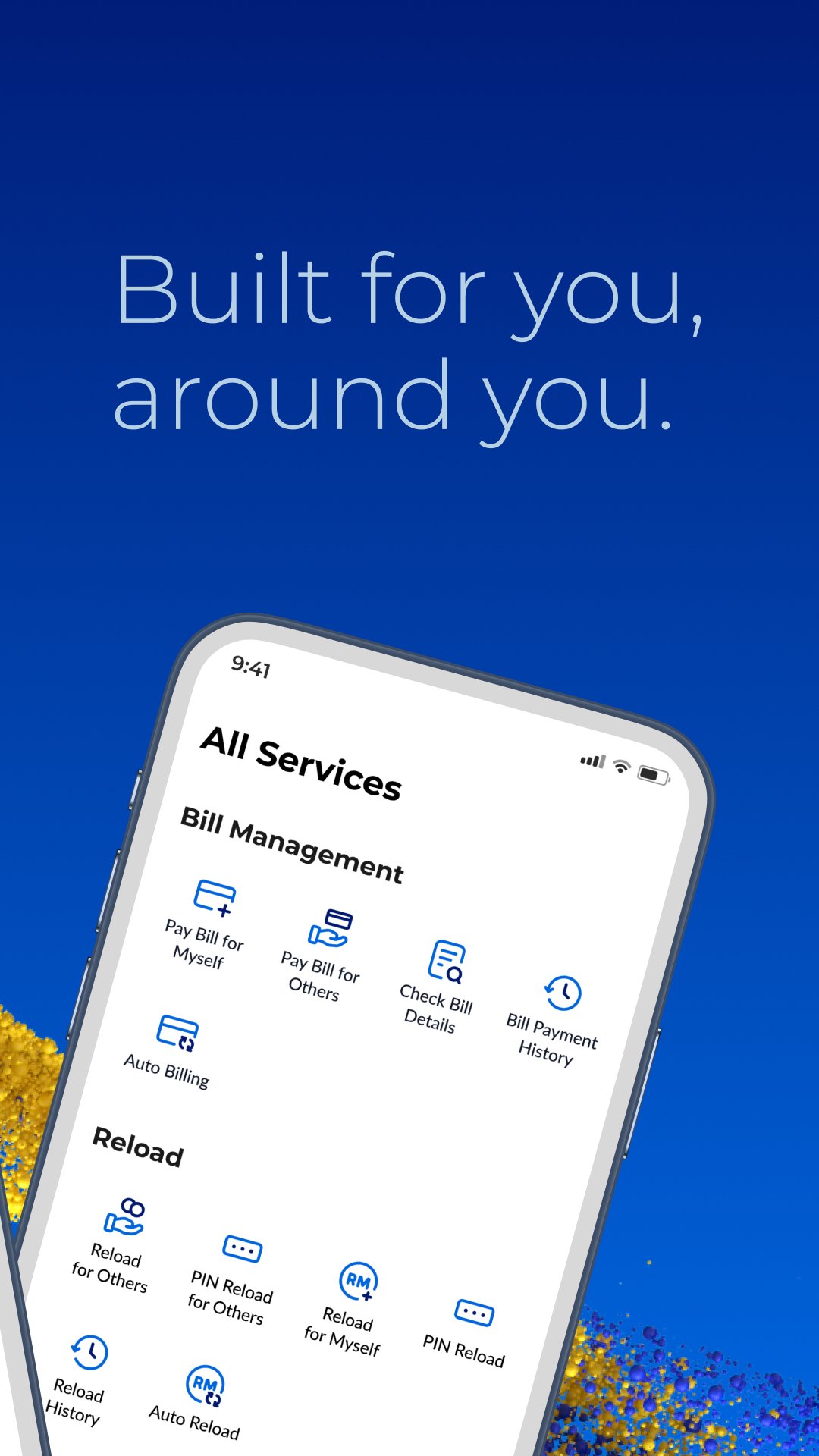
CelcomDigi lets you add and switch between prepaid, postpaid, fibre, home wireless and supplementary lines in one view. You can pay or reload for other CelcomDigi numbers and check usage across all linked lines. A complete transaction history helps you track past payments and reloads without leaving the app. This centralised approach makes multi line management direct and consistent.
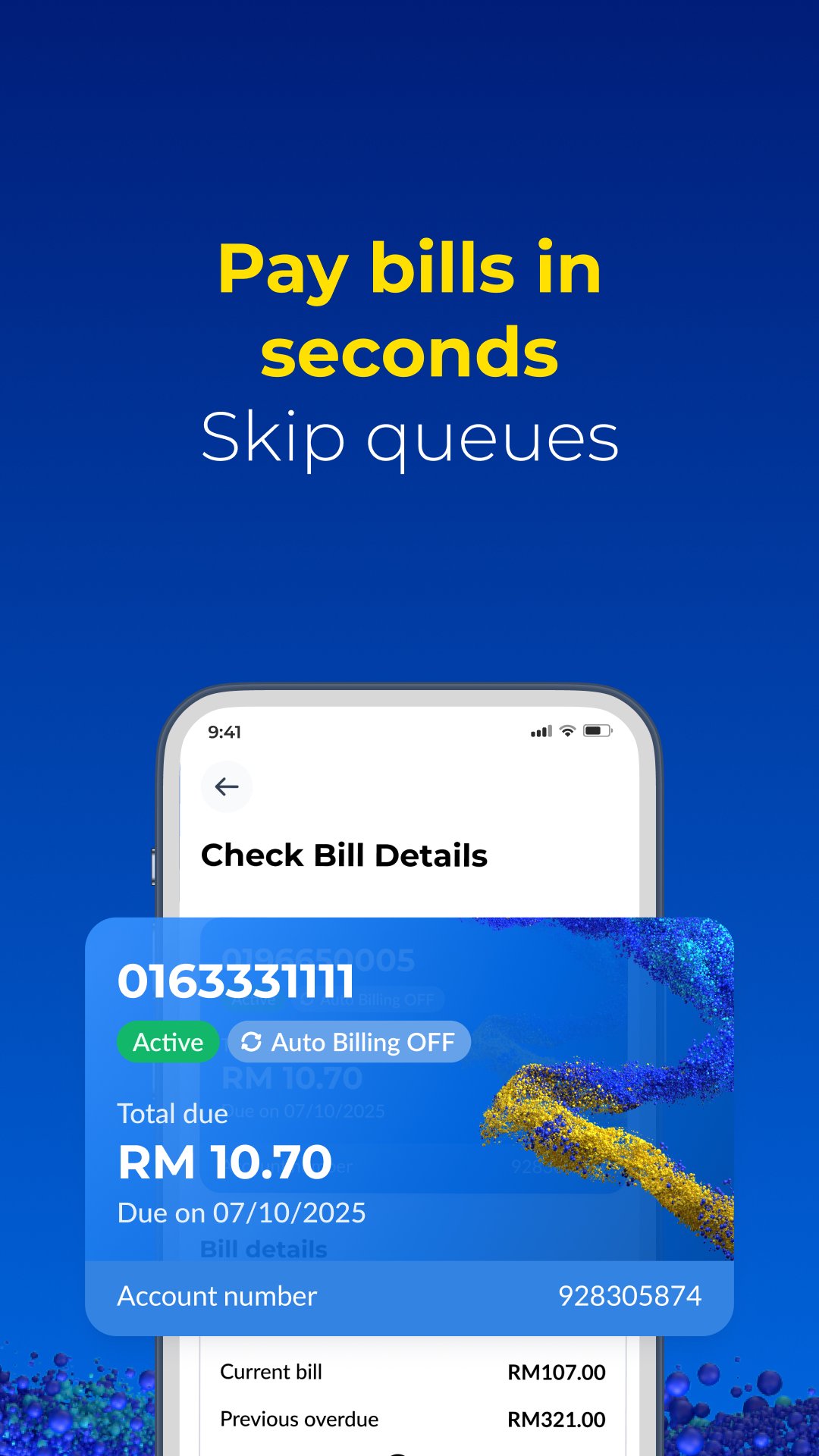
Quick payments and Auto Reload MagicCelcomDigi supports fast bill payments with simple prompts and clear confirmation screens. For prepaid, you can turn on Auto Reload Magic so credit is topped up automatically before it runs low. This reduces manual reloads and keeps lines active. When helping others, you can pay or reload for their numbers in a few steps.
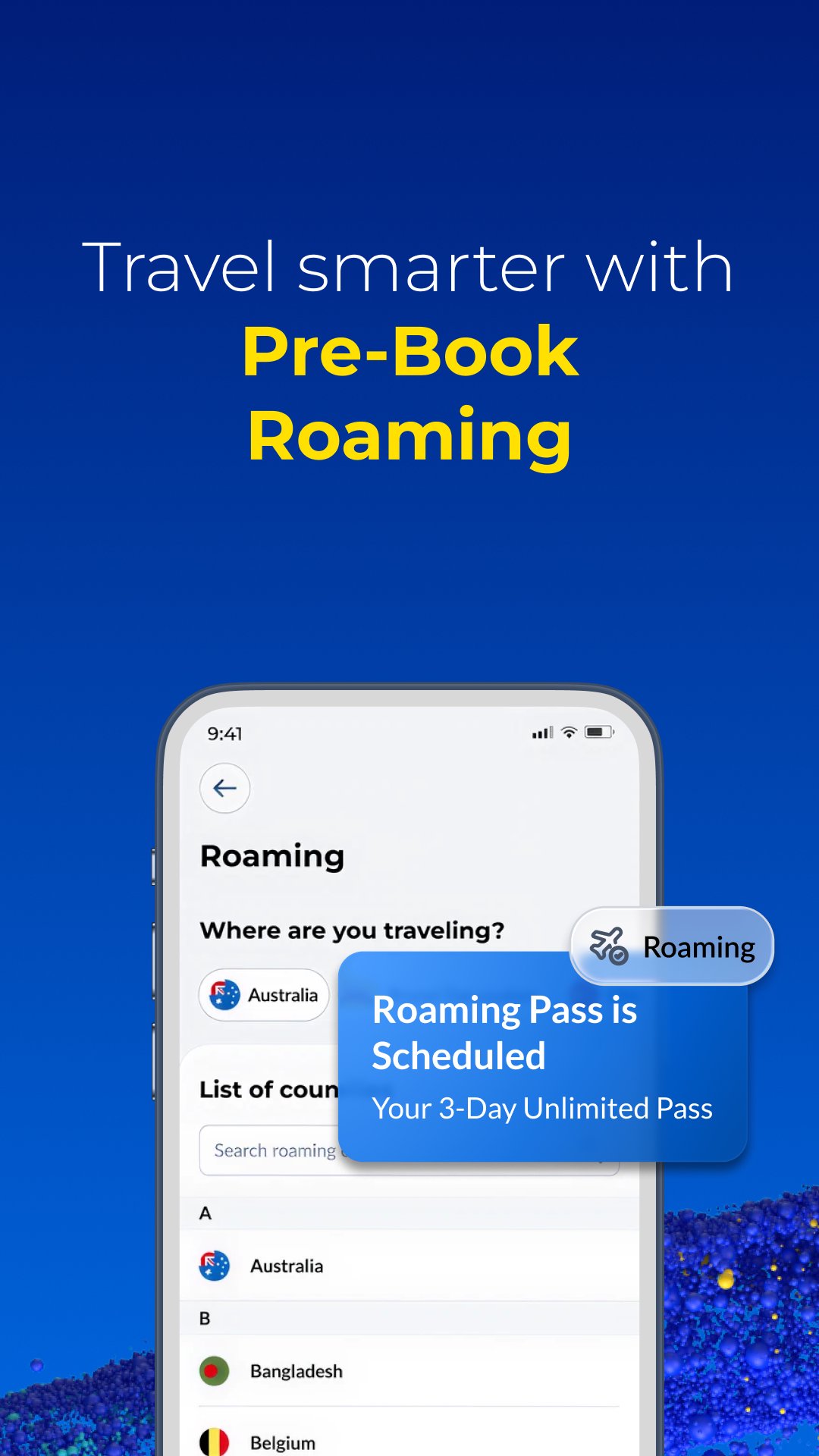
Roaming passes before you flyWhen travelling, CelcomDigi lets you pre book roaming passes so your phone connects upon landing. You can set this up while planning your trip, then arrive with service ready to go. App exclusive roaming deals may appear from time to time, and availability can change, so check details before departure. This keeps your travel setup straightforward.
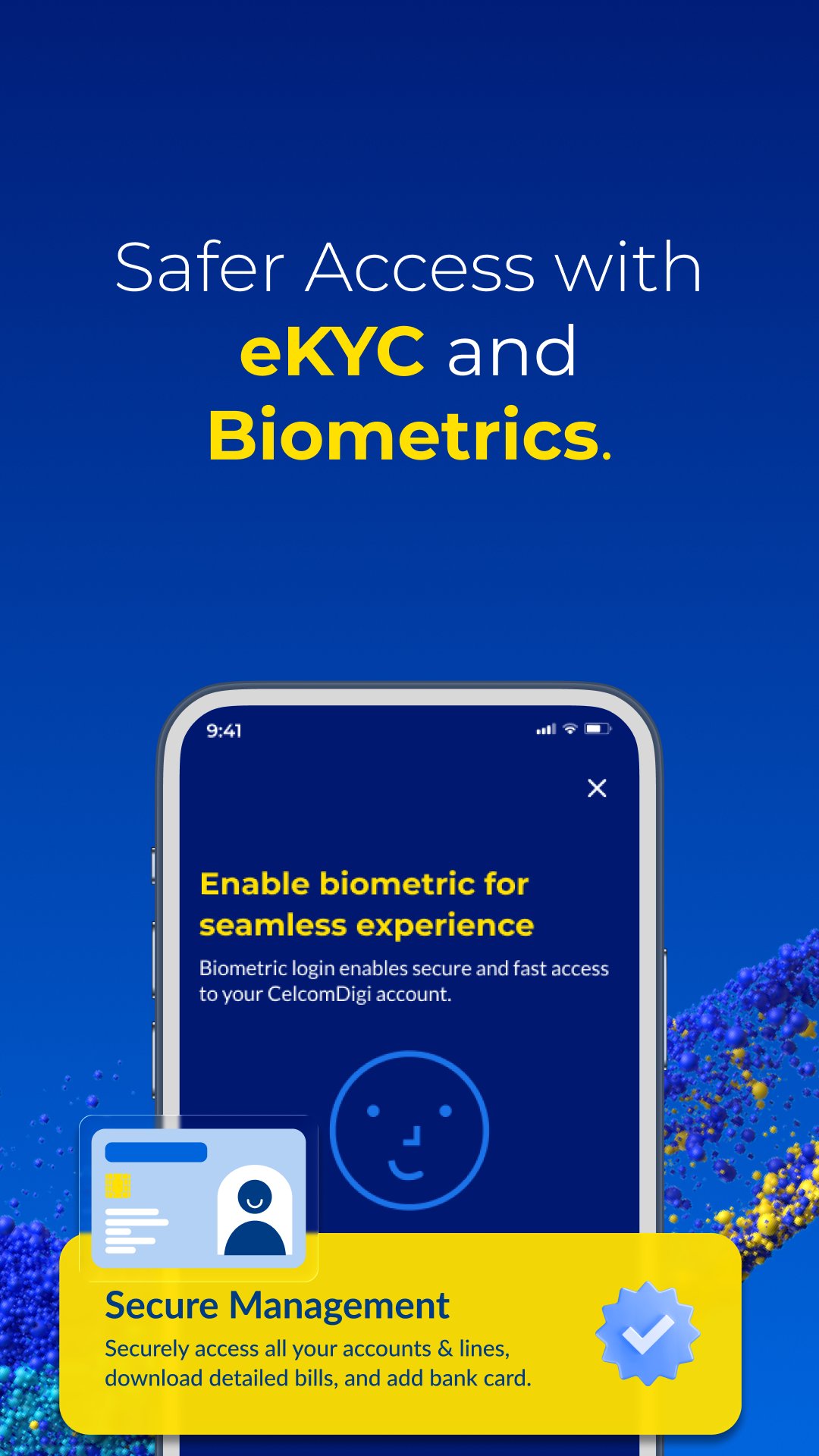
Security and login protectionCelcomDigi uses eKYC to verify identity, and the app binds to one device at a time for account safety. Biometric login adds another layer, and Single Sign On options are offered for new registrations, including MyDigital ID. These controls limit unauthorised access and support a reliable CelcomDigi login experience. If you switch devices, complete binding again to continue.
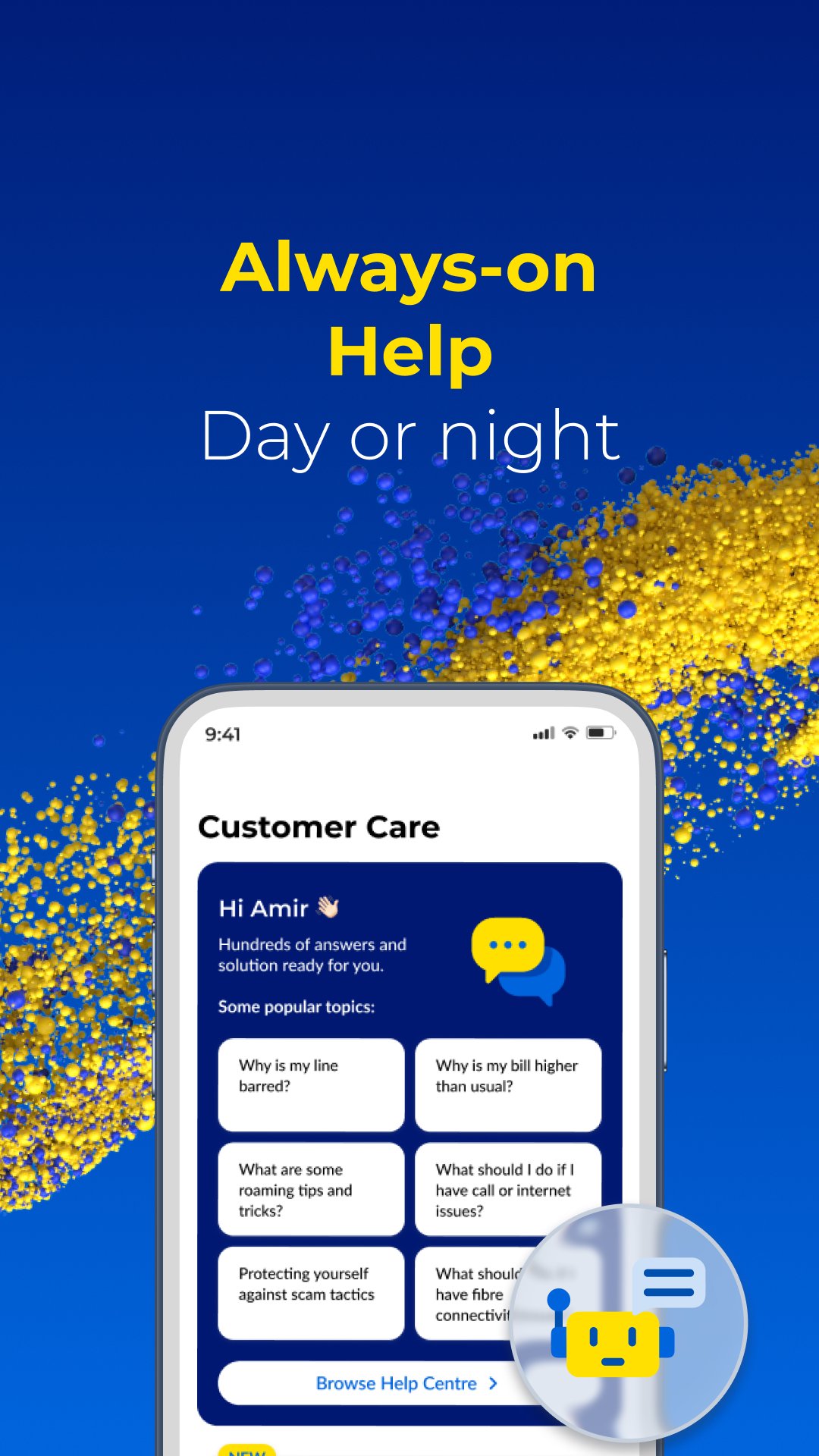
Entertainment, safety and rewardsBeyond core tasks, CelcomDigi lets you subscribe to services such as Disney+ and Viu directly in the app. The CD Safety Page provides scam protection tips and practical steps if you encounter a suspicious message or call. Rewards appear through “For You” recommendations, app only promos, Daily Streak check ins with a voucher on Day 7, the 3 2 1 Wednesday Surprise and occasional secret freebies. AI powered support is available day or night for quick answers.
MyDigi and Celcom Life will be discontinued on 31 December 2025. Celcom and Digi users are encouraged to move to the CelcomDigi app to continue managing lines, payments and rewards in one place. Switching ensures uninterrupted access to support, roaming setups and app based promotions.
eKYC verification is required to view linked numbers and use full account features. For security, your profile binds to one device at a time, so plan device changes accordingly. New registrations can use MyDigital ID Single Sign On, which helps streamline sign up while keeping identity checks in place.
App exclusive promotions, including special data passes or free roaming, may appear for limited periods and can vary by location or line type. Roaming passes should be booked in advance to enable instant connectivity upon landing. Always review pass details and pricing before travel to avoid unexpected charges.
This quick guide explains setup and daily actions in the CelcomDigi app on an Android phone. To begin, download CelcomDigi and sign in to access your services. The steps below help you move through onboarding and common tasks smoothly.
CelcomDigi consolidates Celcom and Digi tasks into one secure app with built in support and practical rewards. To stay current, update to the CelcomDigi latest version and handle lines, payments, subscriptions and roaming from your phone.
For official details and help, visit:
Latest Version
1.1.5Uploaded by
Muhammad Fakhri Fadhlurrahman
Requires Android
Android 9.0+
Category
Free Tools AppContent Rating
Everyone
Report
Flag as inappropriateLast updated on Aug 27, 2026
Keep enjoying the CelcomDigi App with the latest version!
Update now to access all the latest features in one place, including usage checking, payments, roaming, rewards, and more. We’ve built it around what matters most to you, and we’re just getting started!




APKPure - A multi-platform app store primarily focused on Android, providing extensive app-related content. Discover the app you want easier, faster, and safer, with quick and efficient downloads and installations.